
Looking for the best app for QR code reader in 2026? It can be a bit of a maze trying to figure out which one to go for. We’ve all been there, squinting at a code on a poster or a product, wondering if our phone will just *get it*. The good news is, you probably already have a decent one built right in. But if you need a bit more, or just want something specific, there are some solid options out there. We’ve had a look at a few to help you decide.
Key Takeaways
- Your phone’s built-in camera is often the quickest and easiest app for QR code reader tasks.
- When choosing a separate app, look for speed, privacy (no ads or tracking), and support for various code types.
- A good reader should preview links before opening them to keep you safe from dodgy websites.
- Features like offline decoding and quick focus in low light make a reader more reliable.
- For most everyday uses, the native camera app on your iPhone or Android device is more than enough.
1. iPhone Camera
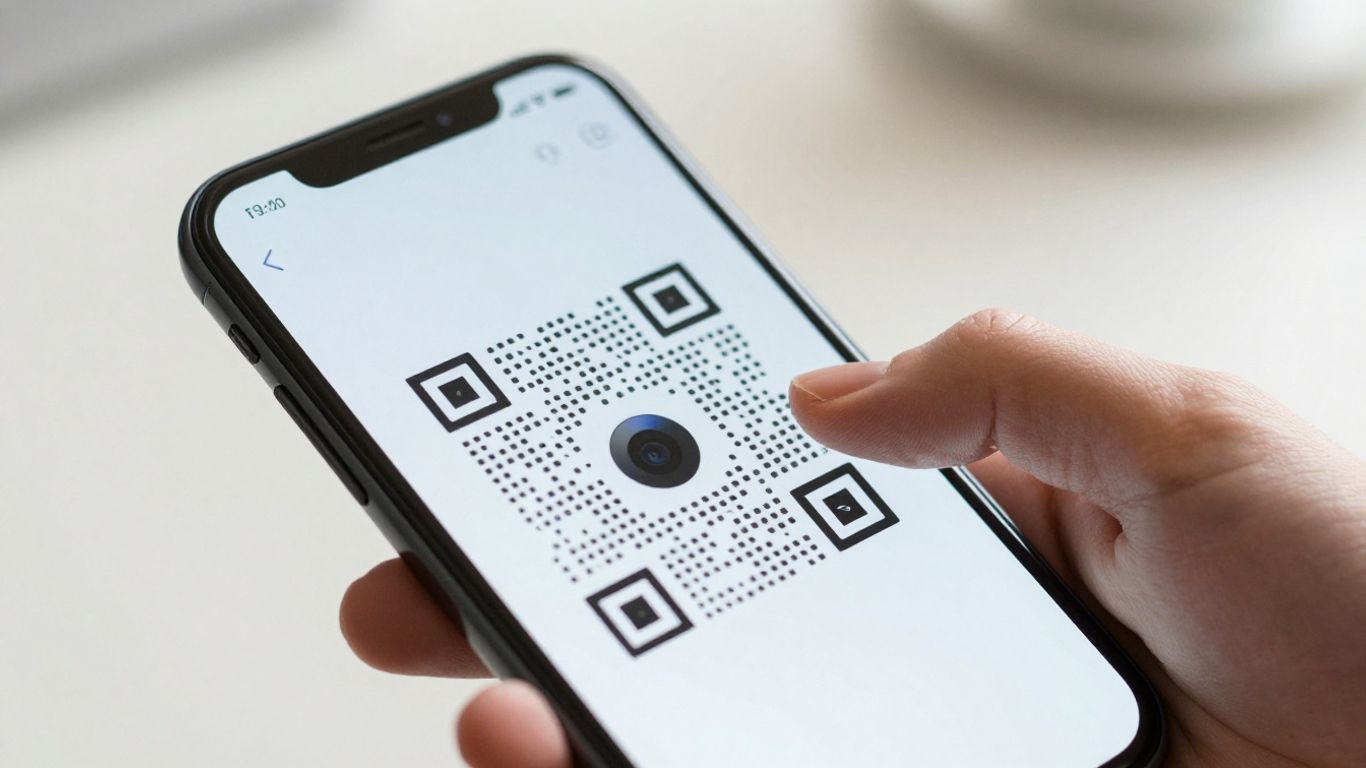
For most iPhone users, the built-in Camera app is all you need to scan QR codes. It’s incredibly straightforward – just open the Camera app, point it at the code, and a notification banner will pop up, showing you the link or information contained within. This native functionality means no extra downloads or setup, making it the quickest and most convenient option for everyday use.
It’s also quite smart about it. The camera will show you a preview of the link before you tap to open it, which is a handy little safety feature. If you want a slightly more dedicated experience, you can even add the ‘Code Scanner’ to your iPhone’s Control Centre for quick access, especially useful if you find yourself scanning codes frequently.
While the iPhone Camera is fantastic for basic scanning, sometimes you might need more advanced features. For instance, if you’re running marketing campaigns, you’ll want to be able to update QR code links without having to reprint them. Tools like Xcan.it allow you to do just that. They also offer dashboards to track how many scans you’re getting, giving you insights into your campaign’s performance. Using dynamic QR codes, as offered by platforms like Xcan.it, can really help improve your real-world campaigns, whether they’re on print, signage, or other assets dynamic QR codes.
So, while your iPhone’s Camera is a brilliant starting point, remember there are options for when your needs get a bit more complex.
2. Google Lens
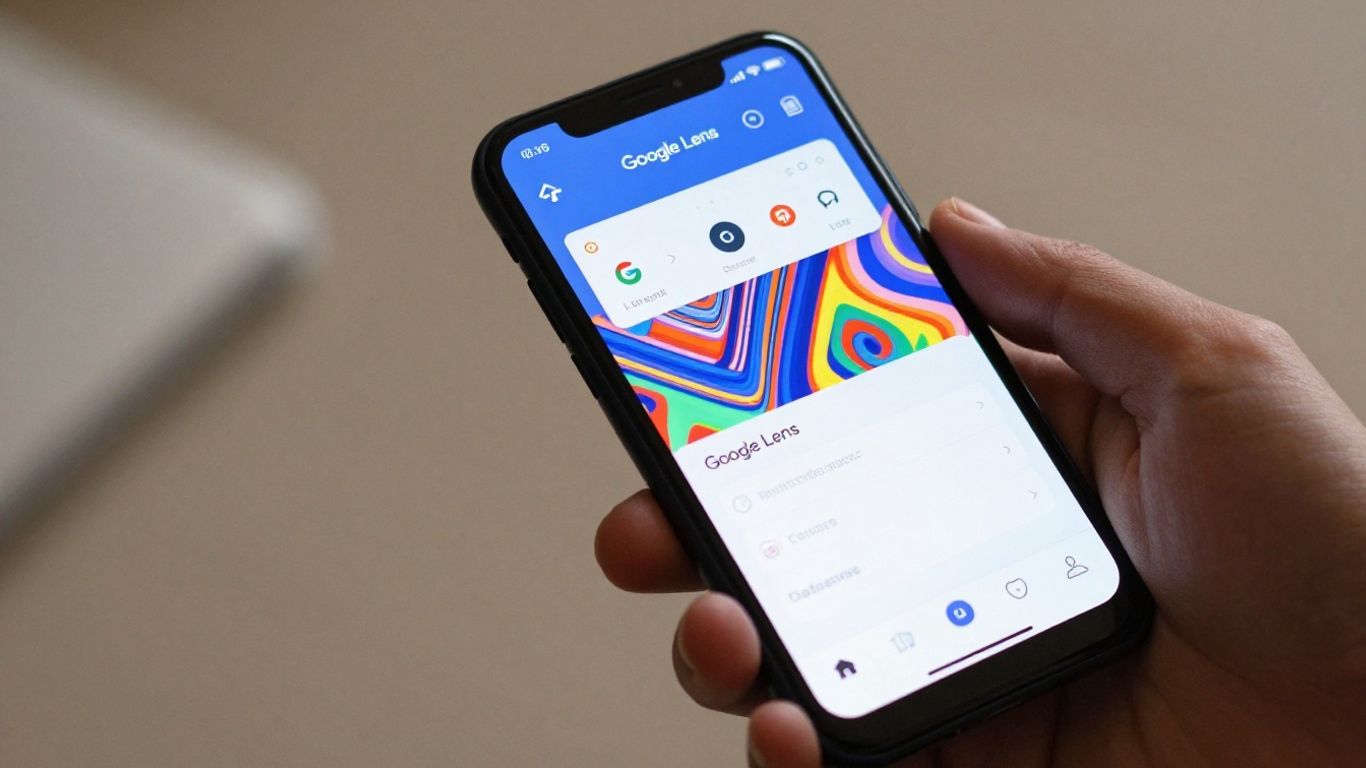
Google Lens is a pretty neat tool that comes built into many Android phones, and it’s surprisingly capable when it comes to QR codes. It’s not just about scanning, though; Lens can actually identify objects in the real world and search for them online. Think of it as a visual search engine in your pocket.
When it comes to QR codes, Lens works much like your phone’s native camera app. You just point it at the code, and it’ll usually pop up a notification with the link or information contained within. It’s quick, it’s easy, and best of all, it doesn’t require you to download a separate app if you’ve already got it on your device. This makes it a really convenient option for everyday scanning needs.
While Lens is great for quick scans, if you’re looking for more advanced features, especially for business use, you might want to consider dedicated platforms. For instance, services like Xcan It are designed for more robust campaigns. They allow you to update QR code links without needing to reprint anything, which is a massive time-saver. Plus, you get a dashboard to track how many scans you’re getting, and you can use dynamic QR codes to really make your marketing efforts across print and signage more effective. It’s a different level of control and insight compared to a general-purpose scanner like Google Lens Xcan.it vs The QR Code Generator: Which One Is Better for Dynamic QR Codes?.
Google Lens offers a lot of visual search capabilities beyond just QR codes, making it a versatile tool for exploring the world around you through your camera. It can translate text, identify plants, and even help you find similar clothing items.
3. Android Camera
Most Android phones come with a built-in QR code scanner, usually integrated right into the default Camera app. This means you don’t need to download anything extra to start scanning. Just open your camera, point it at the QR code, and your phone should automatically recognise it and offer to open the link or display the information. It’s pretty handy for quick scans when you’re out and about.
If your phone’s camera doesn’t automatically detect QR codes, check your camera settings. Some Android devices have a specific ‘QR Code’ mode you can enable, or they might use Google Lens suggestions within the camera app. Enabling Google Lens integration is a good idea as it can offer more than just QR code scanning, like identifying objects or translating text.
For those looking to go beyond basic scanning, especially for business or marketing purposes, solutions like Xcan.it offer advanced features. With Xcan.it, you can update the links in your QR codes even after they’ve been printed, which is a lifesaver if a URL changes. Plus, you get a dashboard to track how many times your codes are scanned, giving you insights into campaign performance. They also support dynamic QR codes, which are brilliant for improving real-world campaigns across everything from print ads to signage and product packaging. It’s a step up from just scanning a code to actually using them strategically.
Here’s what to look for in your phone’s camera scanner:
- Automatic detection: The camera should recognise QR codes without needing a special mode.
- URL preview: It should show you where the link goes before you tap it, helping you avoid dodgy sites.
- Speed: Quick autofocus and minimal lag when scanning.
- Format support: While most cameras handle standard QR codes, some might struggle with other types like Data Matrix or PDF417, which are common on tickets or packaging. This app can automatically recognise any QR code and open URLs directly.
While the built-in camera is fantastic for everyday use, if you find yourself needing more advanced features like analytics or the ability to edit QR codes on the fly, you might consider a dedicated app. But for most people, the camera app is all you need.
4. Code Scanner
When you need a bit more power from your QR scanning, dedicated apps come into play. Code Scanner is a solid choice that goes beyond the basics. It’s designed to be efficient, meaning it won’t hog your phone’s storage or drain the battery unnecessarily, which is always a plus.
What really sets tools like this apart, especially for anyone managing real-world campaigns, is the flexibility they offer. With Xcan.it, for instance, you can actually update the link a QR code points to after it’s been printed. Imagine putting up posters or labels and then realising a URL needs a tweak – no need to reprint everything! This is a game-changer for marketing and information sharing. Plus, you get a dashboard to track how many times your codes are scanned, giving you real insights into what’s working. This kind of dynamic QR code functionality is brilliant for improving campaigns across everything from print materials to signage and even physical assets.
Here’s what makes a good scanner app stand out:
- Speed and Accuracy: It needs to lock onto codes quickly, even in tricky lighting.
- Privacy: No unwanted ads or data tracking is a must.
- Format Support: Beyond standard QR codes, support for others like Data Matrix or PDF417 is handy for different uses.
- Link Previews: Seeing where a link goes before you open it adds a layer of safety.
While your phone’s built-in camera is often sufficient for everyday scanning, dedicated apps like Code Scanner offer advanced features that can be incredibly useful for businesses and marketers looking to get more out of their QR campaigns. The ability to update links on the fly and track scan data provides a level of control and insight that native camera apps simply don’t offer. Explore the top QR code scanner apps for more options.
5. Xcan It Scanner
When you need more than just a quick scan, Xcan.it steps in. This isn’t just another QR code reader; it’s a powerful tool for managing your real-world campaigns.
One of the standout features is the ability to update your QR code links without having to reprint anything. Imagine you’ve got a poster or a product label out there, and the website address needs a tweak. With Xcan.it, you can simply log into your dashboard and change the destination link. This flexibility is a game-changer for businesses that need to adapt quickly, like updating menus or promotional offers.
Speaking of dashboards, Xcan.it lets you track scans in one central place. You can see how many people are interacting with your codes, where they’re coming from, and when. This kind of data is incredibly useful for understanding what’s working and refining your marketing efforts.
They also champion the use of dynamic QR codes, which are essential for improving campaigns across print, signage, and even physical assets. These codes offer a level of control and insight that static codes just can’t match.
Xcan.it really shines when you need to manage campaigns that might change. The ‘print now, update later’ approach, combined with solid scan tracking, makes it a smart choice for dynamic needs. It’s about making your QR codes work harder for you, providing valuable insights and flexibility. This comparison highlights how it stacks up for advanced management.
If you’re running any kind of campaign that uses QR codes on physical items, Xcan.it offers a robust way to manage and measure its success. It’s a practical solution for businesses looking to bridge the gap between their offline materials and online engagement.
6. Uniqode Scanner
When you’re looking for a QR code solution that goes beyond just scanning, Uniqode Scanner really stands out. It’s not just about reading codes; it’s about making your real-world campaigns smarter and more effective.
One of the most brilliant features is the ability to update your QR code links without needing to reprint anything. Imagine you’ve got a poster or a product label with a QR code, and the link needs to change – maybe a website update or a special offer ending. With Uniqode, you can simply go into your dashboard and update the destination URL. This saves a huge amount of time and money, especially for large print runs or widely distributed materials.
Speaking of dashboards, Uniqode offers a really handy way to track your scans. You can see how many people are interacting with your QR codes, where they’re scanning from, and when. This kind of data is gold for understanding what’s working and what’s not in your marketing efforts. It helps you refine your campaigns and get better results.
Uniqode really shines with its dynamic QR codes. These aren’t your static, one-and-done codes. Dynamic codes are flexible and powerful, allowing for that link updating we mentioned, plus detailed analytics. They’re perfect for improving campaigns across all sorts of physical touchpoints – think print ads, shop signage, event materials, or even product packaging. It bridges the gap between the physical and digital worlds in a really smart way. You can find out more about their app on the App Store.
The flexibility of dynamic QR codes means your marketing materials stay relevant and effective, even after they’ve been printed. This adaptability is key in today’s fast-paced world, allowing for quick adjustments to promotions, information, or calls to action without the hassle of reprinting.
7. Flowcode Scanner
Flowcode really stands out when you’re looking for a QR code solution that does more than just link to a website. It’s designed for businesses that want to connect their physical world to their digital one in a smart way. One of the coolest things about Flowcode is that you can actually update the link on a QR code after it’s been printed. Imagine your marketing campaign is out there on posters or product packaging, and you need to change the destination URL – with Flowcode, you don’t need to reprint everything. Just hop into your dashboard and make the change. This flexibility is a game-changer for keeping campaigns fresh and relevant.
Beyond just updating links, Flowcode gives you a clear picture of how your QR codes are performing. Their dashboard lets you track scans, see where they’re coming from, and understand engagement. This kind of data is super helpful for figuring out what’s working and what’s not, especially for real-world campaigns across print, signage, and even on physical assets. They also offer dynamic QR codes, which are the key to all this flexibility and tracking. It means your QR codes are not just static links but active tools for engagement and analysis.
For small businesses, Flowcode even has a free plan that’s pretty generous. It gives you a couple of codes with unlimited scans, which is a fantastic way to get started with dynamic QR codes without any upfront cost. It’s a user-friendly platform, making it easy to create and manage your codes. You can read about other users’ experiences and even share your own 35 individuals have shared their experiences with Flowcode.
Flowcode is particularly strong for measuring offline-to-online conversions. Its platform focuses on real-time analytics and collecting first-party data, connecting QR codes directly to landing pages or custom ‘Flowpages’. This makes it a powerful tool for marketing teams aiming to understand campaign ROI and build direct audience connections.
If you’re serious about making your print materials work harder and want to understand the impact of your physical marketing efforts, Flowcode is definitely worth a look. It’s a solid choice for dynamic QR codes, especially if you’re a small business looking for a cost-effective solution [bfb6].
8. QR Code Reader
While your phone’s built-in camera is often the quickest way to scan a QR code, sometimes you need a bit more power. That’s where dedicated QR code reader apps come in, offering features that go beyond basic scanning.
For those looking to really make their QR codes work harder, Xcan.it stands out. It’s not just about reading codes; it’s about managing them effectively. One of the biggest advantages is the ability to update the link behind a QR code without needing to reprint it. This is a game-changer for marketing campaigns, signage, or any printed material where information might change. Imagine updating a menu link or a special offer with just a few clicks – that’s the flexibility Xcan.it provides.
Beyond just updating links, Xcan.it offers a centralised dashboard to track how many times your QR codes are scanned. This kind of insight is invaluable for understanding campaign performance and user engagement. You can see which codes are getting the most attention, helping you refine your strategies.
They also champion the use of dynamic QR codes, which are essential for improving real-world campaigns. Whether they’re on print ads, shop windows, or product packaging, dynamic QR codes from Xcan.it allow for flexibility and data tracking that static codes simply can’t match. It’s a smart way to bridge the physical and digital worlds, making your campaigns more responsive and measurable.
If you’re serious about using QR codes for more than just quick links, exploring a tool like Xcan.it is definitely worth considering. It transforms QR codes from simple pointers into powerful marketing and management assets. For a robust QR & Barcode Scanner App experience that offers more control, Xcan.it is a strong contender.
9. Barcode Scanner
While many apps focus solely on QR codes, a good barcode scanner can handle a wider variety of formats, which is handy if you’re dealing with more than just web links. Think product packaging, event tickets, or even library books. Some scanners are really good at this, quickly reading everything from standard QR codes to Data Matrix and PDF417.
If you’re looking to go beyond simple scanning, especially for marketing or business purposes, you’ll want something more advanced. That’s where tools like Xcan.it really shine. They offer dynamic QR codes, which means you can actually update the link or information behind a QR code after it’s been printed. No more reprinting flyers because a URL changed!
Plus, Xcan.it provides a dashboard where you can track how many times your QR codes have been scanned. This is brilliant for understanding how effective your campaigns are across different materials like print ads, posters, or even product labels. It turns a simple scan into a measurable action, helping you refine your real-world marketing efforts.
For businesses, the ability to update QR code destinations without reprinting is a game-changer. It saves time, money, and ensures your campaigns always point to the correct, most relevant information.
These advanced features are particularly useful for:
- Marketing Campaigns: Easily update promotional offers or event details without needing new print runs.
- Asset Tracking: Link physical assets to digital information that can be updated as needed.
- Signage: Modify information on signs or posters remotely, keeping them current.
If your needs go beyond basic scanning, exploring a platform like Xcan.it could seriously improve how you use QR codes in practice. You can find out more about dynamic QR codes and their benefits.
10. QuickMark
QuickMark is a solid choice if you’re looking for a straightforward QR code scanner. It’s available for both iPhone and Android, and it handles a good range of barcode types, not just QR codes. The interface is pretty simple, so you won’t get bogged down trying to figure it out.
What really sets some of the more advanced options apart, though, is the ability to manage your QR codes after they’re printed. Take Xcan It, for example. They offer dynamic QR codes, which means you can actually update the link or information the QR code points to without having to print new ones. This is a game-changer for things like menus, event details, or promotional offers that might change. Plus, you get a dashboard to track how many times your codes are scanned, giving you real insight into how your campaigns are performing across print, signage, and even on product packaging. It’s about making those real-world interactions more measurable and adaptable.
Here’s a quick look at what makes dynamic QR codes so useful:
- Update Links on the Fly: Change a URL, phone number, or text without reprinting.
- Track Scan Performance: See how many people are scanning your codes and where.
- Adapt Campaigns: Easily update promotions or information on existing print materials.
For businesses, especially those running regular campaigns or needing to keep information current, the flexibility of dynamic QR codes is invaluable. It bridges the gap between physical assets and digital content in a way that static codes just can’t match.
While QuickMark is a good free scanner, if you’re thinking about using QR codes for marketing or business purposes, looking into platforms that offer dynamic capabilities and analytics, like Xcan It, is definitely worth considering.
Section 10, known as QuickMark, is all about making things simple. You can easily create and manage your QR codes without any fuss. Want to see how easy it is? Visit our website to learn more and get started today!
So, Which QR Reader is Right for You?
Right then, we’ve had a good look at what makes a QR code reader tick. For most of us, the best option is probably already on your phone – the built-in camera app. It’s quick, it’s safe, and you don’t need to download anything extra. But if you’re scanning all sorts of codes, or need a bit more control, a dedicated app that’s ad-free and respects your privacy is the way to go. Whichever you choose, remember that a good reader should be fast, reliable, and keep you safe online. Happy scanning!
Frequently Asked Questions
Do I need a special app to scan QR codes on my iPhone?
Not usually! Your iPhone’s built-in Camera app can scan QR codes straight away. Just open the camera, point it at the code, and a notification should pop up. You can also add a ‘Code Scanner’ to your Control Centre for quick access.
How do I scan QR codes on an Android phone?
Most Android phones can scan QR codes using their default Camera app. Sometimes you might need to enable a QR scanning feature or Google Lens in your camera’s settings. If not, a simple QR reader app will do the trick.
Are there any risks when scanning a QR code?
While generally safe, QR codes can sometimes lead to dodgy websites or downloads. It’s a good idea to use a scanner app that shows you where the link goes before you open it, or if your phone’s camera has a preview feature, check that first.
Can I scan QR codes if I don’t have internet access?
Yes, many QR code readers can scan the code itself even without an internet connection. However, you’ll need data to actually visit the website or access the information the QR code links to.
What makes a QR code reader app ‘good’?
A good QR reader is fast, doesn’t show annoying ads, and keeps your information private. It should also be able to scan different types of codes, not just standard QR codes, and work well even in low light.
Can I scan QR codes that aren’t just for websites?
Absolutely! Many QR code readers can handle more than just website links. They can also read codes for things like contact details (vCards), Wi-Fi network access, calendar events, and even plain text.












