
Dynamic QR Codes for Fire Doors & Fire Safety Compliance
Manage fire door inspections, records, and compliance — all from one central dashboard.
Fire doors are a critical part of building safety — but managing inspections, maintenance records, and compliance across multiple doors, floors, and buildings is where many organisations struggle.
Xcan It provides a simple, reliable way to identify, track, and manage fire doors using dynamic QR codes, keeping inspection data live, auditable, and accessible long after installation.
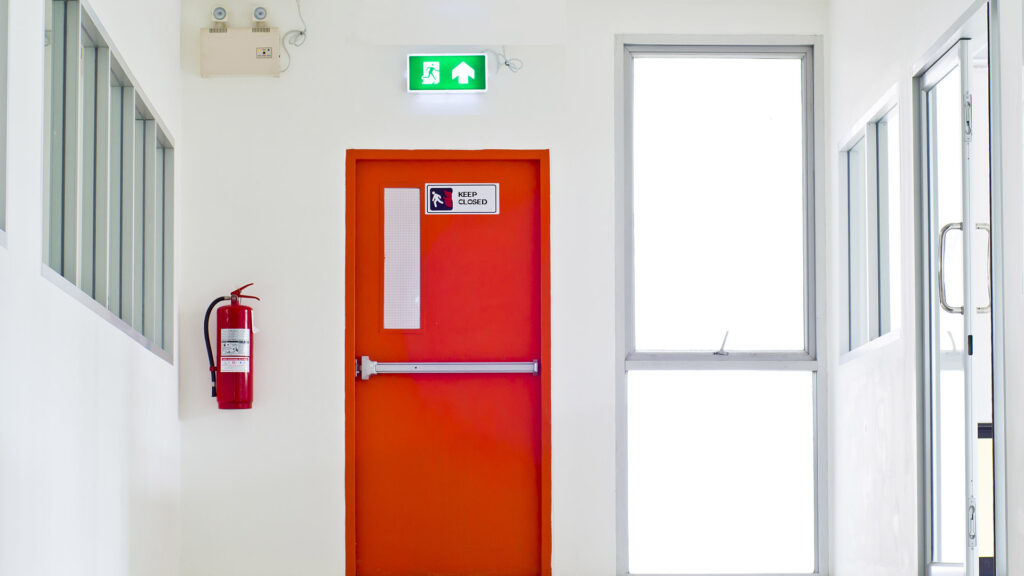
Fire door regulations: what responsible persons need to manage
Under updated fire safety regulations introduced in England in 2023, responsible persons must ensure that fire doors in multi-occupied residential buildings are regularly inspected and maintained.
The regulations apply to:
- Multi-occupied residential buildings
- Buildings over 11 metres in height
- Common parts and fire doors leading to common areas
Requirements include:
- Quarterly checks on all fire doors in common parts
- Annual checks on flat entrance doors leading to common parts
- Clear, auditable records of inspections and actions taken
Managing this manually — using spreadsheets, paper logs, or disconnected systems — increases the risk of missed checks, outdated records, and compliance gaps.
The challenge: fire doors don’t fail — systems do
Most compliance failures don’t happen because doors aren’t inspected.
They happen because:
- Doors aren’t uniquely identified
- Records are stored across multiple systems
- Updates require reprinting labels or paperwork
- Inspection history isn’t accessible during audits
- Multi-site oversight is difficult
Static labels and manual logs simply don’t scale.
Dynamic QR codes allow Risk assessment Officers to update maintenance records, and compliance across multiple doors, floors, and buildings without reprinting.
How Xcan It supports fire door compliance
One fire door. One QR code. One source of truth.
With Xcan It, each fire door is assigned a unique dynamic QR code that links directly to its inspection and maintenance record.
The code is created once, then managed centrally — so compliance doesn’t depend on replacing labels or chasing paperwork.
What this enables:
- Instant identification of every fire door
- Live access to inspection history
- Centralised management across buildings and sites
- Easy updates without replacing printed codes
- A clear audit trail for regulators and inspections
How it works in practice
1. Create
Generate a unique dynamic QR code for each fire door.
Codes can include structured identifiers (for example, building and door number) to support large or multi-site deployments.
2. Deploy
Apply the QR code to the door — on the face or concealed edge — wherever it can be easily scanned by inspectors using a standard mobile device.
Codes can be used as:
- Printed stickers for physical doors
- Downloadable PNG or PDF files for digital records and documentation
3. Control
Scan the QR code to access the door’s live record:
- Inspection dates
- Servicing history
- Notes, photos, and documents
- Required actions and status updates
All data is managed from one central dashboard, keeping records accurate and accessible at all times.
Designed for real-world environments
Fire door environments demand durability and clarity.
Xcan It supports physical deployment using:
- High-tack, durable materials
- Clear over-lamination for longevity
- Sequential or variable data
- Human-readable identifiers alongside the QR code
This ensures:
- Easy identification even if scanning fails
- Long service life
- Reliable performance in shared and high-traffic areas
How Xcan It QR Codes Are Deployed
Xcan It generates dynamic QR codes that can be deployed digitally, printed in-house, or professionally produced — all from the same platform.
Organisations can choose how QR codes are used depending on their operational needs:
- Downloadable PDF files for documentation, manuals, compliance records, or print workflows
- Downloadable PNG files for digital use, presentations, and online systems
- Professionally printed QR codes (optional), produced by us with full bespoke design — including logos, contact details, and colour branding
Whether deployed digitally, printed internally, or supplied as a finished product, each QR code remains dynamic and centrally managed through the Xcan It platform.
Who this is for
Xcan It is used by organisations that need ongoing control and auditability, including:
- Facilities management teams
- Housing associations
- Local authorities
- Fire safety contractors
- Property managers
- Compliance and risk officers
Whether you manage a single building or hundreds of sites, the platform scales without increasing complexity.
Frequently asked questions
No. Each QR code is dynamic. Destinations and records can be updated centrally without replacing printed labels.
Yes. Xcan It is designed for multi-site use, with structured identifiers and central oversight.
Inspectors scan the QR code and immediately access the door’s live record, including inspection history and actions taken.
Codes include human-readable identifiers as a backup, and replacements can be issued without breaking the underlying record.
No. Printing is optional. Xcan It supports digital-only use, printed deployment, or a hybrid approach.
Xcan It does not provide its own scanning app. Instead, the platform is designed to integrate with specialist inspection and compliance software.
All Xcan It QR codes can integrate with Mobiess, a dedicated fire safety and inspection platform, allowing inspectors to scan QR codes, record checks, and manage compliance workflows using Mobiess’ software.
This approach ensures organisations can use purpose-built inspection tools while Xcan It provides the underlying QR code management and control layer.