
Strengthen Recognition
Your logo, colours and typography help the QR code feel connected to your business rather than appearing as a generic third-party element.
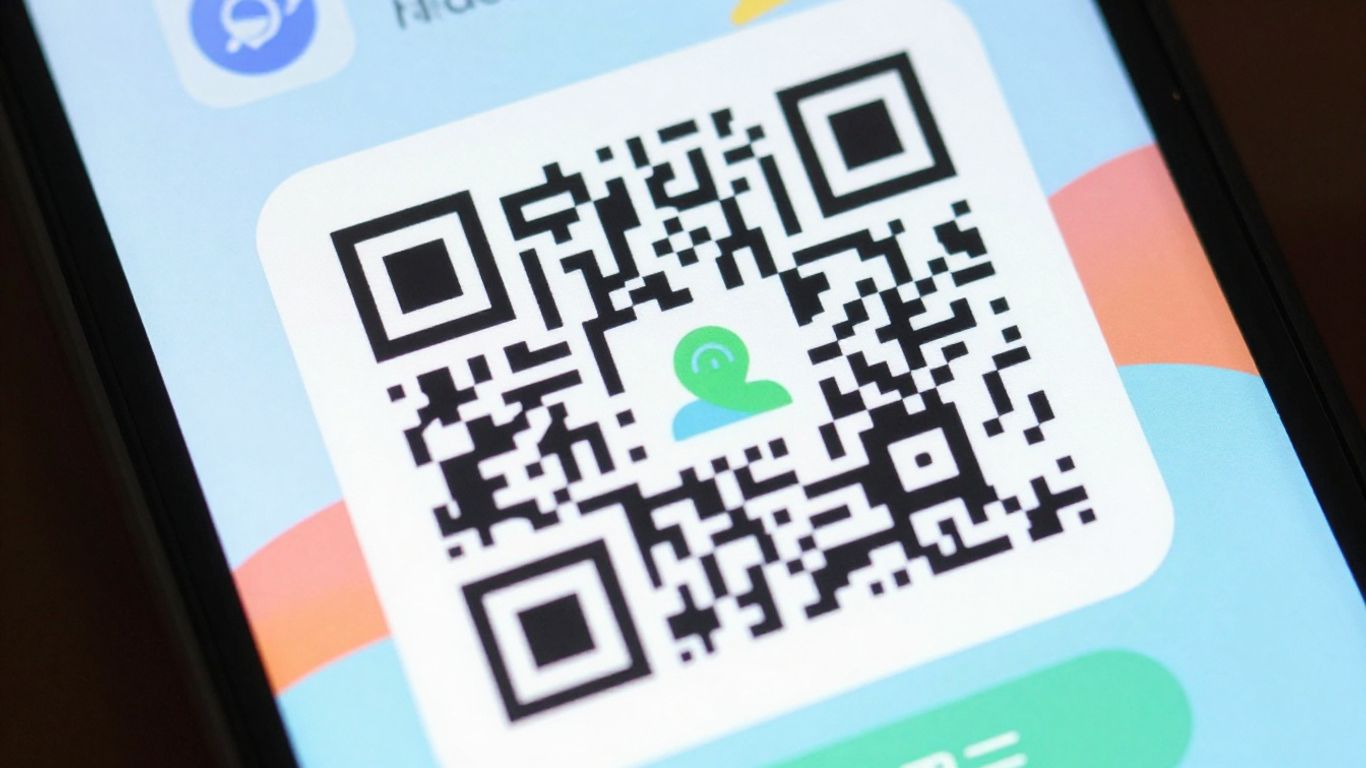
Customise, update and track
Branded dynamic QR codes combine professional visual design with the flexibility to update destinations after printing. With Xcan It, you can add your logo, use your brand colours, include a clear call to action and manage each QR code from one online dashboard.
That means your QR codes do more than open a link. They become a recognisable part of your printed marketing, packaging, signage, displays, review cards, business cards and customer communications.
What makes them different?
A branded dynamic QR code is a QR code whose appearance can be customised to match your organisation, while the destination behind the code can be changed whenever required.
The printed QR code itself stays the same. You can update the link from the Xcan It dashboard without replacing the physical item on which the code appears.
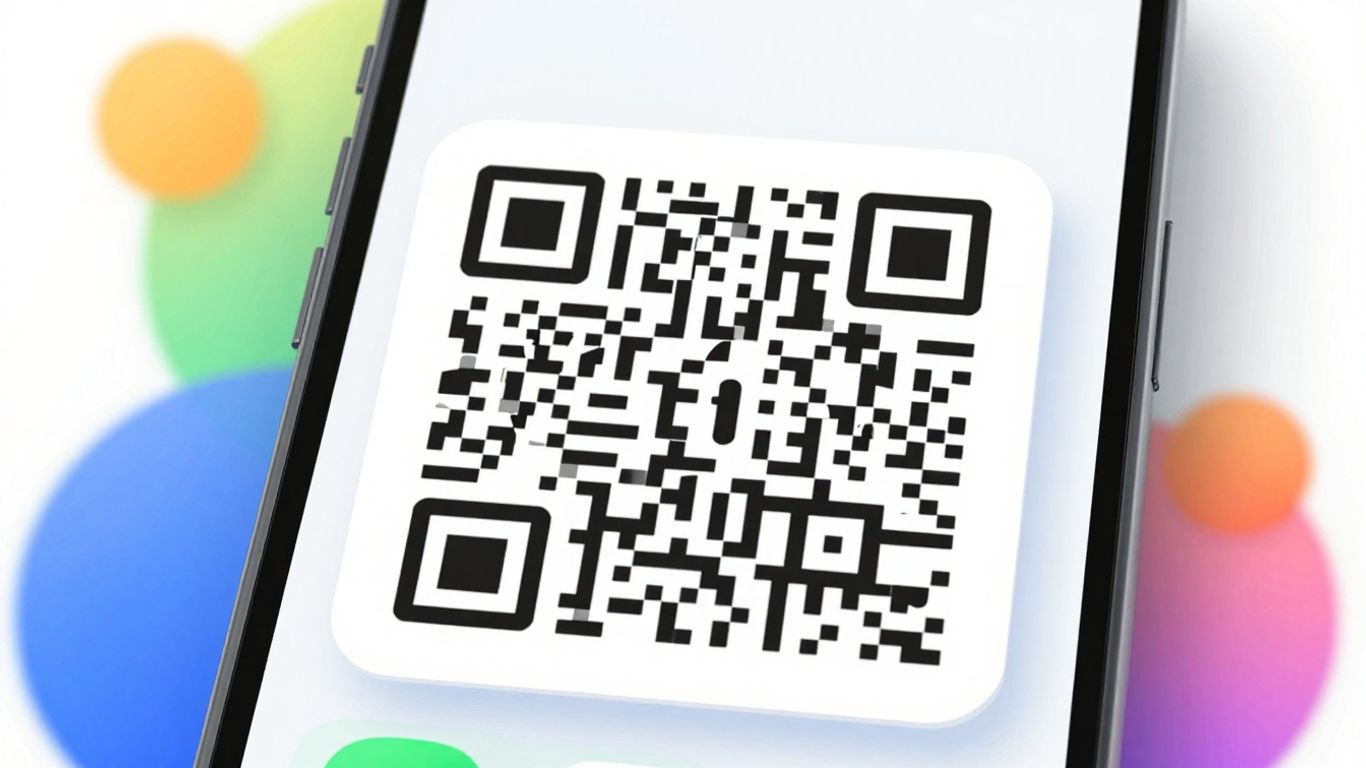
Build confidence at the point of scan
A generic black-and-white QR code may work technically, but it does little to reassure the person scanning it. A customised QR code looks intentional, professional and consistent with the material around it.
Your logo, colours and typography help the QR code feel connected to your business rather than appearing as a generic third-party element.
A frame and call to action can tell people exactly what will happen, such as “Scan for Details”, “Scan to Review” or “View Today’s Menu”.
Reusable QR code templates help keep your codes visually consistent across leaflets, posters, packaging, signs and other printed materials.
Print once, update anytime
The biggest practical advantage is not simply how the QR code looks. It is the ability to change where it leads without changing the printed code.
Replace an expired promotion with a new offer while continuing to use the same printed poster, card, label or display.
Redirect scans to a working page if a website address changes, a page is removed or an item is no longer available.
Keep physical materials in use for longer by changing the destination behind the QR code rather than paying to print new versions.
Visual control
Xcan It gives you control over the visual appearance of your QR codes so they sit naturally within your existing design.
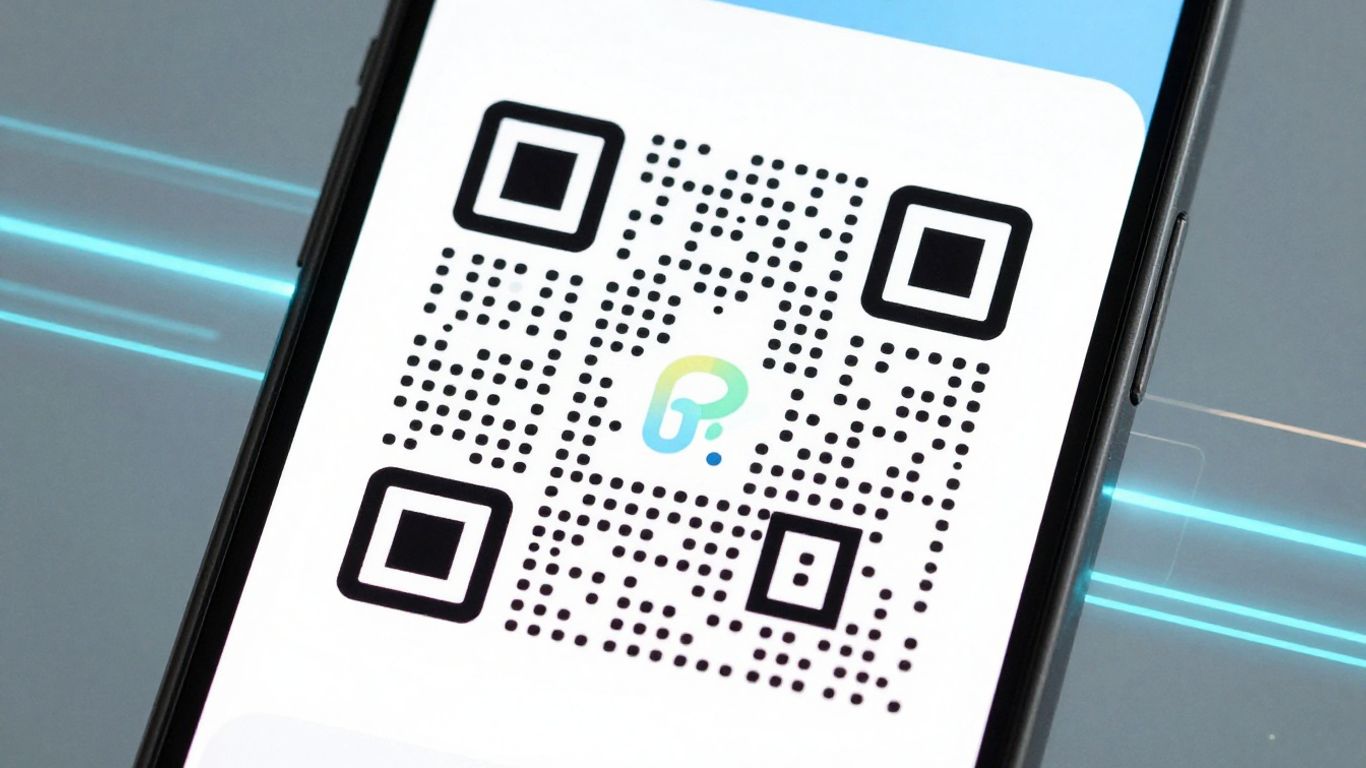
Place your organisation’s logo within the QR code so the connection with your brand is immediately visible.
Use your own brand colours while maintaining sufficient reliablity QR code scanning.
Customise the dots, inner and outer eye shapes, frame design, font and call-to-action text.
Save the finished design as your QR code template so newly created codes use the same visual style.
A clearer customer journey
A branded dynamic QR code gives people a quick route from a physical item to the exact digital content you want them to see.
Link customers to product information, instructions, videos, offers, warranty forms, reviews or related products.
Connect table cards, menus, room information or printed signage to pages that can be updated without replacing the printed QR code.
Add QR codes to programmes, posters, badges and venue signs to share schedules, booking pages, maps, forms or additional information.
Use editable QR codes on boards and printed displays so each code can be redirected when the property, campaign or destination changes.
Make it easier for customers to leave feedback by linking directly to your chosen review page from a branded card or receipt.
Direct people to a website, contact form, booking page, phone number, social profile, document or other relevant online destination.
Simple reporting
Xcan It includes reporting tools that show scan activity and help you understand which QR codes are receiving the most engagement.
View the total number of visits generated by your QR codes.
See a count of unique visitors alongside overall visit activity.
Review visit trends using daily, weekly and monthly views.
Identify the QR code currently receiving the greatest number of visits.
Compare your best-performing QR codes by scan activity.
Xcan It does not currently provide browser, operating system, device, precise location, visitor identity, campaign attribution or conversion tracking reports.
Organise larger accounts
Organisations with more than one office, branch or location can use the Xcan It dashboard to organise QR codes under separate branches.
This makes it easier to keep different teams, locations and groups of QR codes organised within the same overall system.
Branch management is an organisational feature. It does not automatically redirect users according to their physical location.
Customising the colours, logo and frame of a QR code is visual branding.
Using your own domain or subdomain for QR code redirects is a separate white-label feature.
White-label scan links are available as a paid add-on for eligible paid accounts and include branded-domain setup and SSL configuration.
A separate White Label Scan Links page will explain the pricing and setup process in more detail.
Watch the walkthrough
This video shows how branded dynamic QR codes can be customised and managed through Xcan It.
Practical comparison
| Feature | Static QR Code | Xcan It Branded Dynamic QR Code |
|---|---|---|
| Change the destination after printing | No | Yes |
| Add a logo and brand colours | Depends on the generator | Yes |
| Add frames and call-to-action text | Limited or unavailable | Yes |
| Reuse the same printed code | No, if the destination changes | Yes |
| View scan reporting | Usually no | Yes |
| Manage QR codes from a dashboard | Usually no | Yes |
Frequently asked questions
It is a customisable QR code that can include your logo, colours, frame and call-to-action text. Its destination can also be changed after the QR code has been printed.
Yes. Xcan It allows you to upload a logo and place it within the QR code design.
Yes. You can adjust the colours used in the QR code and its surrounding design. Strong contrast should be maintained so the code remains easy to scan.
Yes. Frames and call-to-action text can be added to help people understand what they will receive after scanning.
Yes. The destination can be edited in the Xcan It dashboard without changing or reprinting the QR code.
Yes. Once the destination is updated and saved, people scanning the existing printed QR code will be sent to the new destination.
It can link to websites, landing pages, videos, documents, booking pages, contact details, phone numbers, maps, social profiles, review pages and many other online destinations.
Yes. Xcan It provides reporting for total visits, unique visitors, visit trends, the most visited QR code and top-performing QR codes.
No. Browser, operating system, device details and location analytics are not currently included in the Xcan It Reports page.
Xcan It supports branch organisation, allowing QR codes and relevant users to be managed under separate branch records.
No. Visual branding changes the appearance of the QR code. White labelling uses your own branded domain or subdomain for the redirect link and is a separate paid feature.
No. The design and destination are managed through the Xcan It dashboard, without requiring specialist design or development skills.
Create your first codes
Start with free dynamic QR codes, customise their appearance and update their destinations whenever your business needs change.