Key Takeaways
Snapseed QR codes offer an instant, automated solution for applying advanced stylistic edits to your photography without needing a deep technical understanding of every adjustment slider. By using these presets, photographers can maintain a consistent visual language across varied shoots.
- Aesthetic codes store complex editing stacks in a single scanable square.
- Consistency improves dramatically when you apply a unified filter across a series.
- Dynamic asset management platforms allow for professional distribution and tracking of these photographic assets.
- Always test presets on different image types to ensure local adjustments remain balanced.
- Mobile workflows benefit from the speed of QR-based preset deployment.
1. Cinematic film presets
Cinematic film presets for Snapseed are crafted to emulate the characteristics of traditional analog film, focusing on grain structure, colour shifts, and shadow depth. These presets often balance warm highlights against slightly de-saturated shadows, providing a timeless quality that feels intentional rather than digital. Using Snapseed Cinematic QR Codes can save hours of manual tuning, allowing you to focus more on the composition of your shots rather than the technical minutiae of colour grading.
Achieving a cinematic look requires a delicate balance of contrast and tone control. Photographers often find that while the initial scan provides a great starting point, individual tweaks to exposure and white balance are still necessary to accommodate the specific lighting conditions of the original photo. The key is to start with the aesthetic foundation provided by the code and then refine the details manually, ensuring the final image maintains its integrity.
In a professional photography workflow, distributing stacks of aesthetic presets to external collaborators requires a more structured approach than simple file sharing. If you are managing large digital asset galleries or providing resources to workshop participants, using dedicated infrastructure like Xcan It provides a reliable method to host and track these resource files. This ensures your assets stay organized and accessible across all digital channels.
2. Moody dark aesthetic codes
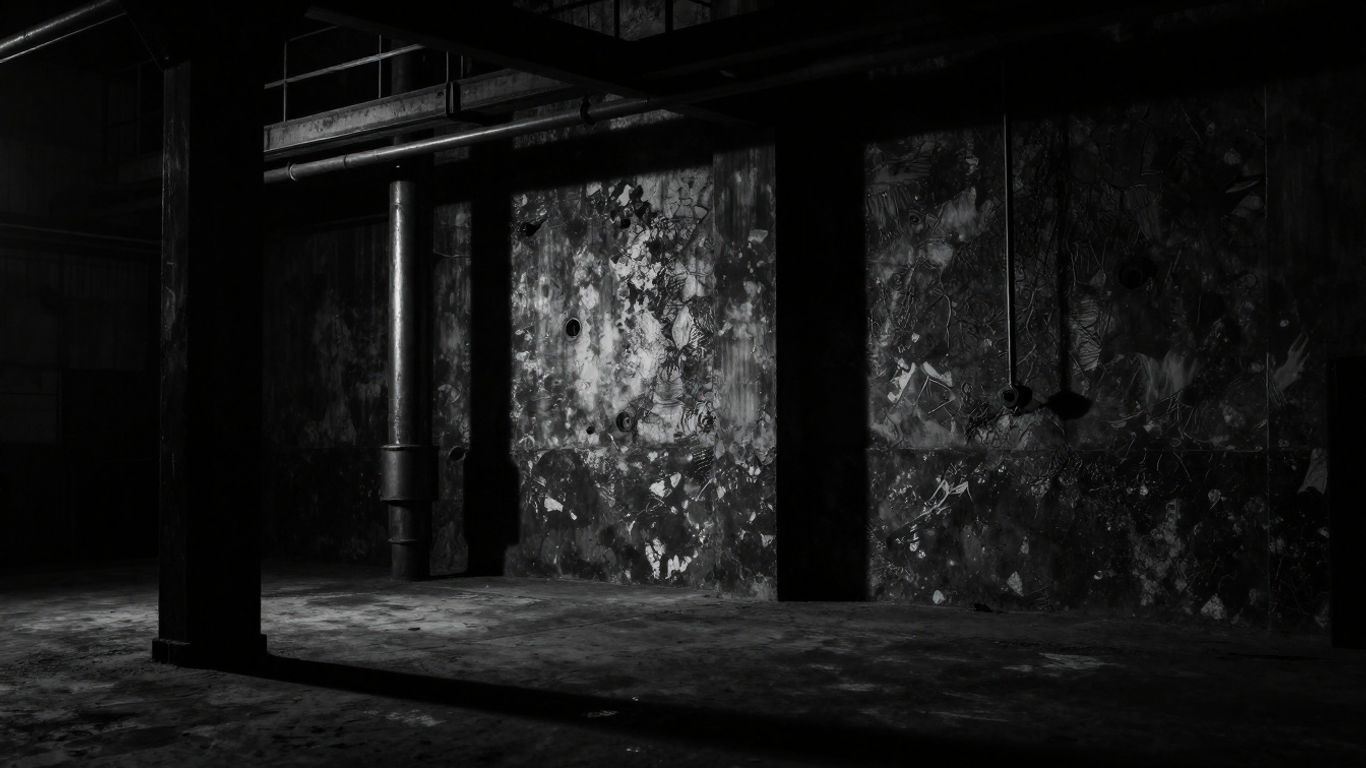
Moody dark aesthetics rely on crushing blacks and pulling detail out of the shadows, resulting in a dramatic, high-contrast finish. These codes are perfect for low-light photography where you want to emphasize texture and atmosphere. When applying these effects with a QR code, you eliminate the repetitive work of adjusting tone curves and highlight thresholds for every single image in a dark set.
When working with deep shadows, it is important to remember that these edits can sometimes mask original detail or introduce noise if the source file quality is low. We recommend applying these moody aesthetics to raw images captured with appropriate settings to maximize flexibility. The results are often striking, turning everyday scenes into pieces that evoke a sense of mystery and depth.
Many photographers find that maintaining a consistent dark aesthetic across a portfolio helps establish a strong visual brand. Managing the distribution of these professional-grade presets involves more than just saving a file; it involves creating a frictionless experience for your audience. For those distributing these assets at scale, tracking engagement through professional portals helps you understand which styles resonate most with your target clients.
3. Minimalist bright and airy looks
Minimalist bright and airy styles focus on high-key exposures, clean whites, and subtle pastel highlights. These presets work exceptionally well for wedding, food, and lifestyle photography where the goal is to make the subject feel approachable and fresh. By minimizing the weight of shadows, these edits provide a lightweight, positive emotional impact on every viewer.
When applying these bright aesthetic presets, start by ensuring your initial exposure is slightly over-exposed, as the filters are designed to lift the mid-tones further. If the highlights become too aggressive, a quick reduction in white balance or exposure within the stack will bring the image back into alignment. This adaptability is the primary benefit of using a standardized QR look that can be quickly customized for current lighting conditions.
For agencies providing photography services alongside branding, the ability to store and access these branded presets is essential for efficiency. Professional teams often rely on dynamic QR code tracking to monitor how often their digital assets are downloaded. This level of management turns a simple photo editing workflow into a professional-grade delivery system that serves both the creator and the client.
4. Retro vintage grain filters
Retro vintage grain filters in Snapseed use granular texture and faded colour palettes to recreate the nostalgia of old-school film photography. These codes are popular for street photography and candid snapshots where a raw, unfiltered look is more desirable than a clinical, sharp one. The presets often adjust the ‘Details’ or ‘Grain’ settings to give each image a textured, tactile feel.
When using these vintage presets, look for images with slightly muted tones, as the grain effect complements desaturated colours better than hyper-vibrant ones. The effectiveness of the grain often depends on the monitor size and the output medium, so keep an eye on how the effect translates from your mobile screen to a desktop view. These codes are essentially a shortcut to an aesthetic that would otherwise take significant experimentation to get just right.
If you want to integrate these assets into a larger business model, professional QR code infrastructure ensures that your preset downloads are measurable, organized, and secure. Providing high-quality aesthetic downloads through a professional interface reflects the same attention to detail that you put into your photography. Managing your digital assets this way prevents clutter and enhances the value you offer your clients.
5. Sunset glow colour grading
Sunset glow grading enhances golden hour imagery by boosting oranges, yellows, and warm purples. These presets focus on shifting the colour temperature and saturating the subtle hues found in twilight skies. By using a pre-configured QR code for this specific timing, you can ensure that the golden warmth of your photos remains consistent, even when shooting across different times and locations.
| Edit Type | Focus Area | Result |
|---|---|---|
| Colour Shift | Sunsets | Golden warmth |
| Shadow Lift | Low light | Atmospheric depth |
| Grain Depth | Texture | Vintage feel |
As indicated in the table above, different editing focuses lead to distinct visual results. By selecting a code tied to a specific lighting condition, you can streamline the post-processing of your golden hour portfolio. Always remember to check the final tones on a calibrated screen to ensure the warmth doesn’t bleed into skin tones too aggressively.
For professional photographers who deliver work to clients in packages, distributing presets provides an extra layer of value. You might find that offering a specific sunset-themed preset for clients who need consistent social media content sets you apart. Efficiently managing these digital assets requires a professional approach, similar to handling physical goods and infrastructure with care and precision.
6. Street photography black and white presets
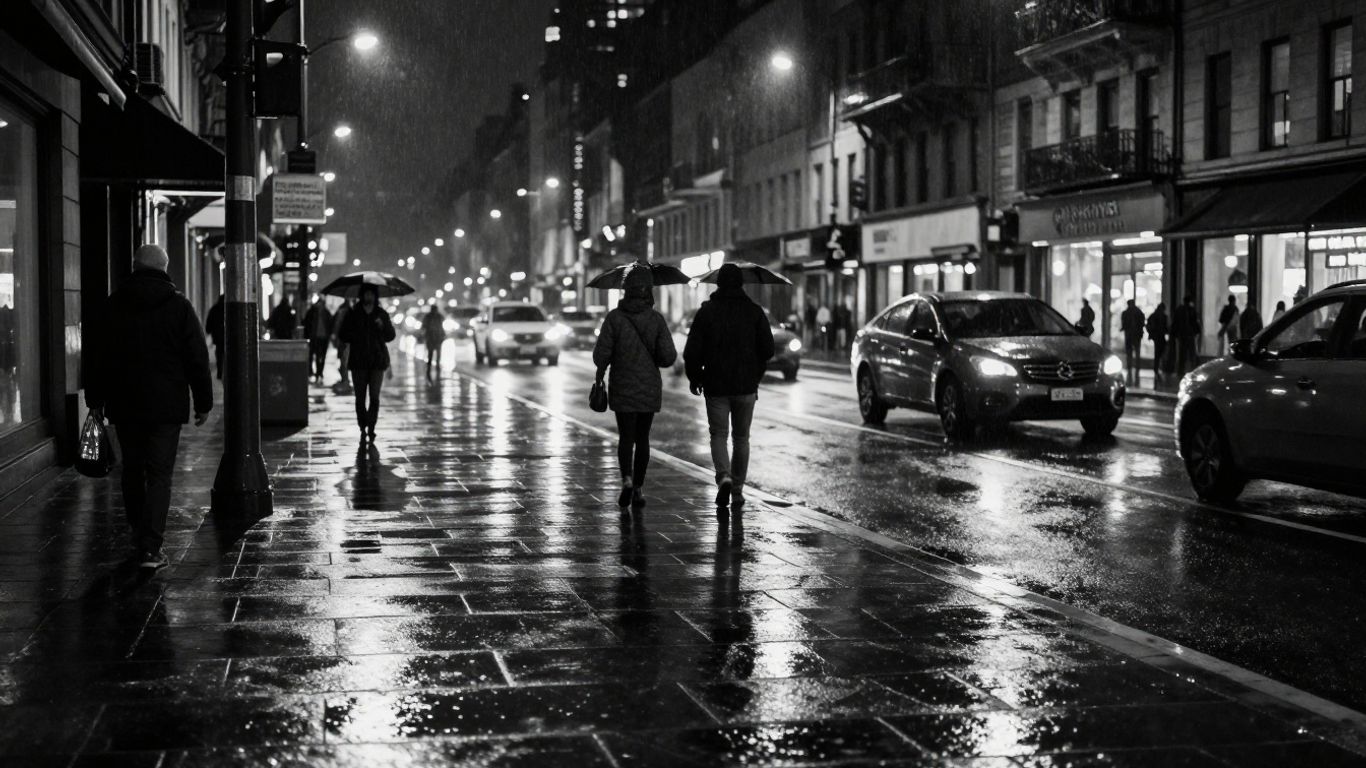
Black and white street photography relies heavily on strong contrast and the interplay of direct light and deep shade. The Snapseed QR codes for this style often apply a high-contrast curves adjustment, localized sharpening and a subtle vignette to draw focus to the subject. Once you have a code that works for the specific street aesthetic you prefer, you can easily apply it to an entire roll of street shots for uniform look.
- Start with high-contrast shots.
- Use filters to pull out texture.
- Focus on subjects with clear edges.
- Keep noise levels controlled.
- Test on various light conditions.
Following the list above will ensure your black and white street shots feel punchy and defined rather than muddy. The contrast-heavy approach works best for busy city environments, where the chaotic elements of the street can be simplified into a compelling graphical composition. When done correctly, the result is a timeless, documentary-style image.
Distributing these specialized styles to other photographers or using them as a template for your own photography business branding helps scale your creative output. Managing your preset library with a focus on ease-of-access is critical to maintaining a fast-paced street photography workflow. This allows you to convert from a raw, fleeting shot to a polished final aesthetic in the blink of an eye.
7. Natural portrait retouching codes
Natural portrait retouching codes focus on smoothing skin tones without losing texture or making the subject look artificial. These presets usually involve subtle adjustments to the ‘Glamour Glow’ filter, lowered saturation in red/orange channels for healthy skin tones, and soft eye brightening. The goal is to provide a cleaner version of the original, maintaining the character and detail of the portrait subject.
Retouching is a sensitive area where less is often more. By using a QR code that implements a conservative touch, you ensure that you don’t inadvertently erase natural features or introduce unwanted artifacts. Professional portrait photographers favour these stacks because they can apply a baseline look that makes skin work easier, allowing more time for artistic tweaks to eyes or clothing.
When sharing these portrait settings with a makeup artist or a partner agency, keeping your assets managed and secure is vital. Professional distribution methods prevent your original files from being compromised. A well-organized digital space mirrors a professional attitude, ensuring that every asset you provide to a client meets the highest standards of quality.
8. Urban concrete and heavy contrast styles
Urban concrete styles are designed for architectural or moody industrial photography, where texture and sharpness are the main attractions. These codes often ramp up the contrast and clarity, bringing out every crevice in brickwork or concrete structures. They turn plain facades into complex, weathered pieces of art by highlighting the structural grit of the scene.
Because these styles are very high-detail, they can occasionally emphasize sharpening artifacts on low-resolution images. We recommend applying these codes only to high-resolution imports. The heavy-contrast approach also benefits from a bit of desaturation, as this leaves the eye to focus entirely on the geometry and light within the frame, rather than the specific saturation of the materials.
Providing assets that perform this well requires professional management. Often, photographers who specialize in architectural work need scalable ways to store and deliver presets for their clients to use across different branding projects. This infrastructure-first mindset is what separates a freelance shutterbug from a professional outfit capable of managing infrastructure and assets with commercial reliability.
9. Soft pastel dreamy edits
Soft pastel edits are popular for lifestyle and travel imagery where a dreamlike, hazy atmosphere is the objective. These codes often utilize a slight fade in the blacks—giving it a matte appearance—combined with desaturated, candy-coloured highlights. The result is an ethereal scene that feels like a fading memory, perfect for summer holidays or indoor lifestyle photos.
If you find the result is too washed out, try increasing the local contrast or saturation in small increments until the image pops again. The dreamy aesthetic is inherently subtle, so be wary of over-adjusting settings. Use the QR scan as an initial canvas, then allow your own creative intuition to guide the final output for each individual shot.
For those creating content for clients requiring this aesthetic, using a dedicated management portal ensures your assets are always accessible. Whether for personal branding or client-side marketing, consistency is achieved through a controlled preset workflow. Reliable distribution makes the creative process easier, allowing for more focus on photography rather than file management.
10. High-detail landscape enhancement filters
High-detail landscape enhancement filters are designed to capture the majesty of nature, increasing micro-contrast and vibrance to make skies and foliage pop. These codes often utilize the HDR-scape or Tonal Contrast tools in Snapseed, which pull detail out of mountains, clouds, and fields alike. These presets are ideal for travel photography where the scenery deserves to be seen in full, vivid clarity.
It is important to remember that these high-detail filters can look aggressive on portraits or indoors, as they emphasize facial detail to an intense degree. Keep these presets reserved for expansive outdoor shots where high surface detail is a benefit. When applied to the right landscape, the difference is immediate and dramatic, providing a professional polish to any outdoor shoot.
As you develop more and more of these niche aesthetic filters, you might look to share them or sell them as part of your photography services. Maintaining an organized inventory of these templates is essential for scaling your business. Using professional visual asset infrastructure ensures your filters are trackable and available for any customer looking to replicate your high-detail landscape success.
Conclusion
Using aesthetic Snapseed QR codes is a fantastic way to streamline your editing workflow and achieve professional-looking results without the steep learning curve of advanced photo editors. By treating these presets as a foundation and selectively refining them, you gain the benefits of consistency and speed. Whether you are creating a dark, moody series or a series of bright, atmospheric landscapes, these digital tools are essential for the modern photographer who values efficiency and style.
Frequently Asked Questions
Do I need a professional account to use Snapseed QR codes?
No, the QR code feature within Snapseed is a standard tool available to all users of the app, and you can create or scan codes without any specialized subscriptions.
Can I share my own Snapseed QR codes with others?
Yes, you can generate a QR look from your own edit history within the app, which can then be shared with friends or followers as an image that they can scan to replicate your style.
Why does my photo look different after scanning a QR code?
Presets rely on the input image’s base exposure and contrast, so if your source image is significantly different from the one the preset was designed for, the results will naturally vary.
Can I apply multiple Snapseed QR codes to one photo?
Snapseed generally allows you to scan one QR look to set a stack of edits, but you can always layer further manual adjustments on top of that base for a unique, hybrid aesthetic.
Do these codes work on both iOS and Android?
Yes, because the QR function is integrated directly into the Snapseed app itself, it works across both platforms seamlessly as long as you have the latest app version.
How do I store and organize my favorite QR presets?
Many users find it effective to store their favorite Snapseed QR codes in a dedicated album on their phone or in a cloud storage folder labelled by category, making them easily accessible when the need arises.
Are Snapseed QR codes a substitute for professional editing software?
While they are incredibly powerful for mobile editing, professional software provides more granular control over complex edits, making them complementary tools rather than mutually exclusive ones.