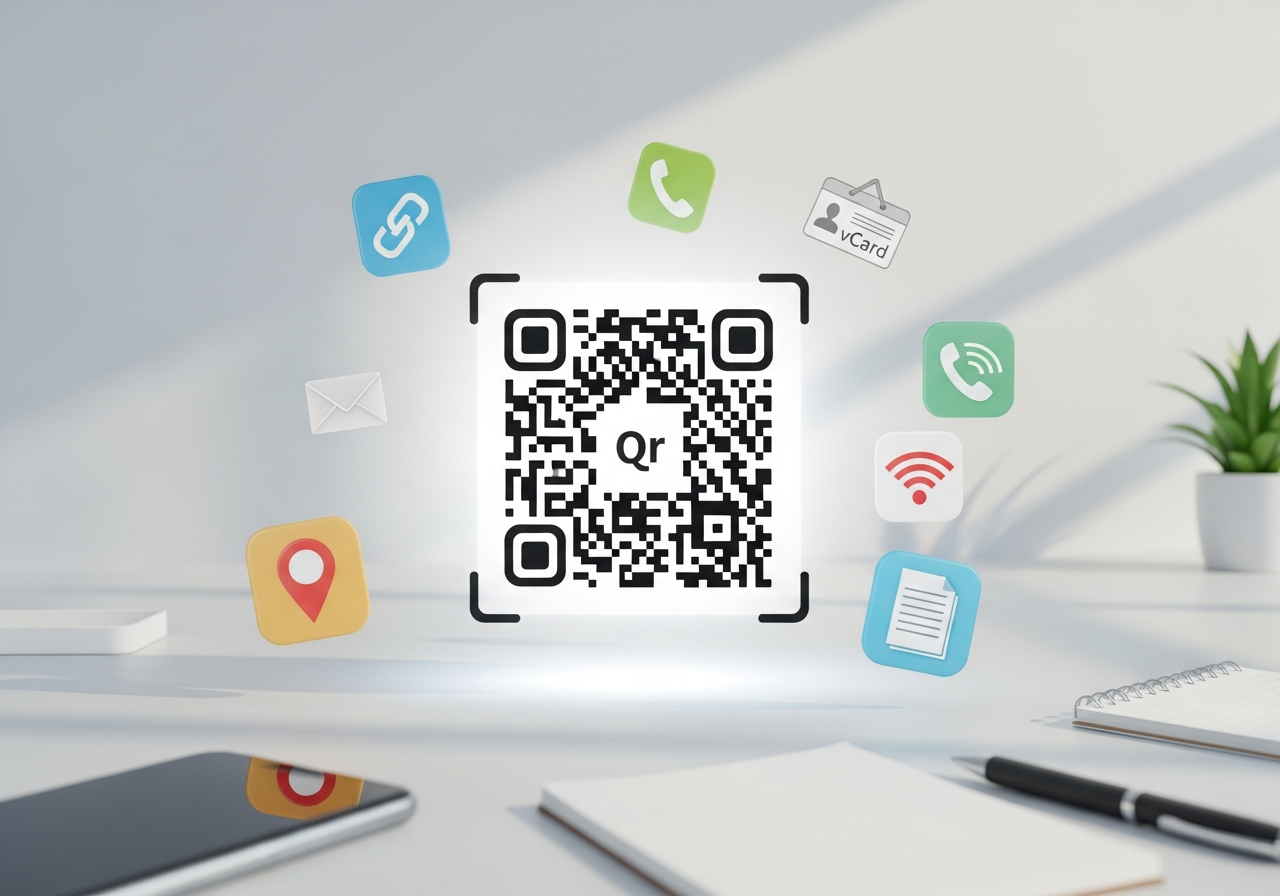

QR codes are everywhere these days, aren’t they? From posters to product packaging, you see them on all sorts of things. They’re a pretty neat way to quickly share information, but have you ever wondered how they work or how you can make your own? This article is going to break down the basics of a QR code example, showing you how to generate and use them without any fuss.
Key Takeaways
- A QR code example can be static, meaning the information is fixed, or dynamic, allowing you to change the destination later.
- You can create your own QR code example by choosing the content, customising its look, and then downloading it.
- QR code examples are useful for business cards, marketing materials, signage, and product packaging.
- Advanced features include adding logos, changing colours, and using editable links for dynamic content.
- Tracking scans helps you understand how your QR code example is being used and if it’s working well.
Understanding Your QR Code Example
What is a QR Code?
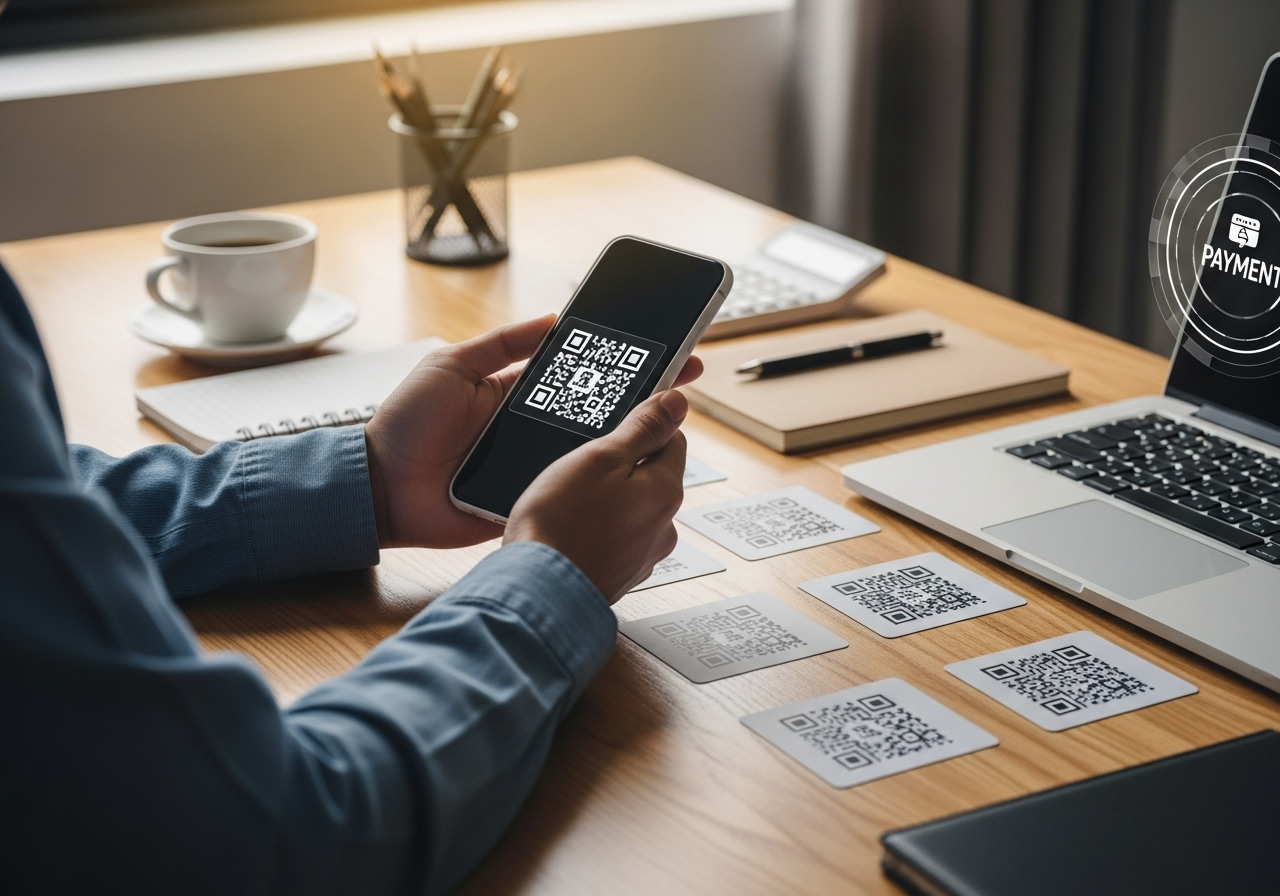
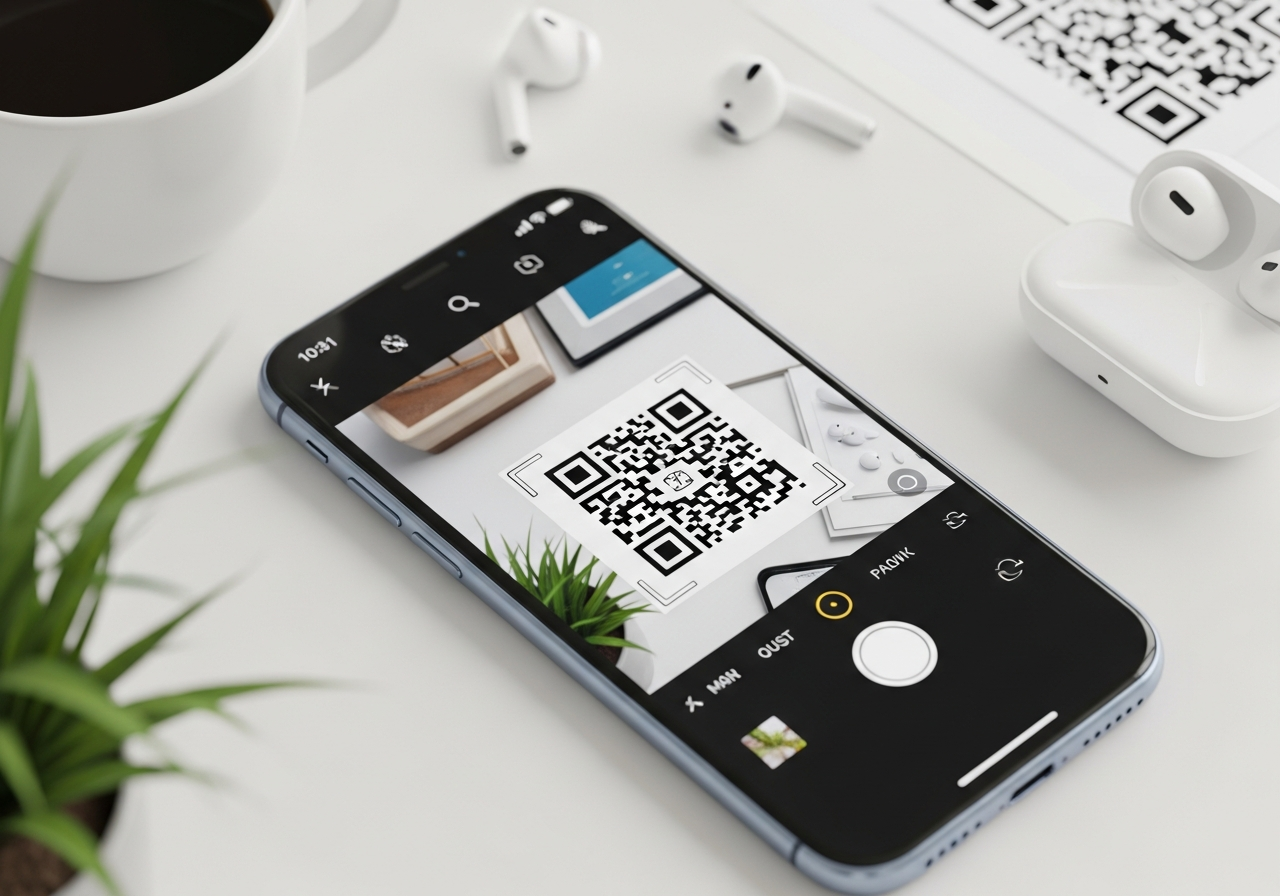
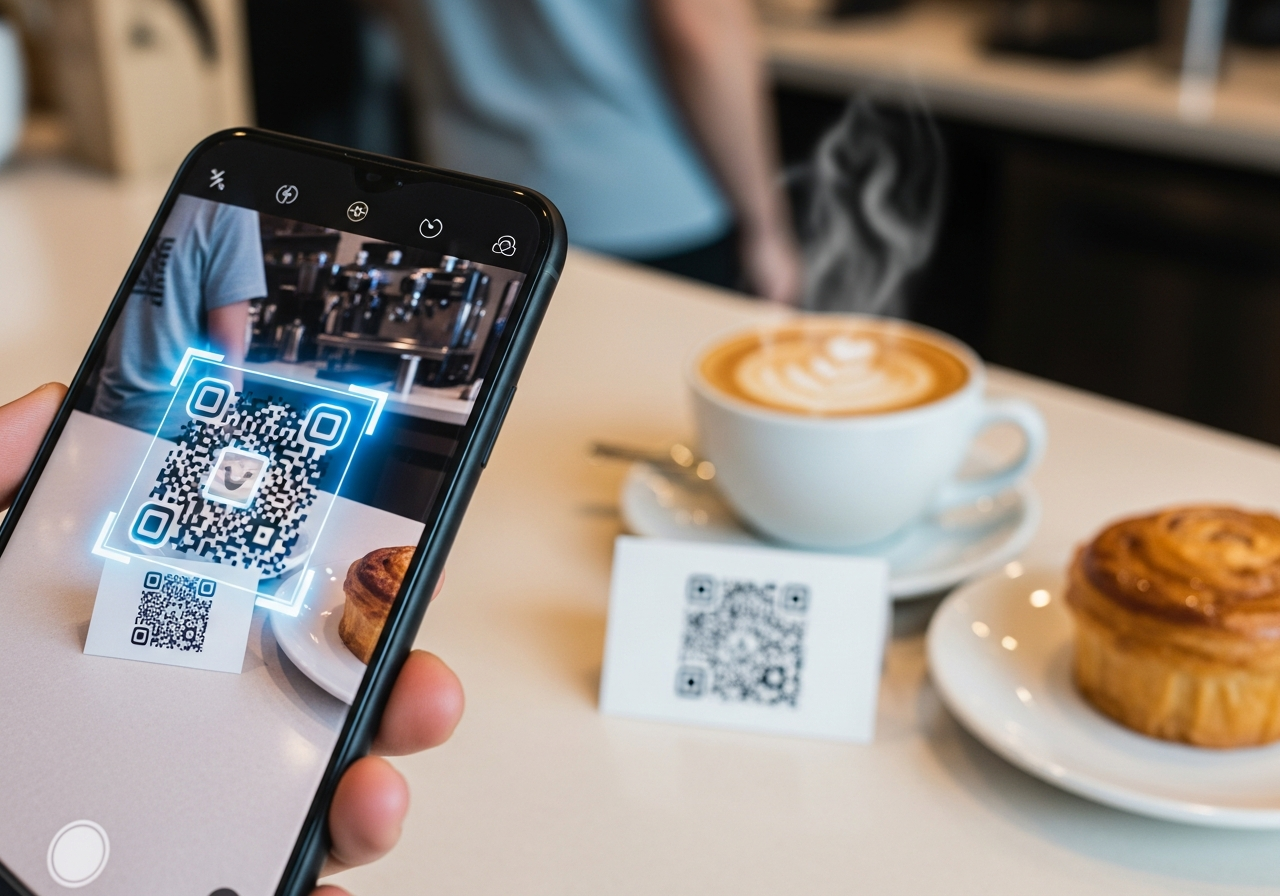
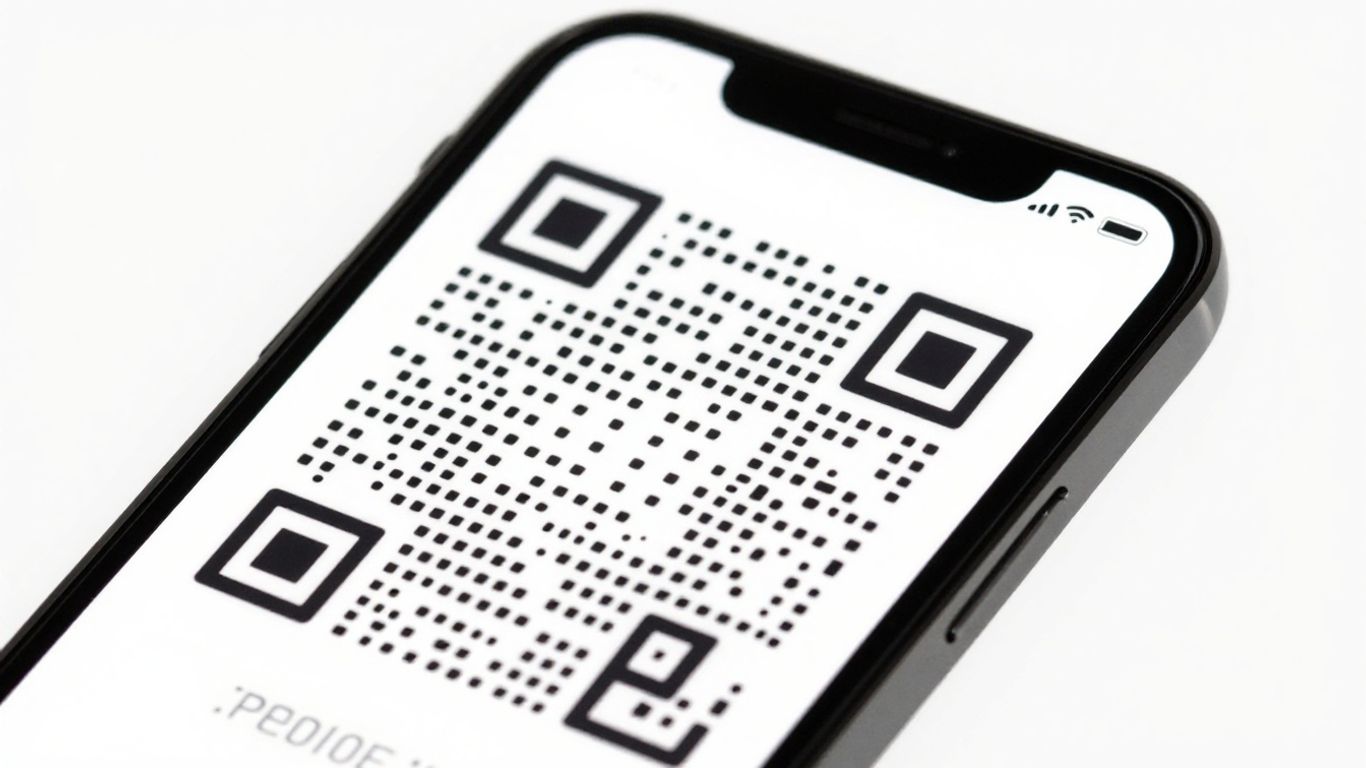
A QR code, or Quick Response code, is essentially a visual shortcut. Think of it as a digital doorway that you can print on almost anything. It’s a grid of black and white squares that holds information, like a website address, contact details, or even a text message. When you point your phone’s camera at it, your phone reads the pattern and instantly takes you where the code wants to go. It’s a neat way to bridge the gap between the physical world and the digital one, making it super easy to share information quickly. This is how they work.
Static Versus Dynamic QR Codes
When you’re creating a QR code, you’ll often come across two main types: static and dynamic. Static QR codes are pretty straightforward. The information is directly encoded into the pattern itself. Once it’s created, you can’t change what it does. If you need to update the link or information, you have to generate a whole new code and reprint it. They’re good for things that won’t change, like a website URL that’s always the same.
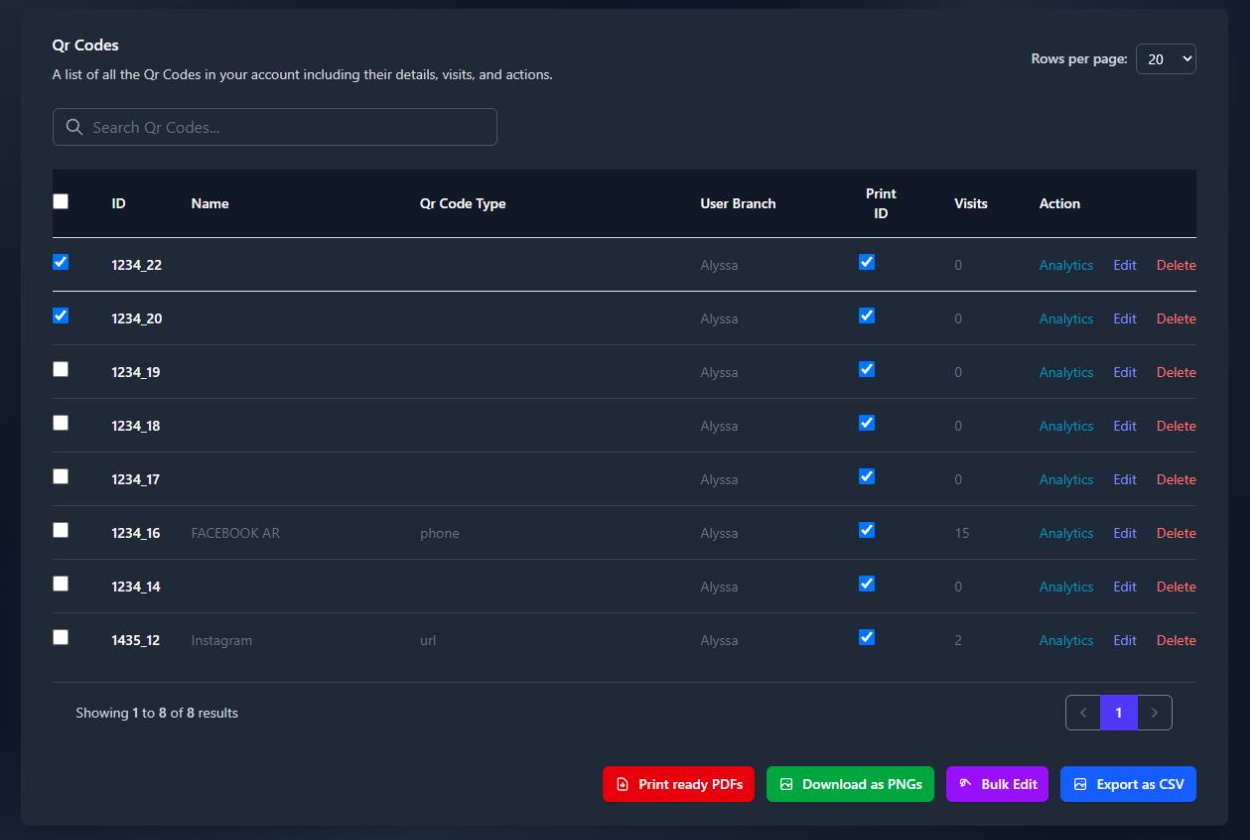
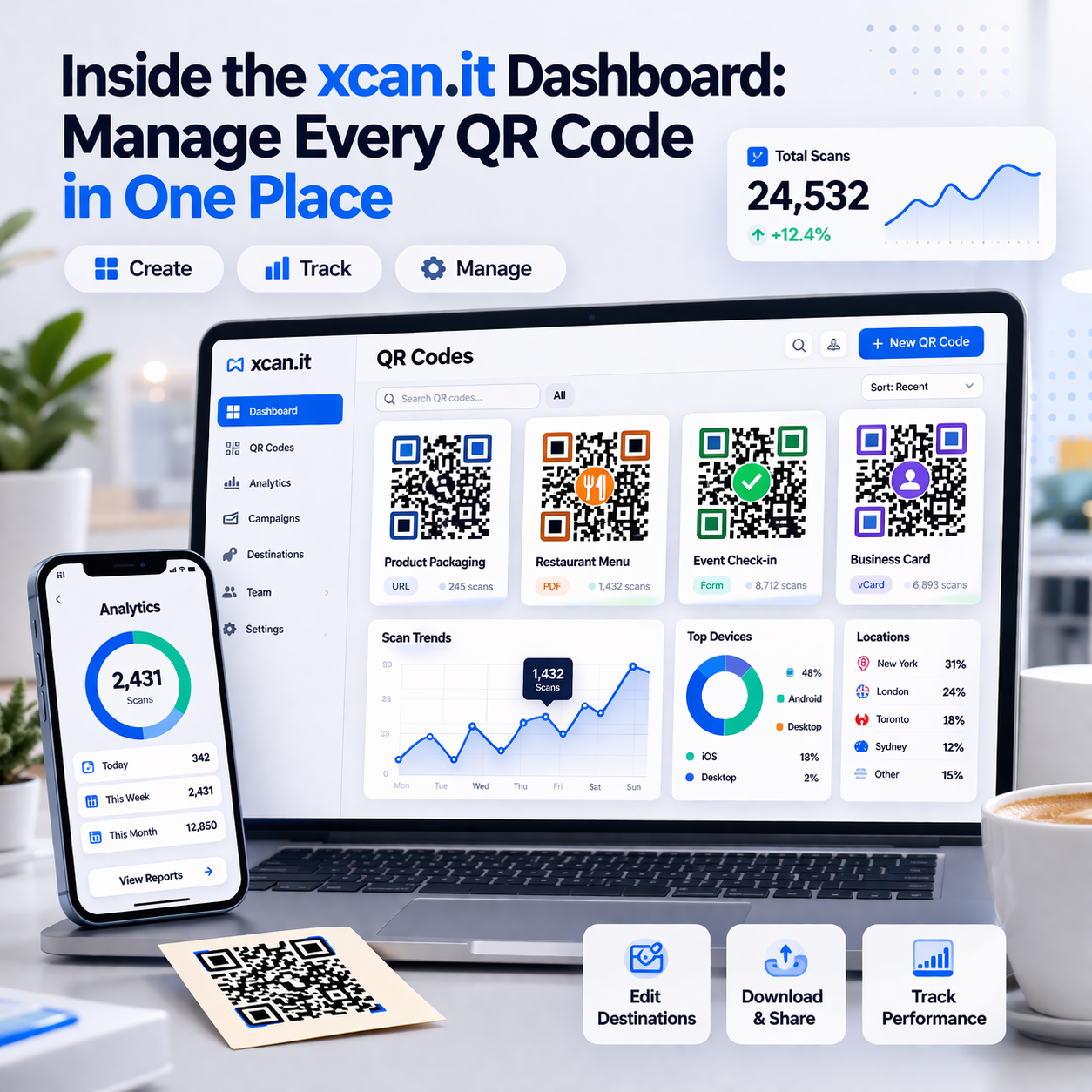
Dynamic QR codes, on the other hand, are much more flexible. With dynamic codes, the QR code itself doesn’t contain the final destination. Instead, it points to a redirect link that you can change anytime. This means you can update the destination URL without ever needing to reprint your QR code. This is a game-changer for marketing campaigns, business cards, or any situation where information might need updating. Platforms like Xcan.it allow you to manage these dynamic links easily. You can even track how many people scan your codes and see where they’re coming from, all from one dashboard. This makes your real-world campaigns much more effective across print, signage, and other assets.
The Versatility of a QR Code Example
QR codes are incredibly versatile. You can use them for just about anything. Need to share your Wi-Fi password? There’s a QR code for that. Want to direct people to your latest social media post? Easy. They can be used on:
- Business cards and flyers
- Posters and shop windows
- Product packaging
- Restaurant menus
- Event tickets
- Even on a t-shirt!
Essentially, if you have information you want to share quickly and easily, a QR code is a fantastic tool. The ability to update links without reprinting, as offered by services like Xcan.it, really highlights their practical use in dynamic environments.
Creating Your QR Code Example
So, you’ve got your idea for a QR code, but how do you actually make one? It’s simpler than you might think, and with the right tools, you can have a functional QR code ready to go in minutes. The first step is deciding what information you want your QR code to share.
Choosing Your QR Code Content
This is where you decide what happens when someone scans your code. You could link to:
- A website or online shop
- A specific page, like a product detail or a contact form
- A video or audio file
- A digital menu or brochure
- An app download link
- Contact details (vCard)
- Wi-Fi network credentials
Think about what would be most useful for the person scanning it. For example, a QR code on a business card might link directly to your LinkedIn profile, while one on a poster for an event could lead to ticket sales.
Designing Your Custom QR Code
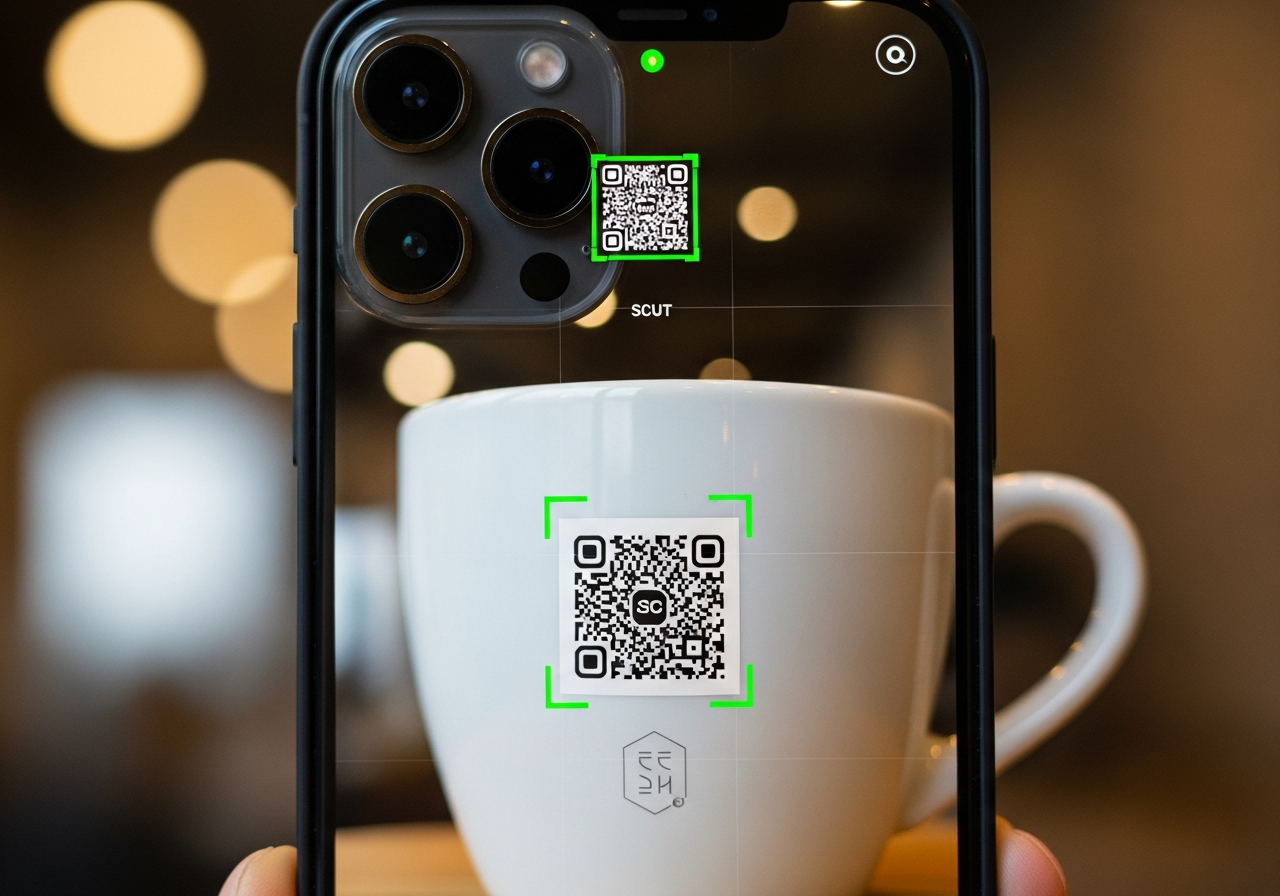
Once you know what your QR code will do, you can start making it look good. This is where tools like Xcan.it really shine. You can go beyond the basic black and white squares. Consider adding your logo right in the centre for instant brand recognition. You can also play with colours to match your branding, or even change the shape of the dots and the ‘eyes’ (those distinctive squares in the corners) to make it stand out. A well-designed QR code is more likely to be scanned.
Downloading Your QR Code Example
After you’ve designed your code, it’s time to download it. Most generators will offer a few different file formats. PNG is great for general use on websites and digital materials. SVG is a vector format, meaning you can scale it to any size without losing quality, which is perfect for large print jobs like posters or banners. PDF is also a good option for print. With Xcan.it, you can download your QR code in various formats, ready for whatever you need it for.
What’s really clever about using a service like Xcan.it is the ability to use dynamic QR codes. This means you can change the link or information the QR code points to after you’ve already printed it. Imagine updating a special offer on a flyer without having to reprint the whole thing! Plus, you get a dashboard to track how many people are scanning your codes, giving you real insights into how effective your campaigns are across print, signage, and other assets.
Practical Applications for Your QR Code Example
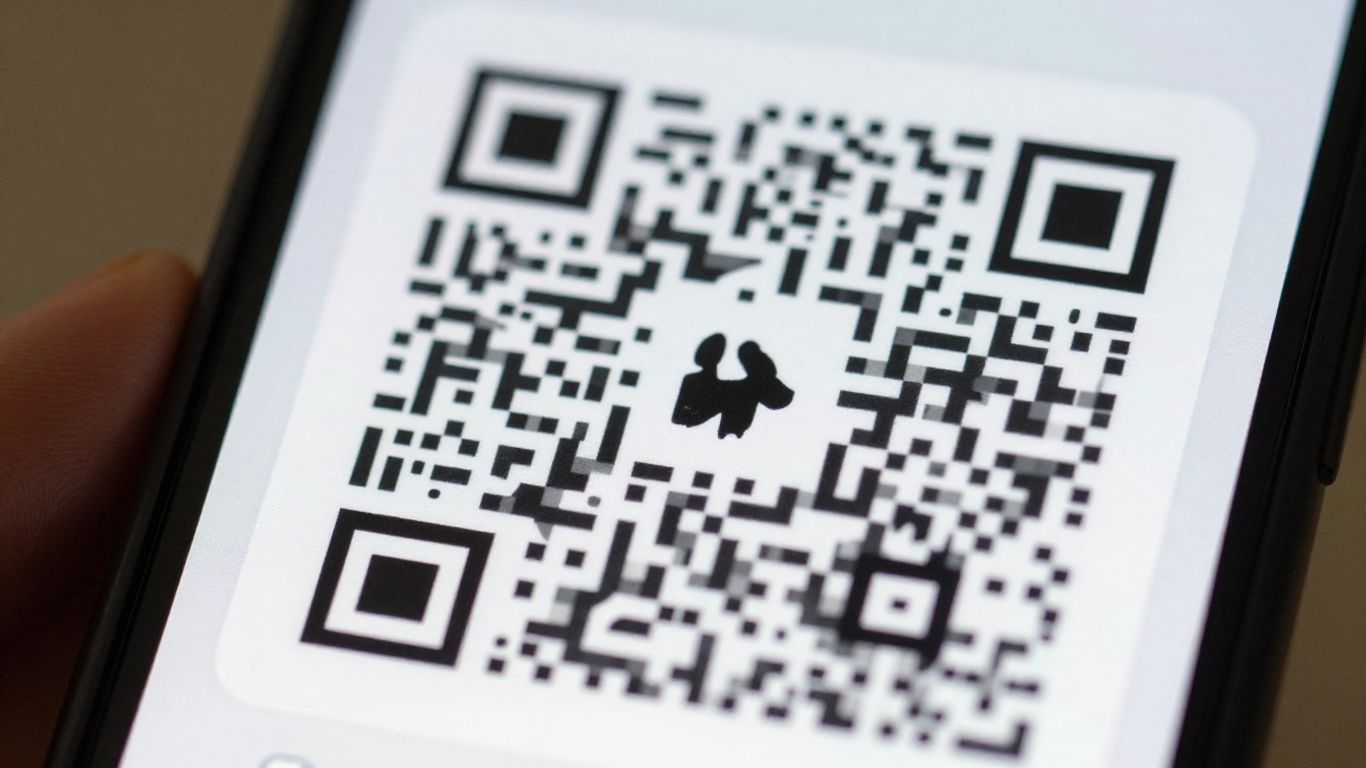
QR codes are incredibly useful for bridging the gap between the physical world and digital information. They’re not just for websites anymore; think about how they can streamline everyday tasks and marketing efforts.
Business Cards and Marketing Materials
Handing out a business card with a QR code is a smart move. Instead of people typing your details into their phone, they can just scan it. This code can link directly to your contact information (a vCard), your website, or even your LinkedIn profile. For flyers and posters, a QR code can lead people to a special offer, a sign-up form, or a video about your product or service. It makes your marketing materials interactive and gives people an easy way to engage further. This immediate connection is key to capturing interest.
Signage and Public Displays
Imagine a shop window with a QR code that links to their online catalogue or current promotions. Or a bus stop ad that takes you straight to the timetable or booking page. This is where dynamic QR codes really shine. If the promotion changes, you don’t need to reprint the entire sign. With a service like Xcan.it, you can update the link behind the QR code without reprinting anything. Plus, you can track how many people are scanning it from that specific sign, giving you real insight into what’s working. This makes your signage much more effective and adaptable.
Product Packaging and Information
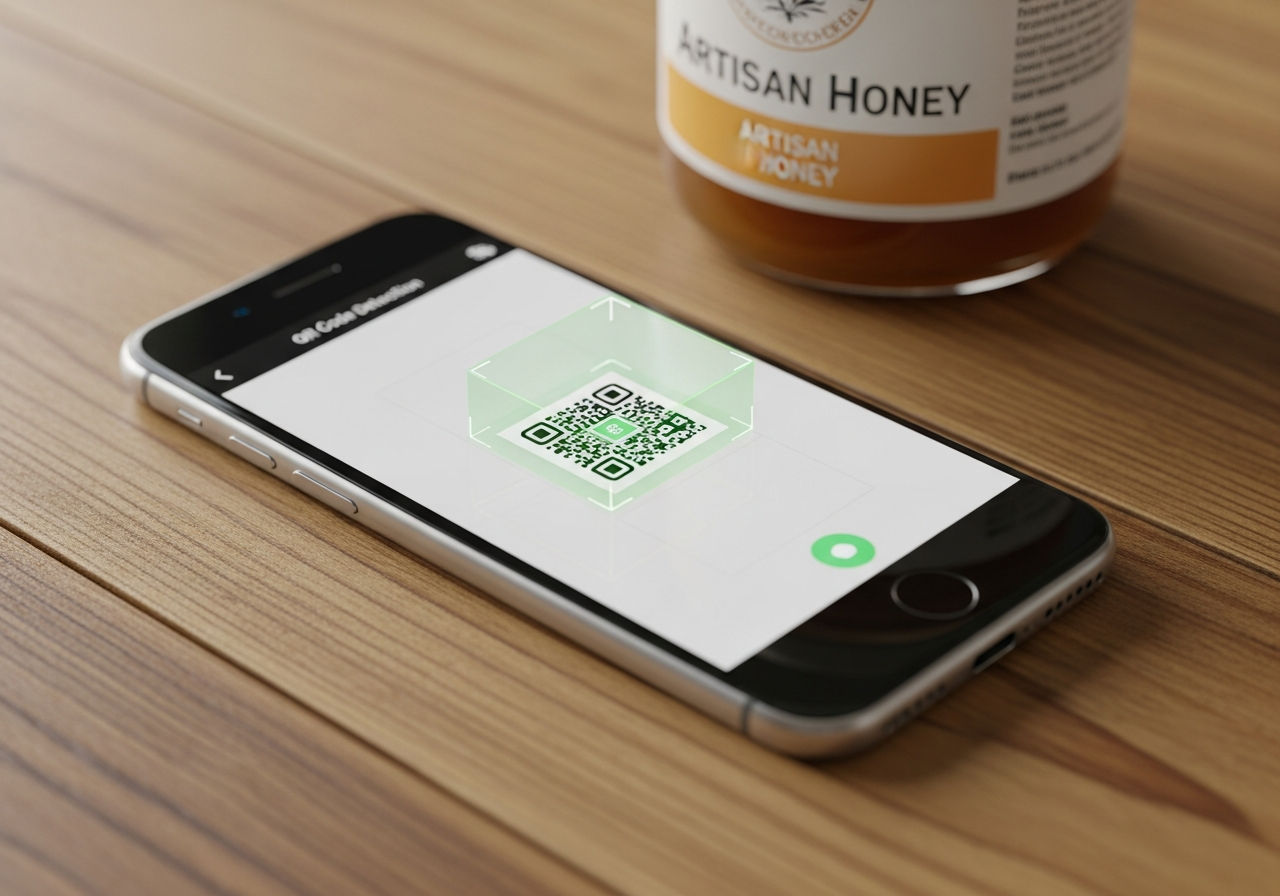
QR codes on product packaging can offer so much more than just a website link. They can lead customers to detailed product manuals, assembly instructions, recipe ideas, or even information about the product’s origin or sustainability efforts. For example, a food product could have a QR code linking to a page with allergy information and serving suggestions. This adds a layer of convenience and transparency for the consumer. It’s a simple way to provide extra value and answer common questions right when the customer needs the information on fruit PLU stickers.
Using QR codes on packaging means you can update information without changing the physical product. This is great for things like seasonal offers or updated safety instructions. It saves on waste and keeps your information current.
Advanced Features for Your QR Code Example
So, you’ve got your basic QR code sorted. But what if you want to do more? This is where the advanced features come in, and honestly, they can make a big difference to how useful your QR codes are.
Adding Your Logo for Branding
Putting your logo right in the middle of your QR code is a neat trick. It makes the code instantly recognisable as yours. Think of it like a stamp of approval. It helps build brand recognition, especially if you’re using the codes on lots of different materials. It’s a simple way to make your marketing materials look more professional and cohesive.
Customising Colours and Shapes
Why stick to black and white when you can have a rainbow? Customising the colours and even the shapes of the QR code’s elements can make them stand out. You can match them to your brand’s colour scheme, making them blend in or pop out as needed. This isn’t just about looks; it can also help with scannability if done thoughtfully. Some generators let you change the ‘eyes’ of the QR code too, giving you even more creative control.
Editable Links for Dynamic Content
This is a game-changer, really. With static QR codes, once you print them, that’s it. If the link changes, you need a whole new code and a new print run. Dynamic QR codes, however, let you change the destination link after the code has been created and printed. This means you can update promotions, website URLs, or contact information without reprinting anything. Platforms like Xcan.it are brilliant for this, allowing you to update links easily from a central dashboard. You can also track how many times your QR code is scanned, giving you insights into what’s working and what’s not. This flexibility is incredibly useful for campaigns that might need adjustments or for information that changes regularly. It’s a more sustainable and efficient way to manage your QR code campaigns across print, signage, and other assets.
The ability to edit a QR code’s destination without reprinting is a significant advantage. It saves time, reduces waste, and allows for real-time campaign adjustments. This makes dynamic QR codes a much smarter choice for most business applications.
Here’s a quick look at why dynamic codes are so useful:
- Flexibility: Change the linked content anytime.
- Tracking: Monitor scan numbers and user engagement.
- Efficiency: No need to reprint when information updates.
- Cost-Effective: Saves money on reprinting materials.
Using a service that supports dynamic QR codes means your campaigns can adapt and evolve, making them more effective in the long run.
Measuring the Success of Your QR Code Example
So, you’ve gone and made a QR code. That’s great! But how do you know if it’s actually doing anything? It’s not enough to just put a QR code out there and hope for the best. You need to see if people are actually scanning it and what happens when they do. This is where tracking comes in.
Think about it: if you put a QR code on a flyer for a sale, you’d want to know how many people saw the flyer, scanned the code, and then maybe bought something. Without tracking, it’s all guesswork. You might be spending time and money on something that’s not really working.
Tracking Scan Data
This is the most basic, but also the most important, part. You need to know how many times your QR code has been scanned. This tells you if people are even noticing it. Are they curious enough to pull out their phone and give it a go? If the numbers are low, it might mean the QR code isn’t visible enough, or maybe the offer isn’t that appealing. Tools like Xcan.it’s dashboard give you a clear overview of your scan numbers, so you can see what’s happening in real-time.
Understanding User Engagement
Just knowing how many scans you get is only half the story. What happens after the scan? Do people click through to your website? Do they spend time on the page, or do they bounce off straight away? Dynamic QR codes are brilliant for this. With Xcan.it, you can see not just the scan count, but also where people are scanning from, what device they’re using, and how long they stay on the linked page. This kind of detail helps you understand if the content you’re linking to is actually interesting to your audience.
Iterating Based on Insights
This is where the real magic happens. Once you have the data from your scans and user engagement, you can start making changes. Maybe a particular placement isn’t getting many scans – you can try moving it or changing the design. If people are scanning but not staying on the page, the content might need a refresh. The beauty of using a service like Xcan.it is that you can update the link behind your QR code without having to print new ones. This means you can tweak your campaigns on the fly, making them better and better based on what the data is telling you. It’s a continuous loop of testing, learning, and improving.
Choosing the Right QR Code Generator
So, you’ve got your QR code content sorted and you’re ready to make it look good. But where do you actually make it? There are loads of QR code generators out there, and picking the right one can feel a bit overwhelming. Let’s break down what to look for.
Ease of Use and Customisation Options
First off, you want something that’s straightforward. Nobody wants to spend hours figuring out complicated software just to create a simple QR code. A good generator should let you design your code with minimal fuss. Think about adding your logo, picking brand colours, and maybe even changing the shape of the dots or the ‘eyes’ of the code. These little touches make your QR code look professional and part of your brand, rather than just a generic black and white square.
Download Formats and Scalability
Once you’ve designed your masterpiece, you need to download it. What formats are available? PNG is great for web use, but if you’re printing, you might need a higher-quality format like SVG or PDF. These allow you to scale the QR code up to any size without losing clarity. Imagine needing a tiny QR code for a business card and a massive one for a billboard – you need a generator that can handle both.
Support for Dynamic QR Codes
This is where things get really interesting. Static QR codes are fine for information that will never change, like a link to your homepage. But what if you want to update the link later? Or track how many people are actually scanning your code? That’s where dynamic QR codes come in. A generator like Xcan.it lets you update the destination link after you’ve printed the code. This is a game-changer for marketing campaigns, event information, or product details that might change. You can also track scan data in a single dashboard, giving you insights into what’s working and what’s not. It means your real-world campaigns across print, signage, and assets can be improved over time without needing to reprint everything. It’s a smart way to make your QR codes work harder for you.
When choosing a generator, think about the long game. Will you need to update links? Do you want to see how many people are interacting with your codes? Opting for a tool that supports dynamic QR codes and provides analytics will save you hassle and provide valuable data down the line.
Picking the best QR code maker can seem tricky. There are lots of options out there, each with different features. Some let you change your QR code after you’ve made it, which is super handy! Others offer different styles to make your code stand out. To find the perfect one for your needs, why not explore the choices on our website? We can help you make the right decision.
Wrapping Up
So there you have it. Generating and using QR codes is pretty straightforward these days, whether you’re just linking to a website or need something a bit more advanced. We’ve seen how easy it is to create them, customise them to look good, and then put them to work in all sorts of places. The real game-changer, though, is the ability to update where a code points to without having to print a new one. It saves a lot of hassle and means your codes can stay useful for longer. It’s a simple bit of tech that can make a real difference in how you connect with people or share information.
Frequently Asked Questions
What exactly is a QR code?
Think of a QR code as a special barcode that a phone camera can read really quickly. It’s like a shortcut that can hold information, such as a website address, contact details, or even a Wi-Fi password. When you scan it with your phone, it instantly takes you to that information or performs an action, like opening a webpage.
What's the difference between a static and a dynamic QR code?
A static QR code is like a one-time use code. The information is baked right into it. If you want to change the link or details, you have to make a completely new QR code and print it again. A dynamic QR code is much more flexible. You can change where it leads even after you’ve printed it, saving you the trouble of reprinting.
Can I put my own logo on a QR code?
Absolutely! Most modern QR code generators let you add your logo right in the middle of the code. This makes it look more professional and helps people recognise your brand. It’s a great way to make your QR codes stand out.
How do I make sure my QR code looks good and matches my brand?
You can usually change the colours of the QR code to match your company’s colours. Some tools even let you change the shape of the little squares or dots, and add a frame with text. This helps create a unique look that fits perfectly with your marketing materials.
Where can I use a QR code example?
QR codes are super versatile! You can put them on business cards, posters, flyers, product packaging, shop windows, menus, or even on digital screens. Anywhere you want to give people a quick way to access more information or a website is a good spot.
What happens if someone tries to scan my QR code and the link is broken?
If you’re using a static QR code and the link breaks, the code won’t work anymore, and you’d have to create a new one. However, with a dynamic QR code, you can simply log into your account and update the link to a new, working one. This means your printed QR codes will always point to the right place, no matter what.