

So, you want to make your Facebook page stand out a bit more? Using a QR code is a smart move. But a plain one? A bit boring, really. Adding your logo to a Facebook QR code generator makes it instantly recognisable. It’s like giving your digital presence a little handshake that says, ‘Yep, this is definitely us!’ We’re going to look at how you can do just that, making sure your brand gets noticed.
Key Takeaways
- A facebook qr code generator with logo helps build brand recognition instantly.
- Customising your QR code with your logo and brand colours makes it unique.
- Placing your branded QR code in the right spots can drive more people to your Facebook page.
- Using dynamic QR codes lets you change the destination link without reprinting.
- Always test your QR code to make sure it scans properly before you use it everywhere.
Crafting Your Branded Facebook QR Code
Understanding the Power of a Facebook QR Code with Logo
Think of a QR code as a digital handshake for your business. When it’s just a plain black and white square, it’s functional, sure, but it doesn’t really say much about you. Now, imagine that same QR code with your logo right in the middle, maybe even in your brand colours. Suddenly, it’s not just a code; it’s a mini billboard for your brand. This little square can be a direct link to your Facebook page, making it super easy for people to find and connect with you. It’s a simple way to bridge the gap between the physical world and your online presence, and it can really make a difference in how people perceive your brand.
Why Your Brand Needs a Customised QR Code
In today’s busy world, standing out is key. A generic QR code is easily overlooked. But a custom one? That’s different. It shows you’ve put thought into your customer’s experience. It’s about making things easy and recognisable. For instance, if you’re putting up posters or handing out flyers, a branded QR code instantly tells people they’re interacting with your business. It builds trust and makes your marketing materials look more professional. Plus, it’s a fantastic way to encourage more people to follow your Facebook page, which is great for building a community around your brand.
The Essential Elements of a Facebook QR Code Generator with Logo
When you’re looking to create a QR code that really represents your brand, you need the right tools. A good generator should let you do more than just paste a URL. You’ll want to be able to:
- Add your logo: This is the heart of brand recognition. Make sure it’s clear and sits nicely within the code.
- Customise colours: Match your brand’s palette to make the QR code instantly recognisable.
- Choose shapes and frames: Go beyond the standard square. A unique shape or a frame with a call-to-action can grab attention.
- Update links later: This is a big one. With dynamic QR codes, you can change where the code leads without having to print new ones. This is where platforms like Xcan.it really shine. They let you update your QR code links without reprinting, track scans in one dashboard, and use dynamic QR codes to improve real-world campaigns across print, signage, and assets. It means your marketing stays flexible and effective, no matter what changes.
Using a platform that offers dynamic QR codes means you’re not just creating a static image. You’re setting up a flexible marketing channel that can be updated and tracked, giving you much more control and insight into how your campaigns are performing.
Designing Your Unique Facebook QR Code
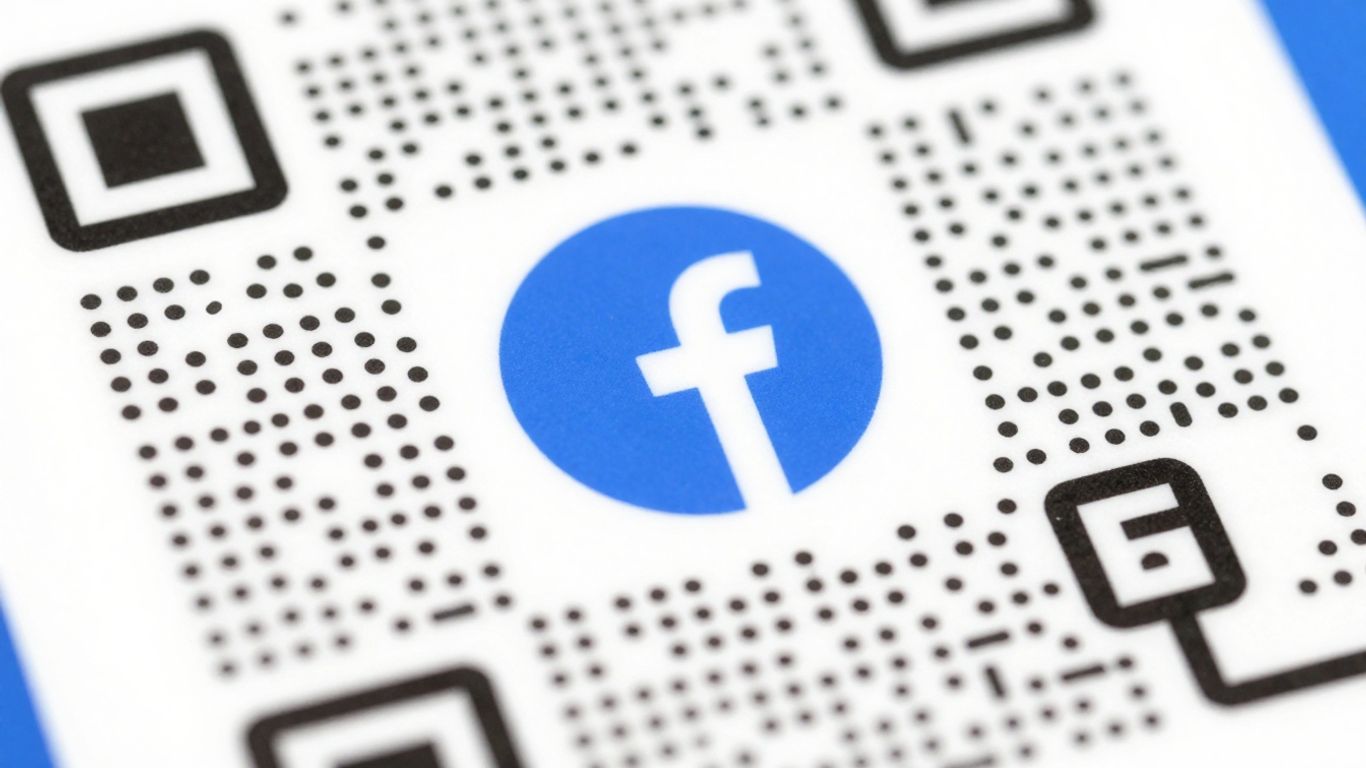
Now that you understand the ‘why’, let’s get to the fun part: making your Facebook QR code look like it belongs to your brand. A generic QR code is like a plain business card – it does the job, but it doesn’t exactly turn heads. We want yours to be memorable and instantly recognisable.
Adding Your Logo: The Heart of Brand Recognition
This is where your QR code really starts to sing. Placing your logo right in the centre of the QR code is the most effective way to build brand recognition. It transforms a functional tool into a mini billboard for your business. Think of it as a digital handshake, instantly familiar and professional. It’s not just about aesthetics; it’s about making that immediate connection.
Colour Palette and Shape Customisation
Don’t be afraid to move beyond black and white. Using your brand’s colours can make your QR code stand out and feel more integrated with your other marketing materials. You can also explore different shapes for the QR code itself or the ‘eyes’ (the square patterns in the corners). Just remember, while customisation is great, maintaining good contrast is key for scannability. Dark colours on a light background generally work best.
Frames and Call-to-Actions for Engagement
Want to give people a nudge? Adding a frame around your QR code with a clear call-to-action (CTA) can significantly boost engagement. Instead of just a QR code, you might have a frame that says ‘Scan to Follow Us!’ or ‘Get Our Latest Offers Here’. This tells people exactly what to expect when they scan, reducing hesitation and increasing the likelihood of a scan. It’s a simple addition that makes a big difference in guiding user behaviour.
Leveraging Your Facebook QR Code Effectively
So, you’ve designed a snazzy Facebook QR code with your logo. Brilliant! But what happens next? Simply having a great-looking code isn’t enough; you need to put it to work. Think of it as a bridge, connecting your physical presence to your online community. The real magic happens when you strategically place it and make it easy for people to engage.
Where to Place Your Branded QR Code
Placement is key. You want your QR code to be visible and accessible to the right audience at the right time. Consider these spots:
- Physical Storefronts: On windows, doors, or near the till. This is prime real estate for attracting foot traffic.
- Marketing Materials: Business cards, flyers, posters, brochures, and even product packaging. Anywhere you’re already communicating with customers is a good place to add a direct link.
- Events and Exhibitions: On banners, stands, or handouts to capture interest from attendees.
- In-Store Signage: Table tents, menus, or information boards can direct customers to your Facebook page for more details or special offers.
- Receipts and Invoices: A subtle way to encourage post-purchase engagement and reviews.
Driving Traffic to Your Facebook Page
Your QR code is a direct pathway. Make sure it leads somewhere valuable. When someone scans your code, they should be taken directly to your Facebook page. This is where they can learn more about your business, see your latest posts, and engage with your content. The goal is to make that transition from scanning to connecting as smooth as possible.
Measuring Success with Scan Analytics
This is where things get really interesting. You’ve put your QR code out there, but how do you know if it’s working? This is where dynamic QR codes truly shine. Platforms like Xcan.it allow you to track scans in one dashboard. You can see how many people are scanning your code, where they’re scanning from (roughly), and even when they’re scanning.
This data is gold. It tells you which placements are most effective. For example, if your QR code on flyers gets way more scans than the one on your shop window, you know where to focus your efforts. You can even update the link behind your QR code without reprinting anything, thanks to dynamic QR codes. This means if your Facebook page URL changes, or you want to direct people to a specific promotion instead, you can do it instantly. It’s about making your real-world campaigns smarter and more adaptable across print, signage, and all your assets.
Choosing the Right Facebook QR Code Generator
So, you’ve got your branded Facebook QR code all designed and ready to go. But how do you actually make it? Picking the right generator is more important than you might think. It’s not just about getting a QR code; it’s about getting one that works well for your brand and your goals.
Key Features to Look For
When you’re sifting through the options, keep an eye out for a few key things. You want a generator that’s straightforward to use, even if you’re not a tech wizard. Customisation is obviously a big one – the ability to add your logo, pick colours that match your brand, and maybe even choose a unique shape for the code itself. But beyond the looks, think about functionality.
- Editability: Can you change where the QR code links to after you’ve printed it? This is a game-changer.
- Tracking: Do you get any data on how many people are scanning your code? Knowing this helps you see what’s working.
- Customisation Options: Beyond just the logo, can you tweak colours, shapes, and add call-to-action text?
- Download Formats: Make sure you can download your QR code in a high-quality format (like SVG or high-resolution PNG) suitable for printing.
The Benefits of Dynamic QR Codes
This is where things get really interesting for businesses. Static QR codes are pretty basic – once they’re made, the link is set in stone. If your Facebook page URL changes, or you want to direct people to a new promotion, you’d have to create and print a whole new QR code. That’s a hassle, especially if you’ve got them on flyers, posters, or even merchandise.
Dynamic QR codes, on the other hand, are much more flexible. They work by linking to an intermediary URL that you control. This means you can update the final destination link anytime without ever needing to reprint the physical QR code. This is incredibly useful for keeping your campaigns fresh and relevant. For example, with a service like Xcan.it, you can update your Facebook page link without reprinting any materials, saving you time and money. Plus, these platforms often let you track scans in one dashboard, giving you insights into your campaign’s performance across print, signage, and other assets.
Free vs. Paid Generator Considerations
There are plenty of free QR code generators out there, and for simple, one-off uses, they can be perfectly fine. You can usually add a logo and pick some basic colours. However, free options often come with limitations. They typically only offer static QR codes, meaning you can’t change the destination link later. You also usually won’t get any scan analytics, so you’re flying blind when it comes to performance.
Paid services, like Xcan.it, usually offer dynamic QR codes as standard. This means you get the flexibility to update links on the fly, which is a huge advantage for marketing. You also get access to detailed scan analytics, allowing you to see how many people are interacting with your QR codes, where they’re scanning from (roughly), and even what devices they’re using. This data helps you understand what’s working and refine your campaigns. For any serious marketing effort, investing in a paid generator that offers dynamic codes and robust tracking is definitely the way to go. It turns your QR code from a simple link into a measurable marketing channel.
Ensuring Scanability and Reliability
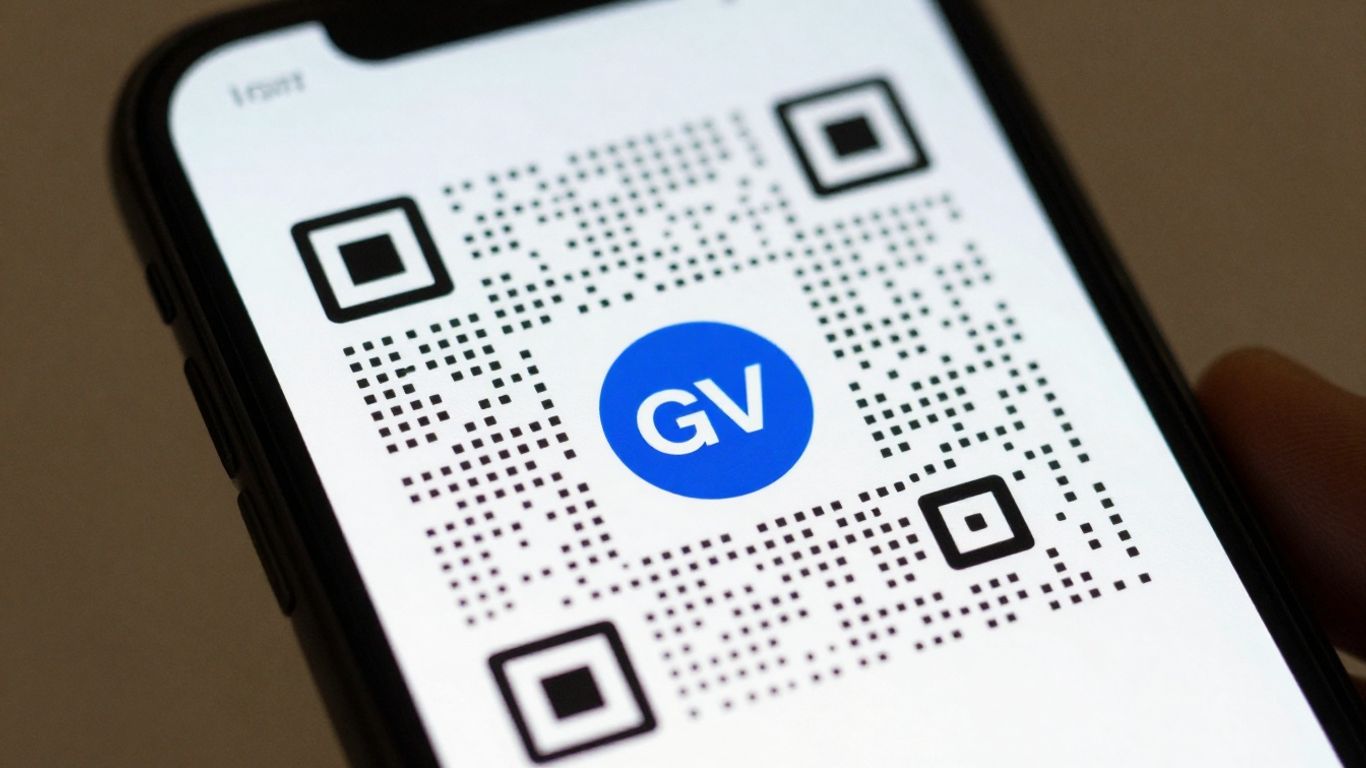
So, you’ve designed a cracking Facebook QR code with your logo. Brilliant! But before you go plastering it everywhere, let’s have a quick chat about making sure it actually works. A QR code that doesn’t scan is about as useful as a chocolate teapot, isn’t it?
Best Practices for Logo Placement
Putting your logo in the middle is a popular choice, and it can look great. However, it’s not just about aesthetics; it’s about function. The key is to keep your logo relatively small and ensure it doesn’t obscure too much of the QR code’s pattern. Think of it like a small, tasteful badge rather than a giant sticker. If the logo is too big, it can interfere with the scanner’s ability to read the data. Most good QR code generators will have a recommended size for logos, and it’s worth sticking to that. It’s also a good idea to use a generator that allows you to choose a higher error correction level when you add a logo. This basically builds in some redundancy, so even if a small part of the code is covered or damaged, it can still be read.
Understanding Error Correction Levels
QR codes have a built-in feature called error correction. This is what allows them to be scanned even if they’re a bit dirty, scratched, or have a logo in the middle. There are usually four levels:
- Low (L): Can recover about 7% of damaged data. Not ideal if you’re adding a logo.
- Medium (M): Can recover about 15% of damaged data. Better, but still might struggle with a prominent logo.
- Quartile (Q): Can recover about 25% of damaged data. A good balance for most branded codes.
- High (H): Can recover about 30% of damaged data. This is your best bet when incorporating a logo or if the code might be placed in a challenging environment.
Choosing a higher error correction level means the QR code will contain more data, making the pattern denser. This is why it’s important to balance this with the size and distance from which the code will be scanned. For most branded QR codes, Level Q or H is recommended.
Testing Your QR Code Before Deployment
This is the bit everyone skips, but it’s probably the most important. Before you print thousands of flyers or order a huge banner, test your QR code. Seriously. Grab a few different phones – an iPhone, an Android, maybe an older model if you have one. Try scanning it in different lighting conditions, too. Does it scan instantly from a reasonable distance? Does it take a few tries? If it’s struggling, don’t just assume it’ll be fine. It’s much easier to tweak the design or regenerate the code now than it is to deal with a failed campaign later. A platform like Xcan.it lets you update your QR code links without needing to reprint anything, which is a lifesaver if you spot an issue or need to change your Facebook page URL down the line. Plus, you can track scans in one dashboard, giving you insights into what’s working and what’s not. Using dynamic QR codes is a smart move for improving your real-world campaigns across print, signage, and all your assets.
Always aim for a dark foreground on a light background. Black on white is the gold standard for reliability. If you’re using colours, make sure there’s a strong contrast ratio of at least 3:1 to meet accessibility standards and guarantee easy scanning.
Making sure your QR codes work every time and are easy to scan is super important. We help you keep things running smoothly so your links are always active. Want to see how we make QR codes dependable? Visit our website to learn more!
Wrapping Up Your Branded QR Codes
So there you have it. Creating a QR code that actually looks like your brand, with your logo and colours, is pretty straightforward these days. It’s not just about making things look nice, though. The real win is being able to change where the code leads without having to print new ones, and knowing how many people are actually scanning it. This means your marketing can stay fresh and effective, no matter what. Give it a go – you might be surprised how easy it is to connect your physical stuff to your digital world.
Frequently Asked Questions
Can I put my own logo on the Facebook QR code?
Yes, absolutely! Most good QR code generators let you upload your own logo to put right in the middle of the code. This makes it look like part of your brand. Just make sure your logo doesn’t cover up too much of the code, or it might not scan properly.
What happens if I change my Facebook page address?
No worries at all! If you use a ‘dynamic’ QR code, you can change where it links to even after you’ve printed it. So, if your Facebook page URL changes, you just update it in the QR code generator, and the old code will still work, pointing to the new address. You don’t need to print new ones!
Will my QR code still work if it gets a bit damaged or dirty?
Good news! QR codes are designed to be tough. They have something called ‘error correction’. This means they can still be scanned even if a small part of them is smudged, scratched, or covered up. Adding a logo can actually help with this if done right, as it uses up some of the code’s data that can be ‘rebuilt’ if needed.
How do I make sure people can scan my QR code easily?
To make sure your QR code scans well, keep the colours simple – a dark pattern on a light background works best. Make sure there’s a bit of clear space (called a ‘quiet zone’) around the code. Also, test it on different phones and in different lighting conditions before you start using it everywhere.
Is it better to use a free QR code generator or pay for one?
Free generators are great for simple, one-off codes. But if you want to add your logo, change the destination later, or track how many people scan it, a paid service is usually better. These ‘dynamic’ QR codes offer more control and useful information for your marketing efforts.
Where's the best place to put my Facebook QR code?
Think about where your customers are likely to see it and want to connect with you. Good spots include your business cards, flyers, posters, shop windows, packaging, or even on your website. Anywhere you want to make it super easy for people to find and follow your Facebook page is a good place!












