
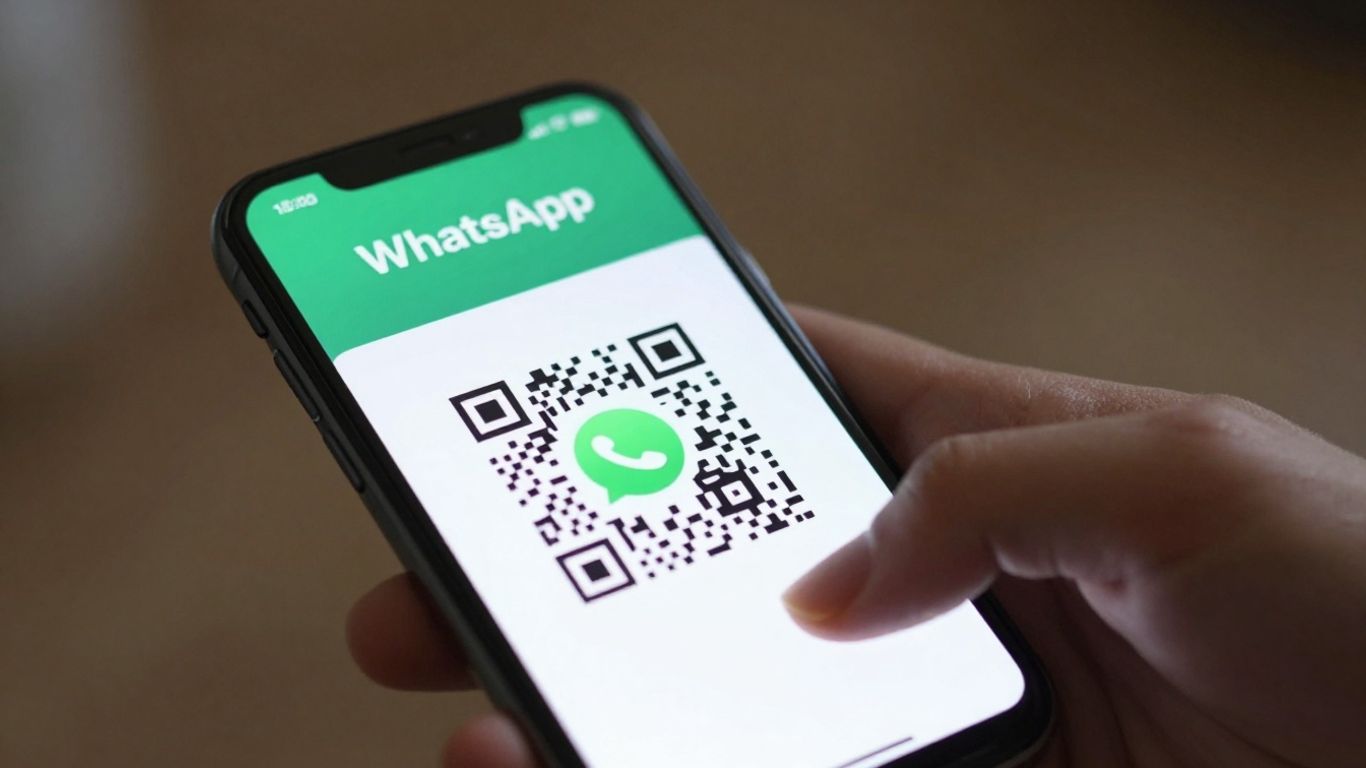
Sharing your contact details can sometimes feel like a bit of a faff, can’t it? You’ve got to remember to put it in their phone, or they’ve got to remember to put yours in. It’s a whole process. But what if there was a simpler way? Enter the WhatsApp QR code. It’s a bit like a digital handshake, making it super easy for people to connect with you instantly. Let’s look at how you can get yours sorted and make swapping contacts a breeze.
Key Takeaways
- A WhatsApp QR code is a scannable image that opens a direct chat with your WhatsApp account.
- You can generate a basic WhatsApp QR code directly within the app or use tools to create one with a pre-filled message.
- Dynamic WhatsApp QR codes are more flexible, allowing you to change the destination link later without reprinting the code and providing scan analytics.
- Placing your WhatsApp QR code on business cards, flyers, posters, or even social media can significantly boost engagement.
- Using a WhatsApp QR code simplifies initial contact, making it ideal for customer service, sales enquiries, and general communication.
Understanding Your WhatsApp QR Code
What Exactly Is A WhatsApp QR Code?
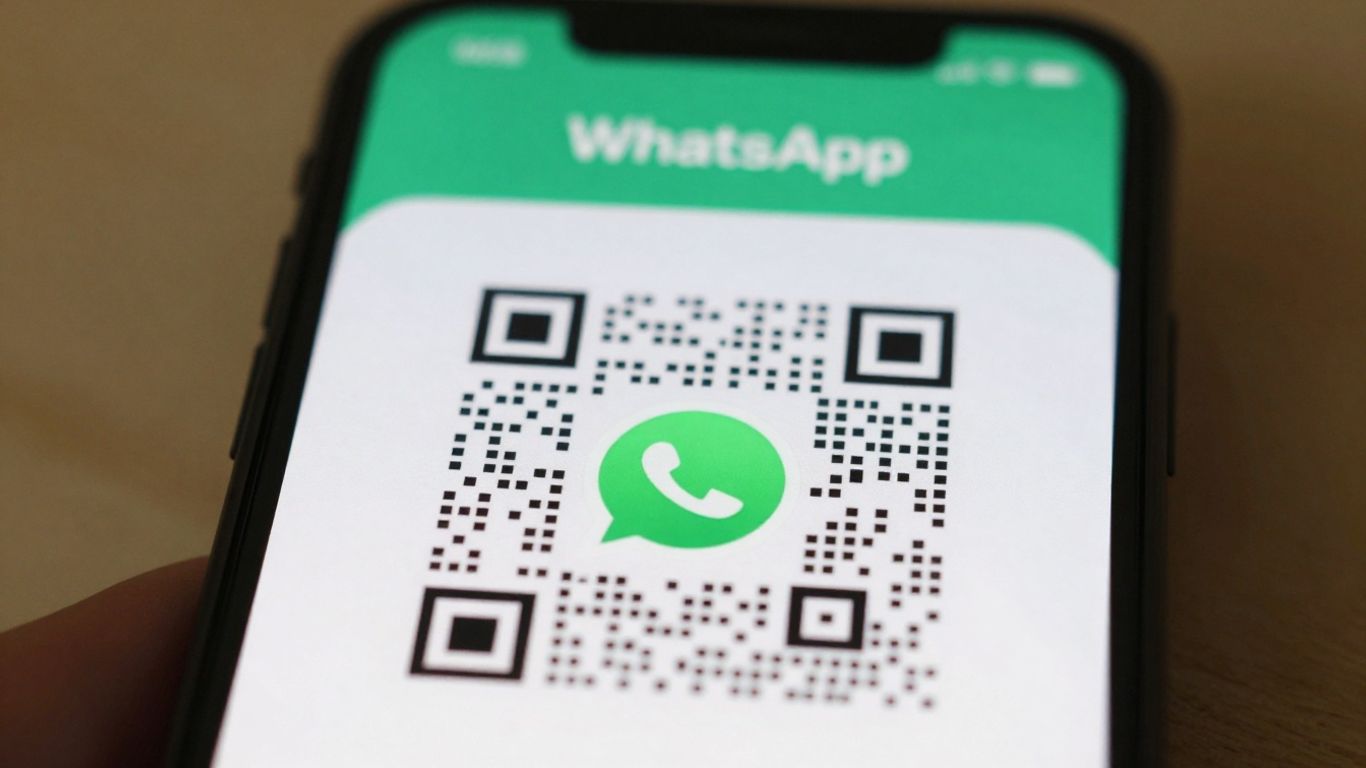
A WhatsApp QR code is essentially a scannable image that, when captured by a smartphone camera, instantly opens a chat window within the WhatsApp application. It’s a clever shortcut that bypasses the need for someone to manually save your contact number or type out your details. Think of it as a digital handshake, ready to start a conversation. It can even include a pre-written message, so the person scanning knows exactly what to say to get the ball rolling.
How Does Scanning A WhatsApp QR Code Work?
Scanning a WhatsApp QR code is remarkably straightforward. Most modern smartphones have this capability built directly into their camera app. You simply open your camera, point it at the code, and a notification will typically pop up, suggesting you open it in WhatsApp. Tapping this notification launches the app, and if a pre-filled message was set up, it appears in the chat box, ready for the user to send with a single tap. It’s a quick and easy way to connect, removing any friction that might otherwise prevent someone from reaching out. You can find more details on how to scan within WhatsApp itself here.
The Benefits Of Using A WhatsApp QR Code
Using WhatsApp QR codes offers a host of advantages for both individuals and businesses. For starters, it significantly simplifies the process of exchanging contact information. No more fumbling for business cards or asking people to repeat their number. It streamlines initial contact, making it faster and more efficient. For businesses, this can lead to improved customer service, as it provides an immediate and direct channel for enquiries. It’s also a fantastic tool for bridging the gap between offline marketing materials and online engagement. For instance, you could place a QR code on a flyer, and someone could instantly start a chat about a product or service they’re interested in. This immediate connection can make a big difference in converting interest into action. Platforms like Xcan.it take this a step further by allowing you to create dynamic QR codes. This means you can update the link or message associated with the QR code without needing to reprint it, which is incredibly useful for marketing campaigns or changing business details. Plus, you can track how many times your QR code is scanned, giving you insights into its effectiveness. This ability to update and track makes your QR codes much more powerful tools for real-world campaigns across print, signage, and other assets.
Generating Your Unique WhatsApp QR Code
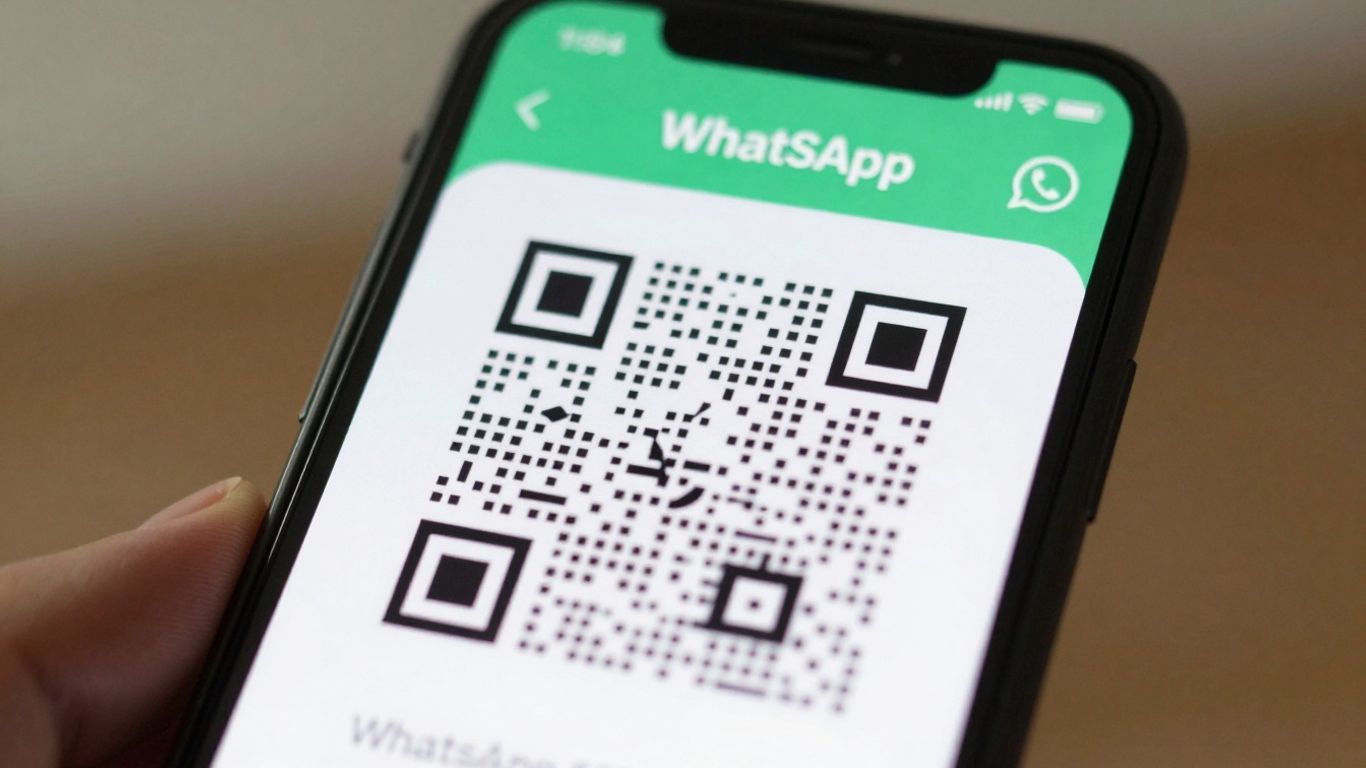
Creating your own WhatsApp QR code is surprisingly straightforward. It’s a quick process that opens up a direct line of communication with your contacts or customers. You can generate a basic code right within the WhatsApp app itself. Just head to Settings, tap the QR code icon next to your name, and there it is! Find your QR code.
But what if you want to add a bit more context? You can actually set up your QR code so that when someone scans it, a pre-filled message appears in their chat window. This is brilliant for guiding the conversation. For example, you could set it to automatically include "Hi, I’d like to enquire about your services" or "I have a question about my order." This saves the scanner time and ensures you get the information you need right from the start. It’s a small touch that makes a big difference in how smoothly interactions begin.
When you’re thinking about creating QR codes, especially for business use, it’s worth considering the difference between static and dynamic codes. Static codes are fixed; once generated, they can’t be changed. If your phone number changes or you want to update the pre-filled message, you’d need a whole new QR code. Dynamic codes, however, offer much more flexibility. Platforms like Xcan.it allow you to create dynamic QR codes. This means you can update the destination link or the pre-filled message at any time without needing to reprint the QR code itself. This is a game-changer for marketing campaigns, signage, or any printed material where details might change. Plus, with Xcan.it, you get a dashboard to track exactly how many times your QR code has been scanned, giving you real insights into what’s working. It’s a smarter way to manage your real-world campaigns across print, signage, and other assets.
Maximising Your WhatsApp QR Code’s Reach
So, you’ve got your WhatsApp QR code ready to go. Now, how do you make sure people actually see it and use it? It’s all about putting it in the right places and making it stand out. Think about where your customers are likely to be and when they might need to get in touch quickly.
Where To Place Your WhatsApp QR Code
Placing your QR code strategically is key. Consider these spots:
- Physical Storefronts: Stick it on your shop window, door, or even the till counter. This is perfect for customers who are already interested and want to ask a quick question about a product or service.
- Marketing Materials: Print it on flyers, brochures, business cards, and posters. This turns static advertising into an interactive channel, allowing people to message you directly for more information or to book an appointment.
- Product Packaging: If you sell physical goods, adding a QR code to your packaging can be a great way for customers to ask about usage, reordering, or provide feedback.
- Receipts and Invoices: A small QR code on a receipt can encourage follow-up questions or reviews, keeping the conversation going after the initial transaction.
- Vehicles and Signage: For service-based businesses, a QR code on a van or work site signage can be a direct line for potential clients to request a quote or ask about availability.
Designing Your QR Code For Impact
While functionality is important, a visually appealing QR code can grab more attention. You can customise the look of your QR code to match your brand. Think about adding your logo in the centre or using your brand colours. This makes it more recognisable and trustworthy. A well-designed QR code feels less like a generic tech tool and more like a part of your brand identity. Remember, even with customisation, ensure there’s enough contrast for scanners to read it easily. Designing custom QR codes can make a big difference.
Promoting Your WhatsApp QR Code Effectively
Don’t just put it out there and hope for the best. Tell people what it’s for! Add a clear call to action next to your QR code, like "Scan to message us about today’s specials" or "Questions? WhatsApp us here." This tells people exactly what to expect when they scan it. For businesses looking to manage multiple QR codes across different locations or campaigns, using a platform like Xcan.it is incredibly useful. It allows you to create dynamic QR codes, which means you can update the destination link without ever needing to reprint the code. This is a game-changer for managing signage, print materials, and other assets. Plus, you get a dashboard to track every scan, giving you insights into what’s working and where. This ability to update and track makes your real-world campaigns much more flexible and effective.
Leveraging Dynamic WhatsApp QR Codes
Static QR codes are fine for simple, one-off uses. But for ongoing campaigns and multi-location operations, dynamic codes are much more practical. They let you change where the QR code points to, even after it’s been printed. This means if your WhatsApp number changes, or you want to test different pre-filled messages, you can do it all without reprinting a single thing.
The Advantages Of Dynamic Codes
Dynamic QR codes offer a level of flexibility that static codes just can’t match. Think about it: you print a batch of flyers with your WhatsApp QR code. A week later, you decide to change the default message to something more seasonal. With a dynamic code, you just log into your dashboard and update the link. The printed code remains exactly the same, but it now directs people to the new message. This is a game-changer for keeping your campaigns fresh and relevant. Plus, you get to see which codes are actually being used and where they’re generating chats from. It’s about making your QR codes measurable assets in your marketing strategy.
Updating Your WhatsApp QR Code Destination
This is where dynamic codes really shine. Services like Xcan.it allow you to update the destination or the pre-filled message of your WhatsApp QR code at any time. So, if you’re running a promotion that ends, or your business hours change, you don’t need to worry about pulling all your old print materials. You simply edit the link associated with the QR code in your account. It’s a huge time and cost saver, especially if you have your QR codes on a lot of different assets like packaging, signage, or even vehicles. This ability to update links without reprinting is a key feature for real-world campaigns across print, signage, and assets.
Tracking Your WhatsApp QR Code Scans
One of the biggest benefits of using dynamic WhatsApp QR codes is the ability to track their performance. Every scan hits a redirect layer first, where the platform logs the interaction. You can then see valuable data in a central dashboard, like how many times a code has been scanned, when, and from where (approximately). This kind of insight is incredibly useful for understanding what’s working and what’s not. You can tag each code by location, campaign, sector, or channel, allowing you to see which placements are generating the most chats. This data helps you refine your messaging and allocate your marketing budget more effectively. It turns a simple QR code into a powerful analytics tool for your business.
Seamless Contact Exchange With WhatsApp
Simplifying the Initial Contact
WhatsApp QR codes are brilliant for making it super easy for people to get in touch. Instead of fumbling for a phone number or trying to remember a website address, a quick scan opens a direct chat. This means no more lost opportunities because someone couldn’t find your contact details. It’s about removing those little hurdles that stop people from connecting.
Enhancing Customer Service Through Chat
Once that chat is open, you can really start building relationships. Whether it’s answering a quick question about a product, taking a booking, or providing support, WhatsApp offers a familiar and immediate channel. It feels less formal than an email and more direct than a phone call, which many customers prefer. This direct line can really make a difference in how people perceive your service.
Integrating WhatsApp Into Your Workflow
For businesses, WhatsApp QR codes aren’t just a novelty; they’re a practical tool. Using a platform like Xcan.it, you can create dynamic QR codes. This is a game-changer because it means you can update where the QR code links to – or the pre-filled message – without ever needing to reprint it. Imagine putting up posters with a QR code, and then deciding to change the offer or the contact number later; with dynamic codes, it’s just a few clicks in your dashboard. This flexibility is invaluable for real-world campaigns across print, signage, and other assets. Plus, Xcan.it provides a dashboard where you can track exactly how many scans you’re getting, giving you real insights into what’s working. It helps turn those offline interactions into measurable results, making your marketing efforts much more effective. You can even integrate these codes with other types, like URL or payment codes, all managed from one place, creating a more connected customer journey. Learn more about QR codes.
The beauty of dynamic QR codes lies in their adaptability. You print once, but you can change the destination or message as often as needed. This saves time, money, and hassle, especially when you’re running multiple campaigns or have physical assets that can’t be easily updated.
Here’s a quick look at how dynamic codes simplify things:
- Update Links Instantly: Change the destination URL or pre-filled message without reprinting.
- Track Scan Performance: Monitor how many people are scanning your codes and from where.
- Campaign Management: Tag codes by location or campaign to see which efforts are most effective.
This level of control and insight is what makes dynamic WhatsApp QR codes such a powerful tool for modern businesses looking to connect with their customers more effectively. It’s about making communication as easy as possible for everyone involved. You can even create a WhatsApp QR code that starts a chat with a pre-filled message, making it even easier for customers to reach out with specific queries.
Sharing your contact details has never been easier. Our system lets you connect with others instantly, just like sending a message on WhatsApp. No more fumbling for business cards or typing out numbers. It’s quick, simple, and keeps everyone in touch effortlessly. Ready to make sharing your info a breeze? Visit our website today to learn more!
Wrapping Up: Making Contact Easy
So there you have it. Sharing your WhatsApp QR code is a really straightforward way to connect with people. It cuts out all the faff of typing numbers or searching for contacts. Just a quick scan and you’re chatting. It’s a simple bit of tech that makes a big difference in how quickly and easily you can get in touch with anyone. Give it a go, and see how much smoother things become.
Frequently Asked Questions
What exactly is a WhatsApp QR code?
A WhatsApp QR code is like a special barcode that, when you scan it with your phone, instantly opens a chat with a specific person or business on WhatsApp. It’s a super quick way to start a conversation without having to type in someone’s number or save them as a contact first.
How do I create my own WhatsApp QR code?
You can easily create your own WhatsApp QR code using WhatsApp Business or through various online QR code generators. These tools let you input your phone number and even add a pre-written message that pops up when someone scans it, making it super convenient.
Can I change where my WhatsApp QR code leads?
Yes, you can! If you use a ‘dynamic’ QR code, you can change the destination link or the pre-filled message even after you’ve printed the code. This is really handy if your contact details change or you want to update the message without having to print new codes.
Do people need the WhatsApp Business app to scan my code?
No, they don’t need WhatsApp Business. Anyone with the regular WhatsApp app on their phone can scan your QR code and start a chat. The business app is just for you, the business owner, to manage your chats and customer interactions more effectively.
What’s the benefit of using a pre-filled message with my WhatsApp QR code?
Adding a pre-filled message is a great way to guide your customers. For example, you could set it to say ‘Hi, I’d like to ask about product X’. This saves them time and helps you understand their query straight away, making conversations smoother and faster.
Can I track how many people scan my WhatsApp QR code?
With dynamic QR codes, you absolutely can! Services that offer dynamic QR codes can track the number of scans, and sometimes even where they came from. This helps you see how effective your QR codes are and where you’re getting the most interest from.












