
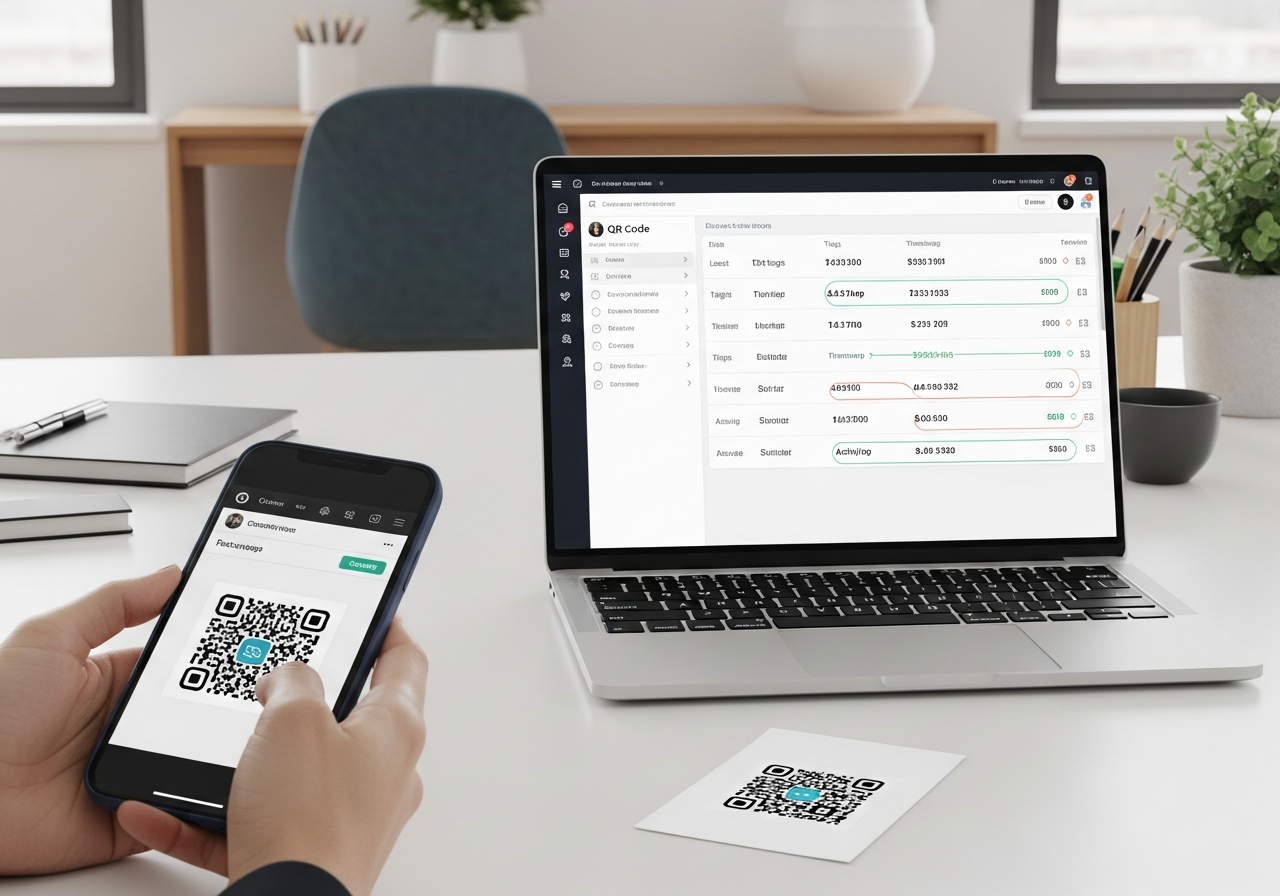
Where can I find QR code services that integrate with CRM systems?
If your QR codes are only sending people to a webpage, you’re leaving value on the table. The real upgrade is using dynamic QR code services that can connect into your CRM (HubSpot, Salesforce, Dynamics 365, Zoho, Pipedrive, or a custom CRM) so a scan can become a trackable lead, an updated contact record, or a triggered follow-up. For businesses across London and Greater London, this is how a poster in Soho, packaging in Camden, event signage in Brixton, or a counter stand in Westfield turns into measurable pipeline — powered by Xcan It’s dynamic QR platform.
💡 Short answer
You’ll find QR code services that integrate with CRM systems by focusing on platforms that offer dynamic QR codes plus at least one of these: native CRM integrations, webhooks / automation connectors, or an API. The best options don’t just “link to a page” — they help you build a QR journey that captures intent, routes visitors into a CRM-friendly flow (forms, bookings, chat, downloads), and then syncs the result into your CRM so sales and marketing can act on it.
Quick facts: what “CRM-integrated QR codes” actually mean
- The QR isn’t “inside your CRM”: the QR code is the entry point. The integration happens via what the scan leads to (landing pages, forms, bookings, chat) and how that action syncs to your CRM.
- Dynamic QR is the foundation: dynamic codes let you change destinations later and measure scan behaviour — essential for long-lived print campaigns and multi-site rollouts.
- CRM capture happens after the scan: a scan alone usually doesn’t create a CRM record unless you intentionally collect data (e.g., a form submit or booking).
- Attribution matters: placement-specific URLs (often with UTMs) help you measure which poster, venue, borough, or channel drove the conversion.
- Automation is where the ROI shows up: when a lead is created/updated, your CRM can trigger follow-ups, tasks, nurture sequences, and pipeline updates.
- Privacy is a design choice: most teams track aggregated scan metrics and only collect personal data when users voluntarily submit it (with clear consent).
- Local context improves results: London campaigns often need separate journeys per location (e.g., Camden vs Croydon) because audiences, footfall, and intent vary.
Complete guide: finding QR code services that integrate with CRM systems (and what to look for)
1) What you’re really buying: a QR platform + a data pipeline
When someone asks, “Where can I find QR code services that integrate with CRM systems?”, they’re usually looking for one (or more) of these outcomes:
- Lead capture: scans turn into new CRM leads (or contacts) you can nurture.
- Data enrichment: scans update existing records (interest tags, location context, product/service intent).
- Lifecycle automation: scans trigger workflows (follow-up emails, SMS reminders, sales tasks, lead scoring).
The QR code is just the “door handle”. The integration happens in the layer behind it: routing, landing experience, data capture, and sync logic.
2) Where to find QR services with CRM integration (the practical shortlist)
In the real world, CRM-connected QR solutions typically live in four places:
- Dynamic QR platforms built for campaigns: designed for scan tracking, destination updates, and managing many codes across teams and locations.
- QR platforms with native CRM marketplace apps: some CRMs list QR-related apps that can create codes and store QR properties on records.
- Automation-first setups: QR journey → form/booking tool → automation (webhooks/Zapier) → CRM. This is common when you want flexibility.
- Enterprise workflows: API-driven integrations for strict governance, data mapping, and custom lead scoring logic.
If a “QR service” only offers static codes with no management layer, it’s not really a CRM integration service — it’s a basic generator.
3) How it works end-to-end (scan → route → capture → CRM)
A high-performing CRM-connected QR journey usually looks like this:
- Step A — Scan: a customer scans a QR on a poster, leaflet, menu, shelf wobblers, event signage, receipts, or packaging.
- Step B — Dynamic routing: the QR routes via a platform so you can track scans and change destinations without reprinting.
- Step C — Landing experience: the visitor reaches a mobile-first page tailored to the placement (offer, booking, form, chat, download).
- Step D — CRM event: an action (form submit / booking / opt-in / request-a-quote) creates or updates a CRM record.
- Step E — Automation: the CRM triggers follow-ups, tasks, lead scoring, and pipeline stage updates automatically.
This matters because most of the business value is on Step D and Step E — not the scan itself.
4) Why CRM-integrated QR matters for London & Greater London businesses
London is dense, fast-moving, and mobile-first — which makes QR a natural bridge between offline attention and online action. But it also means you need measurement and speed. If a scan happens on a busy Tube platform or outside a venue, the follow-up window is short.
CRM integration is the difference between:
- “We printed 5,000 flyers.” (hope-based marketing)
- “We generated 312 qualified leads from three placements in 14 days — and followed up within 10 minutes.” (pipeline-based marketing)
5) Benefits for businesses (beyond “more scans”)
When your QR platform and CRM are aligned, you unlock practical benefits that basic QR generators can’t deliver:
- Clean attribution: understand what actually worked — by venue, borough, channel, or creative variant.
- Faster lead response: scans that turn into CRM events can trigger immediate follow-up (often the difference between a warm lead and a cold one).
- Better segmentation: tag leads by intent and location (e.g., “Brixton venue poster” vs “Soho window display”).
- Update without reprinting: change the destination, offer, or journey logic while keeping the same physical QR in the wild.
- Continuous optimisation: use scan patterns and conversion rates to retire weak placements and scale the winners.
6) The investigative checklist: what to look for in a CRM-ready QR service
If you’re comparing providers, these are the signals that you’re looking at a real CRM integration setup (not just a QR image generator):
- Dynamic QR codes: editable destinations and reliable routing.
- Campaign and placement management: naming, tagging, and organisation that stays readable at scale.
- Reliable analytics: scan tracking plus a clear path to conversion measurement.
- Integration options: native connectors where available, plus webhooks/automation tools or an API for custom workflows.
- Governance & safety: branded domains, HTTPS, permissions, and a practical stance on “QR sticker tampering” risks in busy public spaces.
- Mobile-first landing support: either built-in pages or smooth compatibility with your existing CMS, forms, booking engine, and CRM.
7) How Xcan It’s dynamic QR platform supports CRM-connected journeys
Xcan It is built to make QR codes manageable, trackable, and scalable — the three prerequisites you need before CRM integration can be clean.
With Xcan It, businesses across London and Greater London can:
- Create dynamic QR codes in seconds: route to landing pages, forms, bookings, WhatsApp entry points, content hubs, or product pages.
- Keep print stable while iterating: update destinations without reprinting — perfect for multi-site rollouts and seasonal campaigns.
- Track engagement properly: see scan patterns (time/device/location signals) and compare performance across placements.
- Run controlled experiments: create QR variants for different boroughs or creative versions to see what actually converts.
In short: Xcan It gives you the controlled “middle layer” — while your CRM remains the system of record for the outcomes (leads, bookings, customers).
8) Advanced use cases (where CRM integration gets interesting)
Once you’ve nailed the basics, CRM-connected QR becomes an “offline-to-database” engine:
- Lead scoring from offline intent: score leads differently if they scan a “pricing” QR vs a “newsletter” QR.
- Offline remarketing audiences: route scans to a campaign-tagged landing experience, then retarget visitors with relevant ads.
- Post-purchase onboarding: packaging QR → setup guide → registration → CRM update + warranty/aftercare automation.
- Event pipelines: badge QR → agenda page → session sign-ups → CRM “attendee” lifecycle + personalised follow-ups.
- Multi-venue governance: one brand, many locations — localised journeys without messy reprints or outdated signage.
9) Local examples: London & Greater London (CRM-connected QR journeys)
Here are realistic examples of how businesses around London could use Xcan It’s dynamic QR platform to drive engagement and feed better data into a CRM:
- Soho hospitality group (bookings + loyalty): table QR routes to a mobile booking/loyalty page. Guests who opt in become CRM contacts tagged “Soho – table tent – dinner”, enabling targeted reactivation campaigns.
- Shoreditch fitness studio (trial pass lead capture): window poster QR routes to a short “claim your trial” form. Submissions create CRM leads and trigger a welcome sequence plus a same-day reminder.
- Brixton event venue (ticket + upgrade funnel): poster QR routes to a “Tonight’s show” page with upgrades and mailing list opt-in. Leads are tagged by placement (street poster vs flyer) to measure ROI.
- Camden retailer (post-purchase onboarding): receipt QR routes to care instructions + registration. Completion updates CRM fields (product line, purchase date, consent) and triggers a review request later.
- Westminster service business (appointments): shopfront QR routes to booking. CRM tags “walk-by scan” leads differently from web leads, helping the team optimise staffing and follow-up scripts.
Watch a practical explainer: this video walks through how to track QR codes in GA4 using UTM parameters, which is the measurement layer most teams use alongside CRM outcomes.
Conclusion: choose a dynamic QR service, then connect the journey to your CRM
If your end goal is CRM integration, don’t start by searching for “a QR code.” Start by mapping the journey you want to measure: scan → landing → action → CRM update.
The best QR code services for CRM workflows are the ones that support dynamic routing, campaign organisation, and integration hooks (native apps, webhooks/automation, or API) that turn offline intent into CRM records you can act on.
For London and Greater London businesses, this approach scales cleanly: keep print stable, localise campaigns by borough or venue, and use Xcan It’s dynamic QR platform to track engagement — while your CRM captures what actually matters: leads, bookings, customers, and revenue.
FAQs
What does it mean for a QR code service to “integrate with a CRM”?−
It usually means the QR journey can pass data into your CRM — either through native integrations, automation tools (like webhook-based connectors), or an API. In most cases, the CRM update happens when someone takes an action after scanning (like submitting a form or booking), not at the scan moment itself.
Do I need dynamic QR codes for CRM integration?+
For almost all real business cases: yes. Dynamic QR codes let you update destinations, keep campaigns live long-term, and measure scan behaviour. Static codes can work for tiny one-off uses, but they become brittle as soon as you scale print or need reliable reporting.
Which CRMs work best with QR code campaigns?+
The best CRM is the one your team will consistently use. QR workflows commonly connect into HubSpot and Salesforce, but the same logic works for Dynamics 365, Zoho, Pipedrive, and custom CRMs — as long as you can connect your landing experience (forms/bookings) into the CRM reliably.
Is it safe and privacy-aware to connect QR journeys to CRM records?+
Yes — if you treat personal data as optional and consent-based. Track aggregated scan analytics for optimisation, and only create/update CRM records when users voluntarily submit information (e.g., email, phone, booking details) with clear messaging about what they’ll receive.
What’s the quickest way to get started in London or Greater London?+
Pick one journey that matters (e.g., “Scan to book”, “Scan for a trial pass”, “Scan for a quote”), create a dynamic QR in Xcan It, and route it to a mobile-first landing page with a simple CRM-connected action. Monitor scans and conversions for a few weeks, then expand what works across more sites and placements.
Talk to an Xcan It Specialist
Want QR code services that plug into CRM-ready journeys? We’ll help you design dynamic QR flows with clean analytics and reliable attribution — so your London campaigns generate measurable leads, not just scans.












