
The Complete Guide to Printing QR Code Stickers
Home printing, label sheets, and professional vinyl, explained simply
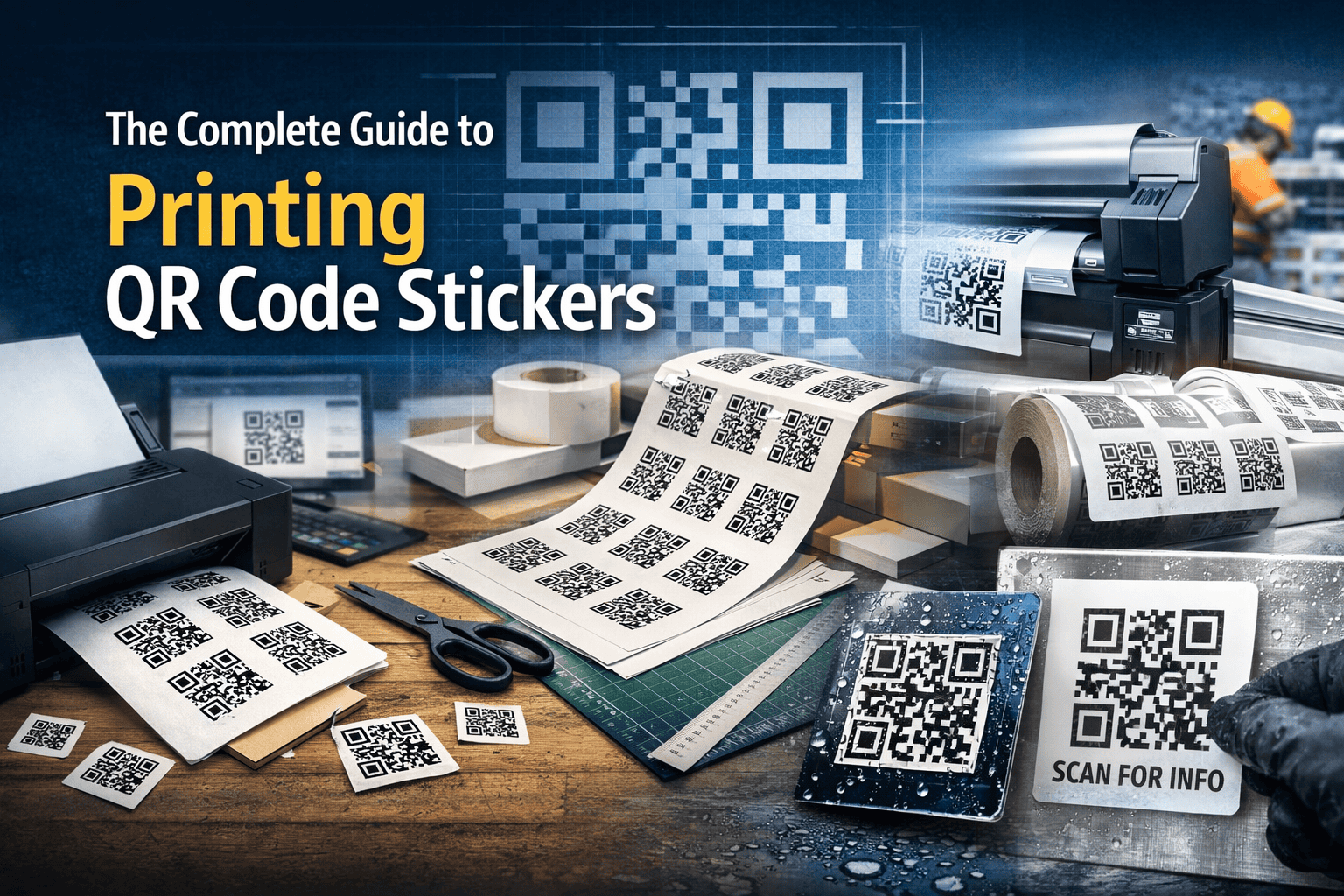
How to print QR code stickers that scan reliably, last longer, and suit real-world use.
QR codes are one of the simplest ways to connect physical locations with digital actions — from opening a website to leaving a review, accessing safety information, or filling in a form.
For most organisations, the most practical way to deploy QR codes is as printed stickers that can be placed exactly where they’re needed.
This guide explains how to print QR code stickers properly, the pros and cons of each printing method, and how to choose the right option based on quantity, environment, and durability.
What This Guide Covers
- Printing QR code stickers at home
- Using pre-cut label sheets
- Professional vinyl and laminated QR code stickers
- Durability, scannability, and sizing considerations
- FAQs about materials, scaling, and unique codes
Option 1: Printing QR Code Stickers on a Home Printer
If you only need a small number of QR code stickers for indoor use, a home or office printer is often the fastest way to get started.
How it works
- Buy self-adhesive paper from a stationery supplier
- Place your QR code into Word, Publisher, or similar software
- Print and cut the stickers by hand
Best for
- Charity events or school fetes
- Temporary signage
- Indoor wayfinding
- Flyers, posters, or noticeboards
Limitations
- Manual cutting is time-consuming
- Alignment varies from sheet to sheet
- Consumer printers struggle with glossy materials
- Not suitable for outdoor or high-handling environments
This approach works well for experimentation or very small runs, but efficiency drops quickly once quantities increase.
Option 2: Printing QR Codes on Pre-Cut Label Sheets
Pre-cut label sheets (from brands like Avery or Bond) are a common next step when quantities increase.
How it works
- Multiple labels are arranged on an A4 sheet
- Labels peel off a waxed backing after printing
- Templates are used to align artwork to label positions
Best for
- 50–500 indoor QR code stickers
- Packaging and fulfilment labels
- Office interiors and windows
Common issues
- Template alignment is often fragile
- Printers introduce slight feed variations
- Incorrect scaling can distort QR codes
- Most labels are paper-based and not weatherproof
This method is effective when layouts are controlled carefully, but it still has physical and technical limits.
Option 3: Professional Vinyl and Laminated QR Code Stickers
For outdoor use, long-term installations, or high-value applications, professional printing is the correct choice.
Laminated paper labels
- Printed on paper, then over-laminated
- Resistant to light splashes and abrasion
- Eventually fail due to moisture absorption
Vinyl QR code stickers
- Waterproof and tear-resistant
- Can be over-laminated for UV and chemical resistance
- Available in multiple durability grades
Typical applications
- Outdoor signage and trails
- Asset tagging (tools, plant, equipment)
- Safety and compliance labels
- Frequently cleaned or handled surfaces
Professional production ensures:
- Accurate registration
- Preserved quiet zones
- Long-term scannability
QR Code Size, Scaling, and Scannability
QR codes scale very well as long as proportions are preserved.
Key points
- Always maintain the quiet zone
- Scaling up improves scan reliability
- Scaling down too far reduces camera resolution tolerance
- Never stretch QR codes non-proportionally
A larger QR code is almost always safer than a smaller one.
Printing Large Volumes of Unique QR Codes (When Each Sticker Is Different)
When each sticker needs its own unique QR code — for example asset tracking, equipment labels, safety compliance, or sequential IDs — manual printing quickly becomes impractical.
This is where many businesses realise they don’t just need printing — they need a QR code solution.
A typical professional workflow looks like this:
- QR codes generated as individual files or from a structured spreadsheet
- Codes data-merged into artwork using professional layout tools
- Jobs imposed and printed in one continuous, controlled run
- Every code checked and verified before production
Done properly, this process dramatically reduces errors and becomes far more cost-effective as quantities increase.
Why this isn’t a “generic online print” job
Most mass-market print platforms are designed for identical artwork repeated thousands of times. They are not built for:
- Thousands of different QR codes
- Sequential numbering or identifiers
- Verification that each code scans correctly
- Understanding how QR codes will be used in the real world
That’s where specialist support matters.
How QR Code Stickers approaches this differently
At QR Code Stickers, printing is only part of the job.
We work as a QR code solutions provider, helping businesses think through:
- What each QR code needs to do
- How the codes will be managed after printing
- Whether codes should be static or editable later
- How labels will be used, cleaned, or replaced over time
Because we generate and manage QR codes as well as print them, we can ensure:
- Codes are structured correctly from the start
- Artwork preserves quiet zones and scan reliability
- Printing methods match the environment and lifespan
- Large, variable runs are delivered accurately and consistently
For asset-heavy, safety-critical, or long-term use cases, this approach avoids the hidden costs of reprints, failed scans, and mislabelled assets.
If you need help generating and printing large volumes of unique QR codes, QR Code Stickers specialises in managing the codes as well as producing the labels.
FAQ's
Generally no. Most home printers are designed for uncoated materials. Gloss labels often cause smudging or poor adhesion unless printed professionally.
Yes. QR codes can be scaled up or down as long as they are resized proportionally and the quiet zone (the blank border around the code) is preserved.
Increasing the physical size of a QR code generally improves scan reliability, especially at a distance or on lower-quality print surfaces. Problems usually occur when codes are scaled down too far, distorted, or cropped too tightly.
Because a standard black-and-white QR code is made up of square modules aligned on a fixed grid (with no rounded corners or gradients), it scales extremely well to large sizes without visible distortion when exported correctly.
When QR codes are downloaded as, or converted to vector files (such as SVG or EPS), they can be enlarged to virtually any size for print without pixelation, making them ideal for posters, signage, boards, and large-format applications.
Pixelation only becomes an issue when QR codes are downloaded as low-resolution bitmap images (such as small PNG or JPG files) and then enlarged beyond their intended size. If you have queston you are welcome to reach out and we will answer any question you have
Yes. The more information a QR code contains, the denser it becomes, which reduces readability and scanning distance.
QR codes store data by increasing the number of small square modules inside the code. A long web address or embedded data creates a denser pattern, making the individual modules smaller and harder for phone cameras to resolve—especially at distance or on lower-quality print.
Using a URL shortener or a redirect-based QR code significantly reduces the amount of data encoded in the QR code. This produces:
- Fewer modules
- Larger individual squares
- Cleaner edges
- Better long-distance and low-light scanning
As a practical example, a well-generated QR code measuring around 250 mm square can be reliably scanned from approximately 15 metres (50 feet) when it contains a short URL and is printed clearly with a preserved quiet zone.
Professionally printed vinyl QR code stickers, ideally with a protective laminate, offer the best durability for outdoor use. They are waterproof, resistant to tearing, and better able to withstand UV exposure, cleaning, and frequent handling.
For small numbers of indoor stickers, a home printer can be sufficient. For medium quantities, pre-cut label sheets offer convenience if layouts are managed carefully. For outdoor, high-value, or long-term use, professionally printed vinyl stickers are usually the best choice.












