

Right then, let’s talk about QR codes. You see them everywhere these days, don’t you? On posters, menus, even on bus tickets. They’re super handy for getting information quickly, but what’s the best way to actually read them on your phone? We’ve had a look at what makes a good qr reader app for 2026, so you don’t have to.
Key Takeaways
- Start with your phone’s built-in camera; it’s usually the quickest and safest option for scanning QR codes.
- If you need a separate app, pick one that doesn’t bombard you with ads or track your activity.
- Look for a qr reader that can handle different types of codes, not just standard QR ones.
- Good apps will show you where a link is going before you open it and warn you about dodgy sites.
- Speed matters – a good qr reader should focus quickly, even in dim light, and work without an internet connection for decoding.
1. Use Your Phone’s Built-In Scanner
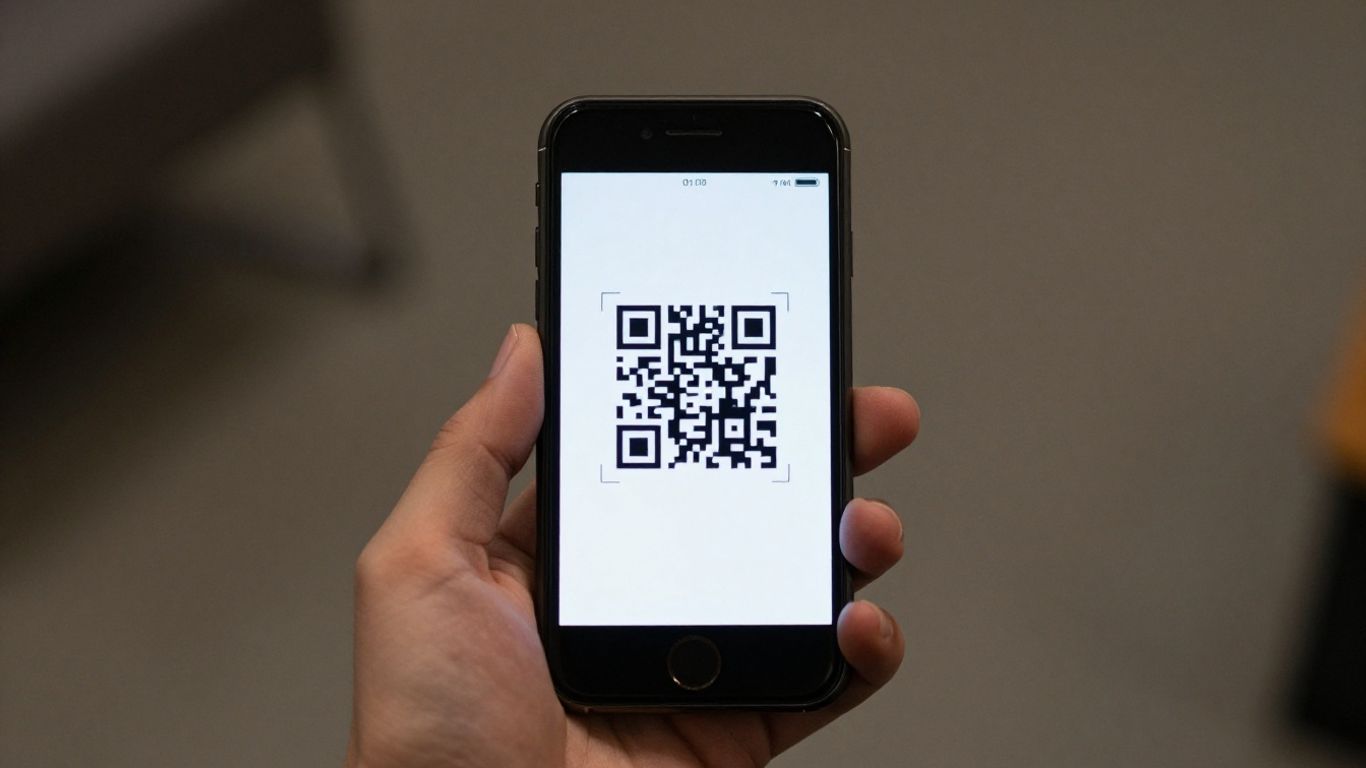
Honestly, the first thing you should try is your phone’s own camera app. Most modern smartphones, whether they’re iPhones or Androids, have this capability built right in. It’s usually the quickest and most straightforward way to scan a QR code, and you don’t need to download anything extra. Just open your camera, point it at the code, and a notification should pop up, letting you know it’s recognised what’s encoded. It’s a simple process that gets you where you need to go without fuss.
For businesses looking to get more out of their QR codes, there’s a whole other level. Tools like Xcan It offer dynamic QR codes, which means you’re not stuck with a static link forever. If your website changes or a promotion ends, you can update the QR code’s destination without having to reprint anything. This is a game-changer for print materials, signage, or even product packaging. Plus, you get a dashboard to track how many scans you’re getting, and from where. It turns a simple QR code into a measurable part of your marketing efforts, helping you understand what’s actually working in the real world.
Using your phone’s native camera is generally the safest bet. It avoids the need for third-party apps that might collect your data or bombard you with ads. Plus, they’re designed to be fast and reliable for everyday use.
2. Choose A Reader That Respects Privacy
When you’re picking a QR code reader app, it’s really important to think about your privacy. Not all apps are created equal, and some might collect more data than you’re comfortable with. Look for apps that are upfront about their data handling and have clear privacy policies.
It’s a good idea to choose readers that show you where a link is going before you open it. This way, you can spot suspicious URLs and avoid potential scams. Some apps even offer extra safety checks, which is always a bonus. If you’re using QR codes for marketing or business, tools like Xcan.it offer a way to manage your links effectively. You can update QR code links without needing to reprint them, which is a huge time-saver. Plus, they let you track scans from a single dashboard, giving you insights into how your campaigns are performing across print, signage, and other physical assets. This is especially useful when using dynamic QR codes, as it allows for flexibility and better campaign management.
Here’s what to keep an eye out for:
- URL Previews: Always see the destination before you click.
- No Unnecessary Permissions: Does the app need access to your contacts or location? Probably not.
- Clear Privacy Policy: Understand what data is collected and how it’s used.
- Ad-Free Experience: Ads can sometimes be a vector for tracking or malware.
Choosing a reader that values your privacy means you can scan with confidence, knowing your personal information is less likely to be compromised. It’s about having a secure and straightforward experience every time you scan.
For a more robust solution, especially if you’re managing multiple campaigns, consider platforms that offer advanced features. Xcan.it, for example, allows you to update QR code links on the fly without reprinting, track scan data in a centralised dashboard, and utilise dynamic QR codes to optimise real-world campaigns across print and signage. This level of control and insight is invaluable for businesses looking to get the most out of their QR code trends in 2026. When comparing different QR code generators, it’s wise to test their functionality and review their privacy policies to make an informed choice.
3. Look For Multi-Format Support
While QR codes are everywhere, they aren’t the only type of scannable code out there. For a truly versatile reader, you’ll want one that can handle a variety of formats. This means it should be able to read not just standard QR codes, but also others like Data Matrix, PDF417, and Code 128. These different formats are commonly used for things like product packaging, event tickets, and shipping labels, so having support for them means your chosen app can handle a much wider range of scanning tasks without you needing to switch apps.
A good multi-format scanner ensures you’re covered, whether you’re scanning a menu at a restaurant or a barcode on a product in a shop.
For businesses looking to get the most out of their QR codes, services like Xcan.it offer advanced capabilities. They allow you to update QR code links without needing to reprint them, which is a huge time-saver and cost-effective. Plus, you can track scans directly from a dashboard, giving you valuable insights into campaign performance. Using dynamic QR codes through a service like this can really improve your real-world campaigns, whether they’re on print materials, signage, or even physical assets. This level of control and insight is invaluable for making your marketing efforts more effective. You can find more information on different QR code formats and how they’re used.
4. Safety Checks And URL Previews
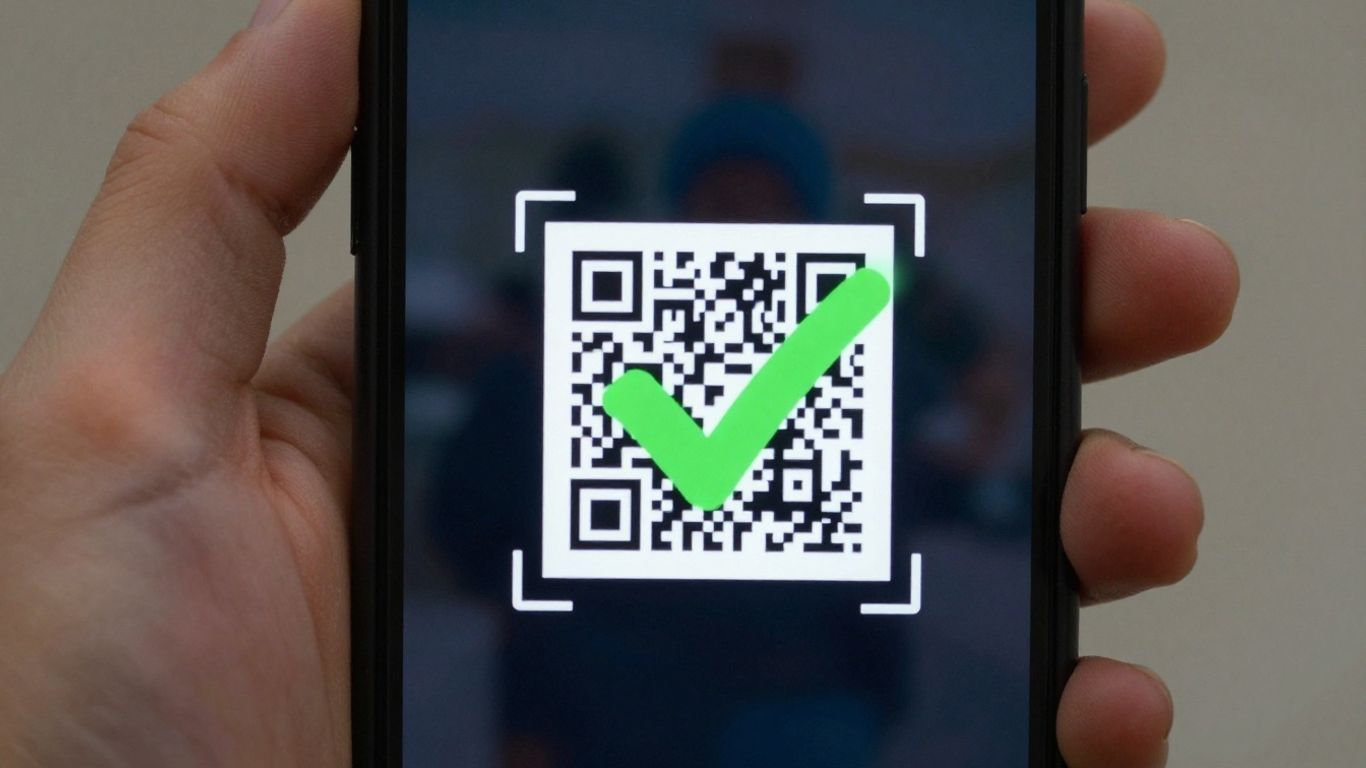
When you scan a QR code, especially one you’ve found out in the wild, it’s always a good idea to know where it’s going before you commit to opening it. Most decent QR reader apps will show you the destination URL first. This gives you a chance to check if it looks legitimate or if it’s something a bit dodgy. Some apps even go a step further and have built-in safety checks that can warn you about suspicious links, which is a nice bit of extra peace of mind.
It’s also worth considering tools that offer more than just basic scanning. For instance, Xcan.it allows you to update QR code links without needing to reprint them, which is a real lifesaver for campaigns. You can also track scans from a single dashboard, giving you insights into how your QR codes are performing. Plus, their dynamic QR codes are brilliant for improving real-world campaigns across print, signage, and other assets, letting you adapt your messaging on the fly.
Here’s what to look out for:
- URL Previews: Always see the destination before you click.
- Link Warnings: Get alerted to potentially harmful sites.
- Tamper Checks: Be wary of codes that look out of place or damaged.
The ability to preview a URL before opening it is a simple but effective way to avoid accidental clicks on malicious sites. It’s a feature that should be standard on any good QR reader.
5. Offline Decoding Capabilities
It’s a real pain when you’re trying to scan a QR code, maybe for a train ticket or a menu in a cafe with dodgy Wi-Fi, and your phone just says ‘no signal’. That’s where offline decoding comes in. This feature means the app can read and understand the QR code’s information even when you’re not connected to the internet. It’s not magic; the app just processes the data on your device. You’ll still need an internet connection to actually open the link or access the information, but at least you’ll have the data ready to go the moment you get signal back. This is super handy for travel, or anywhere you might find yourself with a weak or non-existent connection.
For businesses looking to make their real-world campaigns more effective, tools like Xcan.it offer a significant advantage. They allow you to update QR code links without needing to reprint anything, which saves a lot of hassle and money. Plus, you can track scans in one central dashboard, giving you real insights into how your campaigns are performing. Using dynamic QR codes means you can adapt your marketing on the fly, improving engagement across print, signage, and all sorts of physical assets. It’s about making those QR codes work harder for you, even when your customers are offline.
Having offline decoding means you’re never left hanging when you need to capture information quickly. It’s a simple but really useful feature that makes QR scanning much more reliable in everyday situations.
Here’s why it’s so useful:
- No more ‘no signal’ frustration: Capture information even when you’re underground, on a plane, or in a remote location.
- Prepare for later: The app stores the decoded information, ready for you to act on it when you’re back online.
- Efficiency boost: Saves time by allowing you to scan and move on, rather than waiting for a connection.
The ability to decode QR codes without an internet connection is a quiet hero feature. It ensures that the core function of reading the code works reliably, regardless of your current network status. This makes your scanning experience smoother and more dependable, especially when you’re on the go.
6. Performance: Autofocus And Low-Light Boost
When you’re out and about, the last thing you want is a QR reader that makes you fiddle around. A good app should lock onto a code quickly, even if the lighting isn’t perfect. Think about scanning a menu in a dimly lit restaurant or a poster on a sunny day – the app needs to handle that. Fast autofocus and a low-light boost are key features that make scanning a breeze.
Some apps really shine here. They use clever algorithms to adjust focus rapidly, so you’re not left waving your phone around trying to get a clear picture. This is especially helpful for smaller QR codes or those printed on slightly reflective surfaces. It means less frustration and more getting on with your day.
For those who use QR codes for business or marketing, the performance of the scanner is directly tied to user experience. Tools like Xcan.it offer dynamic QR codes, which means you can update the link or information behind the code without ever needing to reprint it. This is a game-changer for campaigns. Plus, you get a dashboard to track how many times your codes are scanned, giving you real insights into what’s working across print, signage, and other physical assets. It’s about making those real-world connections as smooth and effective as possible.
7. Ad-Free And Tracking-Free Experience
When you’re picking a QR code reader app, it’s really important to think about what you’re getting into. Some free apps are packed with ads, which can be annoying and slow things down. Even worse, some might be tracking your usage without you even knowing it. That’s why choosing an app that’s completely ad-free and doesn’t track your data is a smart move. It means a cleaner, faster experience and peace of mind.
For those who use QR codes a lot, especially for business or marketing, you’ll want something more robust. Tools like Xcan.it offer a way to manage your QR codes effectively. You can actually update the link behind a QR code without having to reprint it – imagine the time and money saved on signage or print materials! Plus, you get a dashboard to track exactly how many scans you’re getting and where they’re coming from. This kind of insight is gold for improving your campaigns, whether they’re on posters, business cards, or product packaging. They also offer dynamic QR codes, which are super flexible for real-world promotions.
Here’s what to look for in a good reader:
- No intrusive ads: A clean interface makes scanning quicker and less frustrating.
- Privacy first: Avoid apps that request unnecessary permissions or collect your data.
- URL previews: See where a link goes before you commit to opening it.
- Tracking capabilities (optional): If you’re running campaigns, knowing your scan data is vital.
Choosing an app that respects your privacy and doesn’t bombard you with ads is key for a smooth and secure scanning experience. For more advanced needs, consider platforms that offer dynamic QR codes and detailed analytics to truly understand your campaign performance.
8. Multi-Format Support (QR, Data Matrix, PDF417, Code 128)
While QR codes are everywhere, they’re not the only game in town. A good QR reader app should be able to handle a variety of barcode formats, not just the ubiquitous QR. Think about Data Matrix codes often found on electronics, PDF417 used for things like airline tickets and driver’s licenses, and Code 128, which is common in logistics and retail for product identification.
Having an app that supports these different formats means you’re covered for almost any scanning situation you might encounter. It saves you from having to switch between different apps or wondering why a particular code won’t scan.
For businesses, this versatility is a real plus. Tools like Xcan.it allow you to create dynamic QR codes that can be updated even after they’ve been printed. This means you can change a link or update information without having to reprint everything, which is a massive time and cost saver. Plus, you get a dashboard to track scans and see how your campaigns are performing across print, signage, and other assets. It really helps in understanding what’s working and refining your approach.
Here’s a quick look at some common formats and their uses:
- QR Code: The most common, used for website links, contact info, Wi-Fi credentials, and more.
- Data Matrix: Smaller than QR codes, often used for marking small items like electronic components or pharmaceuticals.
- PDF417: A stacked 2D barcode, frequently seen on boarding passes, ID cards, and shipping labels.
- Code 128: A linear barcode that can encode all 128 ASCII characters, widely used in inventory management and shipping.
Choosing a reader that handles these formats means you’re prepared for anything, from scanning a concert ticket to checking the details on a product’s packaging. It’s about having one reliable tool for all your scanning needs, making life just that little bit simpler.
9. Quick Focus And Glare Handling
Nobody likes fumbling with their phone to get a QR code to scan. The best readers, and even your phone’s built-in camera, are designed to lock onto codes quickly, even in tricky lighting. This means less wiggling your phone around and more instant access to whatever the code is linking to.
A good QR reader should have a fast autofocus system and be able to compensate for less-than-ideal lighting conditions. This is especially important if you’re scanning codes on the go, perhaps on a menu in a dimly lit restaurant or a sign in bright sunlight. Some apps even have a low-light boost feature to help capture codes that would otherwise be too dark to read.
For businesses using QR codes in their campaigns, this speed and reliability are key. Tools like Xcan.it allow you to create dynamic QR codes. This means you can update the link behind the QR code without having to reprint anything – a huge time-saver and cost-reducer. Plus, with Xcan.it’s dashboard, you can track how many times your QR codes are scanned, giving you valuable insights into campaign performance across print, signage, and other physical assets. This ability to update and track makes your real-world campaigns much more effective and responsive.
When choosing a reader, look for one that focuses rapidly and handles glare well. This ensures a smooth experience every time you need to scan a code. It’s a small detail, but it makes a big difference in how useful a QR reader actually is.
10. URL Preview And Blocking Risky Links
When you scan a QR code, the most immediate risk is being directed to a malicious website. This is where a good QR reader truly shines. It should always show you the destination URL before it opens, giving you a chance to decide if it looks legitimate. This simple step can prevent you from landing on a phishing site designed to steal your details or downloading malware. Some advanced readers even have built-in safety checks that can warn you about suspicious links or known scam sites, adding an extra layer of protection against emerging threats [3324].
For businesses and marketers, the ability to manage and update QR code links is incredibly powerful. Services like Xcan.it allow you to create dynamic QR codes. This means you can change the destination URL at any time without needing to reprint the QR code itself. Imagine updating a special offer on a poster or changing an event link on signage – all done remotely. Plus, you can track scans in a dedicated dashboard, giving you insights into how your real-world campaigns are performing across print, signage, and other assets. This flexibility is key for improving engagement and ensuring your campaigns stay relevant [43b8].
Here’s why this feature is so important:
- Prevents Phishing: A clear URL preview lets you spot fake websites before you visit them.
- Avoids Malware: It helps you steer clear of sites that might try to infect your device.
- Empowers Users: You gain control over where you go online after a scan.
- Dynamic Updates: Businesses can change destinations without reprinting physical materials.
- Campaign Tracking: Monitor the effectiveness of QR codes in different locations or campaigns.
The convenience of QR codes is undeniable, but it’s crucial to remember that the code itself is just a pointer. The real danger lies in where that pointer leads. Always be vigilant and use tools that offer transparency and safety checks.
Keeping your online space safe is super important. Our tools help you spot and block dodgy links before they cause trouble. Want to learn more about how we keep things secure? Visit our website today to discover how we protect you!
Wrapping Up
So there you have it. Finding the right QR reader app for your phone doesn’t need to be complicated. Most of the time, your phone’s built-in camera will do the job perfectly well. But if you’re after something a bit more, remember to look for speed, privacy, and the ability to read different types of codes. It’s all about making that connection between the physical and digital world as smooth as possible. Happy scanning!
Frequently Asked Questions
Do I need a special app to scan QR codes?
Not usually! Most modern smartphones have a built-in QR scanner in their camera app. Just open your camera and point it at the code. If your phone doesn’t have this, or you need more features, then a separate app might be handy.
Are free QR code scanner apps safe to use?
Many free apps are perfectly fine, but it’s wise to be cautious. Look for apps that don’t ask for too many permissions, show you where a link is going before opening it, and ideally, don’t have lots of annoying ads. Sticking to your phone’s built-in scanner is often the safest bet.
Can QR code scanners work without an internet connection?
Yes, most QR code readers can recognise and decode the information in a QR code even when you’re offline. However, you’ll still need an internet connection to actually visit any website or access any online content that the QR code links to.
What happens if a QR code is damaged or unclear?
If a QR code is a bit smudged, scratched, or not well-lit, a good scanner app will try its best to read it. Apps with features like autofocus and low-light enhancement are better at handling these tricky situations. Sometimes, just adjusting the angle or lighting can help!
Can QR code readers scan more than just QR codes?
Absolutely! Many good QR reader apps can also scan other types of codes, like Data Matrix, PDF417, and Code 128. This is really useful if you encounter different kinds of codes on things like tickets, packaging, or ID cards.
How can I tell if a QR code link is safe to open?
The best QR scanner apps will show you a preview of the web address (URL) before they open it. This gives you a chance to check if it looks suspicious. If an app doesn’t offer this, or if the link looks odd, it’s best not to tap on it.












