
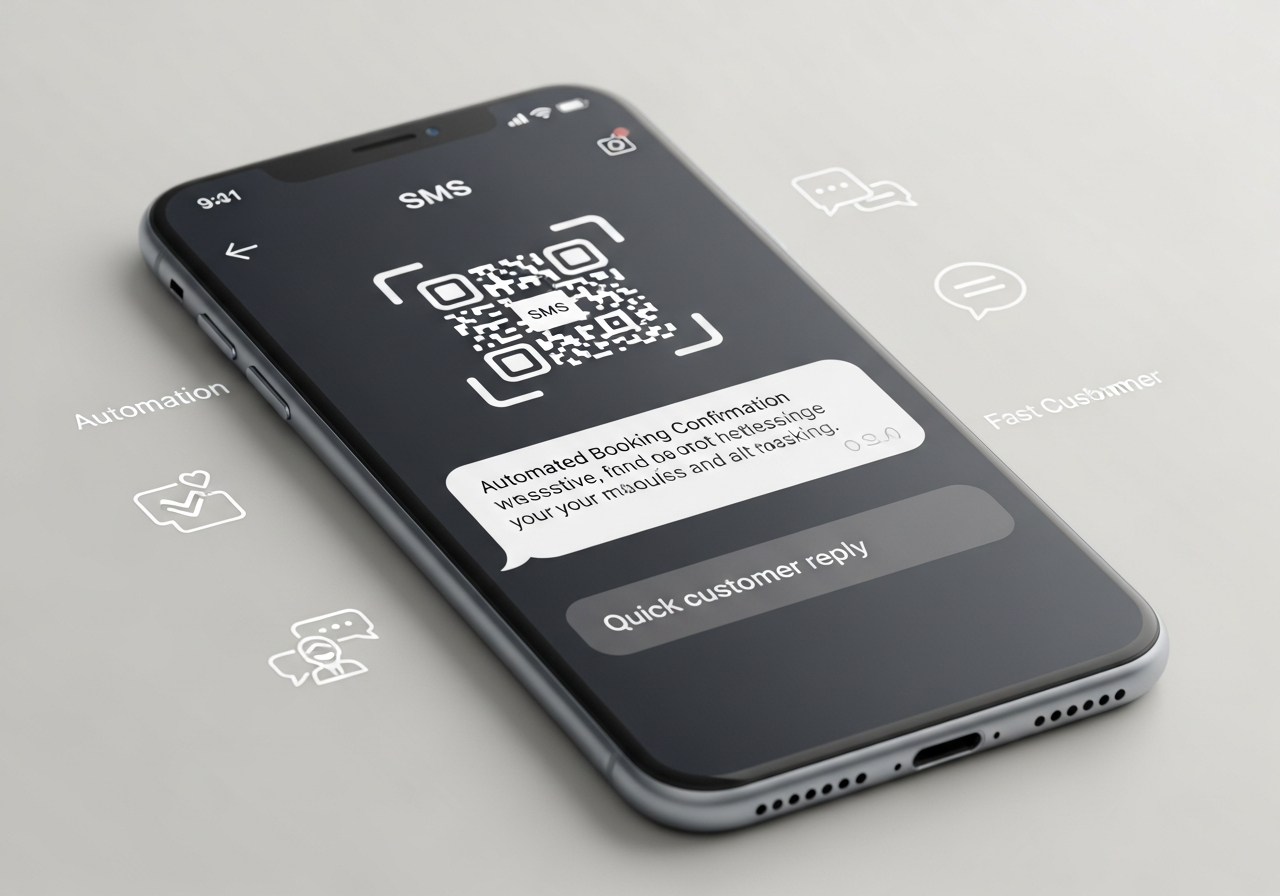
SMS QR Codes: The Fastest Way to Automate Bookings and Customer Replies
When someone is ready to book, ask a question or confirm an appointment, every extra step loses people. SMS QR codes remove those steps. A single scan opens the messaging app with your number and a pre-written text already filled in — the customer just taps “Send”. Across Liverpool and Merseyside, that simple pattern is helping restaurants, salons, clinics and trades automate bookings, confirmations and replies without adding more staff or complicated apps.
💡 Short answer
An SMS QR code is a QR code that, when scanned, opens a user’s messaging app with your phone number and a pre-filled text message ready to send. It’s ideal for instant bookings, enquiries, confirmations, and opt-ins. In Liverpool and across Merseyside, sectors like hospitality, healthcare, beauty, events and home services use SMS QR codes on posters, menus, tickets and leaflets so people can book or reply in two taps. When you generate them through Xcan It’s dynamic QR platform, you also see when and where each code is scanned — turning every SMS into measurable demand, not just another message in your inbox.
Quick facts: how SMS QR codes work
- Opens the SMS app: scanning the QR launches the default texting app on the user’s phone.
- Pre-fills details: your business number and a template message are already filled in — the user taps “Send”.
- Works even on slow data: the interaction is mostly handled by the phone’s messaging app, not the browser.
- Perfect for bookings & confirmations: think “Text BOOK to reserve”, “Text YES to confirm”, or “Text HELP for support”.
- Easy to integrate: SMS replies can plug into booking systems, CRMs or support workflows.
- Trackable with Xcan It: dynamic SMS QR codes let you see scan patterns by location, campaign and time.
What SMS QR codes are — and why Liverpool businesses are leaning on them
1) What is an SMS QR code?
An SMS QR code is a QR code that triggers a ready-to-send text message. Instead of taking people to a website, it starts a conversation in their messaging app.
Under the surface, the QR stores something like:
- Your number — e.g. a Liverpool landline or mobile
- A short message template — e.g. “BOOK”, “YES”, “APPOINTMENT”, or “Table for 2 at 7pm”
When the code is scanned:
- The phone opens the SMS app
- It auto-fills the recipient (your business)
- It auto-fills the message content
- The customer checks it and taps “Send”
The result: people can book, confirm or enquire in seconds without navigating a website, waiting on hold, or typing long messages on a busy Liverpool pavement or crowded train.
2) Why SMS QR codes fit Merseyside’s service-led economy
Across Liverpool and the wider Merseyside area, many businesses are built around appointments, bookings and quick decisions:
- Bars and restaurants from the city centre to the Baltic Triangle and Albert Dock
- Hairdressers, barbers and salons along Bold Street, Smithdown Road and beyond
- Clinics, dental practices and physios
- Gyms, PT studios and yoga spaces
- Trades and home services operating across Merseyside neighbourhoods
- Event organisers and venues around the waterfront and cultural quarter
For these teams, the “dream action” is rarely a website visit — it’s a booking or a reply. SMS QR codes match that reality. They let people commit on the spot with a pre-written text, even if they’re on the go, low on data, or reluctant to fill out a full form.
3) How SMS QR codes work (step by step)
From the customer’s point of view, the process is simple:
- They see a QR code on a menu, poster, loyalty card, ticket, vehicle or flyer.
- They scan it with the camera on their phone.
- The messaging app opens with your number and a pre-filled SMS (for example “BOOK” or “I’d like to reserve a table for 2 at 8pm”).
- They tap “Send”.
- Your team or booking system handles the message, sends confirmation, and updates your calendar.
When you use Xcan It, there’s an extra layer before the SMS trigger: the scan passes through the dynamic platform, which can log the scan and apply routing rules before the SMS action happens. That’s the difference between “people are texting us” and “we know which QR codes are generating those texts”.
4) Key sectors in Liverpool using SMS QR codes
From on-the-ground research with service businesses and marketing teams, several sectors stand out as natural fits for SMS QR codes across Liverpool and Merseyside:
- Restaurants & bars – QR codes on windows, menus and table talkers that let people text to book, join a waiting list or confirm a reservation.
- Beauty & grooming – salons and barbershops offering text-to-book or text-to-join-cancellation-list flows for regular clients.
- Healthcare & clinics – SMS QR codes on appointment letters or reception signage for confirming or rescheduling visits.
- Gyms & fitness studios – scan-to-text flows for trial passes, class bookings or membership queries.
- Events & venues – QR codes on flyers and tickets allowing attendees to text questions, upgrade options or RSVP changes.
- Trades & home services – local electricians, plumbers and cleaners using SMS QR codes on vans and leaflets for “Text for a quote”.
In all of these cases, the business wins twice: fewer missed opportunities (because replying is easy) and fewer mistakes (because the message format is controlled).
5) Automating bookings and replies with SMS QR codes
SMS QR codes aren’t just about making it easy to send a message — they’re about structuring that message so it can power automation behind the scenes.
Some common patterns in Liverpool and Merseyside look like this:
- Keyword-based bookings – the QR fills in “BOOK” plus a venue code, which your booking system recognises and turns into a reservation workflow.
- Confirmation flows – appointment reminders include an SMS QR code that pre-fills “YES” or “NO” so people can confirm or cancel without calling.
- Waitlist management – busy restaurants or gyms use SMS QR codes for customers to text “JOIN” to join a queue, with automated replies as their turn approaches.
- Customer support – leasing agents or service providers use QR codes on documents or equipment to start structured support requests via SMS.
Because the message format is predictable, your team can respond faster — or your software can respond automatically.
6) Static vs dynamic SMS QR codes
There are two broad ways to create SMS QR codes:
- Static SMS QR codes – the number and message are hard-coded in the QR itself. Once printed, they can’t be changed and they offer no scan analytics.
- Dynamic SMS QR codes – the QR points to a controlled redirect layer (like Xcan It), which triggers the SMS action but also logs scans and allows changes later.
Static codes are fine for very simple, non-critical uses. But for Liverpool businesses running real campaigns or managing ongoing bookings, dynamic codes have clear advantages:
- You can change the message template (e.g. different offers or keywords) without reprinting.
- You can route different locations to different numbers from one central dashboard.
- You can track scan behaviour by time, location and campaign tag.
That’s why SMS QR codes are increasingly being treated as part of a broader customer communication stack, not just a one-off graphic on a poster.
7) How Xcan It’s dynamic QR platform supports SMS flows
Xcan It’s generator supports 16 different QR code types — including SMS — which means you can orchestrate scan-to-text journeys alongside URL, phone, WhatsApp, event, payment and other flows in one place.
For SMS QR codes specifically, Xcan It allows you to:
- Create dynamic SMS QR codes with your number and a pre-filled keyword or template.
- Tag codes by location, sector, campaign or channel (e.g. “Baltic Triangle posters”, “Match day flyers”).
- Track scans over time, broken down by device and approximate location.
- Export data or connect to downstream tools so SMS activity isn’t siloed.
- Update the underlying message or routing rules without reprinting physical materials.
The SMS itself is still handled by your messaging provider or phone network, but the scan data and control layer live inside Xcan It — where your marketing and operations teams can actually use them.
8) Realistic examples around Liverpool & Merseyside
To make this less abstract, here are some realistic scenarios where SMS QR codes would make a measurable difference locally:
- Dockside restaurant at the Royal Albert Dock – adds SMS QR codes to outdoor menus and windows with “Scan to text us for a table tonight”. The SMS pre-fills “BOOK 2 PEOPLE 7PM”, which the bookings team or system converts into reservations. Xcan It data shows which nights and which posters drive the most demand.
- Salon in Ropewalks – includes SMS QR codes on loyalty cards and Instagram story printouts so regulars can text “CUT” or “COLOUR” to join a cancellation list. When a slot opens, an automated SMS goes out to the next people in the queue.
- Physio clinic in central Liverpool – sends appointment letters with SMS QR codes allowing patients to text “YES” to confirm or “REBOOK” to reschedule. Staff see fewer missed calls and a clearer audit trail of changes.
- Live music venue near Concert Square – uses SMS QR codes on posters and tickets to let attendees text questions (“ACCESS”, “TIME”, “TICKETS”) and receive automated replies with key info.
- Local plumbing and heating business – prints SMS QR codes on vans and boiler stickers, pre-filled with a message like “URGENT HEATING ISSUE” plus a postcode prompt, making it easier for worried customers to give the right info fast.
Because each QR is created dynamically through Xcan It, the business can compare how different areas, venues and campaigns perform, then adjust placements and copy accordingly.
Watch a quick walkthrough: this YouTube tutorial shows the basics of creating a QR code that opens a pre-filled SMS — a useful visual primer before you start designing more advanced, trackable flows in Xcan It.
Conclusion: from messages in a queue to measurable booking flows
SMS QR codes take something Liverpool businesses already rely on — text messaging — and make it faster, cleaner and easier to automate. Instead of expecting customers to find your number, type out a message and hope it’s formatted correctly, you give them a one-scan, one-tap way to book, confirm or ask for help.
For sectors built on bookings and appointments across Merseyside, that’s more than a convenience. It’s a way to capture intent in the moment, reduce admin, and keep staff focused on delivery instead of chasing calls and emails.
On its own, though, an SMS QR code is just a trigger. With Xcan It’s dynamic QR platform, it becomes a measurable part of your funnel. You see which codes drive scans, which channels actually produce bookings, and where to invest next — all from the same platform that also powers your URL, phone, WhatsApp and payment QR codes.
Start small: add a single SMS QR code to your busiest Liverpool touchpoint, watch how often it’s scanned, then iterate. Over time, you’ll build a network of QR-powered booking flows that feel effortless to customers and fully accountable to your team.
FAQs
Does an SMS QR code send a text automatically?−
No. When someone scans an SMS QR code, their messaging app opens with the message prepared, but they still have to tap “Send”. This gives users control while still removing most of the friction.
Do SMS QR codes need an internet connection?+
They need enough connectivity for SMS to work, but not necessarily for a full web session. Because the interaction happens in the messaging app, SMS QR codes are generally more forgiving in low-signal spots than QR codes that rely on heavy web pages.
Can I track how many people scan my SMS QR codes?+
Yes — if you create them as dynamic QR codes in a platform like Xcan It. Each scan is logged with metadata (time, device, approximate location), so you can see which campaigns and placements perform best, rather than guessing based on message volume alone.
What’s the difference between SMS QR codes and phone QR codes?+
A phone QR code opens the dialler with your number ready to call. An SMS QR code opens the messaging app with a pre-filled text. Use phone QR codes when you want live conversations; use SMS QR codes when you want structured messages that can feed into booking or support workflows.
Are SMS QR codes suitable for sensitive or medical information?+
They can be used in healthcare and other sensitive sectors, but you should avoid embedding confidential details in the pre-filled message. Instead, use SMS QR codes for confirmations, generic enquiries or coded keywords, and handle any sensitive information within secure systems on your side.
Where should Liverpool businesses start with SMS QR codes?+
Begin with your highest-intent touchpoints: appointment reminders, table bookings, popular posters, event tickets or vans. Create dynamic SMS QR codes with Xcan It, tag them clearly in the dashboard, and monitor scan patterns. Once you see what works in Liverpool and Merseyside, scale to more locations and pair SMS QR codes with phone and URL QR codes for a complete, trackable customer journey.
Talk to an Xcan It Specialist
Want to turn posters, menus, tickets and vans across Liverpool and Merseyside into automated booking and reply flows? We’ll help you design SMS, phone and URL QR codes that plug into your real processes — and track every scan.












