Email QR Codes: How Pre-Filled Emails Improve Customer Service and Support
Most support journeys break at the first step: customers aren’t sure who to email, what to say, or which details to include. Email QR codes remove that uncertainty. One scan opens a pre-filled email – with the right address, subject line and template – ready to send. For teams across Liverpool and Merseyside, that means fewer lost enquiries, clearer information from customers, and service requests that drop straight into the right queue on day one.
💡 Short answer
An email QR code is a QR code that opens the user’s email app with your support address, subject line and message template already filled in. Customers scan, skim the draft, add details, and tap “Send”. In Liverpool and across Merseyside, this is a fast way for venues, clinics, landlords, trades, retailers and public services to reduce friction in support – especially from printed materials and on-site signage. When you build those email QR codes as dynamic codes in Xcan It, you also see which posters, products and locations are generating requests, and you can update routing or templates without reprinting.
Quick facts: how email QR codes work
- Launches the email app: scanning opens the default mail client (e.g. Outlook, Apple Mail, Gmail).
- Pre-fills the details: your support address, subject line and core message body are already filled in.
- Reduces user friction: customers don’t need to type addresses, remember references or guess what to include.
- Improves ticket quality: consistent templates mean fewer back-and-forth emails to clarify basics.
- Ideal for offline touchpoints: posters, packaging, invoices, manuals and property notices around Liverpool and Merseyside.
- Trackable with Xcan It: dynamic email QR codes can log each scan, so you see where service demand originates.
What email QR codes are – and who benefits in Liverpool & Merseyside
1) What is an email QR code?
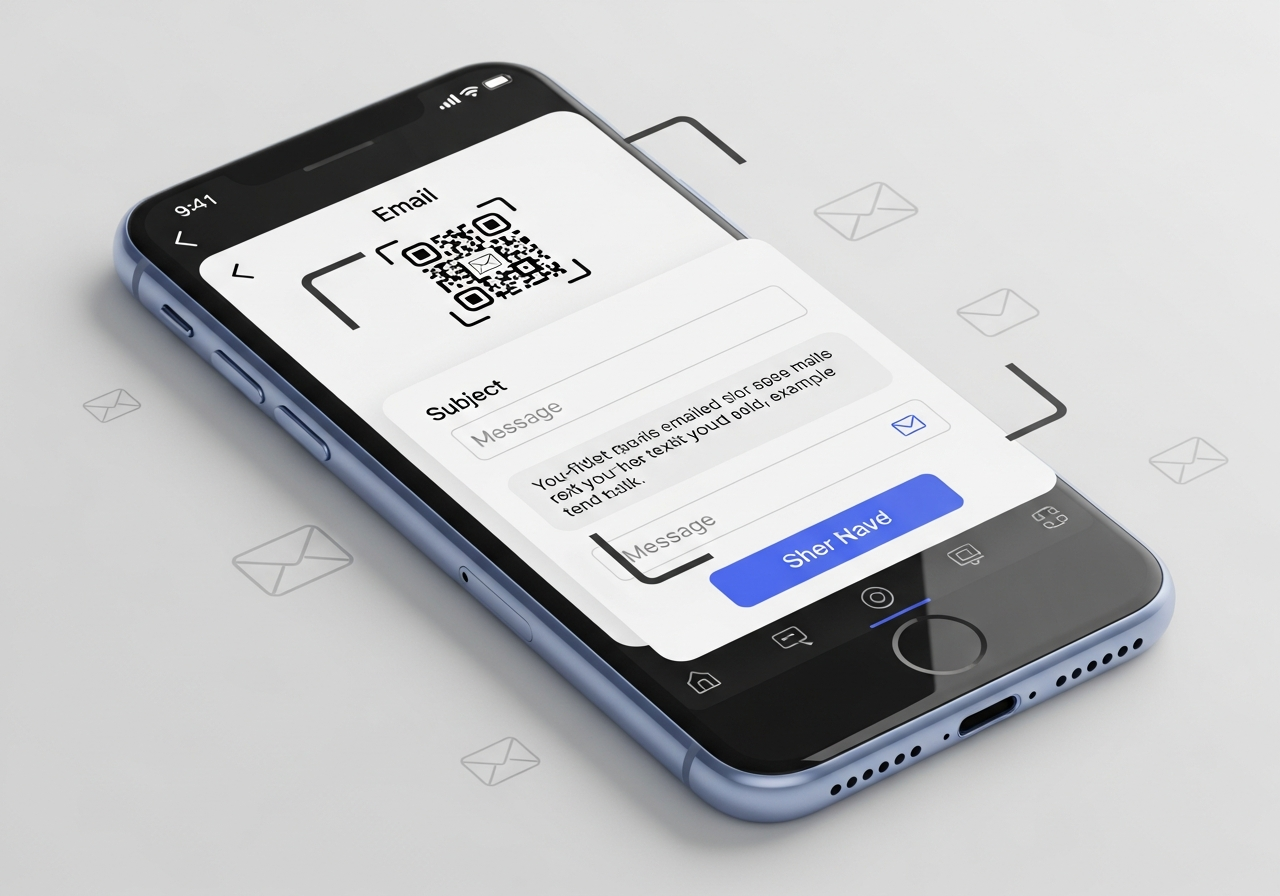
An email QR code is a QR code that encodes a mailto link. Instead of pointing to a web page, it contains an email address plus optional subject and body text. When scanned on a smartphone, it opens the user’s email client with a draft message ready to go.
A simple example behind the scenes might look like:
mailto:support@yourbusiness.co.uk?subject=Support%20Request&body=Please%20describe%20your%20issue...
In practice, the customer never sees this link. They just scan, see a pre-filled message addressed to your support or service team, add a few details and press send.
2) How email QR codes work (step by step)
From a customer’s point of view, the journey looks like this:
- They notice a small “Scan to email our support team” QR code on a poster, bill, product, property notice or leaflet.
- They scan it with their phone’s camera.
- Their email app opens with:
- The To field set to your chosen address (e.g.
support@…orrepairs@…). - A pre-filled subject line, such as “Support request – Liverpool store” or “Repairs – Flat 4B”.
- A pre-filled body template prompting them for key details like name, order number, address and issue.
- The To field set to your chosen address (e.g.
- They fill in the blanks and tap “Send”.
Because the message is structured from the start, your team receives fewer vague emails and more actionable ones.
3) Who benefits in Merseyside & Liverpool?
Any organisation that handles support, maintenance, complaints or product issues can benefit from email QR codes. In Merseyside and Liverpool, this includes:
- Retailers and shopping centres – from independent shops on Bold Street to larger stores at Liverpool ONE, where email QR codes on receipts, signage or products can route issues to the right inbox.
- Venues and hospitality – bars, restaurants and hotels near the Albert Dock, Baltic Triangle and city centre using QR codes on menus or room materials to capture feedback and complaints in a structured way.
- Housing associations and letting agents – QR codes on communal noticeboards, boiler cupboards and entrance halls that open pre-filled maintenance request emails with flat numbers included.
- Clinics and dental practices – QR codes on appointment letters or leaflets to gather questions, forms or follow-up notes securely via email.
- Education and training providers – colleges, universities and training centres where students can scan QR codes on handouts or posters to email the right admin or support team.
- Local services and charities – community organisations using email as their main contact channel but needing better structure in incoming requests.
In all of these cases, email QR codes make it easier for customers and residents to start the right conversation, with the right information, first time.
4) Why pre-filled emails matter for customer service
From interviews and research into support teams, three recurring problems show up:
- Customers email the wrong address – generic “info@” inboxes get flooded with service and support requests that should go elsewhere.
- Messages lack key details – no order number, no postcode, no asset reference, forcing agents to ask follow-up questions before they can act.
- Contact details are buried – people are happy to email, but can’t easily find the right address on paper documents or complex websites.
Email QR codes tackle all three. The QR itself can:
- Point to the correct support inbox for a particular location, product or building.
- Embed a template with prompts (e.g. “Order number: …”, “Address: …”) so customers provide the basics up front.
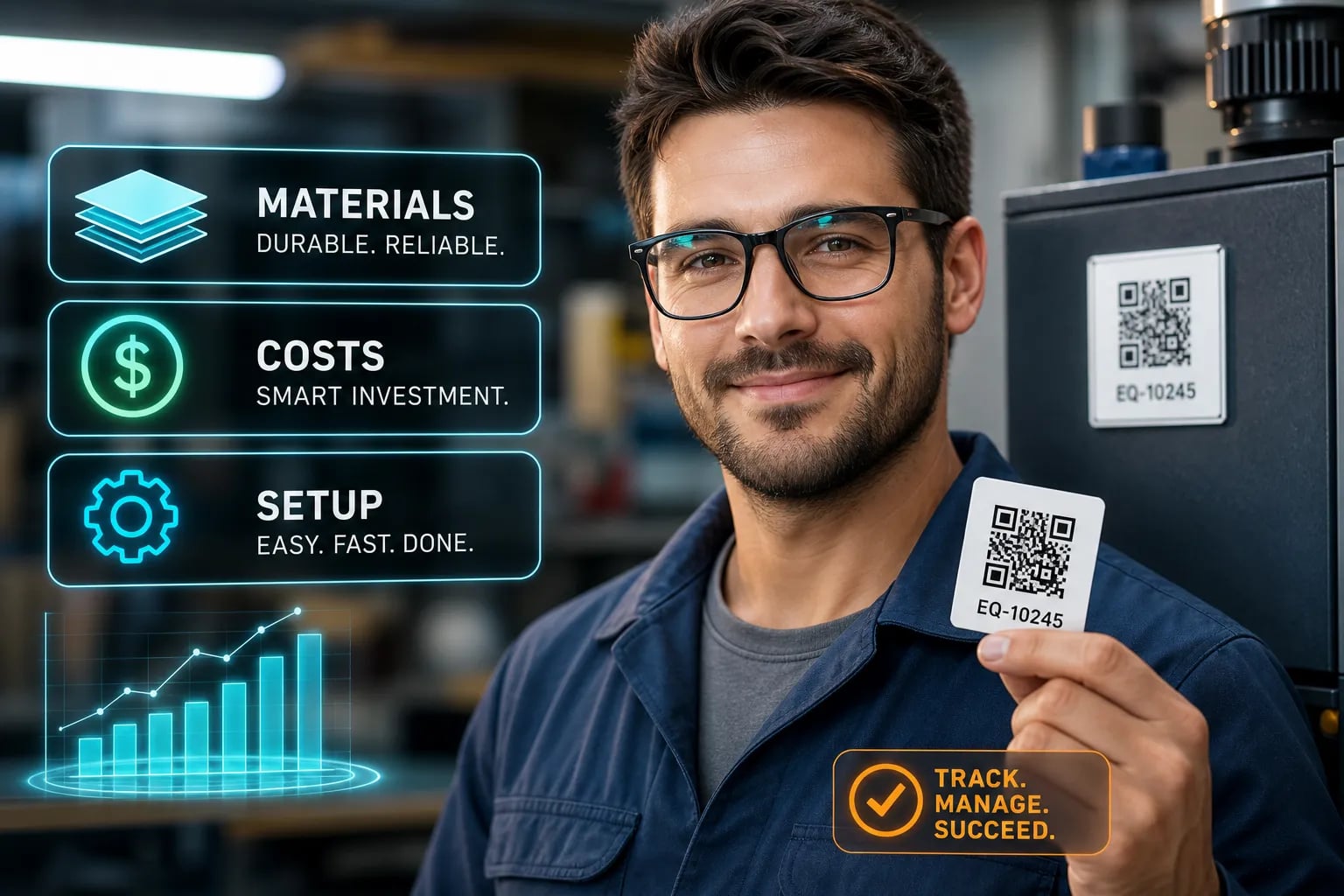
- Be placed exactly where people notice issues – on the product, on a wall, in a manual, or on an invoice.
The result is shorter resolution times, lower agent frustration, and clearer communication on both sides.
5) Static vs dynamic email QR codes
Like other QR types, email QR codes can be:
- Static – the mailto link is encoded directly into the QR; you can’t change the address or template after printing, and you don’t see scan analytics.
- Dynamic – the QR points to a redirect layer (such as Xcan It), which triggers the email action and logs the scan first. You can later update the address, subject template or routing without changing the printed QR.
For short-lived campaigns or internal-only materials, static codes might be enough. But for ongoing customer service operations across Liverpool and Merseyside, dynamic codes are far more practical – especially when staff, locations, or email addresses change over time.
6) How Xcan It turns email QR codes into trackable service journeys
Xcan It isn’t just a generator – it’s a dynamic QR platform. That means every email QR code can become a data point, not just a graphic on a poster.
With Xcan It, teams can:
- Create email QR codes for different products, sites, buildings or campaigns.
- Tag QR codes by location (e.g. Liverpool city centre vs outskirts), building, department or campaign.
- See scan analytics – time of day, device mix, approximate location – to understand when and where support demand is triggered.
- Change the underlying email address or template when teams restructure, without reprinting signage.
- Export data so service patterns can be analysed alongside ticket volumes in your helpdesk or CRM.
Instead of guessing which posters or product lines generate the most complaints or questions, service leaders can make evidence-based decisions about where to invest in better documentation, training or proactive outreach.
7) Realistic examples: email QR codes in and around Liverpool
Here are some grounded scenarios where email QR codes would immediately help:
- Apartment blocks in the city centre – maintenance notices in communal areas display an email QR code for “repairs@…”. The subject line is pre-filled with the building name, and the body prompts residents to include their flat number and issue type.
- Retailers at Liverpool ONE – receipts and product packaging feature QR codes so customers can email “support@…” with pre-filled order and store details, cutting down time agents spend asking for basic information.
- Hotels at the waterfront – in-room materials include QR codes that open emails to guest services with the room number and booking reference already in the template, making it easier for staff to respond quickly and accurately.
- Training centres and colleges – course leaflets carry QR codes that open emails to the correct programme coordinator with a subject like “Course enquiry – [Course Name] – Liverpool campus”.
- Local attractions and tours – brochures and signage at museums and visitor sites use email QR codes for accessibility requests, lost property or group booking questions, all routed to the right team with site details pre-filled.
In each case, the QR doesn’t just say “contact us” – it quietly structures the conversation before the first human ever sees it.
Watch a quick walkthrough: this YouTube tutorial shows how to create an email QR code that opens a new email with pre-filled text — a useful visual reference before you design more advanced, trackable versions with Xcan It.
Conclusion: pre-filled emails turn vague complaints into actionable tickets
Email QR codes don’t replace your helpdesk, inbox rules or ticketing software. What they do is fix the very first step: helping customers start the right conversation with the right information, without hunting for addresses or guessing what to write.
For Liverpool and Merseyside organisations, that means fewer calls asking “where do I send this?”, fewer incomplete messages, and more time spent solving real problems instead of sorting and triaging badly-formed requests.
Used as static codes, email QR codes are already helpful. Used as dynamic codes inside Xcan It, they become part of a measurable service journey. You can see which posters or product lines trigger the most support requests, adapt templates as new issues arise, and coordinate them alongside URL, SMS, phone and other QR types in one platform.
The best starting point is simple: take one high-friction support flow – repairs, complaints, guest services, technical issues – and give it its own email QR code. Watch what changes. Then expand to other teams and locations until “scan to email support” is a standard part of your customer service toolkit across Liverpool and beyond.
FAQs
No. Email QR codes open the user’s email client with a draft message prepared, but the customer still has to review and tap “Send”. This keeps them in control while still removing most of the friction.
What happens if a customer doesn’t have an email app set up?+
If there’s no email account configured on the device, the QR may open a prompt to add one or may not work as expected. That’s why it’s still wise to display a plain text support email address near the QR code as a fallback, especially on public signage.
Can I track which email QR codes are used the most?+
Yes – if you create them as dynamic email QR codes with Xcan It. Every scan is logged with metadata (time, device type, approximate location), so you can see which buildings, products or signs generate the most support contacts.
Is it safe to use email QR codes for customer complaints and sensitive issues?+
They are as safe as your underlying email system. Email QR codes simply start a message; the content is handled by your normal email infrastructure. For sensitive topics, you can use the QR to guide people to a secure contact process, and avoid placing confidential data in the pre-filled body.
How are email QR codes different from URL QR codes for support?+
URL QR codes send people to a web page – often a help centre or form – while email QR codes start a direct email conversation. If you want structured, self-serve support, a URL QR code may be better. If you want customers to speak directly to your team with minimal effort, email QR codes are often the fastest route.
Where should Liverpool businesses place email QR codes first?+
Start where issues are most visible: maintenance areas in buildings, product packaging, receipts, in-room materials, appointment letters and high-traffic posters. Create a small set of dynamic email QR codes with Xcan It, tag them clearly, and monitor scan patterns. Once you know which locations and messages work best, roll them out across more of your Merseyside estate.
Talk to an Xcan It Specialist
Want clearer, faster customer service – without adding another channel for your team to juggle? We’ll help you design email, URL, SMS, phone and other QR codes that plug into your support flows across Liverpool and Merseyside — all tracked from one place.