Key Takeaways
A dynamic QR workflow gives UK teams more control after artwork has gone to print. The practical value is simple: keep the physical code, change the destination, and learn which placements are being scanned.
- Dynamic codes can be redirected without replacing printed materials.
- Branding controls should be balanced with contrast, margins and testing.
- Labels make scan activity easier to compare across branches and placements.
- Print-ready exports support posters, signage, packaging and asset labels.
- A free starting tier can help teams test a small campaign before scaling.
What to look for in a customisable QR code platform
A customisable QR code platform should do more than produce an attractive square. It should sit between your printed assets and the digital destinations behind them, with enough control for marketing, facilities and print operations. For UK organisations, that means considering what happens after the poster, label or sign has already been produced.
Dynamic destinations instead of fixed links
A static code normally carries one fixed destination, so a typo or changed campaign can create a reprint problem. A dynamic code points to a managed link instead, allowing the destination to change while the printed code stays in place. This is especially useful for signage, asset labels and seasonal campaigns where the information behind the code may move several times.
The operational question is not simply whether a code scans today. It is whether the team can correct or update the destination tomorrow without sending a new job to print. A useful editable QR workflow should make that decision clear before production begins.
Branding controls that protect scan reliability
Colour, logos, shapes and frame text can make a code feel like part of the organisation rather than an unexplained mark on a sign. They should not compromise the basics: sufficient contrast, a clear quiet zone and a size suited to the viewing distance. A design that looks good on screen still needs to work on a window, board or label under ordinary lighting.
Treat styling as part of production, not a final decoration. Test the finished design on more than one phone and at the distance people will actually scan it.
Real-time analytics for offline campaigns
Print is often hard to measure because the asset is out in the physical world. A managed QR layer can record scan activity and give teams a clearer view of timing, device class, approximate location and campaign performance. Those signals are not a substitute for consented website analytics, but they can show whether a particular board, poster or branch is receiving attention.
For a wider view of measurement, teams can also use an analytics planning guide when deciding how scan data should connect with website actions and conversion reporting. The key is to agree labels and ownership before codes are distributed.
Print-ready files and in-house printing support
A platform should fit the way your organisation already produces physical materials. PNG and PDF exports support many everyday jobs, while SVG may be preferred where artwork needs to remain scalable; always confirm the formats available in the workflow you choose. If your team prints internally, a clean export, sensible margins and a repeatable approval check can reduce avoidable errors.
Print support can also matter when a job involves many unique labels rather than one artwork repeated at scale. Whether production stays in-house or uses managed print support, the code library and the printed output should be treated as one operational process.
How Xcan.it connects printed materials to digital experiences
Xcan.it is designed around dynamic QR codes, branding controls, labels and scan analytics for real-world campaign optimisation. The central idea is to manage the redirect behind a physical item rather than treating the downloaded image as the whole product. That suits teams working across posters, signage, packaging and asset labels.
Create and label codes from one dashboard
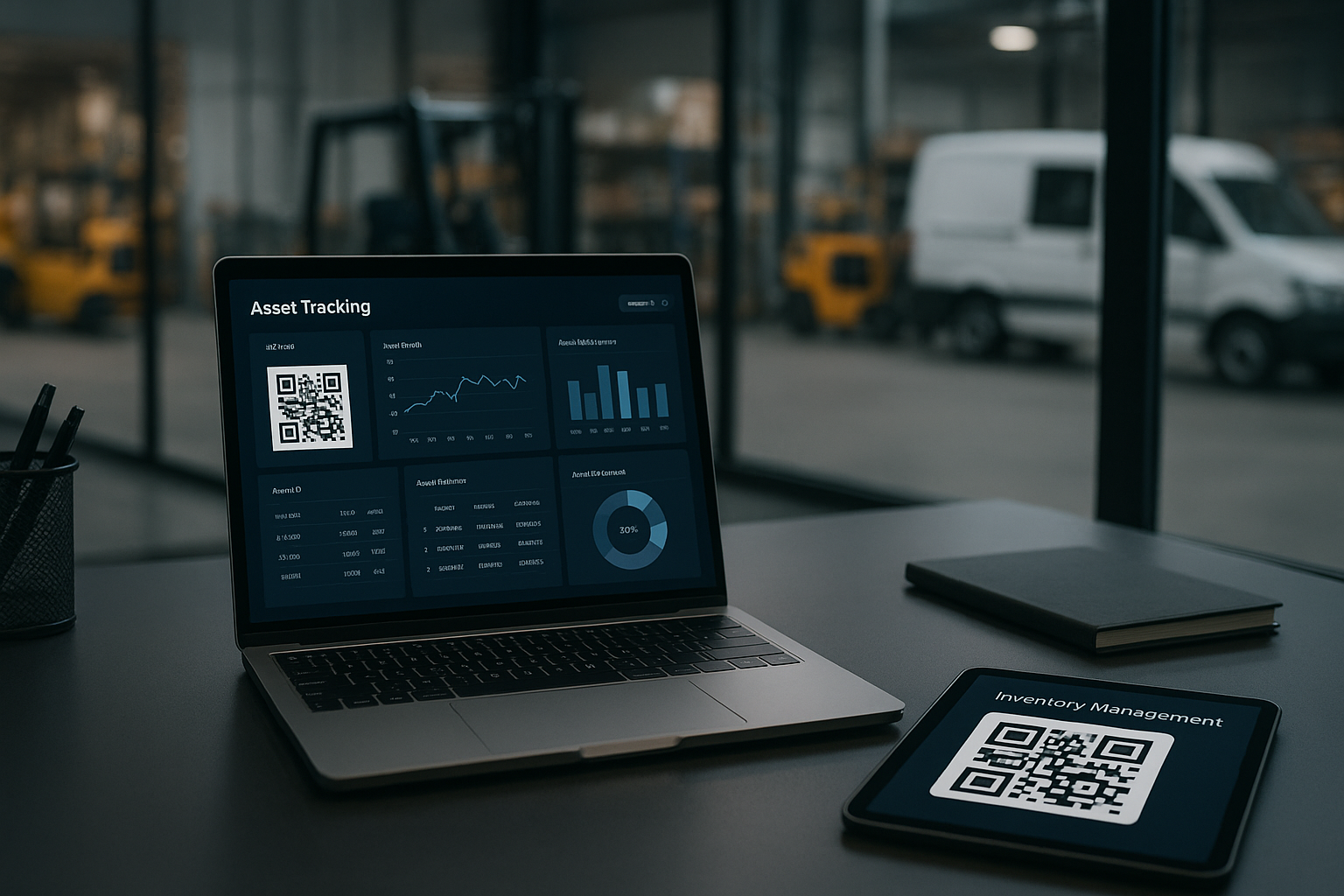
A central dashboard gives teams one place to create codes, set destinations and apply clear names. Labels such as a branch, placement or campaign help people find the right code later, which matters when several similar designs are in circulation. It also gives an operations or agency team a more orderly handover than a folder of anonymous image files.
Link posters, signage, packaging and asset labels
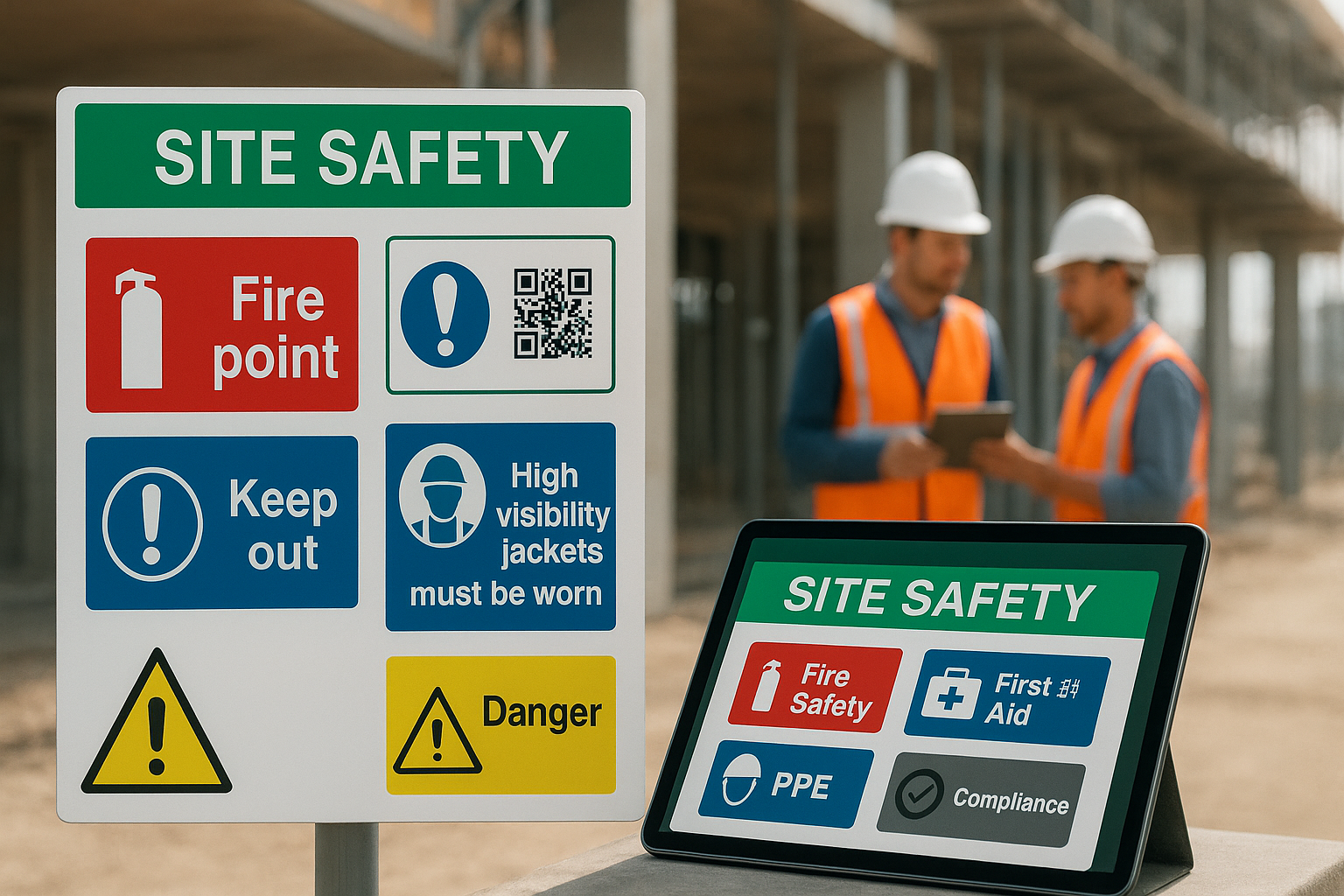
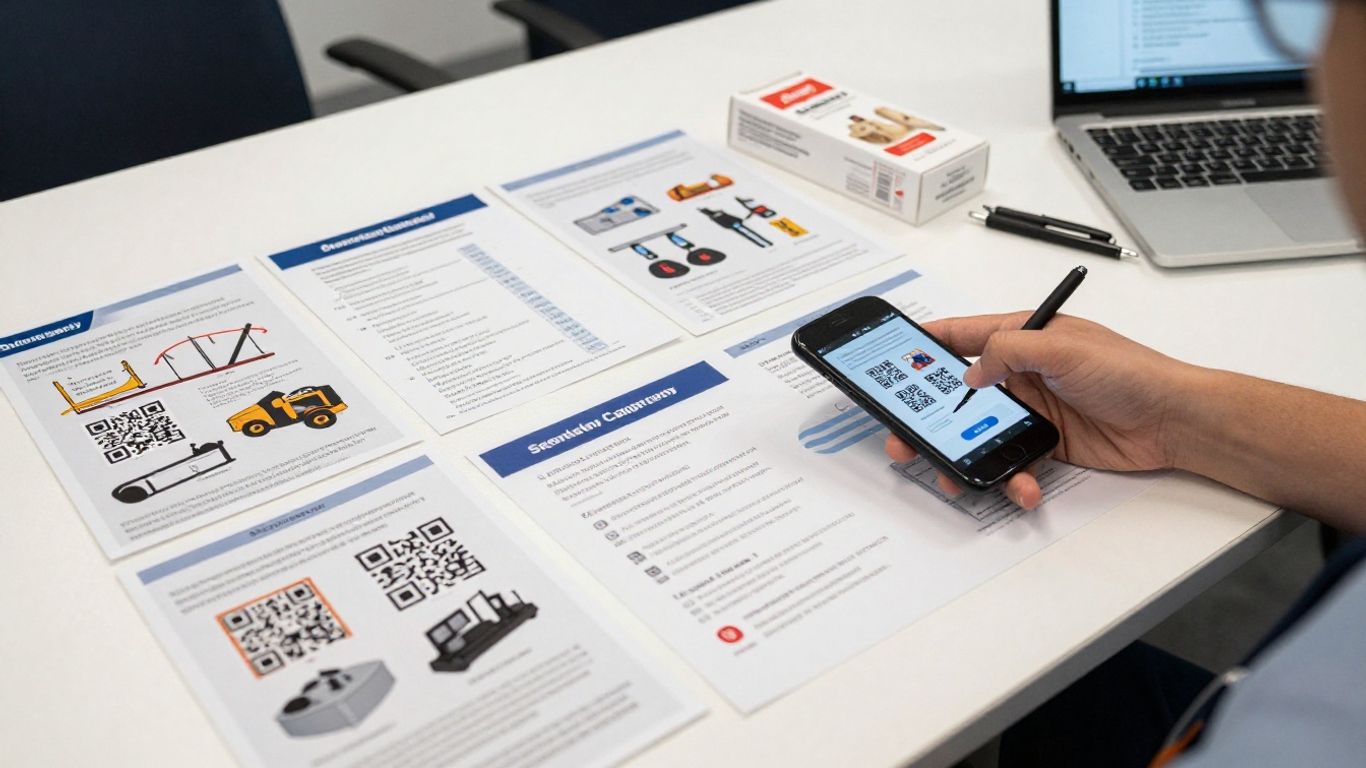
The same dynamic approach can support a poster pointing to a campaign page, a sign pointing to live property details, packaging pointing to instructions, or an equipment label pointing to a manual or checklist. The printed surface changes, but the management question stays the same: who owns the destination and how will it be maintained?
For teams comparing options, this QR management guide is a useful way to think about dynamic links, print tracking and dashboard control without reducing the problem to code generation alone.
Change destinations without reprinting
With a dynamic code, the team edits the destination in the dashboard while the printed code remains unchanged. A campaign can move from a teaser page to a booking page, or an asset label can move from a manual to a checklist, without replacing the label itself. That separation between print timing and link timing is the foundation of “Print Now – Link Later”.
The printed code stays put while the digital experience can be kept current. That is a practical safeguard when URLs, documents, dates or campaign content change after production.
Manage campaigns across teams, branches and locations
Multi-site work needs more than a batch of files. Clear labels, branch conventions, roles and access control help agencies and in-house teams understand which code belongs to which placement. A code library becomes easier to audit when the naming pattern is agreed before the first export.
This is also where a dashboard can reduce duplicated work. One team can prepare artwork, another can approve destinations, and local branches can use the correct code without each maintaining a separate spreadsheet.
How to create and customise a dynamic QR code
The process is straightforward, but the order matters. Start with the destination and the physical context, then style the code and test the exported file. This keeps creative decisions connected to scan reliability and the needs of the audience.
Choose the right destination for your audience
Decide what a person should reach after scanning: a web page, PDF, form or video are all common destinations. The page should work well on a phone and explain the next action quickly. For an asset, that may be an inspection form; for a sign, it may be current property information or visitor guidance.
Use a short, meaningful label for the code as well. The label is for the team managing it, not necessarily for the person scanning it, and should identify the placement or asset clearly.
Add logos, colours, shapes and frame text
Apply brand colours, a logo, dot shapes, eye styles or a frame message where they help people understand the action. Frame text such as “Scan for the menu” or “Scan for instructions” can remove uncertainty, but it should remain legible at the intended viewing distance. Keep the surrounding design quiet enough for the code to stand apart.
If you need to explain the design choices to a client, a branded QR code guide can provide a useful framework for discussing trust, placement and scan behaviour.
Set size, margins and error correction
Size should follow the distance and angle from which people will scan, not just the dimensions available in the artwork. Preserve a clear margin around the code and keep strong contrast between the code and its background. Higher error correction can help with some real-world print conditions, but it does not excuse a cluttered design or poor placement.
Before approving a batch, scan a physical proof in realistic lighting. A screen preview cannot tell you whether a glossy label, curved package or distant sign will behave as expected.
Export PNG, PDF and SVG files for print
Choose the export that fits the production workflow and keep the original code record with the artwork reference. PNG and PDF are documented export options for print and digital use, while SVG is useful where a scalable vector file is required by the design process. Confirm the final dimensions and margins after placing the file in the artwork.
A small preflight routine is worth the time: check the destination, file name, dimensions, quiet zone and physical scan. It is much cheaper to correct one proof than a completed run.
Print now, link later with fewer operational risks
Printing before every digital decision is final can hold up a campaign or create unnecessary waste. “Print Now – Link Later” separates the production deadline from the moment when a destination is ready, while retaining control of the link afterwards. It works for short campaigns as well as physical assets expected to stay in service.
Test every code before production
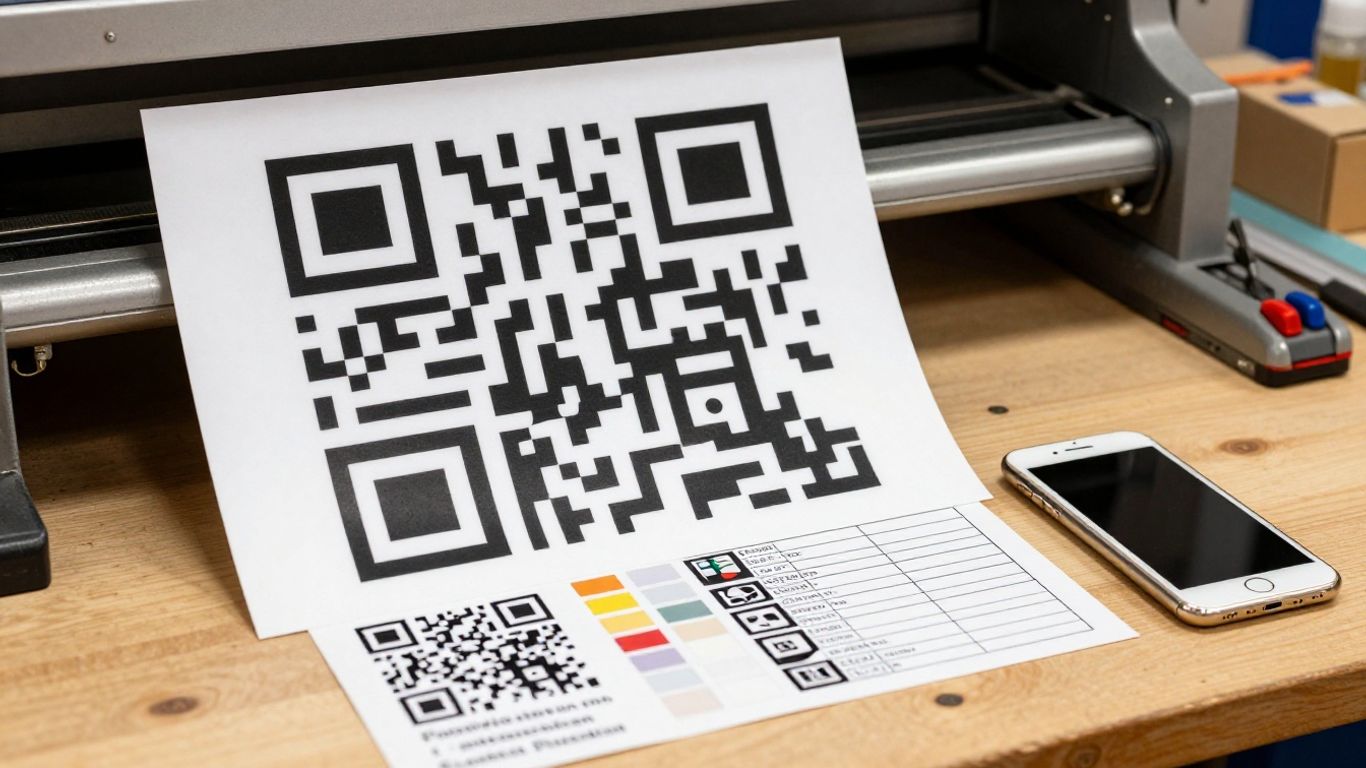
A pre-production scan should confirm that the code resolves to the intended destination and that the destination works on a phone. For a variable run, test representative samples and verify that the label, artwork and destination belong together. Keep a simple sign-off record so a later problem can be traced to the right stage.
A useful print QR checklist can help marketing and operations teams cover placement, scan testing, measurement and privacy before a rollout.
Keep printed codes useful when content changes
The value of a dynamic code becomes clearest when something changes after printing. A new document, campaign page, event detail or instruction can be assigned behind the existing code, avoiding a rush to replace physical media. That gives the team a controlled way to keep public information and operational references current.
It also reduces the risk of old posters or labels directing people to a page that no longer exists. The physical asset can remain in place while its digital destination is maintained centrally.
Support short campaigns and long-term assets
A code on an event banner may have a life of weeks, while a compliance label or equipment marker may remain useful for years. Dynamic routing suits both, provided ownership, review dates and destination maintenance are clear. A code should not be considered finished merely because it has been printed.
The right review rhythm depends on the asset. Campaign teams may check weekly during launch; facilities teams may review links alongside inspections or document updates.
Combine digital code management with in-house printing
Teams with in-house printing can approve artwork and produce physical materials on their normal schedule, then manage destinations from the code dashboard. This is particularly practical for signs, labels and small batches where waiting for a separate print-and-link process would slow work. Optional managed print support can be considered when production needs are more specialised.
The important boundary is clear: printing creates the physical touchpoint, while the dynamic redirect keeps the digital side adjustable. That division lets each team work in its existing process without losing central control.
How to track real-world scans and improve campaigns
Scan data is most useful when it answers a decision. A count on its own is a starting point; a comparison between two labelled placements can tell a team where to adjust stock, signage, copy or timing. Dynamic QR analytics therefore belongs in the campaign review, not just in a dashboard that nobody opens.
Compare scan activity by time and placement
Look for changes by day, time and physical position. A venue entrance, reception desk and outdoor board may all carry similar creative but attract different behaviour. Separating those codes makes the comparison more useful than relying on one shared code for every location.
Analytics can show patterns in engagement, but teams should avoid treating an approximate location or device class as personal identification. Use the data to improve the campaign journey while keeping collection proportionate.
Use labels to measure posters, venues and branches
Create a distinct code for each placement when the comparison matters, then use a naming convention that another team member can understand. “Branch – asset – campaign” is often more useful than a sequence of numbers. Labels turn a scan event into an operational clue.
For a broader view of trackable QR campaigns, consider how placement, campaign and post-print control fit together before deciding how many codes to create.
Understand device and location trends
Device class and approximate location can help identify broad patterns, such as whether scans are coming mainly from mobile users at a particular site. These signals are directional rather than a complete picture of audience behaviour. They should be interpreted alongside landing-page engagement, enquiries or other consented measures.
Privacy should be part of the design from the beginning. Keep pages secure, avoid requesting unnecessary personal data and explain any information collection clearly, in line with UK GDPR obligations.
Turn scan data into practical campaign changes
A review should end with an action rather than a report. Teams might change the frame wording, move a code to a more visible position, replace an outdated destination or retire a placement that receives little activity. The next print run can then reflect what the previous one taught you.
For agencies and resellers, this feedback loop can also support a more useful client conversation. Instead of handing over QR artwork and leaving the client to guess, they can discuss placement, destination maintenance and measurable activity together.
QR code use cases for UK organisations
QR codes are most valuable when they solve a physical-world problem: information changes, assets move, or a printed message needs a measurable next step. The examples below focus on organisations managing places, equipment and public-facing information rather than one-off novelty codes. Each use case benefits from clear ownership and a destination review process.
Retail packaging, menus and promotional displays
Packaging and promotional displays can stay in circulation after a product page, offer or support document changes. Menus and venue displays can also point to current information without requiring every printed item to be replaced immediately. Use separate codes where teams need to compare branches, product lines or campaign placements.
Councils, charities and cultural institutions
Public information often needs updating as dates, services or guidance change. Codes on posters, visitor materials and information boards can point to a maintained page rather than a document that becomes stale. Accessible landing pages, clear wording and sensible placement matter as much as the code itself.
A useful starting point is this UK QR code guide, which covers dynamic destinations, scan data, asset labelling and privacy considerations for organisations operating across multiple sites.
Facilities, equipment and compliance labels
A label on equipment, a room or an infrastructure point can lead to a manual today and a checklist or inspection form later. This gives facilities and compliance teams a way to keep the physical identifier in place while the supporting documentation evolves. It also creates a clearer route for staff who need information at the asset rather than back at a desk.
For long-lived labels, define who can change the destination and how often the link is checked. The code is part of the asset record, not merely an item of decoration.
Events, transport hubs and visitor information
Events and visitor locations change quickly: schedules move, access details are revised and temporary information expires. Dynamic destinations let organisers update the content behind banners, tickets, badges and signs without replacing every physical touchpoint. Separate codes can show which entrance, venue or information point receives attention.
The same principle applies to transport and public spaces, where the printed surface may remain visible after the original announcement has passed. A maintained redirect helps prevent that physical information from becoming a dead end.
Choosing the right Xcan.it plan for your organisation
Plan selection should follow the number of codes, users and locations you need to manage, not just the number of scans you expect. The free tier is suitable for testing a small workflow, while larger teams should consider access control, branches and the depth of analytics required. A clear naming and approval process will matter at every price point.
Start with up to 10 dynamic QR codes for free
The free plan includes up to 10 dynamic, editable QR codes, unlimited edits on those codes, basic scan analytics, branding and styling controls, and PNG/PDF export for print. No card is needed to create an account, so a team can test one campaign or a small group of asset labels before committing to a larger rollout.
That trial is most useful when it is treated as a workflow test. Create the codes, label them clearly, export them, scan them on a phone and review whether the reporting answers the questions the team actually has.
Decide when you need unlimited codes and additional seats
An organisation may outgrow the free tier when every branch, poster or asset needs its own code, or when several colleagues require individual access. Additional codes and seats become practical considerations for agencies, print companies and facilities resellers managing multiple client or site programmes.
The Xcan.it plan options can be assessed against those operational requirements rather than as a simple feature list. Start small, then upgrade when code volume, collaboration or reporting makes it worthwhile.
Plan access for branches and multi-client campaigns
Multi-location work benefits from a consistent branch prefix, clear ownership and role-based access. Agencies may also need to separate client work, while facilities teams may need a central person to govern changes across a property estate. Decide who can edit destinations before codes are printed.
A central workflow is easier to support than scattered logins and local spreadsheets. It also gives a reseller a clearer basis for client-facing setup and ongoing service, particularly when printed assets are deployed in batches.
Check support, privacy and UK GDPR requirements
Ask where data is handled, what scan information is collected and how users can request help. The documented service states that it complies with UK GDPR, uses email for authentication and service communications, and offers chat and email support, with phone support for print enquiries. Organisations should still review the platform’s current privacy information and their own lawful basis for any related website analytics.
Support is especially relevant when DNS, print production or a large variable run is involved. A practical platform should fit the team’s technical confidence and the physical conditions in which its codes will be used.
Make print more adaptable
For UK organisations, a customisable qr code is most useful when it remains connected to the physical asset after production. Dynamic destinations, clear labels and scan analytics let teams print early, update links later and understand which real-world placements are doing useful work. Start with a small, well-labelled deployment, then scale the workflow that proves dependable.
Frequently Asked Questions
What is a dynamic QR code?
A dynamic QR code points to a managed link rather than storing one permanent destination. The destination can be changed later while the printed code remains the same, and the redirect layer can provide scan activity data.
Why use a dynamic code instead of a static code?
A static code is suitable when the destination will never need changing and measurement is not required. A dynamic code is more practical for campaigns, signage, packaging and asset labels where information may change after printing.
Can a QR code destination be changed after printing?
Yes. If the code uses a managed redirect, the destination can be updated without replacing the printed material. The new page should still be tested before the change is published.
How can organisations measure scans from different locations?
Create separate codes for each branch, venue or placement and label them consistently. Comparing those records can show where scans occur and when, without relying on one shared code that hides location differences.
Do logos and colours affect scan reliability?
They can if they reduce contrast, cover important code areas or remove the clear margin around the pattern. Use restrained styling, preserve the quiet zone and test the finished design on several phones in realistic conditions.
What should a QR code link to?
It should lead to a mobile-friendly destination that matches the printed prompt, such as a current webpage, PDF, form, video, checklist or visitor guide. Keep the next action clear and review the destination as the physical material remains in use.
Are QR scan analytics the same as tracking individuals?
No. Scan analytics generally describe activity such as timing, device class and approximate location. Organisations should avoid collecting unnecessary personal information and should assess privacy, consent and UK GDPR requirements for any additional website tracking.