Right then, let’s talk about scanning barcodes and QR codes. It feels like a while back now, but everyone was scrambling to find the best app for barcode scanner. Things change fast, though, and what was top-notch last year might be a bit dated now. We’ve had a look around to see what’s good in 2026, whether you’re just popping to the shops or need something a bit more robust for work. It’s not always about the fanciest app; sometimes, the simplest solution is the best.
Key Takeaways
- Most modern smartphones have a built-in scanner in their camera app, which is often the quickest and safest option.
- When choosing a separate app, look for speed, privacy (no ads or tracking), and support for various barcode types like QR, Data Matrix, and PDF417.
- Some apps offer extra features like URL previews to warn you about risky links, which is a good safety measure.
- Consider offline scanning capabilities if you often find yourself in areas with poor or no internet signal.
- For business use, dynamic QR codes that can be updated without reprinting are a game-changer, allowing for flexibility and real-time tracking.
1. iPhone Camera
For iPhone users, the built-in Camera app is your go-to for scanning QR codes. It’s incredibly straightforward – just open the Camera, point it at the code, and a notification banner will pop up with the link or information. This native functionality means you don’t need to download any extra apps for basic scanning. It’s fast, private, and shows you where the code leads before you commit to opening it, which is a nice safety feature.
If you find yourself scanning QR codes often, or perhaps want a slightly more dedicated experience, you can add the ‘Code Scanner’ to your Control Centre. This gives you a full-screen scanning view, which can be handy in certain situations. It’s all about making things quick and easy, right from your home screen.
While the iPhone Camera is brilliant for everyday use, sometimes you might need more advanced features. This is where dedicated apps come in. For instance, platforms like Xcan.it offer dynamic QR codes. This means you can update the link or information a QR code points to without having to reprint it – a huge time-saver for marketing campaigns. Plus, Xcan.it lets you track scans in a single dashboard, giving you real insights into how your print, signage, and other physical assets are performing. It’s a smart way to improve your real-world campaigns and understand your audience better.
2. Google Lens
Google Lens is a pretty neat tool that’s built into many Android phones and available as an app for iPhones. It’s more than just a QR code scanner; it uses your camera to understand what you’re looking at. So, if you point your phone at a QR code, Google Lens can often recognise it and offer to take you to the linked website or content. It’s a handy way to get information quickly without needing a separate app, especially if you’re already using it to identify plants or translate text on the go. It’s like having a smart assistant in your pocket that can read the world around you.
While your phone’s native camera app might handle most QR codes these days, Google Lens offers a bit more power. It can be particularly useful for searching for products or information based on an image, which can be a fun way to explore reselling opportunities or just learn more about something you’ve spotted. It’s integrated into the Android camera experience, often appearing as a suggestion when it detects a QR code, making the process feel quite natural. For those on Android, enabling Google Lens suggestions in your camera settings is a good idea if it’s not already active. It’s a solid, free option for scanning and understanding more than just basic QR codes, helping you search and understand your surroundings with ease.
3. Android Camera
Most Android phones come with a built-in QR code scanner right in their camera app. You don’t usually need to download anything extra to get started. Just open your camera, point it at a QR code, and you should see a notification pop up, often with a link to the website or information the code contains. Some devices might require you to enable Google Lens suggestions within the camera settings to get this functionality working. It’s a quick and easy way to access information without any fuss.
If you’re looking for more advanced features, like tracking scan data or updating QR code links without reprinting, you might consider a dedicated service. For instance, Xcan.it allows users to update QR code links without reprinting, track scans in one dashboard, and use dynamic QR codes to improve real‑world campaigns across print, signage, and assets. This level of control is super handy for businesses running marketing campaigns.
Here’s a quick rundown of how to use your Android camera for scanning:
- Open the default Camera app.
- If your phone has a specific ‘QR’ mode, select it.
- Alternatively, ensure Google Lens suggestions are enabled in your camera settings.
- Point your camera at the QR code, making sure it’s well-lit and in focus.
- Tap the notification that appears to open the link.
The built-in camera is fantastic for everyday use, offering speed and privacy. It’s the first place to look when you need to scan a code quickly.
4. Code Scanner
When you need a bit more power than your phone’s built-in camera, a dedicated scanner app can be a game-changer. Code Scanner is a solid option that offers a good balance of features without being overly complicated. It’s designed to be quick and efficient, handling various barcode types with ease.
One of the standout features here is the ability to update QR code links without needing to reprint anything. This is incredibly useful for marketing campaigns or any situation where information might change. Imagine you’ve printed flyers with a QR code, but the website address needs a slight tweak – with Code Scanner’s dynamic QR codes, you can just update the link in your dashboard and be done. No more wasted print runs!
Speaking of dashboards, Code Scanner provides a central place to track all your scans. This means you can see how many people are interacting with your codes across different platforms, whether it’s on print materials, signage, or even product packaging. This kind of insight is invaluable for understanding campaign performance and making informed decisions for future efforts.
Here’s a quick look at what makes it a strong contender:
- Dynamic QR Codes: Change the destination link anytime without reprinting.
- Scan Tracking: Monitor scan activity from a single, easy-to-use dashboard.
- Multi-Format Support: Handles QR codes, Data Matrix, PDF417, and Code 128, covering a wide range of uses from tickets to product labels.
- Reliability: Utilises high error correction to ensure codes scan even if slightly damaged or obscured.
For businesses looking to bridge the gap between their physical presence and digital engagement, tools like Code Scanner are becoming increasingly important. They offer a practical way to manage real-world campaigns and gather useful data.
If you’re looking for a robust scanner that offers flexibility and insights, Code Scanner is definitely worth checking out. It’s a great way to make your QR code campaigns more effective and easier to manage. You can find out more about advanced scanning options here.
5. Xcan.it Scanner
Xcan.it really stands out when you need more than just a quick scan. The big advantage here is the ability to update your QR code links without having to reprint anything. This is a game-changer for campaigns or signage that might need a quick refresh. Imagine a poster with a QR code pointing to a seasonal offer; once the season changes, you can just update the link in your Xcan.it dashboard instead of ordering new prints.
It also offers a neat way to keep tabs on how your QR codes are performing. You get a dashboard where you can track scans, seeing things like how many people scanned it, when, and even their general location. This kind of data is super helpful for understanding what’s working with your real-world campaigns, whether they’re on print materials, signs, or even product tags.
Using dynamic QR codes with Xcan.it means your campaigns can be more flexible and responsive. You can easily change where a code leads, swap out a PDF for a video, or repurpose an old code for a new promotion. It’s all managed from one place, making it easier to manage your marketing efforts across different physical assets.
Xcan.it bridges the gap between physical and digital by allowing you to update QR code destinations on the fly. This flexibility is invaluable for businesses that need to adapt their messaging or offers quickly without the cost and hassle of reprinting materials. The tracking features provide real insights into campaign effectiveness.
If you’re looking to make your print and signage more interactive and measurable, Xcan.it is definitely worth a look. It’s a solid choice for managing dynamic QR codes effectively across print and assets. You can even try out their free QR code generator to get a feel for it.
6. Uniqode Scanner
When you’re looking for a robust QR code solution, Uniqode really stands out. It’s not just about scanning; it’s about managing your real-world campaigns effectively. One of the biggest headaches with QR codes is when you need to update a link – usually, that means reprinting everything. Uniqode lets you avoid that hassle entirely. You can update the destination of your QR codes whenever you need to, without ever having to print a new one. This is a game-changer for things like event details, product information, or even just website updates.
Beyond just updating links, Uniqode offers some seriously useful tracking features. Imagine being able to see exactly how many times your QR codes are being scanned, and from where. They provide a dashboard where you can monitor all your scan data in one place. This kind of insight is invaluable for understanding what’s working and what’s not in your marketing efforts. It helps you refine your campaigns and get better results.
What really sets Uniqode apart is its use of dynamic QR codes. These aren’t your average static codes. Dynamic QR codes give you the flexibility to change the linked content on the fly, track scan performance, and even use them across various platforms like print, signage, and other assets. This means you can run more sophisticated and responsive campaigns. For instance, you could have a QR code on a poster that links to a seasonal promotion, and then easily update it to a new offer once the season changes, all without touching the poster itself. It’s a smart way to keep your physical marketing materials fresh and relevant. You can find out more about the current landscape of QR code usage in their "The State of QR Codes 2026" report here.
7. Flowcode Scanner
When you’re looking for a QR code solution that offers more than just a quick scan, Flowcode really stands out. It’s not just about reading codes; it’s about managing them effectively. One of the biggest advantages is the ability to update the links in your QR codes without needing to reprint anything. This is a game-changer for campaigns, signage, or any printed material where information might change. Imagine updating a menu, a special offer, or even a website link on a poster that’s already been printed – Flowcode makes that possible.
Flowcode also provides a centralised dashboard where you can track all your scans. This means you get real-time insights into how your QR codes are performing. You can see which codes are being scanned, where, and how often, which is incredibly useful for understanding the effectiveness of your real-world campaigns across print, signage, and various assets. This data helps you make informed decisions and optimise your marketing efforts.
Furthermore, Flowcode champions the use of dynamic QR codes. These aren’t static codes that point to one fixed destination. Instead, they are flexible and can be updated remotely. This flexibility is key for improving engagement and ensuring your campaigns remain relevant and effective over time. Whether you’re using them on business cards, product packaging, or large-format displays, Flowcode offers a robust platform for managing your QR code strategy. You can explore their advanced features to see how they can benefit your projects.
8. QR Code Reader by Scan
While your phone’s built-in camera is often the first port of call for scanning QR codes, sometimes you need a bit more. That’s where dedicated apps like QR Code Reader by Scan come in. It’s designed to be a fast and efficient tool, built with the latest 2026 mobile standards in mind, making it suitable for quick scans in all sorts of situations, like when you’re trying to read a menu at a busy restaurant.
What sets some of these apps apart is their ability to handle more than just basic QR codes. Many can also read formats like Data Matrix, PDF417, and Code 128, which are commonly found on tickets, packaging, and ID cards. This multi-format support means you can rely on one app for a wider range of scanning needs.
When you’re looking for a scanner, it’s worth considering a few things:
- Speed and Accuracy: Does it focus quickly, even in low light or on small codes?
- Privacy: Does it avoid ads and unnecessary tracking?
- Safety Features: Does it preview links so you can see where you’re going before you commit?
- Format Support: Does it handle the types of codes you’ll encounter most often?
For businesses, the game changes with dynamic QR codes. Tools like Xcan.it really shine here. They let you update the link behind a QR code without needing to reprint anything – imagine changing a website address on a poster without having to design and print a whole new batch! Plus, you can track how many times your codes are scanned from a single dashboard, giving you real-world campaign insights across print, signage, and even physical assets. It’s a smart way to keep your campaigns fresh and measure their impact effectively.
Choosing the right scanner is about balancing convenience with security. While built-in options are great for everyday use, dedicated apps can offer more features and better control, especially for specific tasks or business needs. Always check the app’s permissions and privacy policy before installing.
If you’re looking for a reliable, no-fuss scanner, QR Code Reader by Scan is a solid choice for everyday use. It aims to provide a quick and efficient scanning experience, keeping things simple and straightforward for the user.
9. Barcode Scanner by ZXing
ZXing, which stands for ‘Zebra Crossing’, is a popular open-source barcode image processing library. It’s quite versatile and can be used across various platforms, including Android, iOS, and even in web applications. If you’re a developer looking for a robust library to integrate barcode scanning into your own app, ZXing is definitely worth a look. It supports a wide range of barcode formats, not just QR codes, which is handy if you need to scan things like product packaging or tickets.
While ZXing is a powerful tool, especially for developers, it’s worth noting that for everyday users, dedicated apps or even your phone’s built-in camera might offer a more streamlined experience. For instance, some comparisons have shown that other scanners can be faster in certain situations. However, ZXing’s strength lies in its flexibility and open-source nature, allowing for customisation and integration into specific projects. It’s a solid choice if you need fine-grained control over the scanning process or want to build your own scanning solution.
When considering barcode scanning solutions, especially for business applications, it’s important to think beyond just the scanning itself. Features like the ability to update QR code links without reprinting, track scan data in a centralised dashboard, and utilise dynamic QR codes can significantly improve the effectiveness and management of real-world campaigns across print, signage, and other assets. Tools like Xcan.it are designed with these advanced needs in mind.
ZXing is available as a .NET port, which is great for developers working with that framework, allowing them to read and generate various barcode formats within their applications [e739]. It’s also been used in mobile development, with packages available for frameworks like Xamarin, enabling QR code scanning directly from image URLs on iOS [24e5]. When comparing different barcode scanning technologies, ZXing is often included in evaluations alongside commercial options [0ffa].
While ZXing is a capable library, if you’re looking for a solution that offers advanced features like real-time analytics and the ability to update links on the fly, you might want to explore platforms like Xcan.it. They allow you to update QR code links without reprinting, track scans in one dashboard, and use dynamic QR codes to improve real‑world campaigns across print, signage, and assets.
10. Kaspersky QR Scanner
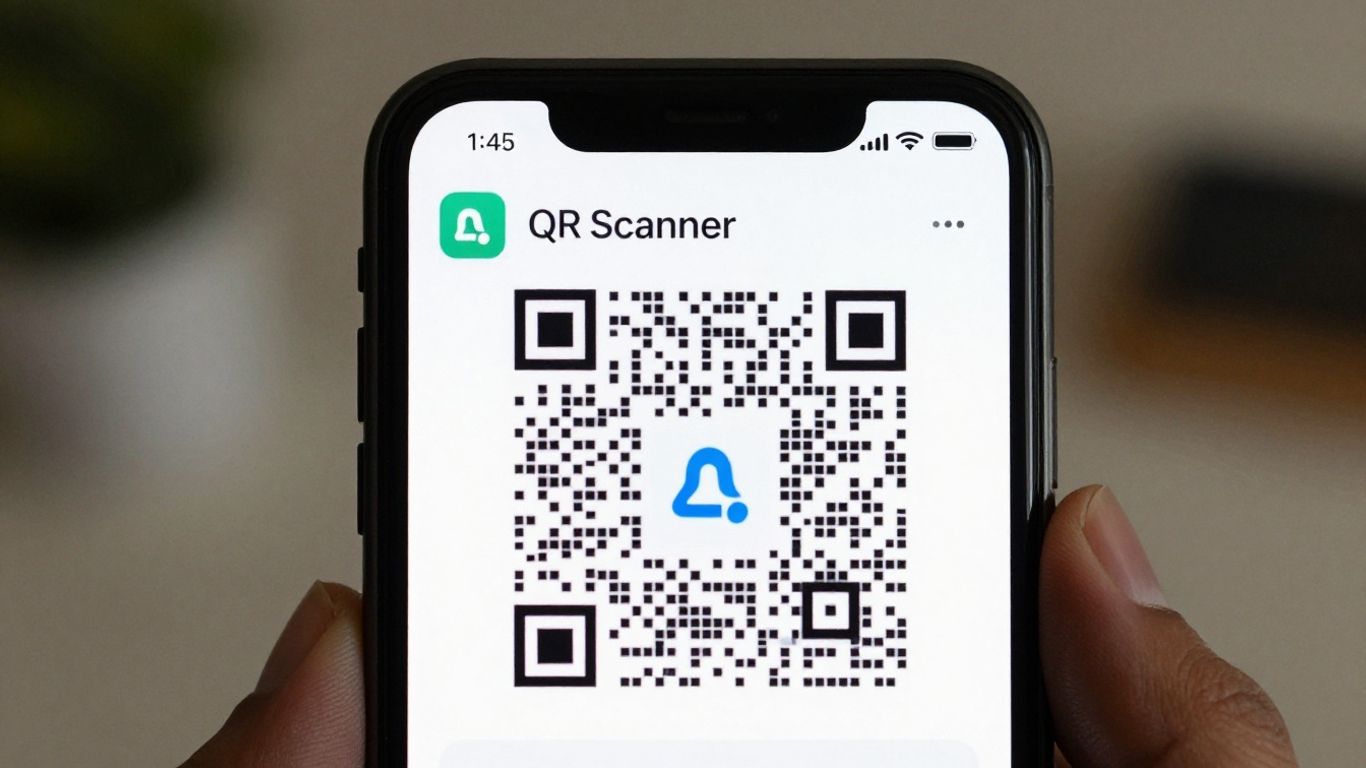
When it comes to keeping your digital interactions safe, Kaspersky QR Scanner is a solid choice. Developed by a company well-known for its cybersecurity expertise, this app puts a strong emphasis on protecting you from malicious links hidden within QR codes. It’s a good idea to be aware that Kaspersky has noted a significant rise in QR code phishing attacks, so having a scanner that flags suspicious URLs is a sensible precaution.
Kaspersky QR Scanner alerts you to potentially dangerous links before you even open them. This proactive approach is its main selling point, offering peace of mind when scanning codes in public places or from unfamiliar sources. While it focuses heavily on security, it also handles the basic scanning functions efficiently, making it a reliable tool for everyday use. It’s a straightforward app that prioritises your safety above all else, which is exactly what you want when dealing with the unknown elements of QR codes.
While Kaspersky QR Scanner is a tool for scanning, managing your QR codes is even easier with Xcan.it. Our platform lets you create, track, and update your QR codes without any hassle. Ready to take control of your QR codes? Visit our website today to learn more and get started!
So, Which App is Best?
Right then, we’ve had a good look at what makes a top-notch barcode scanner app in 2026. It really boils down to a few key things: speed, privacy, and making sure it works reliably, even when the signal’s a bit dodgy. Most of the time, your phone’s own camera app will do the job perfectly well. But if you’re after something a bit more, perhaps one that handles different types of codes or offers a bit more control, then picking one that’s ad-free and doesn’t snoop on your data is the way to go. It’s all about making that link between the physical and digital world as smooth as possible, really.
Frequently Asked Questions
Do I need a separate app to scan QR codes on my iPhone?
Not usually! Your iPhone’s built-in Camera app can scan QR codes straight away. Just open the camera, point it at the code, and a notification should pop up. For a more full-screen experience, you can add the ‘Code Scanner’ to your Control Centre.
What about Android phones? Do they need a special app?
Most Android phones can scan QR codes using their regular Camera app. Some might have a specific ‘QR’ mode, or you might need to enable Google Lens suggestions in your camera settings. If your phone’s camera doesn’t work, a good, free scanner app is a great alternative.
How can I be sure a QR code link is safe to open?
Many good scanner apps and your phone’s camera will show you a preview of the web address (URL) before it opens. This is a great way to check if it looks suspicious. Always be a bit careful if the link looks strange or is very short and unfamiliar.
Can a QR code scanner app work without an internet connection?
Yes, many scanner apps can read the QR code even if you don’t have internet access. The actual scanning part doesn’t need data. You’ll only need an internet connection when you tap the link to visit the website or access the information.
What different types of barcodes should a good scanner app be able to read?
While QR codes are the most common, a really useful scanner app should also be able to read other types like Data Matrix, PDF417, and Code 128. These are often found on things like tickets, packaging, and ID cards.
Are scanner apps with ads okay to use?
They can work, but ads can sometimes slow things down or might try to collect your data. If you plan to scan codes often, it’s best to choose an app that’s free of ads and clearly states its privacy policy. Sticking with your phone’s built-in scanner is often the simplest and safest bet.