
Read QR Code from Image on Mobile and Desktop
Reading a QR code from an image means decoding the data inside a screenshot, saved photo, artwork file, email attachment, PDF crop, or on-screen image without needing a second device to scan it live. Instead of printing the code or pointing another camera at your screen, you open the image and let software extract the QR content directly. That is useful for everyday users, but it is far more valuable for businesses that need to test links, review packaging artwork, audit campaigns, verify documentation, and check what a code actually does before it reaches customers or staff.
On mobile, this often happens from the photo gallery or with image-recognition tools such as Google Lens. On desktop, it usually means uploading an image or screenshot into a QR decoder. For businesses in London, Greater London, and across the United Kingdom, the bigger opportunity is not just convenience. It is control. When teams can read QR codes from digital files as easily as they scan them in the real world, they can improve accuracy, speed up approvals, track engagement, and manage QR-led journeys far more intelligently.
💡 Short answer
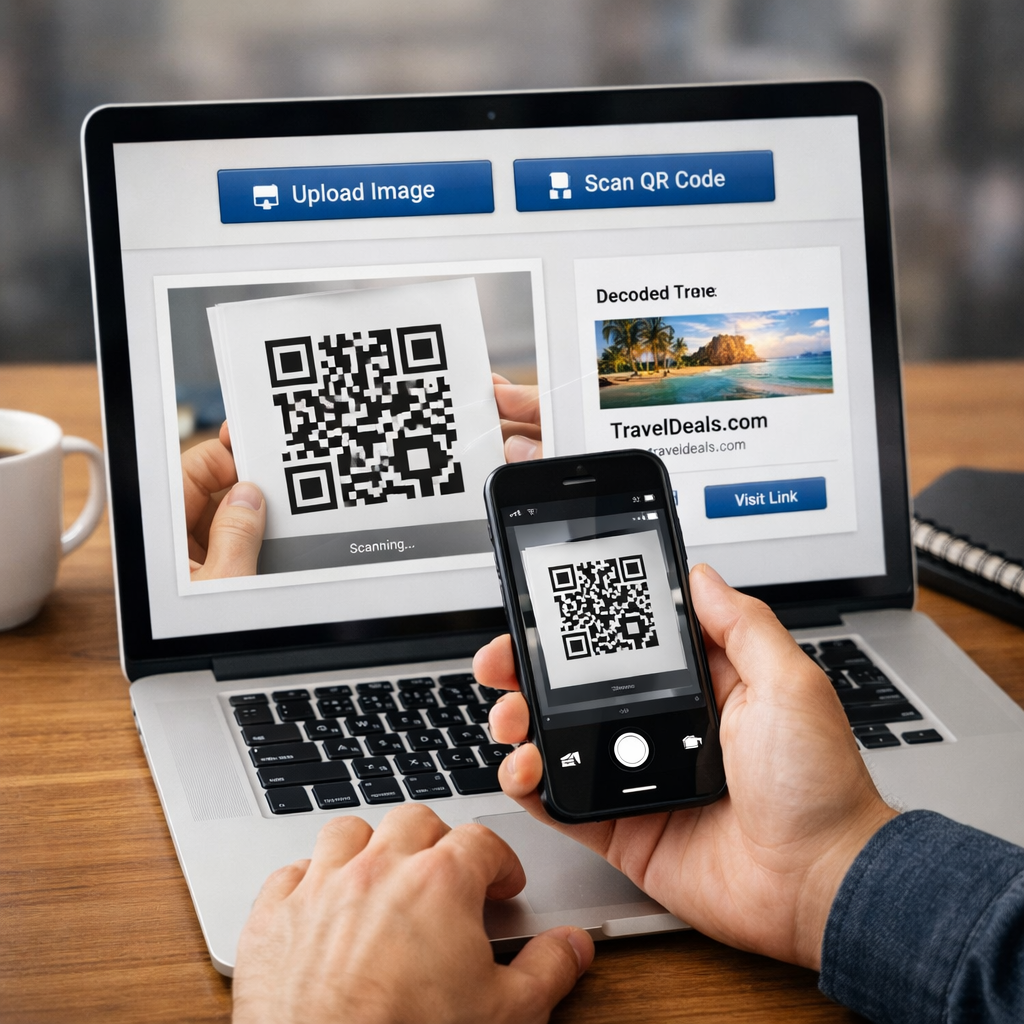
Yes, you can read a QR code from an image on both mobile and desktop. If the QR code is clear enough, the device or decoder can extract the same destination, text, or action that a live camera scan would reveal. On mobile, this often works from the gallery or an image-recognition feature. On desktop, it usually means uploading the screenshot, photo, or cropped image into a QR reader. For businesses, this matters because QR codes increasingly live inside digital assets such as design proofs, PDFs, customer screenshots, email creatives, product packaging artwork, and support documents — not just on physical labels.
Quick facts: reading a QR code from an image
- What it means: decoding a QR code from a screenshot, saved photo, design proof, PDF crop, or other image file instead of using a live camera view.
- Why it matters: businesses can test, approve, troubleshoot, and audit QR destinations before print, during campaigns, and after launch.
- Mobile route: open the image in the gallery and use the built-in scan or image-recognition option.
- Desktop route: upload the image, screenshot, or extracted crop into a QR decoder and read the result directly.
- Commercial upside: better quality control, faster approvals, smarter scan tracking, cleaner campaign measurement, and stronger physical-to-digital workflows.
Complete guide: how to read a QR code from an image on mobile and desktop
1) What “read QR code from image” actually means
At the technical level, a QR code is simply a visual data pattern. Whether you scan it from a poster using your camera or decode it from a screenshot stored in a folder, the job is the same: software identifies the code, reads the pattern, and returns the underlying content.
That content might be a website URL, a PDF, a Wi-Fi credential, contact information, a support page, a ticket, a form, a map location, a payment flow, or a dynamic redirect that can later be updated. The key difference is the input method. Instead of a live camera feed, the source is an existing image file.
That sounds basic, but it solves a real-world problem. QR codes now appear inside Slack screenshots, WhatsApp messages, design mockups, online brochures, PDF manuals, PowerPoint slides, email signatures, social posts, and marketing proofs. Teams need to check them before launch and analyse them after launch. That is why image-based QR reading is no longer a minor convenience feature. It is part of the operational workflow.
2) How reading a QR code from an image works
The process is simple in principle:
- The software detects the QR pattern inside the image.
- It isolates the code from the rest of the picture, even if the code sits inside a larger screenshot or artwork preview.
- It decodes the stored data and turns it back into readable output such as a URL, text string, or action.
- The user opens or reviews the result before deciding what to do next.
In practical terms, the main success factors are clarity, contrast, and completeness. If the QR code is blurred, cropped badly, partly covered, too small, or distorted, the read may fail. That is why image QA matters for businesses that rely on QR codes in print and digital assets.
3) How to read a QR code from an image on mobile
On mobile, the usual route is to open the image in the photo gallery and use the phone’s built-in image reading or scanning option. Many users now do this with no extra app at all. Depending on the device, the process may happen directly inside the gallery or through an image-recognition layer such as Google Lens.
In practice, the mobile flow usually looks like this:
- save the screenshot, image, or file preview
- open it in the gallery or photos app
- tap the scan, Lens, or recognition option
- review the result before opening it
This is useful when the QR code is already on your device and you do not want to use a second phone or print the image. It also matters in customer support. If someone sends a screenshot saying “this code is not working”, your team can decode it instantly from the image and verify the destination.
4) How to read a QR code from an image on desktop
On desktop, users normally upload an image into a QR decoder or online QR reader. The image can be a screenshot, a JPEG, a PNG, or a crop taken from a PDF or design proof. The decoder analyses the code and returns the linked content.
Desktop workflows matter because many approval, design, compliance, and marketing tasks already happen on laptops and workstations. A designer reviewing packaging artwork, a marketer checking an email creative, a print partner proofing labels, or an operations manager auditing documentation does not want to switch devices just to test a code. Reading QR codes directly from images keeps the workflow in one place.
It is also useful for archives. Businesses often store old packaging, campaign graphics, and documents digitally. If a customer shares a screenshot months later, the team can still decode the QR from the file and understand what journey it was meant to trigger.
5) Why this matters for businesses, not just consumers
Most articles treat this as a convenience feature for everyday phone users. That misses the bigger commercial angle. For businesses, reading QR codes from images supports quality control, customer support, campaign governance, compliance, and analytics.
Consider how often QR codes now appear before they are ever printed or scanned in the real world:
- packaging artwork before production
- poster proofs before public display
- PDF manuals before distribution
- email creatives before send
- social graphics before publishing
- customer screenshots during support investigations
If your business cannot decode and verify those QR codes directly from the image file, quality assurance becomes slower and riskier. Teams end up guessing whether the code works, whether it routes correctly, or whether an old asset is still pointing somewhere outdated.
6) The business benefits: what changes in the real world
Businesses that can read QR codes from images reliably tend to gain in five areas.
- Faster approvals: design, marketing, operations, and print teams can verify QR behaviour before sign-off.
- Cleaner troubleshooting: support teams can test codes from screenshots sent by customers or field staff.
- Better governance: old artwork, PDFs, and reused assets can be checked before they go live again.
- Stronger campaign control: marketers can confirm that every creative routes to the intended landing page or offer.
- Improved measurement: when dynamic QR codes are used, scan activity can still be analysed even if the code is first encountered as an image, screenshot, or digital asset.
That last point is important. The value is not just “the code works”. The value is “the business knows where the code leads, how it is used, and what the scan behaviour says about performance”.
7) How it supports engagement and scan tracking
For businesses using dynamic QR infrastructure, reading a QR code from an image is not only a decoding exercise. It is part of a measurable engagement system. The same QR code may appear in a poster proof, a packaging insert, an email screenshot, or a customer-shared photo. If the code routes through a dynamic platform, each scan can still contribute to a broader picture of usage.
This creates stronger commercial visibility. Teams can understand:
- which printed assets get reused in digital channels
- which campaign versions keep generating scans after launch
- whether shared screenshots are driving meaningful follow-up traffic
- which locations, branches, or packaging variants attract the most engagement
- when a code is still being scanned long after the original campaign period
That is one reason dynamic QR workflows matter. Xcan It’s Print Now, Link Later model is built around the idea that businesses can print first, update destinations later, and measure scan activity over time. When QR codes live across both physical and digital environments, this flexibility becomes more valuable, not less.
8) Why dynamic QR codes create an edge here
Static QR codes lock the destination into the code itself. If the link changes, the code must be replaced. Dynamic QR codes separate the printed image from the final destination, which means the same code can stay live while the underlying link changes.
That matters when businesses read QR codes from images because digital assets circulate widely. A screenshot of a poster, a PDF with an old manual, or a saved image from a campaign can keep moving long after the original distribution date. If the QR is dynamic, the business can update the destination instead of losing control of the journey.
For example:
- a packaging QR can move from launch content to support content later
- a poster QR can shift from teaser page to booking page
- a PDF QR can point to the newest document revision
- a product insert QR can move from onboarding to reorder flow
If you want a practical route into that workflow, see Start for Free and Print Now, Link Later.
9) Advanced use cases businesses often miss
Reading QR codes from images is useful in more places than most teams realise.
- Packaging QA: marketing and print teams test the code directly from artwork proofs before final production.
- Email campaign validation: marketers check QR codes inside newsletter designs before send.
- Customer support triage: service teams decode a customer screenshot to verify what page or journey the user actually saw.
- Compliance and documentation: operations teams read QR codes from digital manuals or inspection files to confirm that records still point to the right documents.
- Social and influencer reuse: brands identify whether QR codes on shared graphics, screenshots, or reposted media still resolve correctly.
- Design archive auditing: older campaigns can be checked in bulk before assets are reused.
- Field service workflows: engineers send photos or screenshots of equipment labels back to the office, which can decode the QR without needing the physical item in front of them.
These are the moments where a small technical capability turns into operational leverage.
10) Local examples: London, Greater London, and UK business scenarios
This topic becomes easier to understand when you place it in real operational settings.
- Camden retailer: the marketing team checks QR codes from product display artwork before the campaign goes to print, then later measures which display versions generated the most scans once customers started sharing photos online.
- Shoreditch events brand: the team decodes QR codes from sponsor deck PDFs and event signage proofs before production, then tracks which printed assets and shared graphics drive registrations.
- Croydon field service company: engineers send screenshots of QR-coded service labels to the office, where staff decode them from desktop and confirm the linked maintenance record.
- Park Royal wholesaler: product labels include QR codes that open specifications and reorder pages. The business tests the code from artwork images before print and monitors which SKUs attract the most scan activity later.
- Westfield kiosk brand: QR codes on packaging and point-of-sale materials are reviewed from mockups during launch prep, then measured across branches to see which store environments drive the highest engagement.
- Greater London property or facilities operation: QR labels tied to manuals, compliance records, and checklists are tested from documentation files before installation, reducing site errors later.
In each case, the same basic ability — reading a QR from an image — supports a larger business objective: quality, speed, support, compliance, or measurable engagement.
11) Investigative view: what recent research keeps showing
Looking across current guidance from QR software providers and how-to resources, the pattern is consistent. Mobile users increasingly expect to decode QR codes straight from saved photos and screenshots, while desktop users need upload-based tools that can extract QR data from images and on-screen assets. At the same time, businesses are leaning more heavily on dynamic QR systems because they need editability and analytics after print, not just at the point of creation.
The practical lesson is straightforward: QR codes should be treated as live digital infrastructure, not one-off images. Once a code starts appearing in screenshots, PDFs, image shares, and archived artwork, the business needs a way to read, test, update, and measure it beyond the moment of first publication.
12) Dedicated examples section: what strong implementation looks like
Example A — London hospitality group: menus, table cards, and in-venue signage all use QR codes. Before rollout, the head office team checks every code from the final artwork images on desktop. After launch, they compare scan activity by venue and update destinations without reprinting.
Example B — Greater London manufacturer: the operations team embeds QR codes in product documentation and packaging PDFs. Quality staff decode those codes from design files during approval to ensure manuals, warranty pages, and support links resolve correctly.
Example C — UK ecommerce brand: the marketing team includes QR codes in inserts, checkout materials, and campaign graphics. They read the QR from screenshots and proofs before release, then track which post-purchase assets drive the most support visits and repeat-order traffic.
Example D — London agency: clients approve creative remotely. The agency uses image-based QR reading to test every code from mocked-up ad visuals and shared PDFs, cutting approval delays and reducing campaign errors.
Example E — Facilities team in Hounslow: room labels and equipment tags point to digital records and forms. Office staff can decode the QR from emailed site photos or screenshots when troubleshooting access or checking whether the linked document is still current.
13) YouTube video example (one)
This tutorial is relevant because it shows the everyday workflow of scanning QR codes directly from screenshots or gallery images, which is exactly the behaviour many users and support teams need before a business-level workflow is layered on top:
14) Quote section
“Once QR codes start appearing in screenshots, proofs, packaging files, and customer messages, they stop being a simple print feature and become part of your digital infrastructure. The businesses that win are the ones that can test, manage, update, and measure those journeys wherever the code shows up.”
— Mark Hickman, Co-founder, Xcan It
15) External and internal reading worth embedding
For external reading, How to Read a QR Code From an Image: The Ultimate Guide is useful because it covers phone-based and desktop-based image decoding in one place. How To Scan a QR Code From a Photo, Gallery, or Screenshot is also useful because it focuses on current gallery-based mobile behaviour and built-in reading options.
For internal reading, Print Now, Link Later is directly relevant because it explains why dynamic QR codes matter once a code exists across print, screenshots, and shared digital assets. Start for Free is useful for teams that want to test editable QR codes and basic analytics in a live environment without committing to a full rollout on day one.
16) Practical checklist before rollout
If you want businesses to read QR codes from images reliably, check these points before launch:
- test the QR from the final asset file, not only from the generator preview
- make sure the code remains readable after resizing, exporting, and compression
- avoid tiny codes inside busy artwork
- check both mobile gallery decoding and desktop upload decoding
- verify that the destination is correct before print or distribution
- use dynamic QR codes if the destination may change later
- decide what you want to measure: scans by asset, location, branch, campaign, or product
- plan support workflows so staff can decode customer screenshots quickly
Conclusion: reading QR codes from images is now part of the workflow
Reading a QR code from an image on mobile or desktop is no longer a niche trick. It is a practical part of how QR systems now operate. People encounter QR codes in screenshots, PDFs, digital artwork, support files, and shared media every day. Businesses that treat those image-based encounters seriously gain better control over quality, customer experience, and campaign performance.
The real advantage comes when this capability connects to something bigger: dynamic destinations, measurable scan activity, and a clear operational process for testing and updating codes across both digital and physical environments. For businesses in London, Greater London, and across the UK, that means QR codes can move from being simple access points to becoming trackable, improvable, revenue-supporting assets.
In plain English: if your QR code can appear in an image, your business should be able to read it, verify it, and learn from it.
FAQs
Can you read a QR code from a screenshot or saved image?−
Yes. If the QR code is clear enough, you can decode it from a screenshot, saved photo, or other image file using a built-in mobile feature or a desktop upload-based QR reader.
How do you read a QR code from an image on mobile?+
Open the image in your gallery or photos app and use the built-in scan or image-recognition option. On many devices, that is the simplest way to decode a QR code already saved on your phone.
How do you read a QR code from an image on desktop?+
Upload the image, screenshot, or cropped file into a QR decoder. The software analyses the QR pattern and returns the embedded URL, text, or action.
Why does this matter for businesses?+
Because QR codes now appear in proofs, PDFs, campaign graphics, packaging artwork, documentation, and customer screenshots. Businesses need to verify and troubleshoot those journeys without relying on a live camera scan every time.
Can businesses still track scans when QR codes are shared as images?+
Yes, if the code is dynamic and tied to a platform with analytics. The code can still generate measurable scan activity whether it is encountered on a product, a poster, a screenshot, or a shared digital asset.
Talk to an Xcan It Specialist
Need QR workflows that work across screenshots, packaging files, PDFs, customer support, and live campaigns? We’ll help you connect image-based QR reading with dynamic destinations, engagement tracking, and measurable scan performance across London, Greater London, and UK-wide operations.