
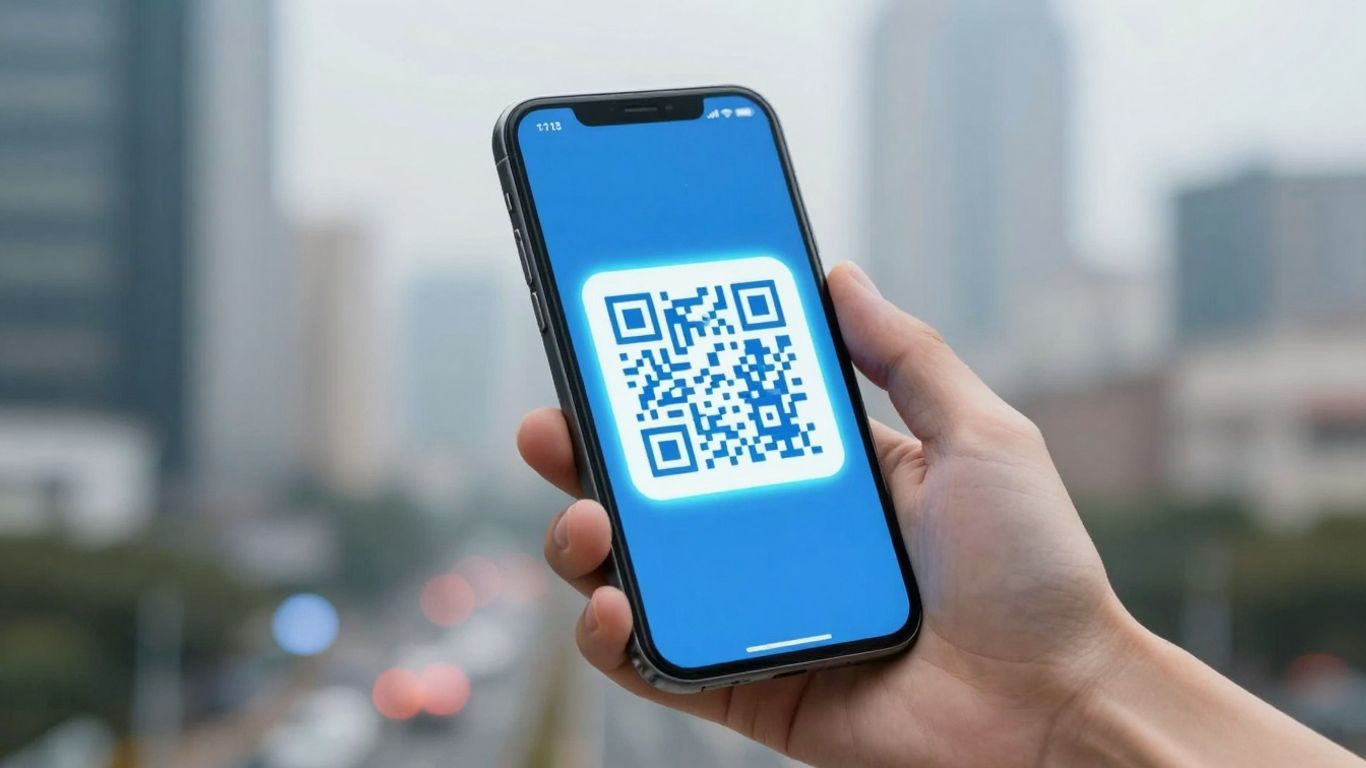
Right then, let’s talk about QR codes. You see them everywhere these days, don’t you? On posters, menus, even on the side of buses. And if you want to scan them, you’ll need a free QR reader app. But with so many out there, which one is actually any good? We’ve had a look around to find the best free QR reader app for your smartphone in 2026, so you don’t have to.
Key Takeaways
- Most modern phones have a built-in QR scanner in the camera app, which is usually the best and safest option to start with.
- If you need a separate app, look for one that shows you where a link goes before you open it, and ideally warns you about dodgy sites.
- Privacy is a big deal. Choose a free QR reader app that doesn’t bombard you with ads or try to track your activity.
- A good app should be able to read different types of codes, not just standard QR codes. Think Data Matrix or PDF417 for things like tickets or ID cards.
- Speed matters. You want an app that focuses quickly, even in dim light, so you’re not fumbling around trying to get a scan.
1. Built-In Camera Scanner
Most of us have a QR code scanner already sitting in our pocket – it’s built right into our smartphone’s camera app. For a while there, you’d have to download a separate app for every little thing, but thankfully, that’s mostly a thing of the past. iPhones have had this feature for ages, and most Android phones now do too, often using Google Lens integration. It’s super convenient because you just open your camera, point it at the code, and a notification pops up, usually with a link to where it goes. No fuss, no extra downloads needed.
This means you can quickly get information from menus, posters, or product packaging without any hassle. It’s the quickest way to get connected, and for most everyday uses, it’s all you’ll ever need. Plus, your phone’s native camera usually shows you a preview of the link before you tap it, which is a nice little safety net. It’s a simple, effective way to interact with the world around you, turning static images into dynamic doorways to information scan QR codes using your smartphone’s camera.
For businesses, the real game-changer comes with dynamic QR codes. Tools like Xcan.it allow you to update the destination link of a QR code after it’s been printed. Imagine updating a menu or a website link on a poster without having to reprint the whole thing! You can also track how many times your QR codes are scanned from a single dashboard, giving you real insights into campaign performance. This is brilliant for improving real-world campaigns across print, signage, and even on physical assets, making your marketing efforts much more flexible and measurable.
2. Privacy-First Readers
When you’re picking a QR code reader app, privacy should be right at the top of your list. It’s not just about scanning codes; it’s about what happens to your data afterwards. You want an app that’s upfront about permissions and doesn’t try to sneakily collect information about you or your scanning habits.
The best privacy-focused readers will only ask for the camera permission and nothing more. They won’t request access to your contacts, location, or other personal data unless it’s absolutely necessary for a feature you’ve explicitly chosen to use. Look for apps that clearly state their privacy policy and stick to it.
For those who need a bit more control and insight into their QR campaigns, services like Xcan.it offer a way to manage your links effectively. With Xcan.it, you can actually update the destination of a QR code link without needing to reprint the code itself. This is a game-changer for physical marketing materials like posters or product packaging. Plus, you get a dashboard to track how many times your codes are scanned, giving you real-world campaign data. They also offer dynamic QR codes, which are brilliant for making your print, signage, and asset campaigns more interactive and measurable.
Here’s what to look for in a privacy-conscious QR reader:
- Minimal Permissions: Only requests camera access.
- No Data Tracking: Doesn’t collect or sell your personal scanning data.
- Clear Privacy Policy: Easy to understand and readily available.
- URL Preview: Shows you where a link goes before you open it.
Choosing an app that respects your privacy means you can scan with confidence, knowing your personal information is safe. It’s about having a tool that works for you, not the other way around.
3. Ad-Free Options
Nobody likes being bombarded with adverts when they’re just trying to scan a QR code. It’s distracting, can slow things down, and sometimes those ads are a bit dodgy. That’s why finding a reader that’s completely ad-free is a big win for a smooth experience.
When you’re looking for an app, keep an eye out for ones that don’t push ads. It often means they’re more focused on privacy and performance, rather than trying to make money from pop-ups. Some services, like Xcan.it, offer a really smart way to handle your QR codes. You can actually update the links on your QR codes without having to reprint them, which is a game-changer for campaigns. Plus, they let you track scans from a single dashboard and use dynamic QR codes. This is brilliant for improving real-world campaigns across everything from print materials to signage and even physical assets. It means your marketing can stay current and effective, no matter what.
Here’s why an ad-free approach matters:
- Better User Experience: No interruptions means quicker, more pleasant scanning.
- Enhanced Privacy: Ad-free apps are less likely to track your activity.
- Improved Performance: Less clutter often means a faster, more responsive app.
- Focus on Functionality: Developers can concentrate on making the scanner work well, not on ad placement.
Choosing an app that respects your time and privacy is key. If you’re using QR codes for business, services that offer dynamic links and tracking, like Xcan.it, can really make a difference to your campaign’s success and flexibility.
4. URL Preview Functionality
One of the most useful features in a QR reader app is the ability to preview the URL before you actually visit it. This is a simple but really important safety net. You know, sometimes you see a QR code out and about, and you’re not entirely sure where it’s going to take you. A good reader will show you the web address clearly, giving you a chance to decide if it looks legitimate. This helps avoid accidentally landing on dodgy websites or falling for phishing scams.
For those who use QR codes in their marketing or for business, this functionality is even more critical. Services like Xcan.it really shine here. They offer dynamic QR codes, which means you can actually update the link the QR code points to without having to reprint it. Imagine you’ve got a poster with a QR code for a special offer, but the offer changes. With a dynamic code from Xcan.it, you just update the link in your dashboard, and the printed QR code still works, now directing people to the new offer. It’s a game-changer for keeping campaigns fresh and relevant across print, signage, and all sorts of physical assets. Plus, you get to track scans in one central dashboard, so you can see exactly how your real-world campaigns are performing.
Here’s why URL preview and dynamic codes are so handy:
- Safety First: See where you’re going before you get there, avoiding unexpected detours.
- Flexibility: Update links on the fly without needing new print runs.
- Insight: Track scan data to understand campaign effectiveness.
- Efficiency: Save time and money by not reprinting materials.
Having the option to see the destination URL before committing to opening it is a small feature that makes a big difference in how safe and confident you feel when scanning codes in the wild. It’s about having control over your digital journey.
5. Multi-Format Support
It’s a bit frustrating when you point your phone at a code and your scanner just shrugs. That’s why a good QR reader needs to handle more than just the standard QR code. Think about tickets for events, product packaging, or even business cards – they often use different types of codes like Data Matrix, PDF417, or Code 128. A reader that supports these means fewer missed opportunities and less fumbling around trying to find the right app for the job.
For businesses, this multi-format capability is a real game-changer. Take Xcan.it, for example. They let you update QR code links without having to reprint everything, which is a massive time and cost saver. Plus, you can track scans in one dashboard and use dynamic QR codes to really boost your real-world campaigns across print, signage, and all sorts of assets. It’s about making sure that every scan, no matter the code type, leads to a smooth experience for everyone involved.
A reader that supports multiple formats means you’re covered for almost any situation.
Here’s a quick look at some common formats you might encounter:
- QR Code: The most common type, great for URLs, text, and contact info.
- Data Matrix: Often found on smaller items like electronics or medical devices, it’s more compact than a QR code.
- PDF417: Frequently used for things like boarding passes, driver’s licenses, and other identification documents.
- Code 128: Common in logistics and inventory management for product tracking.
Having a reader that can decipher all these different codes means you’re not limited by the type of information you can access or share. It makes your phone a more versatile tool for everyday tasks and marketing efforts alike.
6. Offline Decoding Capability
It’s a bit of a myth that you need a constant internet connection to scan a QR code. Most of the time, the actual decoding – that’s the process of turning the squares into readable information – happens right on your phone. This means you can scan codes even when you’re out of signal range, like on a train or in a basement. The app just needs to connect to the internet later when you tap to open a link or view content.
This is super handy, but what if the link itself changes? That’s where dynamic QR codes come in. With services like Xcan.it, you can actually update the QR code links without needing to reprint anything. Imagine you’ve got QR codes on flyers or posters; if the website address changes, you just log into your dashboard and update it. No more wasted print runs!
Plus, Xcan.it lets you track scans in one place and use these dynamic QR codes to really boost your real-world campaigns. Whether it’s on print materials, signage, or even on products, you can adapt and measure your efforts. It’s a smart way to keep your campaigns fresh and effective, even after they’ve been printed.
- Scan anywhere: Works even without a mobile signal.
- Update links: Change destinations without reprinting.
- Track performance: See how many people are scanning.
- Dynamic codes: Adapt your campaigns on the fly.
The ability to scan offline means you’re not limited by your current connection. It’s about making sure the information is accessible when you need it, and that the QR code itself can be updated to stay relevant.
7. Fast Focus and Performance
When you’re scanning a QR code, the last thing you want is a laggy app that struggles to focus. We’re talking about those moments where you’re holding your phone steady, trying to get that little square into sharp focus, and the app just isn’t cooperating. It can be really frustrating, especially if you’re in a hurry or the lighting isn’t perfect.
A good QR reader should lock onto the code quickly and smoothly, no matter the conditions. This means it needs to handle different lighting levels, from bright sunlight to dim interiors, and focus on codes of various sizes and even those with a bit of glare. Think about scanning a menu in a dimly lit restaurant or a poster on a sunny day – the app needs to cope.
For those who use QR codes for business or marketing, speed and reliability are even more important. Tools like Xcan.it really shine here. They allow you to update QR code links without needing to reprint anything, which is a lifesaver if a URL changes. Plus, you can track scans in one central dashboard, giving you a clear picture of how your campaigns are performing. They also offer dynamic QR codes, which are brilliant for improving real-world campaigns across print, signage, and all sorts of assets. This means you get more out of your QR codes, with less hassle.
We found that apps which prioritise quick autofocus and stable performance generally offer a much better user experience. It’s not just about opening a link; it’s about doing it efficiently and without fuss. A fast focus means fewer attempts and less time spent fumbling with your phone, making the whole process feel much more modern and straightforward. For a truly seamless experience, look for apps that are built for speed and accuracy, like FastQR which is known for its intuitive scanning.
8. Safety Checks and Warnings
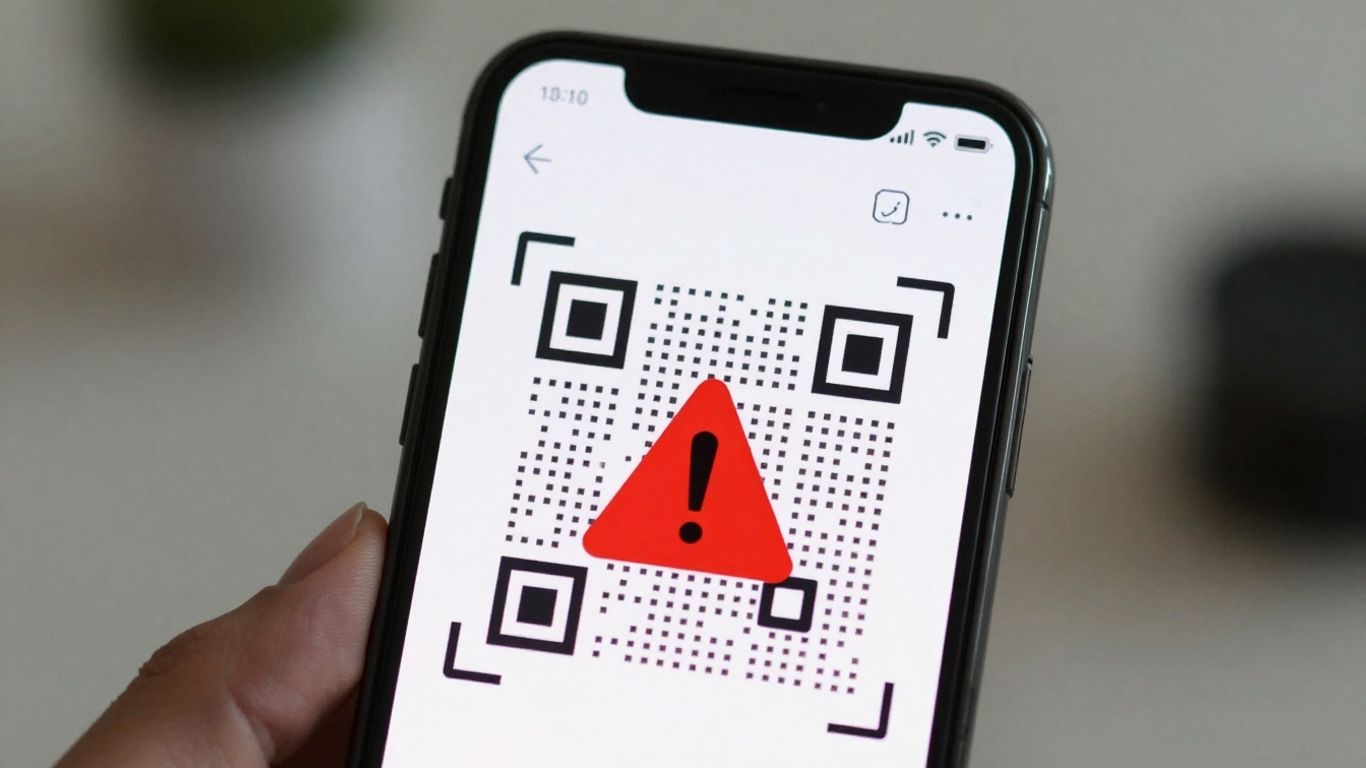
When you scan a QR code, you’re essentially trusting that the link it contains will take you where you expect. Unfortunately, not all QR codes are created equal, and some can lead to dodgy websites or even try to trick you into downloading malware. That’s why having a reader with built-in safety features is a really good idea.
The best QR readers will show you the destination URL before you actually open it. This gives you a chance to look it over and decide if it seems legitimate. If a link looks suspicious, like it’s trying to impersonate a well-known site or has a bunch of random characters, you can just choose not to open it. Some apps go a step further and actively warn you about known malicious links or sites that use too many redirects, which can sometimes be a sign of something fishy [d4a9].
For businesses looking to use QR codes in their campaigns, services like Xcan.it offer a way to manage this safety aspect more effectively. They allow you to update QR code links without needing to reprint anything, which is handy if a destination URL changes. Plus, you can track scans in a central dashboard, giving you insights into how your campaigns are performing. Using dynamic QR codes means you have more control and can adapt your real-world campaigns across print, signage, and other assets more easily, all while maintaining a safer experience for your users [0fb6].
9. Clear Permissions
When you’re looking for a QR code reader app, it’s really important to pay attention to what permissions it asks for. Most of the time, your phone’s built-in camera app is the best place to start because it already has the necessary camera access and doesn’t ask for anything extra. If you do decide to download a separate app, make sure it’s upfront about why it needs access to your camera and storage.
Some apps might ask for more than they need, like access to your contacts or location, which isn’t usually necessary for just scanning a QR code. A good app will clearly explain why it needs these permissions, often just for scanning and saving your scan history. For example, an app that prioritises your privacy will keep all scanned data on your device and only request essential permissions like camera access.
For those looking to use QR codes in a more professional or campaign-driven way, services like Xcan.it offer a lot more control. With Xcan.it, you can create dynamic QR codes, which means you can actually update the link the QR code points to after it’s been printed. This is a game-changer for marketing campaigns, signage, or even just updating information on physical assets without having to reprint everything. Plus, you get a dashboard to track scans, giving you insights into how your campaigns are performing in the real world.
Here’s what to look out for regarding permissions:
- Camera Access: This is essential for the app to function. It should be clearly stated.
- Storage Access: Needed if the app saves scan history or allows you to save QR codes.
- No Unnecessary Permissions: Be wary of apps asking for contacts, location, or microphone access unless there’s a very clear and relevant reason.
Always check the app’s privacy policy. A transparent policy means you know exactly how your data is being used, or in the case of privacy-focused apps, how it’s not being used.
10. Open Export Options
When you’re using a QR code reader, it’s not just about scanning; it’s also about what you can do with the information afterwards. The best apps give you flexibility. You might want to copy the scanned URL to paste it somewhere else, share it directly with a friend, or simply open it in your preferred web browser. This level of control makes the scanning process much more useful.
For those managing QR codes for campaigns or business use, the ability to export scan data is a game-changer. Services like Xcan.it really shine here. They let you update QR code links without needing to reprint anything, which is a massive time-saver and cost-reducer. Imagine a poster with a QR code that needs to point to a new landing page – with dynamic QR codes, you just update the link in your dashboard, and it’s done. No more re-printing costs or hassle.
Furthermore, Xcan.it provides a central dashboard where you can track scans. This gives you real-time insights into how your QR codes are performing, which is invaluable for improving your marketing efforts. Whether your QR codes are on print materials, signage, or product packaging, using dynamic codes with tracking capabilities can really boost the effectiveness of your real-world campaigns. It’s about making those physical touchpoints work harder for you.
Here’s a quick look at what makes good export and management options stand out:
- Update links on the fly: Change where a QR code points to without reprinting.
- Track scan performance: Monitor usage and engagement in a central dashboard.
- Use dynamic QR codes: Adapt your campaigns easily and get better insights.
- Export data: Get scan logs or campaign performance data in formats like CSV or TXT for further analysis [aaf4].
Having these options means your QR codes aren’t just static images; they become dynamic tools that can evolve with your needs, offering more value and better results.
Looking for ways to share your data with the world? Our platform makes it super simple to set up different export choices. You can easily share what you need, when you need it. Ready to see how flexible it is? Visit our website today to explore all the options!
So, What’s the Verdict?
Right then, we’ve had a good look at what makes a decent free QR reader app. Honestly, for most of us, the camera on your phone is probably all you’ll ever need. It’s quick, it’s safe, and it doesn’t ask for much. But if you’re scanning a lot of different types of codes or just want that extra bit of security with a link preview, there are some solid free options out there. Just remember to keep an eye on what permissions they want and whether they’re shoving ads in your face. Happy scanning!
Frequently Asked Questions
Do I need a special app to scan QR codes?
Not usually! Most modern smartphones have a built-in scanner in their camera app. Just open your camera and point it at the QR code. If your phone’s camera doesn’t scan them, you might need to enable a setting or download a free app.
Are free QR scanner apps safe to use?
Many are, but it’s wise to be careful. Look for apps that don’t show lots of ads or ask for unnecessary permissions, like access to your contacts. The best option is often your phone’s built-in camera, as it’s usually free, safe, and doesn’t collect your data.
What should I look for in a good QR scanner app?
A good app should be fast and easy to use. It’s also important that it shows you where the QR code link goes *before* you open it, so you know it’s safe. Support for different types of codes, not just QR, is a bonus.
Can I scan QR codes if I don’t have internet?
Yes, most QR scanners can read the code even without an internet connection. The scanning part happens offline. You’ll only need internet when you actually decide to open the link the QR code leads to.
What’s the difference between a QR code and a barcode?
Think of them as cousins! QR codes are those square ones with lots of little squares inside, and they can hold more information, like website links. Barcodes are the lines you see on products, usually just holding basic info like a price or product ID.
Can a QR scanner read other types of codes besides QR?
Some can! Many good scanner apps can also read other codes like Data Matrix (often found on electronics) or PDF417 (used for things like train tickets or ID cards). This makes them more versatile.












