
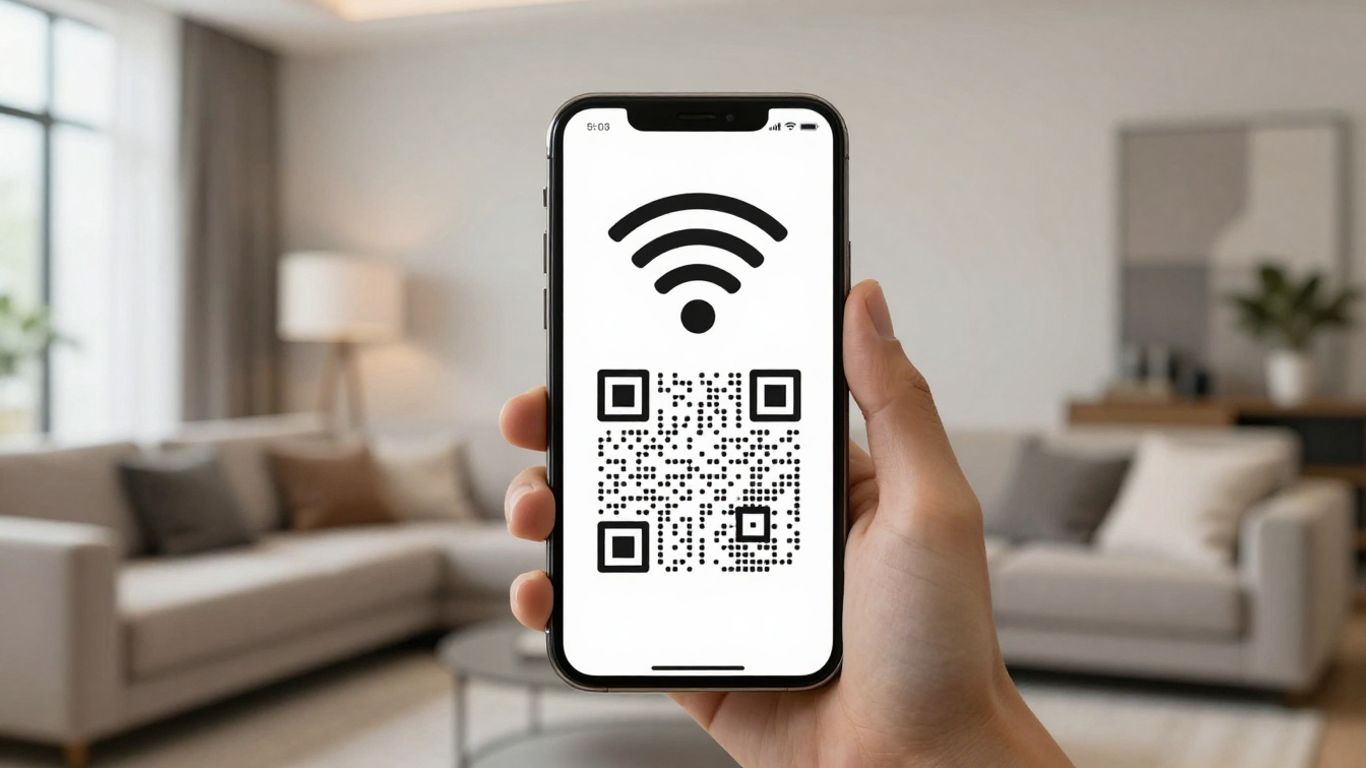
In the UK, getting online shouldn’t be a hassle. Whether you’re running a café, a hotel, or an office space, making it simple for people to connect to your WiFi is a big plus. That’s where a WiFi QR code comes in. It’s a simple little square that holds all your network details, letting anyone connect with just a quick scan. No more typing out long, fiddly passwords or writing them on a whiteboard. This article will walk you through how to make and use these codes to make life easier for everyone.
Key Takeaways
- A WiFi QR code stores your network name (SSID), security type, and password, allowing devices to connect automatically after a scan.
- Generating a WiFi QR code is straightforward; you’ll need your network’s SSID, security type (like WPA2), and password.
- Placing your WiFi QR code visibly on tables, reception desks, or packaging makes it easy for guests and customers to connect.
- Using dynamic WiFi QR codes allows you to update network details without reprinting the code, and they can be tracked.
- Businesses like cafes, hotels, and coworking spaces benefit greatly by reducing customer friction and staff interruptions with WiFi QR codes.
Understanding WiFi QR Codes
You’ve probably seen them around – those little black and white squares that seem to be everywhere these days. But what exactly is a WiFi QR code, and why should you care? Simply put, it’s a clever way to share your WiFi network details without anyone needing to type a single character. Think of it as a digital shortcut to your internet connection.
What Exactly Is a WiFi QR Code?
A WiFi QR code is a specific type of QR code that contains all the necessary information for a device to connect to a wireless network. This includes the network name (SSID), the security type (like WPA2), and the password. When someone scans this code with their smartphone, their device recognises it and prompts them to join the network automatically. It’s a straightforward process that bypasses the usual hassle of finding the network and entering a potentially long and complicated password.
The Guest Experience: Seamless Connection
From a guest’s perspective, using a WiFi QR code is incredibly simple. They just need to open their phone’s camera or a QR scanner app, point it at the code, and tap ‘Join’ when prompted. This means no more fumbling with passwords, no more asking staff for the details, and certainly no more typos. It makes connecting to your WiFi as easy as scanning a menu or a payment request. This smooth experience is particularly beneficial in busy environments like cafes, hotels, or public venues where quick access is appreciated.
How WiFi QR Codes Work
When a smartphone scans a WiFi QR code, the device’s operating system interprets the encoded data. It then presents a prompt to the user, asking if they wish to connect to the specified network. If they agree, the phone automatically configures the connection using the details from the QR code. This technology is built into most modern smartphones, so there’s no need for guests to download any special apps. For businesses, this means a more streamlined way to offer internet access, reducing support queries and improving overall customer satisfaction. Platforms like Xcan.it can help you create these codes, and importantly, allow you to update the network details or password without needing to reprint the QR code itself. This flexibility is a game-changer for managing your network information and tracking how often your QR codes are used, all from a single dashboard. You can even use dynamic QR codes to adapt your campaigns across print and signage without hassle.
Creating Your WiFi QR Code
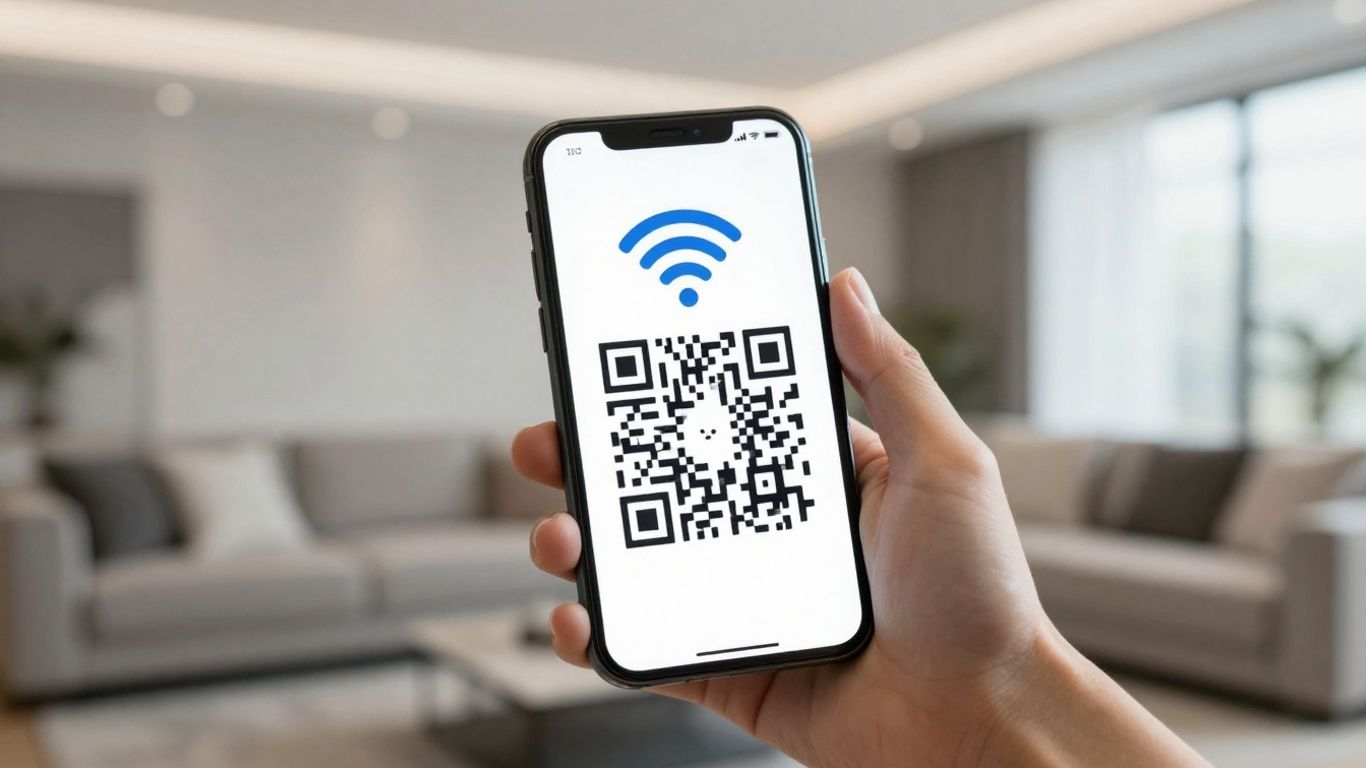
So, you’ve decided to make connecting to your WiFi a doddle for your customers or guests. Brilliant! Creating a WiFi QR code is surprisingly straightforward. It’s all about packaging your network’s details into a scannable format. Let’s get this done.
Essential Information for Your Code
Before you even think about a generator, you’ll need a few bits of information to hand. These are the nuts and bolts of your WiFi network that the QR code will store:
- Network Name (SSID): This is the name your WiFi network broadcasts. Make sure you’ve got the exact spelling, including any capital letters or special characters.
- Security Type: Most networks use WPA2 or WPA3 these days. You’ll need to know which one yours uses.
- Password: Again, spelling and case are everything here. Double-check it!
It’s worth noting that you should only be encoding details for a guest or public network. Never put your main business network’s credentials into a QR code that’s accessible to customers.
Choosing a Generator
There are plenty of places online where you can create QR codes. Some are free, some have more features. For WiFi QR codes, you’re looking for a generator that specifically supports this type. Many general QR code generators will have a dedicated option for WiFi.
When you’re choosing, think about whether you might want to track how many people are scanning your code or if you might need to change the WiFi password later on. If that’s the case, you’ll want to look at dynamic QR codes. Platforms like Xcan.it are great for this. They let you update the WiFi details without needing to print a new QR code, which is a lifesaver if you ever change your password or network name. Plus, you get a dashboard to see how often your code is being used, which is handy for understanding your customers.
Designing Your QR Code
Once you’ve got your information and chosen your generator, it’s time to make the code look the part. While the pattern itself is functional, you can often customise the appearance.
- Branding: Many generators allow you to add your logo in the centre of the QR code. This makes it look more professional and ties it into your business’s branding.
- Colours: You can usually change the colours of the QR code modules and the background. Just make sure there’s enough contrast for scanners to read it easily. Black and white is always a safe bet, but a dark colour on a light background usually works well.
- Frames and Text: Some services let you add a frame around the QR code with a clear call to action, like "Scan to connect to WiFi". This tells people exactly what to do.
Remember, the primary goal is scannability. While a bit of customisation is nice, don’t go overboard with complex designs that might make the code harder for phones to read. A simple, clear design is usually best. If you’re using a service like Xcan.it, you can even set up templates to keep your branding consistent across all your QR codes, including WiFi ones. This means you can update details like the password from your dashboard and the QR code will reflect the changes automatically, without you needing to reprint anything. It’s a really neat way to manage your guest network access effectively.
Implementing WiFi QR Codes Effectively
So, you’ve got your WiFi QR code ready to go. That’s brilliant! But where you put it, and how you present it, can make a big difference. It’s not just about having the code; it’s about making it work for you and your customers.
Strategic Placement for Maximum Impact
Think about where your customers or guests are most likely to need WiFi access. This is your prime real estate for the QR code. Don’t just stick it anywhere; place it where it’s visible and makes sense in their journey.
- Entrances and Reception: This is often the first point of contact. A clear sign or a small card at reception lets people connect as soon as they arrive.
- Tables and Seating Areas: For cafes, restaurants, or waiting rooms, table talkers or small signs on the tables are perfect. It means people can get online while they settle in or wait.
- Guest Rooms or Workspaces: In hotels or coworking spaces, having a QR code in the room or on the desk makes it super convenient for guests to connect throughout their stay or workday.
- Event Signage: At conferences or events, place codes on programmes, directional signs, or registration desks so attendees can easily access event-specific networks or information.
Best Practices for Visibility
Making your QR code visible is key. A code that’s too small, poorly lit, or on a busy background can be frustrating. Here are a few pointers:
- Size Matters: Ensure the QR code is large enough to be scanned easily from a reasonable distance. A general rule of thumb is at least 2cm x 2cm for most print materials.
- Clear Contrast: The code needs to stand out. Use a strong contrast between the dark modules of the QR code and its light background. Avoid busy or patterned backgrounds behind the code itself.
- Give it Space: Don’t cram your QR code into a corner. Allow for a ‘quiet zone’ – a clear border around the code – so scanning apps can read it without interference. This is often built into generators, but it’s worth checking.
- Call to Action: Always include a clear instruction next to the QR code. Something like "Scan to connect to our WiFi" or "Join our guest network here" tells people exactly what to do.
Integrating with Your Business
Your WiFi QR code isn’t just a utility; it’s a touchpoint. You can use it to guide customers further into your business ecosystem. This is where dynamic QR codes really shine. Platforms like Xcan.it allow you to create QR codes that can be updated remotely. This means if your WiFi password changes, you don’t have to reprint all your signage. You can simply update the details through your Xcan.it dashboard.
Furthermore, Xcan.it provides valuable insights. You can track how many times your QR code is scanned, giving you data on customer engagement. This is incredibly useful for understanding which placements are most effective. You can even use dynamic codes to link to different pages or offers based on time of day or location, making your campaigns more responsive. This ability to update and track without reprinting is a game-changer for managing real-world campaigns across print, signage, and other assets. It helps you keep your customer experience smooth and your marketing efforts sharp.
Security is also a consideration. While QR codes themselves aren’t inherently insecure, the network they connect to should be. Always use a dedicated guest network for public WiFi access. This separates guest traffic from your internal business systems, adding a vital layer of protection. For advice on securing wireless networks, consider best practices like WPA3 to ensure robust protection.
By thinking strategically about placement, visibility, and integration, your WiFi QR code can become a powerful tool for both customer convenience and business insight.
Enhancing Security with WiFi QR Codes
While WiFi QR codes are brilliant for convenience, it’s wise to think about how they fit into your overall security picture. It’s not just about getting people online; it’s about doing it safely and smartly.
Utilising Guest Networks
One of the simplest yet most effective security measures is to use a dedicated guest network. This keeps your main business network, with all your sensitive data, completely separate from visitor traffic. Think of it like having a separate entrance for guests that doesn’t lead into your private office. A WiFi QR code should always point to this guest network, never your internal one. This is a fundamental step for any UK business looking to offer public Wi-Fi, as recommended in guides for secure office Wi-Fi.
The Power of Dynamic Codes for Updates
What happens if you need to change your WiFi password? With a static QR code, you’d be stuck reprinting everything. This is where dynamic QR codes really shine. Platforms like Xcan.it allow you to update the destination of your QR code without ever needing to print a new one. This means if you ever need to refresh your WiFi password for security reasons, you can do it instantly from your dashboard. This agility is a game-changer, letting you manage your network credentials remotely and keep your network secure without the hassle of reprinting signage, menus, or cards. It’s a bit like having a digital remote control for your WiFi access.
Securing Your Network Information
Beyond just using guest networks and dynamic codes, consider the information you’re sharing. Always ensure your WiFi QR codes are configured for a guest network, not your primary business network. If you’re using a newer security protocol like WPA3, make sure your guest network is set up to support it for an added layer of protection.
It’s important to remember that while QR codes simplify the connection process, they don’t replace good network security practices. Always keep your network firmware updated and monitor for any unusual activity.
With Xcan.it, you can also track how many times your WiFi QR code is scanned and get insights into usage patterns. This data can help you understand when and where your WiFi is being accessed, which is useful for both operational planning and security monitoring. If you notice a sudden spike in scans from an unexpected location, it might be worth investigating. This level of insight turns a simple convenience tool into a part of your security toolkit, helping you maintain a robust and protected network environment for everyone.
Beyond Basic Connectivity: Advanced Uses
WiFi QR codes are brilliant for getting people online quickly, but that’s just the start. Think of them as a gateway to a whole lot more. Once someone’s connected, you’ve got a golden opportunity to engage them further. It’s about turning that simple act of connecting to your Wi-Fi into a stepping stone for richer interactions.
Linking to Further Engagement
Imagine a customer scans your Wi-Fi QR code in your cafe. Instead of just getting online, they’re immediately presented with a simple landing page. This page could feature a URL QR code linking to your latest specials, a sign-up for your loyalty program, or even a quick feedback survey. It’s about making the most of that moment when a customer is actively looking for what you offer. This is where dynamic QR codes really shine. With a service like Xcan.it, you can update the link behind the QR code without ever needing to reprint anything. So, if your menu changes or you have a new promotion, you just update it in your dashboard, and the QR code automatically points to the new content. This agility is a game-changer for keeping your customer journey fresh and relevant.
Combining WiFi Access with Other Services
Why stop at just Wi-Fi? You can create a whole ecosystem of connected experiences. For instance, a hotel could have a QR code in the room that not only connects guests to the Wi-Fi but also links to a digital concierge service, room service ordering, or local attraction guides. This creates a truly integrated experience. You can even combine different QR types. A restaurant might have a Wi-Fi QR code on the table, alongside a URL QR code for their menu and a WhatsApp QR code for quick queries. All these can be managed and tracked through a single platform, giving you a clear overview of customer interactions. This integrated approach simplifies things for your guests and provides you with a wealth of data.
Tracking and Analytics for Insights
This is where things get really interesting. With dynamic QR codes from Xcan.it, every scan is a data point. You can track how many people are scanning your codes, when they’re scanning them, and even get a general idea of their location. This information is incredibly useful for understanding customer behaviour and the effectiveness of your marketing efforts. For example, if you have Wi-Fi QR codes in different areas of your venue, you can see which spots are getting the most scans. This insight helps you optimise placement and understand customer flow. Xcan.it provides a dashboard where you can monitor all these scans, helping you refine your campaigns and make informed decisions about your business. It turns a simple convenience into a powerful marketing tool.
Who Benefits from WiFi QR Codes?
It might seem like WiFi QR codes are a one-size-fits-all solution, but they actually bring a smile to a whole range of faces and businesses. Think about it: who doesn’t appreciate a quick and easy way to get online these days? It’s not just about convenience; it’s about making things smoother for everyone involved.
Hospitality and Retail
For cafés, pubs, hotels, and shops, the question "What’s the WiFi password?" is practically a daily occurrence. Instead of staff having to repeat it or type it out, a simple QR code on a table, menu, or even a receipt does the job instantly. This frees up staff time and means customers can connect without any fuss. Imagine a busy pub where a punter can scan a code on their table to get online while they wait for their order – much better than trying to catch the barman’s eye. For hotels, putting a code in the room means guests can connect as soon as they arrive, no need to call reception. It’s all about reducing those little friction points that can sour an experience.
Coworking Spaces and Offices
Coworking spaces thrive on connectivity. New members or day-pass users can be onboarded in seconds with a QR code on their desk or in a welcome pack. It means they can get straight to work without any IT faff. For regular offices, it’s a great way to manage guest access without giving out internal network details. It keeps things organised and secure. Plus, if you ever need to change the WiFi password, you don’t have to go around telling everyone or updating a million signs. With a service like Xcan.it, you can update the code’s destination without reprinting anything, which is a lifesaver for multi-site businesses.
Public Venues and Events
Think about conference centres, exhibition halls, or even community centres. When people are attending an event, they often need to get online quickly to check schedules, access information, or share updates. A WiFi QR code on signage or event programmes makes this effortless. For temporary events, like a festival or a market, it’s a super simple way to provide guest WiFi. And if you’re running a large event, being able to track how many people are connecting through specific QR codes can give you a real insight into which areas or promotions are most popular. Xcan.it’s dashboard lets you see these scan numbers, helping you understand what’s working.
The beauty of WiFi QR codes lies in their simplicity and broad applicability. They transform a common point of friction into a moment of effortless connection, benefiting businesses through improved customer experience and operational efficiency, and customers through instant access. It’s a small change that makes a big difference in how people interact with a space.
Using a platform like Xcan.it also means you can use dynamic QR codes. This is a game-changer because it allows you to update the WiFi network details or password from a central dashboard without needing to print new codes. This is incredibly useful for managing multiple locations or for when security protocols change. You also get the added benefit of tracking scans, so you can see how often your QR codes are being used and where. This kind of data can help you refine your placement strategies and understand your customer behaviour better. It turns a simple WiFi login into a measurable part of your engagement strategy. Learn more about dynamic codes.
Lots of people can make good use of WiFi QR codes. Businesses love them for letting customers connect to their guest WiFi easily. Event organisers can use them to share network details quickly. Even homeowners might find them handy for visitors. Basically, anyone who wants to share their WiFi password without typing it out can benefit. Want to see how simple it is to set up? Visit our website to learn more!
Making WiFi Access Effortless
So there you have it. Creating and using a WiFi QR code is a really simple way to make life easier for everyone. No more hunting for passwords or typing out long strings of characters. It just works. Whether you’re running a busy café in Manchester or a quiet B&B in the Lakes, this little bit of tech makes a big difference. It’s a small change that leads to happier customers and less hassle for you. Give it a go – you might be surprised how much smoother things become.
Frequently Asked Questions
What exactly is a WiFi QR code?
Imagine a special barcode that holds all the info for your WiFi, like its name and password. When someone scans it with their phone, their device instantly knows how to connect, saving them from typing in long, fiddly details. It’s like a digital key to your internet.
How do I make a WiFi QR code?
You’ll need your WiFi network name (SSID), the security type (usually WPA2), and the password. Then, you use an online generator tool. You input these details, and it creates the QR code image for you. Some tools let you customise how it looks too!
Where should I put my WiFi QR code?
Think about where your guests or customers will want to connect. Good spots include reception desks, table menus in cafes or restaurants, on the back of room doors in hotels, or even on welcome packs in offices. The key is to place it somewhere obvious and easy to find.
Is it safe to share my WiFi password this way?
Yes, it can be very safe, especially if you use a dedicated guest network. This keeps your main business network separate and more secure. By using a QR code, you’re also less likely to accidentally share your password with the wrong person, unlike shouting it across a busy room.
Can I change my WiFi password after I've made the QR code?
If you use a ‘dynamic’ QR code generator (often a paid service), then yes! You can update the WiFi details linked to the QR code without needing to print a new one. This is super handy if you need to change your password regularly for security.
What happens if someone scans the QR code with a phone that doesn't automatically connect?
Most modern smartphones, like recent iPhones and Android devices, can read WiFi QR codes directly through their camera app. If for some reason a phone can’t connect automatically, it will usually display the network name and password, allowing the user to connect manually, though it’s less common now.












