
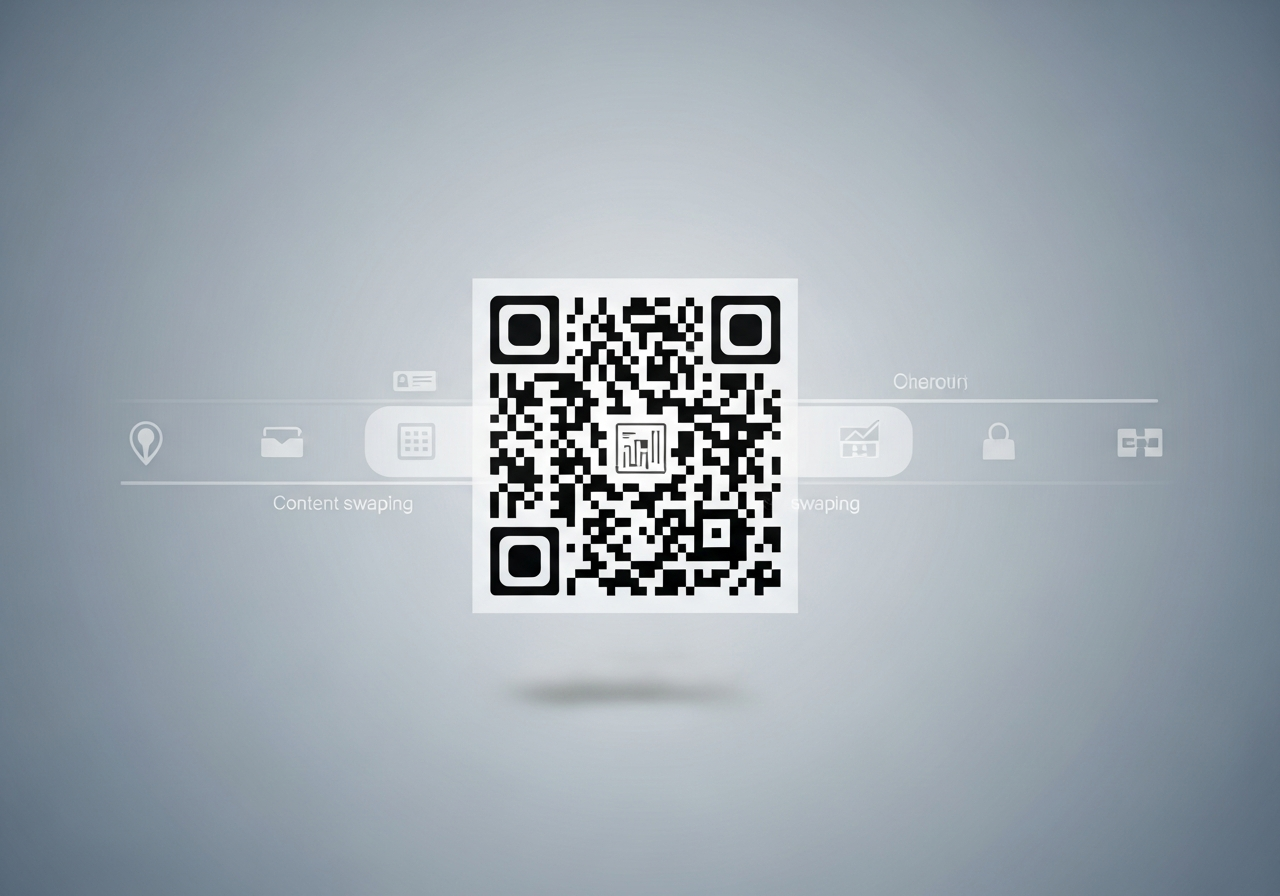
Where to get QR codes that allow dynamic content updates?
If you’ve ever printed a QR code on a poster, menu, window display, leaflet, or product packaging and then needed to change the link later, you already understand the problem: static QR codes freeze your campaign in time.
Dynamic QR codes solve that. They let you update what the QR code opens after it’s been printed — without replacing the code — so your offline materials stay useful even as your offers, menus, events, and content evolve. In this London-focused guide, we’ll break down where to get dynamic QR codes, how they work, what to look for, and how teams across London and Greater London use Xcan It’s dynamic QR platform to drive engagement and track scans.
💡 Short answer
You can get QR codes that allow dynamic content updates from a dynamic QR platform — not a basic “free QR generator.” With a dynamic platform (like Xcan It), the printed QR code points to a managed redirect, so you can change destinations anytime, track scans, and keep campaigns live without reprinting.
Quick facts: dynamic QR codes in plain English
- Dynamic = editable: you can change where the QR code goes after printing.
- Static = fixed: once printed, the destination is locked forever.
- How it works: dynamic QR codes point to a managed redirect (a stable link) that you control in a dashboard.
- Why businesses love them: fix broken links, update offers, and run multi-phase campaigns without reprints.
- Tracking: dynamic platforms can show scan trends (time, device, and high-level location signals).
Complete guide: where to get QR codes you can update anytime
1) What “dynamic content updates” actually means
When people say they want a QR code that “updates dynamically,” they usually mean one of two things:
- Update the destination URL: the same QR code can open a different web page later (the most common use case).
- Update the content behind the URL: the QR always opens the same page, but the page content changes (menus, events, pricing, announcements).
Both are valid — but they solve different problems. If you want maximum flexibility, you want the first option: a QR that can be redirected to a new destination whenever needed.
2) How dynamic QR codes work under the hood (and why you can’t do this with basic generators)
A static QR code encodes the final destination directly. If the URL changes, the QR becomes outdated.
A dynamic QR code uses a stable, managed link as an “in-between” step:
- Printed QR → a stable redirect link (managed by the platform)
- Redirect → your current destination (menu, booking, landing page, video, form, etc.)
Because the redirect is controlled in a dashboard, you can change the destination in seconds while keeping the printed QR unchanged.
3) Where to get dynamic QR codes (what to look for when you choose a platform)
Not all QR tools are built for real campaigns. If you’re choosing a platform for dynamic updates, prioritise these features:
- Edit destinations anytime: update links without reprinting.
- Scan tracking & analytics: see performance trends and scan timing.
- Campaign organisation: tags, folders, naming conventions, multi-user access.
- Branding controls: styled QR codes, frames, logos, and consistent templates.
- Reliability: stable redirects, HTTPS, clean routing that scanners trust.
- Scale options: multi-site management and bulk workflows when you grow.
If you’re running anything beyond a one-off, dynamic is the difference between “print once” and “reprint forever.”
4) Why Xcan It is built for dynamic updates (and why “Print Now – Link Later” matters)
Xcan It is designed around a practical real-world truth: print campaigns often go live before the final destination is ready. Landing pages change, product releases shift, events update, and offers rotate.
That’s why Xcan It supports workflows like Print Now – Link Later, so teams can:
- Launch print on schedule (OOH, posters, menus, packaging)
- Assign or update destinations later when the final content is ready
- Keep analytics clean while iterating
- Avoid the “QR panic” when a link changes after print
5) Benefits for businesses (especially in London & Greater London)
London campaigns move fast. You’re dealing with footfall spikes, event-driven demand, time-sensitive promotions, and multiple locations. Dynamic updates bring very practical business value:
- Save money on reprints: update the journey, not the signage.
- Fix mistakes instantly: wrong URL? broken page? reroute quickly.
- Run multi-phase campaigns: teaser → launch → follow-up → retention, all with one printed code.
- Improve customer experience: fewer dead ends, faster mobile journeys.
- Measure real-world performance: track scans by time and compare placements across boroughs.
6) Advanced use cases (where dynamic updates become a superpower)
Once you stop treating QR as a static “link shortcut,” you can design journeys that evolve:
- Time-based updates: route to lunch menu vs evening menu; weekday vs weekend offers.
- Campaign retargeting flows: change destinations as your funnel progresses (awareness → conversion).
- A/B testing: test different landing pages while keeping print stable.
- Operational fallback: if a booking system goes down, reroute to a call-back form instantly.
- Packaging lifecycle: early stage: “how to set up”; later: “refills”; later: “upsell bundles.”
7) Examples (London & Greater London): dynamic updates in the real world
This is where dynamic updates pay off immediately. Here are realistic local scenarios:
- Soho hospitality group: table QR codes stay the same, while menus update weekly (seasonal dishes, pricing, allergy notices) without reprinting table tents.
- Shoreditch brand pop-up: window poster QR starts as “join the waitlist,” then becomes “shop the drop,” then becomes “leave a review,” all using the same printed code.
- Brixton venue: posters go up weeks early. The QR initially leads to teasers, then to the final trailer/line-up page, then to ticketing, then to after-event merch — without swapping posters.
- Camden retail packaging: QR on packaging links to a setup guide at launch, then updates to troubleshooting FAQs, then routes to refill subscriptions once customers are activated.
- Westminster services (appointments): a shopfront QR routes to booking. If availability changes, the QR updates to “call-back request” or “new dates released” instantly.
8) YouTube examples from Xcan It (English) that illustrate these use cases
Video 1: Create your first Dynamic QR Code quickly (perfect for “print once, update later” campaigns).
Video 2: Style and brand your Dynamic QR Codes (ideal for retail, hospitality, and public-facing signage across London).
Video 3: Print Now – Link Later (great for posters, cinema, outdoor, and campaigns where the final destination changes over time).
Conclusion: print once, evolve forever with dynamic QR updates
If you’re asking “where can I get QR codes that allow dynamic content updates?”, you’re already thinking like a modern operator: you want printed materials that stay useful even when your offers, pages, menus, and campaigns change.
Dynamic QR codes deliver that flexibility by separating what’s printed from what’s live. You keep the QR code stable, while you update the destination (or the content behind it) whenever needed — and you gain the ability to track scans and learn what actually works.
For teams across London and Greater London, Xcan It’s dynamic QR platform supports this “print once, update anytime” approach with editable destinations, branded QR code styling, and analytics so you can drive engagement and keep improving your journeys without reprinting everything.
FAQs
Can any QR code be updated after printing?−
No. Only dynamic QR codes can be updated after printing. Static QR codes embed the final destination directly, so they can’t be changed without generating a brand-new code.
What’s the easiest way to tell if a QR code is dynamic?+
If the QR code points to a managed short/redirect link (often on a branded domain) and the platform offers editing + scan tracking, it’s likely dynamic. If it only outputs a QR image with no dashboard controls, it’s typically static.
Is it better to change the destination URL or update the page content?+
It depends. If your campaign phases change (teaser → launch → tickets), changing the destination is powerful. If your structure stays the same (menu page) but details change, updating the content on that page may be enough. Many businesses use both: a stable “hub” page plus dynamic destination updates when needed.
What should London businesses track from QR scans?+
Start with scan trends over time (when posters perform), device mix (iOS vs Android), and high-level placement comparisons (venue vs venue, borough vs borough). This is usually enough to optimise placements and improve conversion without getting invasive.
How do I get started with Xcan It for dynamic QR updates?+
Create a dynamic QR code in Xcan It, place it somewhere high-intent (window poster, table, packaging, receipt), then monitor scans for a couple of weeks. If anything changes (offer, page, booking flow), update the destination without reprinting.
Talk to an Xcan It Specialist
Want QR codes that stay accurate even when your content changes? We’ll help you design dynamic QR journeys with editable destinations, branded codes, and clean scan tracking — built for London teams and multi-site rollouts.












