What do the squares on a QR code mean?
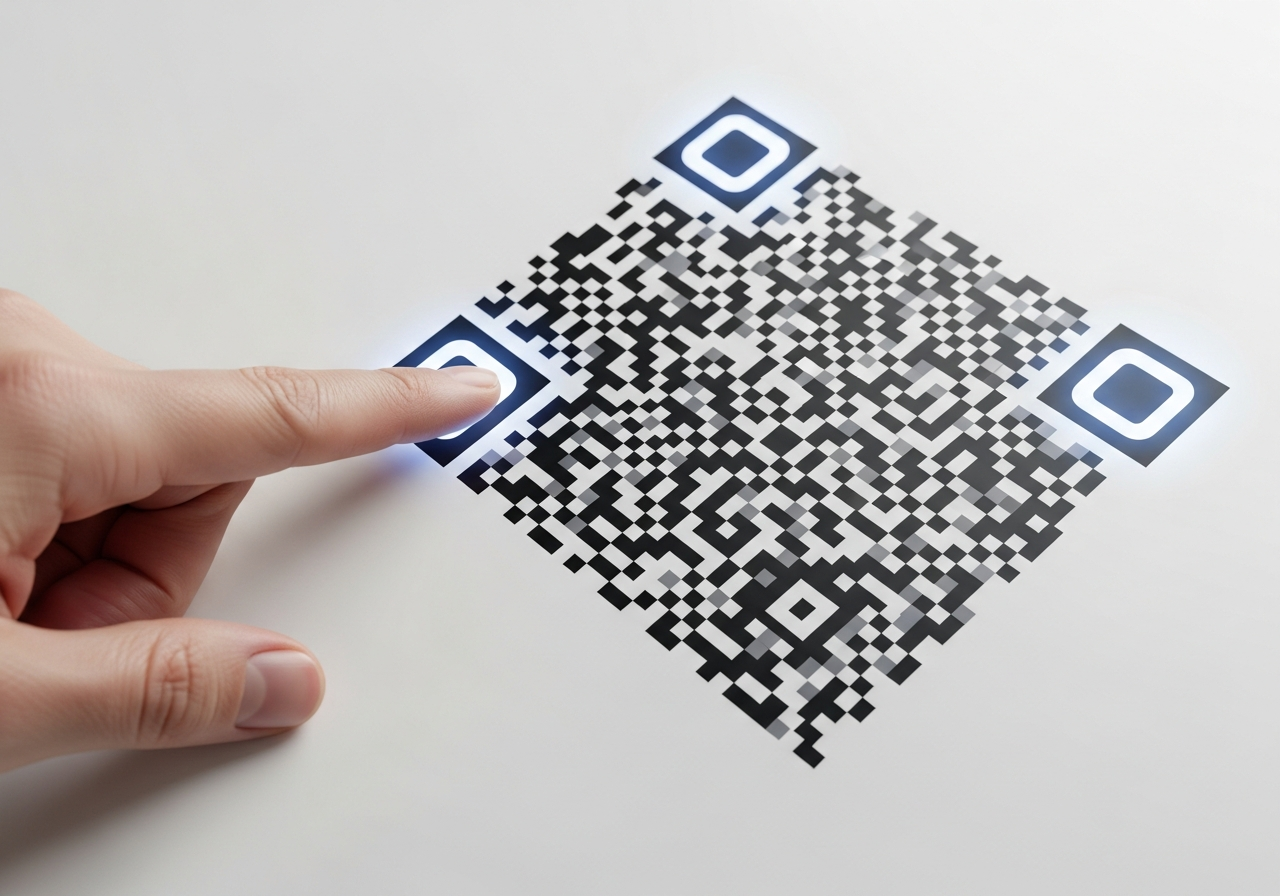
Those three big squares in the corners of a QR code — and the many small squares inside the grid — all serve specific purposes: locating, aligning, and encoding data. Let’s explore exactly what each element means.
💡 Short answer
The large squares you see in a QR code are the finder patterns (also called position detection patterns). They appear in three corners and allow a scanner to determine orientation, size and alignment. Smaller internal squares include alignment patterns, timing patterns, and the actual data-modules. Together they enable fast, reliable scanning no matter the angle or distortion.
Quick fact block — components of a QR code
- Finder patterns: three large squares at the corners – identify the code and orientation.
- Alignment patterns: smaller squares (especially in larger codes) help correct distortion.
- Timing patterns & data modules: grid of black/white modules that encode the data and help define the grid.
How to recognise the square elements in a QR code
- Spot the three big squares. Top-left, top-right and bottom-left corners are the location markers.
- Look for smaller squares. In larger or higher-version codes, you’ll see alignment patterns (extra squares) typically near bottom-right or centre.
- Understand the rest. The remaining grid of tiny squares is the data & error-correction modules that store your information.
FAQs
Why are there only three big squares and not four?−
Standard QR codes use three finder patterns so that scanners can orient the code quickly without ambiguity — the missing fourth corner allows the scanner to determine rotation.
Can I remove or redesign these squares?+
You shouldn’t remove or misplace them. They’re critical for scanning. Some custom-code designers preserve their shape and position but stylise the inside safely.
What if a QR code is damaged or printed at an angle?+
The squares and alignment patterns help the reader correct for distortions and read the data anyway — though better quality print helps.
Talk to an Xcan Specialist
Want to ensure your QR design scans at first attempt? We’ll review your layout, squares, modules and help optimise for print or digital.