If you’re working out how to add a QR code to product packaging without reprinting, the answer isn’t a new print run, it’s a different type of code from the start. Picture the scenario: a product team spends weeks designing packaging, approves the print run, and ships thousands of units to retail. Three months later, the promotional campaign that QR code was linked to is over. The URL is dead. Every unit still on shelf is pointing customers to a 404 error, or worse, a competitor’s redirected domain. The packaging is already out there. A reprint is not realistic.
This is the core problem with static QR codes on product packaging, and it is far more common than most brand teams anticipate. The fix is a dynamic, redirectable QR code that stores a short intermediary URL rather than a final destination. The printed pattern never changes. The destination behind it can be updated instantly from a management dashboard. That is exactly what xcan.it is built for: print the code once, then manage where it points for the entire product shelf life.
This guide covers how the redirect technology works, how to implement it correctly before the next print run, what to do with packaging that is already in circulation, and how to track every scan your codes generate once they are live in the market.
Why static QR codes turn into a reprint problem
The moment a destination changes, the packaging becomes a liability
A static QR code permanently encodes its final destination URL into the code pattern itself. The black-and-white matrix of squares is, essentially, a visual representation of that URL. Once the code is printed, that URL is fixed. If the destination changes, redirects to a new path, or goes offline entirely, every unit carrying that code becomes a dead end for any customer who scans it.
Consider a common scenario: a food brand runs a summer promotion, prints 50,000 units with a QR code linking to a campaign landing page, and ships to retail in June. By September, the campaign is over and the landing page has been taken down. The product still has a shelf life of 18 months. For the next year and a half, every scan of that code fails. Customers who followed through get nothing. The brand gets no data, no engagement, and no second chance to redirect those scans toward something useful.
Static vs. redirectable: why the code type you choose determines every future campaign option
A static code stores the final destination directly. A dynamic, redirectable QR code stores a short intermediary URL. The actual destination lives on a server and can be changed without touching the printed code. When a customer scans a dynamic code, their phone reads that short URL, which hits a server, looks up the current destination set in a management dashboard, and forwards the user there in milliseconds. The customer experiences no delay and has no awareness of the redirect layer.
The printed pattern stays identical across the entire shelf life of the product. The destination behind it is a software setting, not a print specification. This distinction is the foundational concept everything else in this guide builds on.
How to add a QR code to product packaging without reprinting: how the technology works
The short URL redirect layer: what sits between the scan and the destination
When a customer points their phone camera at a dynamic QR code, the scanner decodes the pattern into a short URL, something like xcan.it/r/abc123. The phone sends an HTTP request to that URL. The server resolves the slug against its database, retrieves the current destination URL, and returns a redirect response. The entire process takes milliseconds. The customer lands where the brand has chosen to send them right now, not where the brand was sending customers when the code was first printed.
For packaging specifically, this matters enormously. Compliance information changes. Promotional campaigns end and new ones begin. Instruction documents get updated. With a redirectable code, none of those changes require touching the physical asset. A marketing manager logs into the dashboard, updates the destination URL, and every subsequent scan of every printed unit follows the new destination immediately.
Why this approach is permanent by design
Because the redirect layer is managed entirely in software, a brand can change the destination URL as many times as needed across the full shelf life of the product. A skincare brand might link a smart packaging QR code to ingredient information at launch, switch it to a loyalty programme sign-up during a summer campaign, and then redirect it to updated safety instructions when a regulatory change requires it, all without a single reprint. The physical label is fixed, but the digital layer behind it remains fully editable.
This is particularly valuable for brands managing compliance-sensitive products. Regulatory URLs, safety data sheets, and instruction documents change on their own timeline, not the packaging timeline. A dynamic code makes those two timelines independent of each other.
Retrofitting packaging: how to add a QR code to product packaging without reprinting existing stock
Choosing the right sticker type for your packaging material
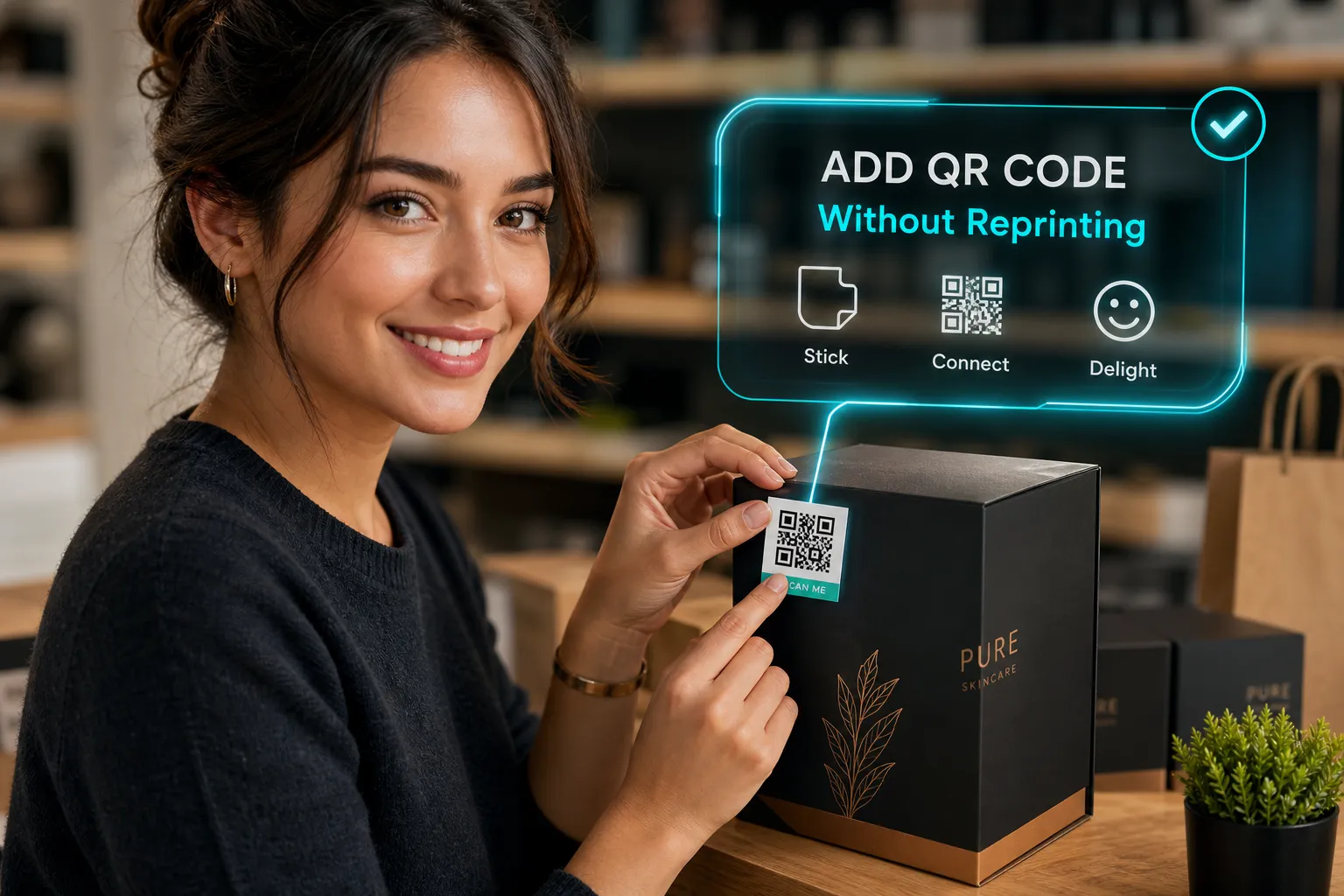
For brands whose packaging is already in production or on shelves, the practical solution is a removable label QR or a permanent adhesive label carrying a freshly created dynamic QR code. The material choice depends on the substrate. For cardboard boxes, paper stickers or vinyl labels adhere reliably and are cost-effective at scale. For plastic containers, clear or vinyl stickers give a cleaner printed-on appearance and handle smooth surfaces well. For glass jars and bottles, clear vinyl stickers create a premium no-label look, particularly on PET or smooth-sided glass. For long-term shelf durability, BOPP or PET film labels with permanent acrylic adhesive are the stronger choice.
In all cases, the sticker carries a dynamic QR code, so the destination behind it stays editable regardless of how or when the label was applied. The physical retrofit is a one-time action; the digital layer behind the code remains permanently flexible.
Hangtags, inserts, and sleeves when surface adhesion is not an option
Some situations make adhesive labels impractical. Hangtags work well for premium retail, fragile packaging surfaces, or brand presentations where visible label edges would look unprofessional. Inserts placed inside outer packaging carry the QR code without altering the exterior at all, which is particularly suited to compliance information or promotional content that needs updating without changing the product’s visual presentation on shelf. Shrink sleeves offer the strongest option for bottles and curved containers where full-body coverage is required.
It is worth noting that NFC for packaging serves a functionally similar redirect purpose on premium lines; a tap rather than a scan takes the customer to a server-managed destination. However, NFC tags carry a meaningfully higher per-unit cost than printed labels, which makes them better suited to high-margin premium products than to volume retail. For most brands, a dynamic QR code on a well-chosen label material delivers the same flexible destination management at a fraction of the cost.
Adding a dynamic QR to your packaging with xcan.it: step-by-step
Step 1: Create and configure your dynamic code
Start in the xcan.it dashboard. Create a new dynamic QR code, set the initial destination URL, and the platform generates a unique short redirect URL embedded into the QR code. If you manage multiple SKUs or packaging variants, give each one its own code so you can track performance separately. A summer limited edition and a core product line should never share a code; the analytics will be meaningless if they do.
xcan.it offers a free-to-start plan with no payment details required, which makes it straightforward to generate and test a code before committing it to a full print run. There is no reason to go to press without having tested the live redirect first.
Step 2: Get the print specifications right before it goes to press
Print specifications determine whether the code scans reliably in the real world, and they are not optional style choices. Use a minimum size of 2 × 2 cm for close-up consumer scanning, with 2.5 × 2.5 cm preferred where space allows. On curved containers such as bottles or tubs, increase the code size by 20 to 30 per cent to compensate for surface distortion. Always use a dark module on a light background, and on coloured or transparent substrates, add a white underprint panel behind the code to preserve contrast.
If the quiet zone is compromised by a fold or seam, scanners will struggle even under good lighting, maintain at least four modules of blank space on all four sides. Place the code on a flat, unbroken panel away from seams, folds, and reflective surfaces. The lower third of the back panel is a reliable default for consumer packaging. A QR code that fails to scan is worse than no QR code at all; it creates a frustrating experience at the exact moment a customer has chosen to engage.
Step 3: Test the code before committing to the full print run
Before sign-off, scan the generated code across both iOS and Android devices under typical retail lighting conditions and at the distance a customer would realistically hold the product. Use xcan.it’s dashboard to confirm the scan registers and the destination loads correctly. Only once you are satisfied does the code artwork go to print. From that point forward, the destination can be updated entirely from the xcan.it dashboard, with no changes required to the printed file, ever.
Tracking scans and updating content after launch
What scan data looks like inside the xcan.it dashboard
Once packaging is live in the market, xcan.it tracks every scan in real time. Each scan event records the date and time, device type, approximate geographic location, and whether it came from a new or returning user. For brands managing multiple SKUs or campaigns, each dynamic code sits in the dashboard with its own analytics view, so a product team can see exactly which packaging variant is driving engagement, at which time of day, and in which region, without relying on customer surveys or retailer data.
This kind of scan-level data is genuinely useful. If a QR code on a product sold primarily in Manchester is generating significant scan activity in Edinburgh, that is a signal worth acting on. If scans spike on weekends, that informs when to update destinations for maximum impact. Physical packaging has historically been a one-way communication channel; real-time scan analytics changes that entirely.
Updating destinations and building UTM parameters into the workflow
A destination update takes under a minute: log into xcan.it, locate the relevant code, enter the new URL, and save. Every subsequent scan of the printed code lands at the new destination immediately. There is no delay, no code regeneration, and no contact with the physical asset required.
For brands that want post-scan behaviour tracked in Google Analytics 4 alongside other channels, append UTM parameters to the destination URL. Use consistent naming conventions for campaign, source, and medium so that scan-driven traffic is cleanly identifiable in web analytics reports. Assigning a separate dynamic code per SKU from the start keeps reporting clean and comparable across the entire product range. This combination of platform-level scan analytics and UTM-tagged destination data gives packaging teams a complete picture: how many people scanned, where they scanned, what device they used, and what they did after they arrived.
Make the packaging decision once, manage it forever
The most reliable way to add a QR code to product packaging without reprinting is to use a dynamic, redirectable code managed through xcan.it from the moment the code is created. Print the code once, sized and placed correctly, and the destination behind it becomes a software setting rather than a print specification. For packaging already in circulation, a sticker or hangtag carrying a fresh dynamic code provides the same permanent flexibility without touching the original artwork.
The business case is straightforward: no reprint costs when campaigns change, no broken links reaching customers on shelf, and real-world scan data showing exactly how those customers are engaging with your physical packaging. Every SKU becomes a measurable touchpoint rather than a one-way communication.
Brands can start on xcan.it for free, create their first dynamic code, and have it print-ready within minutes. No credit card is required, and no reprint will ever be needed.