
Key Takeaways
Modern Android devices offer native QR scanning via the camera app, making it the most efficient way to access digital assets from physical media.
- Most Android phones support scanning directly through the default camera app or Google Lens.
- Reliable scanning depends on environmental factors like high-contrast printing and adequate quiet zones.
- Using dynamic routing infrastructure allows for updating campaigns without needing to reprint physical materials.
- Businesses can monitor real-world engagement by tracking scan volume, peak times, and physical locations through centralised dashboards.
- A managed approach to QR codes ensures consistent performance across diverse signage and asset-tagging environments.
The basics of scanning QR codes on Android
Navigating how to scan qr android is straightforward for most operators, as modern hardware handles this functionality as a standard system service. Users simply open their camera app and align the frame, at which point the system identifies the embedded data automatically. If your device settings require manual intervention, modern firmware typically includes an integrated toggle for Lens suggestions that helps users avoid insecure links and suspicious redirects. Following the safe scan guidelines for Android is always recommended to verify the validity of destination URLs.
Standard camera app scanning
Most Android phones are configured to scan standard QR codes instantly upon opening the native camera interface. You do not need to press a capture button or adjust the focus manually because the onboard software detects the code pattern and overlays a URL banner. This method is the fastest way to trigger a link, especially when interacting with clear signage or product labels in a retail environment.
Understanding scan UI indicators
When a code is detected, the device usually highlights the area with a visual container or a pop-up confirmation banner. This notification is essential for identifying the destination of the scan before you trigger a jump to a browser. Operators should look for a clear, legible link preview that confirms the destination path matches the expected asset.
Handling browser redirects safely
Redirect chains can sometimes add unnecessary latency or security risk to the user experience. Modern built-in scanners, like the Samsung Galaxy QR tool, provide a preview of the domain, allowing users to verify the destination. Using a managed redirect infrastructure ensures that users are always routed through trusted servers, keeping the browsing experience secure and fast.
When your device needs a third-party reader
On older hardware or custom enterprise devices where native features are limited, you may need a specialized application. A dedicated scanning app can provide multi-format support, such as identifying Data Matrix or PDF417 codes common in logistics and warehousing. These tools serve specific utility roles when high-performance, batch-scanning, or raw-data extraction is required by the operator.
Advanced scanning with Google Lens
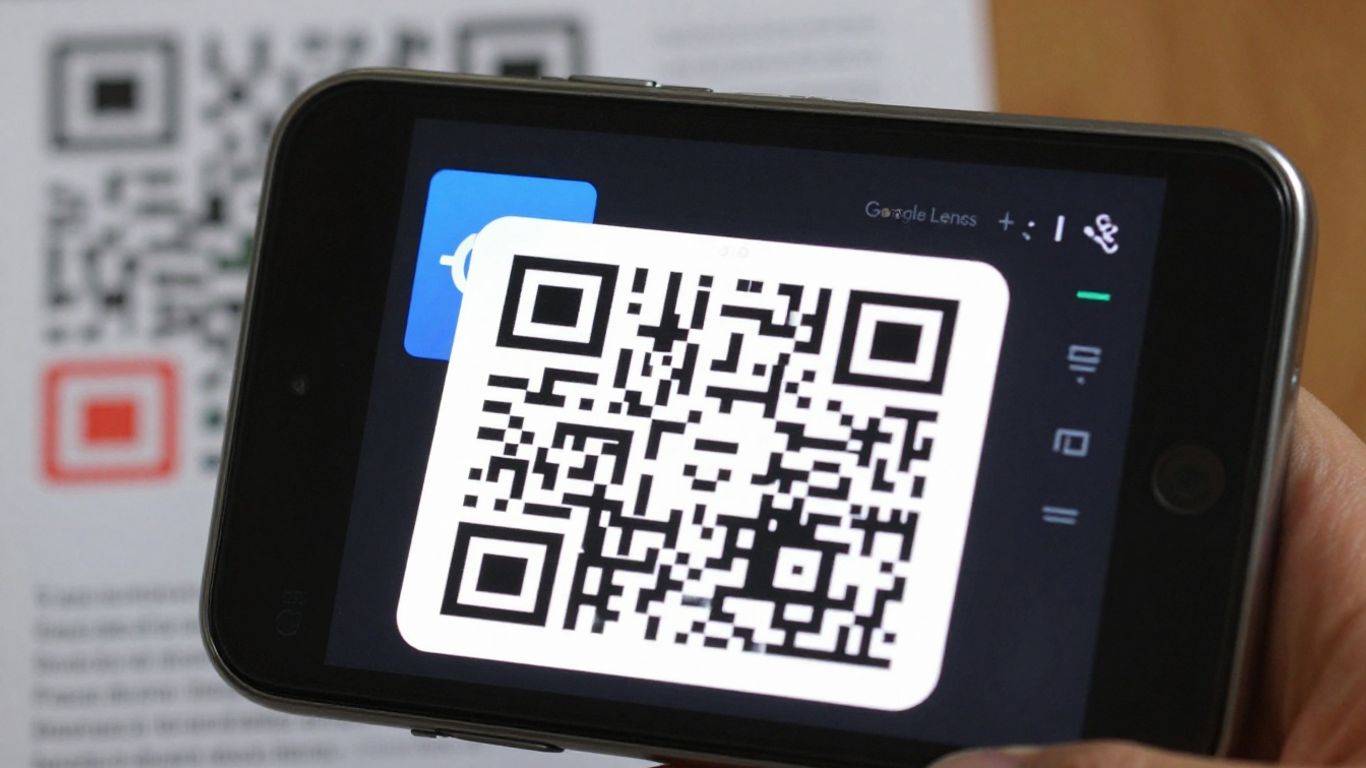
Google Lens extends the utility of the traditional camera by providing intelligent context for everything in your frame. It is particularly effective for reading complex codes or scanning information from static images that are already stored on your device. For professional use, this means you can gather data or translate site documentation without needing a live connection to the original source.
Accessing Google Lens from the camera
Most modern builds integrate the Lens icon directly within the camera viewfinder. Tapping it shifts the device into an active scanning state that can interpret multiple elements in the field of view, including text, objects, and varied barcode formats, which is a powerful feature set for Android that saves significant time in the field.
Scanning images directly from your gallery
If you receive a photo of a QR code via email or internal messaging, you do not need a secondary screen. Simply open the image file in your gallery app, select the share or Lens action, and the system will extract the embedded data as if you were looking at the live, physical print.
Using the Google Lens app for batch processing
For inventory or asset tracking in complex environments, the standalone Lens application is a productivity workhorse. It allows for continuous scanning of multiple codes in a single session, making it easier to log assets for construction site teams or inventory records without pausing to open a new tab for every individual scan.
Copying and translating text during a scan
Beyond just opening URLs, Lens can take raw text and perform live operations on it. This is beneficial when scanning international signage or technical manuals for safety documentation where immediate translation or text extraction is needed to maintain compliance and workflow continuity.
Troubleshooting scan failures in your campaigns
When a code fails in the field, it is rarely the underlying technology, but rather an issue with the physical production or environmental conditions. QR codes are more reliable when managed as dynamic infrastructure, but even then, they must adhere to basic optical requirements to ensure the camera can lock on quickly.
Addressing contrast issues and material glare
Dark codes on light, matte backgrounds provide the best contrast for the ambient light sensors on mobile devices. If you are printing on glossy materials or reflective metal, glare can effectively hide the patterns from the sensor; troubleshooting tips for unreadable codes suggest testing finishes to ensure high legibility under varying light levels.
Setting correct quiet zones for print clarity
If your code is crowded by other design elements, the scanner will fail to locate the frame. Ensure a clear buffer of at least four modules around the code, kept free of text, graphics, or borders to allow the system to establish the code’s boundaries.
Matching code size to scanning distance
Operators should follow the 10:1 rule: for every meter of distance, the code should be at least ten centimeters wide. Below are key fixes to apply when your campaign assets fail to register:
- Increase print contrast by using pure black on white card stock.
- Resize the source vector file to ensure module integrity at the intended output size.
- Eliminate any complex decorative boarders that intrude into the quiet zone.
- Use matte laminates to prevent light reflection during daytime outdoor use.
Minimising redirected link chains
Long chains of redirects frustrate both the user and the scanner, often leading to timing-out connections. By using a branded dynamic link directly from your Xcan.it dashboard, you keep the link distance short, which improves scan-to-load speed and ensures high reliability across all mobile devices.
Bridging print and digital with dynamic codes
Businesses need the ability to update destination content without physically replacing outdated prints. Xcan.it serves as the redirect infrastructure that decouples the printed code from the final web destination, allowing for true operational agility in managed signage assets.
Why dynamic QR codes matter for physical assets
Static codes create permanent dead ends. With Xcan.it dynamic infrastructure, the code you place today can be re-routed tomorrow, which is critical for managing documents and PDFs that require frequent updates or shifting campaign parameters.
Implementing the "Print Now – Link Later" workflow
This workflow is an operational standard for agencies. You can generate a batch of codes for a branding project and deploy them to the printer before the final landing pages are even built. Simply update the destination URL in your dashboard at the last possible minute to ensure everything is live on schedule.
Updating destination links without reprinting
This capability saves thousands in operational costs by preventing the need for costly reprints when a campaign URL changes. Using the Xcan.it console, your team can update the destination with a single click, meaning your retail display or property signs remain relevant regardless of seasonal shifts.
Managing multiple campaign assets from one dashboard
Managing dozens of locations, from King’s Cross cafés to regional sites, requires a centralized platform. Xcan.it provides the control layer to monitor every asset in the SaaS landscape, ensuring that your team can track performance or kill a link instantly if a site issue arises.
Optimising your QR strategy for mobile users
Choosing the right print placement for accessibility
Consider the average field of view for a person walking past a sign. The code should be at eye level and perpendicular to the user, ensuring the phone’s lens can remain stable. Never place codes on curved surfaces or heavy folds, as the resulting distortion will break the scan.
Designing brand-compliant QR templates
Professional branding requires that your codes fit the design language of your company. Using a custom QR generator allows you to integrate your brand identity, such as colours and logos, while maintaining the technical requirements that ensure the code captures reliably during every interaction.
Leveraging error correction for rugged environments
Error Correction Levels (ECC) allow a code to remain functional even if partial surface damage or scratching occurs. For packaging and industrial asset labels, choosing a higher ECC level makes the design resilient against the wear and tear of a typical retail or storage environment.
Integrating codes into packaging and signage
Consider the user context when selecting the material. For outdoor signage, use UV-stable inks and matte substrates to prevent yellowing or glare. Whether you are managing asset logs or high-visibility street posters, the physical integration should be robust enough to withstand the local environment for the duration of the campaign.
Tracking real-world scan data
Interpreting raw scan volume metrics
Volume monitoring provides clear evidence of your campaign reach in the physical world. By aggregating raw scans, you can calculate the actual impact of your print media versus projected estimates.
Identifying peak engagement hours and locations
Knowing when and where your scanners are active allows for smarter resource allocation. The table below outlines how these metrics influence operational decisions for physical print campaigns:
| Engagement Metric | Operational Benefit | Strategic Application |
|---|---|---|
| Scan Volume | Measures total reach | Resource allocation for teams |
| Peak Timing | Identifies customer habits | Targeted location-based offers |
| Conversion Rate | Calculates actual ROI | Campaign optimization and design |
Connecting physical impressions to digital conversions
Every scan should be considered a bridge to a digital goal, such as an order placement or sign-up. Platforms like Xcan.it enable detailed attribution, showing you exactly which piece of physical print drove the most digital engagement.
Using branch data for effective inventory management
When deploying codes across regional branches, local scan metadata helps inventory managers understand stock turnover speed. This is invaluable when you need to link documentation or assets to specific locations, ensuring that each digital landing page always shows the correct site-specific data.
Conclusion
Mastering how to scan qr android is just the starting point for businesses that want to bridge the physical-digital divide. By adopting managed infrastructure like Xcan.it, organisations can move from simple static printing to dynamic, data-driven campaigns that provide measurable value. Ensuring high-quality print, smart placement, and reliable tracking tools allows your team to maintain control over your messaging and assets, regardless of how often campaign goals evolve.
Frequently Asked Questions
Is the built-in Android camera enough for scanning QR codes?
Yes, most modern Android devices are equipped with native scanning capabilities built directly into the camera application. You simply point, identify the trigger banner, and tap it to navigate.
Why does my phone fail to scan some codes?
Failure is typically caused by insufficient contrast, heavy glare, or poor print quality. Always ensure the code is flat, matte, and surrounded by a clean quiet zone.
Do I need to install a special app for QR scanning?
Generally, no. A native camera app is sufficient for the vast majority of consumer needs. You should only consider a third-party app if your workflow requires batch processing or specialized industrial format support.
How can I make my codes more accessible to Android users?
Focus on physical placement at eye level and ensure the code is printed with high contrast. Avoiding small sizes and using dynamic link redirects will help your codes scan much faster on mobile hardware.
Does scanning a QR code expose my device to security risks?
As long as you use the built-in scanner and check the URL preview for an "HTTPS" indicator, you are safe. Avoid scanning posters with strange, unknown links and stick to reputable, verified business sources.
How large should a QR code be for effective use?
The 10:1 ratio is standard for most industrial applications. For every meter you expect the reader to stand away from the sign, the QR code should be at least ten centimeters wide to remain reliably scannable.
Are ad-supported scanning apps reliable?
Ad-supported apps often include tracking features and invasive permissions that are not necessary for simple scanning. It is always better to rely on your phone’s native camera or a trusted, privacy-focused open-source tool.












