
Right then, let’s have a look at some of the best barcode printers available in the UK for 2026. Whether you’re a small business just starting out or a larger operation needing to upgrade your labelling game, finding the right barcode printer can make a real difference. We’ve rounded up some top contenders that should cover most needs, from basic printing to more advanced requirements. It’s all about getting clear, reliable labels without too much fuss, and these barcode printers UK models are worth considering.
Key Takeaways
- Consider print speed and volume for your business needs.
- Check connectivity options like USB, Ethernet, or Wi-Fi.
- Look for ease of use and software compatibility.
- Durability and build quality are important for longevity.
- Budget and ongoing costs (like ribbons or labels) matter.
1. Zebra ZT411
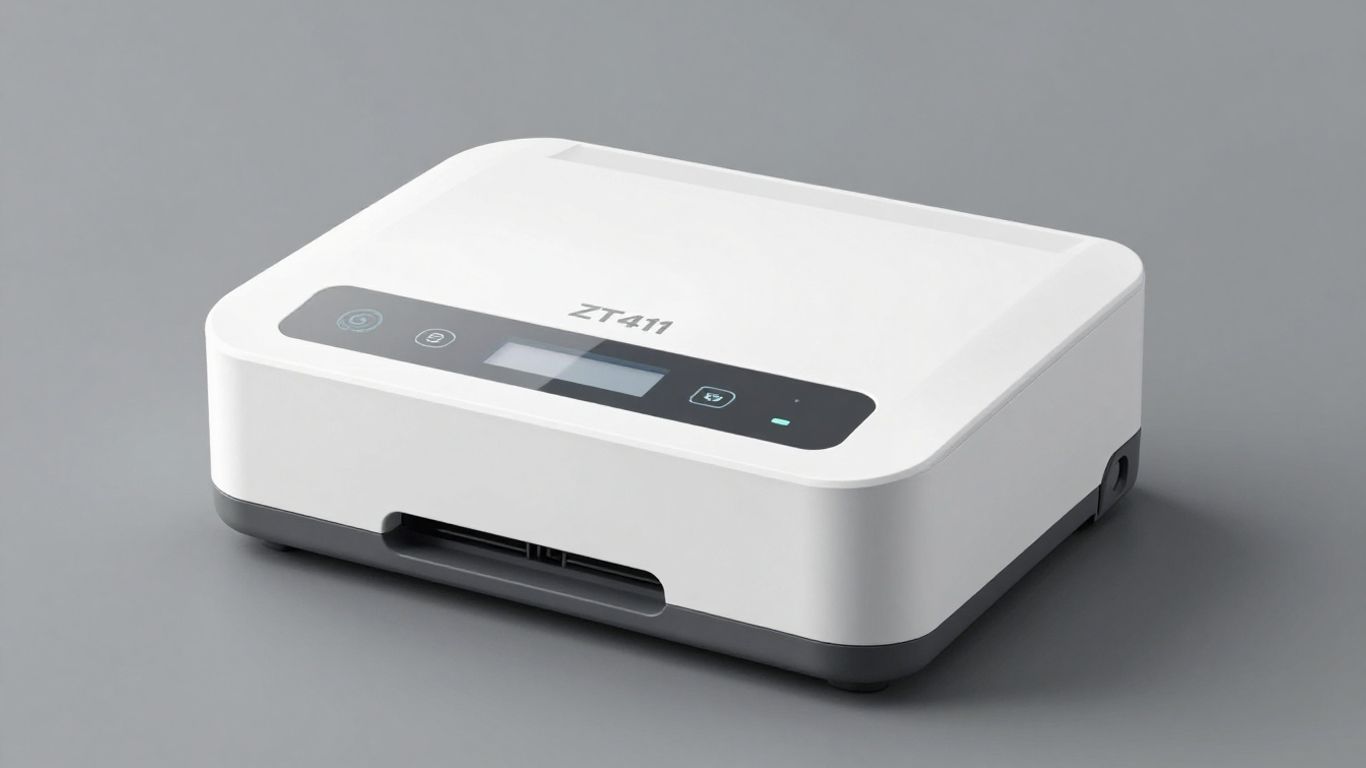
When you’re looking for a solid, industrial-grade barcode printer, the Zebra ZT411 often comes up. It’s a workhorse, built to handle demanding environments and high-volume printing tasks. Whether you’re in manufacturing, logistics, or retail, this printer is designed to keep up.
It’s pretty straightforward to use, and you can rely on it for consistent results. The ZT411 uses both Thermal Transfer and Direct Thermal printing methods, giving you flexibility depending on what you’re printing and the type of labels you’re using. This means you can print durable labels that stand up to tough conditions or simpler, cost-effective labels for everyday use.
The real game-changer, though, comes when you pair this robust printing hardware with smart software. Think about your campaigns, your product information, or even your asset tags. With a service like Xcan.it, you can update QR code links without ever needing to reprint a single label. This is a massive time and cost saver. Imagine a product recall or a change in website URL – you just update the link in your dashboard, and every QR code printed by your Zebra ZT411 instantly points to the new destination. It’s that simple.
Beyond just updating links, Xcan.it lets you track scans in one central dashboard. You can see how many times a QR code has been scanned, and even get insights into when and where. This data is incredibly useful for understanding campaign performance across print, signage, and assets. Plus, using dynamic QR codes means your real-world campaigns stay relevant and effective, no matter how often your linked content changes.
Here’s a quick look at what makes the ZT411 a strong contender:
- Durability: Built for tough industrial settings.
- Versatility: Supports both Thermal Transfer and Direct Thermal printing.
- Connectivity: Offers various options to fit your network setup.
- Speed: Handles high print volumes efficiently.
Pairing a reliable printer like the Zebra ZT411 with a dynamic QR code platform like Xcan.it means your physical print materials are always up-to-date and provide valuable insights. It bridges the gap between the physical and digital worlds effectively.
2. Honeywell PX940
The Honeywell PX940 is a robust industrial label printer designed for demanding environments. It’s built to handle high-volume printing with precision and reliability, making it a solid choice for warehouses, distribution centres, and manufacturing floors. This printer is known for its durability and consistent performance, which is exactly what you need when you can’t afford downtime.
One of the standout features of the PX940 is its integrated scanner, which can verify that a printed barcode is correct and readable. This helps prevent costly errors before labels even leave the printer. It’s a smart bit of kit that adds an extra layer of quality control.
When it comes to managing your printed assets, especially those with QR codes, things can get complicated. This is where services like Xcan.it really shine. Imagine printing a batch of labels with QR codes today, only to find out next week that the linked webpage needs updating. With Xcan.it, you can simply update the QR code link without needing to reprint everything. This is a massive time and cost saver, especially for large print runs or when dealing with signage and physical assets. Plus, you get to track all the scans in one place, giving you a clear picture of how your campaigns are performing in the real world. Using dynamic QR codes like this means your print materials stay relevant and effective for longer.
Key features of the Honeywell PX940 include:
- High-resolution printing: Delivers crisp, clear barcodes and text, even for small fonts and complex 2D codes.
- Durable construction: Built to withstand harsh industrial conditions.
- Integrated scanner: Verifies barcode accuracy during printing.
- User-friendly interface: Easy to operate, even for those new to industrial printing.
This printer is a workhorse, designed to keep up with your business needs. For more details on configuration and specific model information, you can check out the Honeywell PX940 configuration guide.
3. Brother TD-4420DN
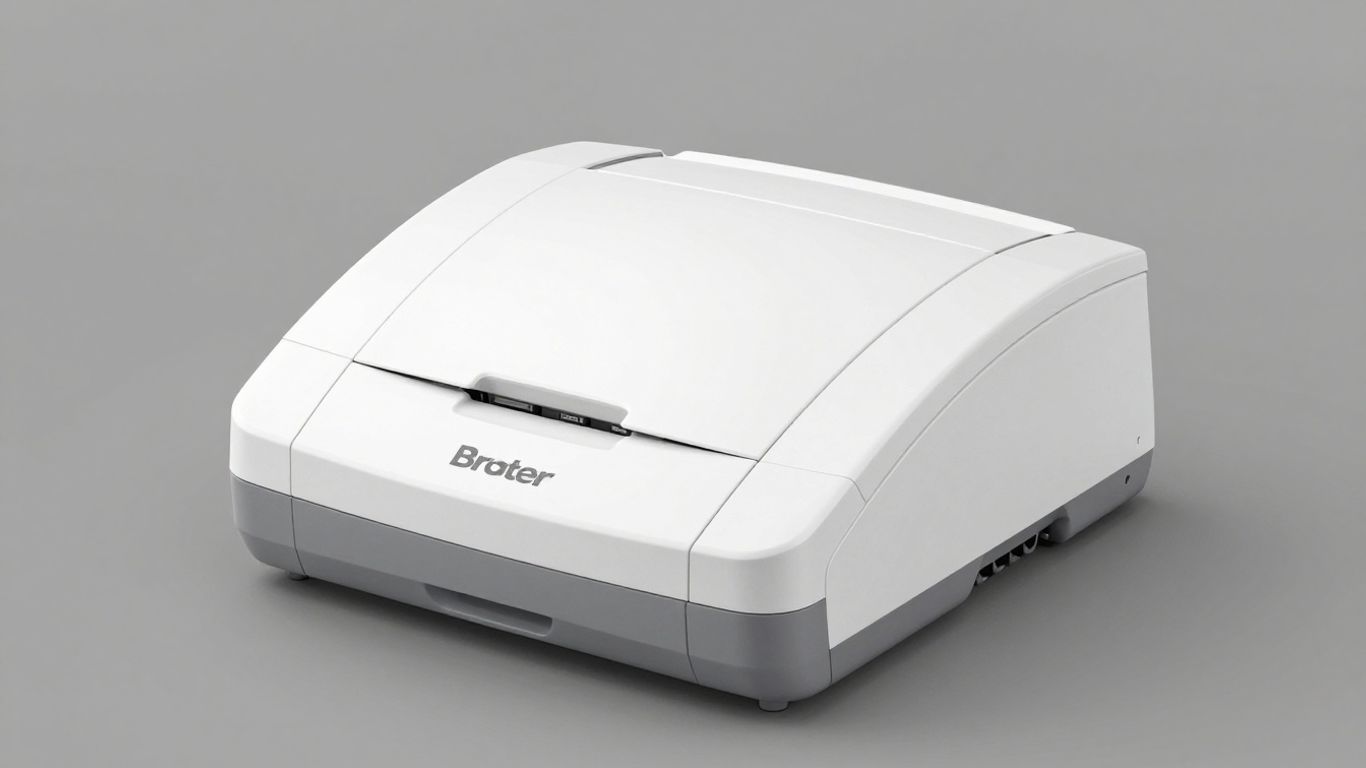
The Brother TD-4420DN is a solid choice if you’re after a reliable thermal transfer label printer that won’t break the bank. It’s pretty straightforward to set up and use, making it a good option for small to medium-sized businesses that need to print labels for inventory, shipping, or product identification.
One of the neat things about modern printing, even with a workhorse like the TD-4420DN, is how it can integrate with smarter systems. For instance, using a service like Xcan.it means you can update the links in your QR codes without ever needing to reprint a label. This is a game-changer for campaigns or information that changes frequently. You can track all your scans from a single dashboard, giving you a clear picture of what’s working and where. Plus, dynamic QR codes allow you to really make your real-world campaigns pop across print, signage, and all your assets.
Here’s a quick look at what the TD-4420DN offers:
- Print Resolution: 203 dpi (dots per inch) – good for clear text and basic graphics.
- Print Speed: Up to 5 inches per second – decent for moderate print volumes.
- Connectivity: USB, Ethernet, and Serial interfaces – offers flexibility for different setups.
- Media Handling: Supports a range of label widths and types.
While the TD-4420DN is a capable printer on its own, pairing it with smart software like Xcan.it really unlocks its potential. Imagine printing a batch of labels for an event, and then being able to change the destination URL for each QR code on those labels as the event schedule evolves – all without touching a single printer.
It’s a practical printer that gets the job done. If you’re looking for a no-fuss way to produce quality labels and want to explore the benefits of dynamic QR codes for your business, the Brother TD-4420DN is definitely worth considering. You can also check out Brother’s P-touch Editor for Mac for designing your labels.
4. Epson ColorWorks C7500
When you need vibrant, full-colour labels on demand, the Epson ColorWorks C7500 really steps up. It’s not just about printing pretty pictures, though; this machine is built for serious business use, churning out durable, high-resolution labels that can handle a bit of wear and tear. Think water resistance and fade resilience – perfect for product packaging, compliance labelling, or even outdoor signage.
This printer uses advanced inkjet technology to produce labels that look sharp and last. It’s a solid choice if you’re looking for quality and reliability in your print output. The ability to print high-quality, on-demand labels means you can react quickly to changing needs without being stuck with pre-printed stock. Achieve more with your labelling is definitely the motto here.
One of the clever things about modern labelling is how you can link physical items to digital information. This is where services like Xcan.it come into their own. Imagine printing a QR code on a product or a piece of signage. With Xcan.it, you can update the link behind that QR code whenever you need to, without having to reprint the label itself. This is a game-changer for marketing campaigns, product updates, or even just keeping information current. You get a dashboard to track scans, see where your customers are engaging, and use dynamic QR codes to really make your print, signage, and asset campaigns work harder for you.
The Epson ColorWorks C7500 offers a fantastic blend of colour quality and robust performance for businesses that need reliable, on-demand label printing.
Key features to consider:
- Vibrant Colour Output: Produces eye-catching, full-colour labels.
- Durable Prints: Labels are resistant to water and fading, ensuring longevity.
- High Resolution: Delivers crisp, clear text and graphics for professional results.
- On-Demand Printing: Print exactly what you need, when you need it.
- Ease of Integration: Designed to fit into existing workflows smoothly.
Using a printer like the Epson ColorWorks C7500 alongside a dynamic QR code solution means your physical assets can stay relevant and interactive for longer. You avoid the hassle and cost of reprinting when information changes, keeping your operations efficient and your customer engagement high.
5. SATO CL4NX
The SATO CL4NX is a solid choice for businesses needing a reliable industrial barcode printer. It’s built tough, so it can handle a busy environment without much fuss. Think of it as the workhorse of the printing world – dependable and ready to get the job done.
What really sets this printer apart, especially when you’re thinking about how you’ll use the barcodes in the real world, is how it works with modern digital campaigns. You can print your labels and barcodes now, and then link them to whatever you need later. This is where services like Xcan.it really shine. They let you update QR code links without having to reprint everything, which saves a lot of hassle and money. Plus, you can track all your scans from one handy dashboard. This means you get a clear picture of how your campaigns are performing across print, signage, and all your assets. Using dynamic QR codes like this means your real-world marketing efforts can actually adapt and improve over time.
Here’s a quick look at what makes the CL4NX a good pick:
- Durability: Built for industrial settings, it can take a beating.
- Versatility: Handles various label types and sizes.
- Connectivity: Offers multiple options to fit into your existing network.
When you’re dealing with lots of assets or need long-term reliability, the ability to update links on the fly is a game-changer. It means your physical items and marketing materials don’t become outdated. You can keep your production schedules on track and your teams working smoothly, all while keeping your options open for future changes. It’s a smart way to manage your print and digital campaigns together.
6. TSC TX600
The TSC TX600 is a solid choice if you’re after a reliable desktop barcode printer that can handle a decent workload. It’s known for its stability and can print at a pretty high resolution, up to 600 dpi, which is great for those really detailed labels or small text.
But here’s where things get interesting, especially if you’re using QR codes. Printing a QR code once and then finding out the link needs to change is a pain. You end up reprinting everything, which costs time and money. That’s where a service like Xcan.it really shines.
With Xcan.it, you can update the destination of your QR codes without ever needing to reprint the labels. This is a game-changer for campaigns, asset tracking, or even just updating product information. You print the code once, and then you can change where it leads whenever you need to. It’s all managed through a simple dashboard where you can also track scans. This means you get real-time insights into how your print, signage, or assets are performing in the real world. Using dynamic QR codes like this can really boost the effectiveness of your marketing efforts and streamline operations.
Think about it:
- Update links on the fly: Change a website URL, a PDF document, or contact details instantly.
- Track scan activity: See how many times a code has been scanned and from where.
- Dynamic campaigns: Adapt your promotions or information based on real-time feedback or changing needs.
This kind of flexibility means your printed materials don’t become outdated the moment they leave the printer. It’s a smarter way to work, especially for businesses that need to keep their information current and their campaigns responsive. The TSC TX600 paired with a smart QR solution like Xcan.it offers a powerful combination for modern printing needs.
7. Intermec PM43
The Intermec PM43 is a solid choice for businesses needing a reliable workhorse printer. It’s built tough, designed to handle demanding environments without breaking a sweat. Think of it as the dependable van of the printing world – it just gets the job done, day in and day out.
What really sets this printer apart is its robustness and straightforward operation. It’s not flashy, but it’s incredibly effective for printing labels for inventory, shipping, or product identification. It’s the kind of printer you can set up and largely forget about, knowing it’s going to perform.
When you’re dealing with a lot of labels, especially for things like asset tracking or safety compliance, the last thing you want is to have to reprint everything because a link changed. This is where smart solutions come in. Platforms like Xcan.it are brilliant for this. They let you update QR code links without ever needing to reprint a single label. Imagine you’ve got QR codes on all your equipment, and you need to change the link from a manual to an updated guide – Xcan.it makes that a breeze. Plus, you can track all your scans from one central dashboard, giving you a clear picture of how your campaigns are performing across print, signage, and even physical assets. Using dynamic QR codes like this really helps to make your real-world marketing and operational efforts much more effective.
Here’s a quick look at what the PM43 typically offers:
- Print Speed: Generally around 10-12 inches per second, which is pretty zippy for most industrial needs.
- Resolution: Usually available in 203 dpi or 300 dpi, giving you clear, readable labels.
- Connectivity: Comes with standard options like Ethernet and USB, often with Wi-Fi and Bluetooth as extras.
- Durability: Built to withstand dust, vibration, and temperature fluctuations, making it ideal for warehouses or factory floors.
For businesses that rely heavily on accurate labelling and want to avoid the hassle and cost of reprinting, integrating a dynamic QR code solution with a robust printer like the PM43 is a smart move. It bridges the gap between physical assets and digital information efficiently.
8. Printronix T5204
The Printronix T5204 is a solid workhorse for businesses needing reliable, high-volume label printing. It’s built for those demanding environments where speed and accuracy are non-negotiable, like warehouses or busy retail backrooms. This printer is known for its robust construction and consistent performance, making it a dependable choice for generating extensive barcodes and inventory labels.
When you’re dealing with a lot of labels, especially those with unique information like serial numbers or asset tags, managing the QR codes on them can become a headache. That’s where smart solutions come in. Platforms like Xcan.it are changing the game by letting you update QR code links without ever needing to reprint a single label. Imagine launching a campaign and then needing to change the destination URL – with Xcan.it, it’s a quick fix on their dashboard, not a costly reprint job.
This approach is particularly useful for:
- Asset Tracking: Label equipment or inventory, and easily update the linked information as items move or specifications change.
- Promotional Campaigns: Run a sale, and if the offer details shift, you can update the QR code’s destination on the fly.
- Information Updates: For signage or product packaging, you can link to updated manuals, FAQs, or support pages without reprinting.
Beyond just updating links, Xcan.it offers a centralised dashboard to track scans. You can see what’s getting scanned, where, and when, giving you real-world insights into your campaigns across print, signage, and assets. This dynamic QR code capability means your printed materials stay relevant and effective for longer, improving your marketing and operational efficiency.
Using dynamic QR codes means your physical print assets don’t become outdated. You gain the flexibility to adapt your messaging or redirect users to new information instantly, all managed through a simple online dashboard. This saves time, reduces waste, and keeps your campaigns fresh and effective.
For those needing to print a lot of labels with unique QR codes, it’s worth looking into solutions that handle both the printing and the code management. This ensures everything scans correctly and lasts as long as you need it to. The Printronix T5204, paired with a smart QR code platform, offers a powerful combination for businesses looking to streamline their labelling processes.
9. Datamax-O'Neil I-Class
The Datamax-O’Neil I-Class series is a solid choice for businesses needing reliable, industrial-grade printing. These printers are built tough, designed to handle demanding environments where durability and consistent performance are key. They’re not the flashiest machines on the market, but they get the job done without fuss, making them a favourite for straightforward, high-volume label printing tasks.
When you’re dealing with a lot of assets or need to ensure safety compliance, the last thing you want is a label that fails or a QR code that doesn’t scan. This is where smart solutions come into play. Tools like Xcan.it can really make a difference. Imagine printing your labels now, but having the flexibility to update the QR code links later without having to reprint everything. That’s a huge time and cost saver, especially for things like asset tracking or product information that might change.
With Xcan.it, you also get a central dashboard to track all your scans. You can see what’s being scanned, where, and when, which is brilliant for understanding how your campaigns or labels are performing in the real world. This kind of insight helps you make better decisions and improve your print and signage strategies. Plus, using dynamic QR codes means your physical assets stay relevant, even if the information they point to needs an update. It’s a smart way to keep your campaigns fresh and your operations running smoothly.
The real advantage of modern printing solutions isn’t just the hardware, but the software that connects it to your digital world. Being able to update links on printed materials after they’ve gone out the door offers a level of flexibility that was unthinkable just a few years ago. It means less waste and more effective communication.
For those using the Datamax-O’Neil I-Class, finding the right labels is also important. You can find labels specifically designed for printers like the E-4203 model, which often have great reviews from users who are happy with their performance and compatibility compatible labels.
Key features to look out for in this range often include:
- Robust construction for industrial settings
- High print speeds for efficient output
- Various connectivity options to fit your network
- User-friendly interfaces for straightforward operation
While the I-Class is a workhorse, integrating it with a dynamic QR code platform like Xcan.it truly brings it into the modern age, offering control and adaptability for all your labelling needs.
10. Citizen CL-S700
The Citizen CL-S700 is a solid choice for businesses needing a reliable thermal transfer and direct thermal printer. It’s built for straightforward operation, making it a good fit for environments where ease of use is as important as print quality. This printer handles a variety of label sizes and materials, so you can get the job done whether you’re printing shipping labels, inventory tags, or compliance information.
It’s a workhorse that gets the job done without fuss.
When you’re printing labels, especially for campaigns or assets that might change over time, you don’t want to be stuck reprinting everything. That’s where smart solutions come in. Platforms like Xcan.it let you update QR code links on the fly, meaning a single print run can point to different destinations as your needs evolve. Imagine printing a batch of promotional flyers and then being able to change the linked offer later without ever touching a printer again. It’s a game-changer for keeping campaigns fresh and relevant.
Here’s how Xcan.it can make a difference:
- Update QR code links without reprinting: Change where your QR code leads anytime, saving time and resources.
- Track scans in one dashboard: See how your QR codes are performing, where they’re being scanned, and when.
- Use dynamic QR codes: These codes are more than just links; they’re flexible tools that can improve real-world campaigns across print, signage, and assets.
The ability to update QR codes dynamically means your printed materials remain useful and relevant for longer. This flexibility is particularly useful for things like event signage, where schedules or locations might change, or for product information that needs updating. It also means you can test different landing pages or offers from the same printed code to see what works best with your audience.
This approach not only saves money on reprints but also provides valuable insights into customer engagement. By tracking scans, you get a clearer picture of what’s effective, allowing you to refine your strategies and make more informed decisions for future campaigns. It’s about making your print materials work harder for you.
Regarding the Citizen CL-S700, it’s a piece of equipment that can be quite useful. If you’re looking for ways to manage your QR codes and make them work better for your business, we have solutions that can help. Discover how our tools can simplify your operations and boost efficiency. Visit our website today to learn more!
So, What's the Verdict?
Right then, we’ve gone through quite a few barcode printers today, haven’t we? It’s a bit of a minefield out there, but hopefully, this guide has made things a bit clearer. Whether you’re after something for a small shop or a big warehouse, there’s definitely a model out there that’ll do the job without causing you too much hassle. Remember to think about what you’ll be printing most often and how quickly you need it done. Get that sorted, and you’ll be printing like a pro in no time.
Frequently Asked Questions
What's the main difference between static and dynamic QR codes?
Think of static QR codes like a fixed message – once you print them, the information they link to can’t be changed. Dynamic QR codes are smarter; they link to a managed web address. This means you can update where the QR code leads, even after it’s been printed, without needing to print new ones. This is super useful for things like changing a website link or updating event details.
Can I change where a QR code goes after I've printed it?
Yes, absolutely! That’s the main advantage of using dynamic QR codes. You can easily change the destination link or information through your account on the QR code platform. So, if a website address changes or you want to promote something new, you just update it online, and all your printed QR codes will automatically point to the new place. No need to reprint anything!
How do I know if my QR codes are being scanned?
Most good QR code services offer tracking. When you use a dynamic QR code, the platform can record when, where (roughly), and how many times your code is scanned. This helps you understand how effective your printed materials are, like posters or flyers, and see which ones are getting the most attention.
Can I add my company logo or colours to a QR code?
Definitely! Many platforms let you customise your QR codes to match your brand. You can often add your logo right in the middle or change the colours. As long as there’s enough contrast and the important parts of the code are clear, they’ll still scan properly. It makes them look much more professional and recognisable.
Is it safe to use QR codes in public places?
QR codes can be safe, but it’s wise to be careful. Like any public sign, they can sometimes be tampered with. It’s a good idea to place them where they can be easily seen and checked by staff. Using dynamic QR codes also means you can quickly change the destination if you notice anything suspicious or if the code needs to be updated for security reasons.
What's the 'Print Now – Link Later' feature?
This is a really handy option that lets you print your QR codes even before you’ve finalised the web page or information they’ll link to. You can print everything in advance, stick it on your materials, and then, when the destination is ready, you simply update the link through your QR code account. It helps keep your printing and marketing timelines in sync.












