
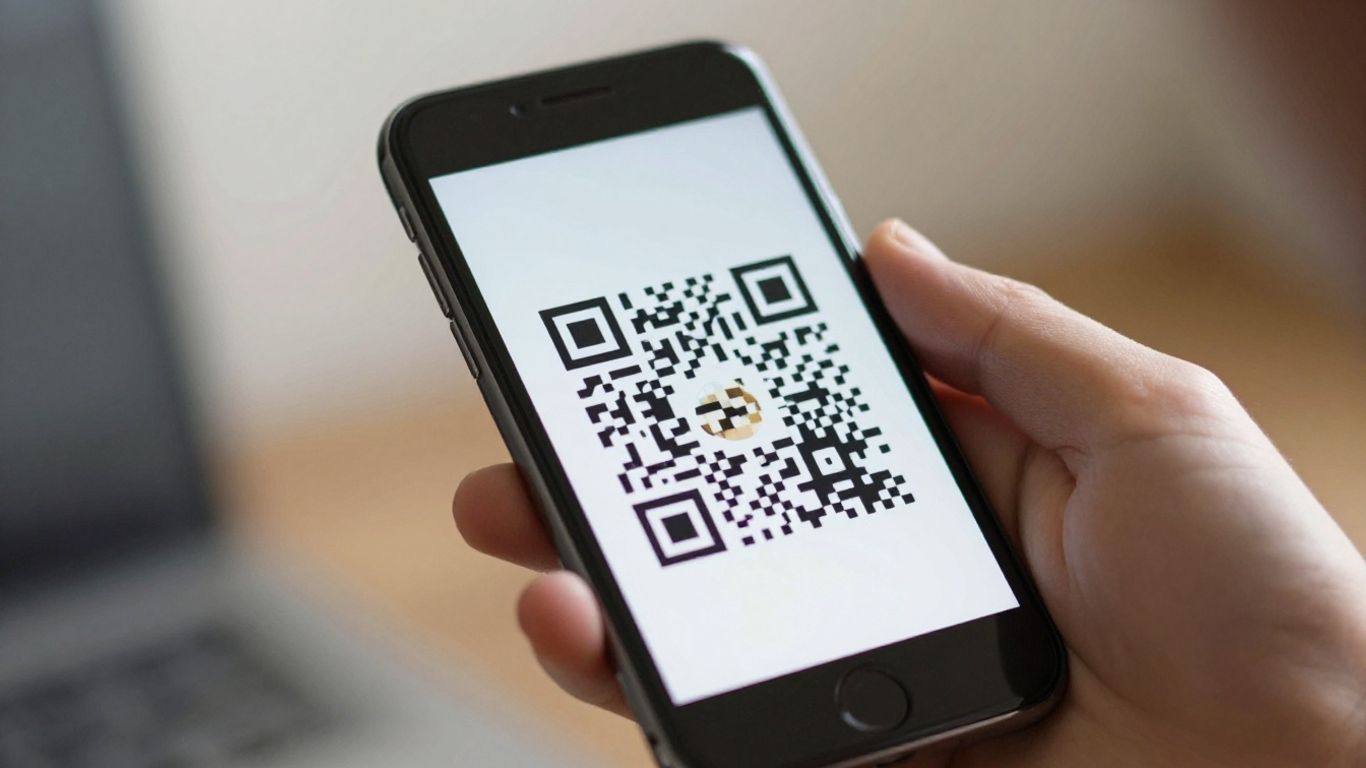
Remember fumbling for WiFi passwords? It’s a bit of a pain, isn’t it? Especially when you’re trying to get work done or just want to relax. Well, there’s a much simpler way now. Using a QR code generator for WiFi can sort this out. It means people can connect to your network with just a quick scan of their phone. No more typing out long, complicated passwords. It’s a small change that makes a big difference for your customers and guests.
Key Takeaways
- A WiFi QR code bundles your network name, security type, and password into a scannable image.
- Customers and guests can join your WiFi network in seconds by scanning the code with their phone.
- Using a QR code generator for WiFi removes the need for manual password entry, reducing interruptions for staff.
- Dynamic QR codes allow you to change network details without needing to reprint the code.
- These codes can improve the customer experience by providing instant, hassle-free internet access.
Effortless Wi-Fi Access With QR Codes
Understanding Wi-Fi QR Codes
Remember the days of squinting at a tiny piece of paper for the Wi-Fi password, or worse, having to ask the staff every time? Those days are largely behind us, thanks to Wi-Fi QR codes. These handy codes are essentially a shortcut, storing your network’s name (SSID), security type, and password in a scannable format. When a customer or guest points their phone’s camera at one, their device automatically recognises the information and prompts them to connect. It’s a simple yet brilliant way to remove a common point of friction when people visit your establishment.
How They Simplify Guest Connections
For businesses, the benefit is immediate. Instead of staff being interrupted with the same question over and over, a quick scan is all it takes for guests to get online. This frees up your team to focus on what they do best, whether that’s serving coffee, checking in guests, or assisting with other tasks. For the visitor, it means instant access without the hassle of typing in long, complex passwords, which can be particularly annoying on a mobile device. It’s a small change that makes a big difference to the overall experience.
The Technology Behind the Scan
Modern smartphones, both Android and iOS, have built-in QR code scanners, meaning no extra apps are needed. The QR code itself contains the necessary network details. However, for businesses looking to do more, services like Xcan.it offer dynamic QR codes. This is a game-changer. Instead of the Wi-Fi details being permanently embedded in the code, a dynamic QR code links to a URL managed by Xcan.it. This means you can update your Wi-Fi password, network name, or even the post-connection landing page without ever needing to reprint the QR code itself. This flexibility is invaluable. Plus, Xcan.it allows you to track every scan from a single dashboard, giving you insights into usage patterns and campaign effectiveness across your print materials and signage. Dynamic QR codes offer a powerful way to manage your connectivity and marketing efforts simultaneously.
Creating Your Wi-Fi QR Code
So, you’ve decided to make life easier for your customers and staff by using Wi-Fi QR codes. That’s a smart move. Now, let’s get down to actually making one. It’s not complicated, but choosing the right tool makes all the difference.
Choosing a Reliable QR Code Generator
When you’re looking for a QR code generator, think about what you need it to do beyond just creating the code. Some services are pretty basic, just spitting out a code. Others, like Xcan.it, offer a lot more.
- Ease of Use: It should be straightforward to input your Wi-Fi details.
- Reliability: You want a service that’s stable and won’t disappear.
- Advanced Features: Consider if you’ll need things like tracking scans or updating the code later.
The best generators allow you to update the Wi-Fi details without needing to reprint the QR code. This is a game-changer if your Wi-Fi password ever changes.
Inputting Your Network Details
This is the core part. You’ll need to provide your Wi-Fi network’s name (SSID) and its password. Make sure you get these exactly right, including any capital letters or special characters. Most generators will also ask for the security type (like WPA2 or WEP), though many modern devices can figure this out automatically. Some generators, like QRStuff, make this process very simple.
Customising Your Code's Appearance
While the technical details are important, how your QR code looks can also matter. You might want to match it to your business’s branding. Many generators let you:
- Change the colours of the dots and the background.
- Add your logo in the centre.
- Adjust the shape of the dots or the corner markers.
Remember, though, that while customisation is nice, it shouldn’t get in the way of the code being easily scannable. A clear, functional code is always better than a pretty one that doesn’t work.
Using a service like Xcan.it means you can create dynamic QR codes. This is where things get really interesting. Instead of the Wi-Fi details being directly baked into the code, the QR code points to a short link managed by Xcan.it. This link then directs the user to connect to your Wi-Fi. The big advantage here is that you can change the Wi-Fi password or network name from your Xcan.it dashboard without having to print new QR codes. You can also track how many people scan your code, giving you a simple way to see how often your Wi-Fi is being accessed. This turns a simple connection point into a piece of trackable marketing material for your print, signage, and other assets.
Benefits for Your Business
Enhancing Customer Experience
Making it easy for customers to connect to your Wi-Fi is a small detail that can make a big difference. Instead of fumbling with passwords, they can scan a QR code and be online in seconds. This smooth experience means they can get straight to what they came for, whether that’s browsing your menu, checking emails, or sharing their experience online. It’s about removing friction and showing you value their time.
Reducing Staff Interruption
Think about how often your staff get asked for the Wi-Fi password. Each time, it’s a little interruption to their workflow and a repetitive question for them to answer. With a Wi-Fi QR code, that question disappears. Staff can focus on serving customers, and customers can help themselves to connectivity. It’s a win-win that frees up valuable time.
Boosting Operational Efficiency
Beyond just Wi-Fi, dynamic QR codes from a service like Xcan.it can streamline many business operations. You can update the link behind a QR code without needing to reprint anything. This is incredibly useful if your menu changes, a promotion ends, or you need to update contact details. Plus, you can track how many times your QR codes are scanned from a single dashboard. This gives you real insights into what’s working and where your customers are engaging with your marketing materials, whether they’re on print, signage, or other assets. Using dynamic codes means your campaigns stay relevant and effective, even after they’ve been put out into the world. QR codes offer businesses a simple way to connect with customers, and dynamic ones add a layer of smart management.
Security Considerations for Wi-Fi QR Codes
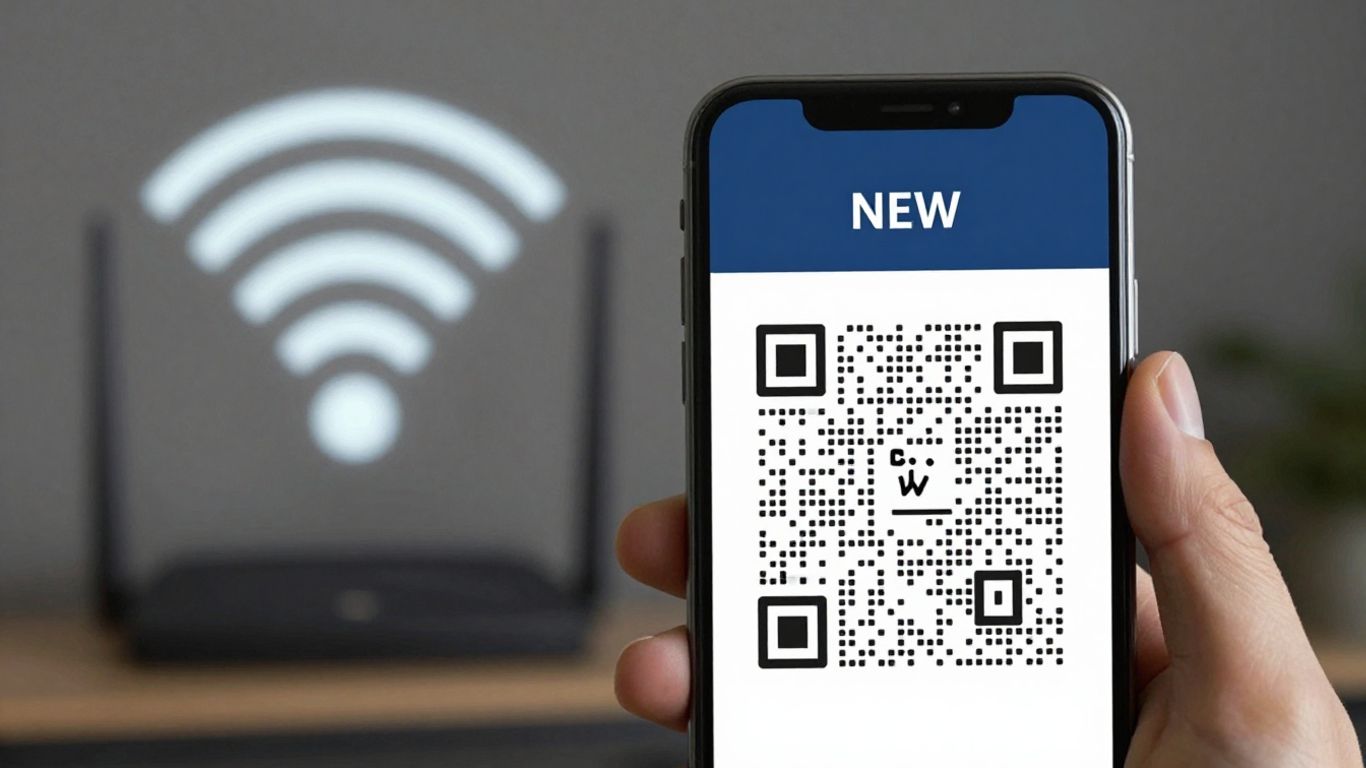
While Wi-Fi QR codes are incredibly convenient, it’s wise to think about how you’re sharing your network access. After all, a QR code is essentially just a shortcut to your network’s login details. We want to make sure that convenience doesn’t accidentally open the door to unwanted guests or security issues.
Using Guest Networks Effectively
This is probably the most straightforward step. Always, always use a dedicated guest network for your Wi-Fi QR codes. This keeps your main business network, with all your sensitive data, completely separate. Think of it like having a separate entrance for visitors to your house – they can get in, but they can’t wander into your private rooms.
- Isolate Guest Traffic: Ensure the guest network has its own password and, if possible, limits on bandwidth or access to certain internal resources.
- Avoid Publicising Private SSIDs: Never encode your main office network (SSID) or back-office networks into a QR code. Stick strictly to the guest network.
- Regularly Review Settings: Periodically check the configuration of your guest network to make sure it’s still set up securely.
The Advantage of Dynamic Codes
This is where things get really smart. With static QR codes, once the Wi-Fi details are in there, they’re in there for good. If you ever need to change your password – which you absolutely should do periodically – you’d have to print entirely new QR codes. That’s a hassle and can be costly.
This is where dynamic QR codes shine. Platforms like Xcan.it allow you to create QR codes where the destination link can be updated without reprinting the physical code itself. So, if you need to change your Wi-Fi password, you just log into your Xcan.it dashboard, update the network details, and the QR code automatically points to the new information. It’s a game-changer for managing security and making updates. Plus, you get to track scans in one dashboard, giving you insights into how and where your codes are being used.
Dynamic QR codes offer a significant security advantage because they allow for immediate updates to network credentials. This means you can rotate passwords or even switch to a more secure network type without the logistical nightmare of replacing every printed QR code. It’s about maintaining control and adaptability in your network security.
Protecting Your Private Networks
It might seem obvious, but it’s worth repeating: don’t put your private network details into a public-facing QR code. This includes any network that contains sensitive business information, financial data, or personal employee details. The goal is to provide easy access for guests, not to hand over the keys to your kingdom. Using dynamic codes via Xcan.it also helps here, as you can easily change the linked network if needed, and their tracking features can alert you to unusual scan activity.
Remember, while QR codes simplify connections, a little bit of foresight regarding security makes the whole process much safer and more reliable for everyone involved. Security risks can be mitigated with careful planning.
Beyond Basic Connectivity
Integrating Wi-Fi Access with Marketing
Think of your Wi-Fi QR code as more than just a way for people to get online. It’s a digital handshake, a first impression that can lead to so much more. With a service like Xcan.it, you can turn that simple Wi-Fi connection into a powerful marketing tool. Instead of just giving access, you can guide users to special offers, your latest menu, or even a sign-up form for your newsletter. This means every time someone connects, they’re also interacting with your brand in a more meaningful way. It’s about creating a smooth transition from needing Wi-Fi to discovering what you have to offer.
Gathering Valuable Customer Insights
This is where things get really interesting. Using dynamic QR codes, like those offered by Xcan.it, means you’re not just sharing a password; you’re gathering data. You can see how many people are scanning your Wi-Fi QR codes, when they’re doing it, and even get a general idea of their location. This information is gold for understanding your customers better. For example, you could see if a QR code placed in a specific area of your venue is getting more attention than others. This helps you figure out what’s working and where you might need to adjust your strategy. It’s about making informed decisions based on real user behaviour.
Creating Seamless Digital Journeys
What happens after someone connects to your Wi-Fi? With dynamic QR codes, you’re not limited to just the connection itself. Xcan.it allows you to update the destination link without needing to reprint your QR codes. This means if you change your Wi-Fi password or want to direct people to a new promotion, you can do it instantly from your dashboard. You can also set up a sequence of actions. For instance, after connecting to Wi-Fi, a user could be directed to a welcome page that then offers a link to your social media or a feedback form. This creates a connected experience, guiding customers through a journey that benefits both them and your business. It’s about making every interaction count and building a stronger relationship with your audience.
Real-World Applications
Cafés and Restaurants
In the bustling world of cafés and restaurants, the question "What’s the Wi-Fi password?" is a common one. QR codes for Wi-Fi can be printed on menus, table talkers, or even receipts. This means customers can connect instantly without needing to ask staff, freeing up your team to focus on service. Imagine a diner scanning a code on their table to access the Wi-Fi and then immediately being directed to a digital menu or a special offer page. This simple step can really improve the customer experience.
Hotels and Hospitality
For hotels, providing easy Wi-Fi access is no longer a luxury, it’s expected. Placing Wi-Fi QR codes in rooms, lobbies, or on key card holders means guests can connect as soon as they arrive. No more fumbling for passwords or calling reception. With a service like Xcan.it, you can even use dynamic QR codes. This is brilliant because if you ever need to change your Wi-Fi password, you don’t have to reprint all your materials. Just update it in your dashboard. You can also track how many guests are connecting, giving you a better idea of usage patterns. This is a great way to explore innovative QR code applications for your business.
Coworking Spaces and Offices
Coworking spaces and modern offices thrive on connectivity. Offering seamless Wi-Fi access is key for members and visitors. Instead of sharing passwords verbally or on a whiteboard that might get erased, a QR code provides a clean, instant solution. For businesses with multiple locations, dynamic QR codes are a game-changer. You can manage and update Wi-Fi details for all your sites from a single dashboard. This means if a network name or password changes, you can update it instantly without needing to replace physical signage across every location. Plus, tracking scans can show you which areas are most popular or how often visitors are connecting.
Our QR code software isn’t just for show; it’s used in all sorts of real-life situations! Businesses big and small are finding clever ways to use it every day. From helping people order food at restaurants to making sure you can always update your contact details on a business card, our tool makes things easier. Want to see how it can help your business too? Visit our website to learn more!
So, there you have it.
Getting people connected to your Wi-Fi shouldn’t be a hassle. We’ve seen how a simple QR code can sort that out, making things easier for everyone. It’s not just about sharing a password anymore; it’s about creating a smooth entry point for your guests or customers. Whether you’re a small cafe or a busy hotel, this little square can make a surprising difference to first impressions and how smoothly your day runs. Give it a go, and see how much simpler things become.
Frequently Asked Questions
What exactly is a Wi-Fi QR code?
A Wi-Fi QR code is like a special barcode that holds all the information needed to connect to a Wi-Fi network. This includes the network’s name (SSID), its security type (like WPA2), and the password. When you scan it with your phone, it tells your phone to connect automatically, saving you from typing anything in.
How does scanning a Wi-Fi QR code make things easier for customers?
It makes connecting to Wi-Fi super simple! Instead of fumbling with long, complicated passwords or asking staff for them, customers can just point their phone camera at the code. It’s a quick, one-step process that gets them online in seconds, which is brilliant for busy places like cafes or hotels.
Can I change the Wi-Fi password after I've printed the QR code?
Yes, you can! If you use a dynamic QR code generator, you can update the Wi-Fi details linked to the code without needing to print a new one. This is really handy if you ever change your password or need to manage network access for different groups.
Is it safe to use QR codes for Wi-Fi access?
It can be very safe, especially if you use a dedicated guest network for the QR code. This keeps your main business network separate and more secure. Using dynamic codes also means you can change the password easily if needed, without reprinting anything.
What's the difference between a regular QR code and a dynamic QR code for Wi-Fi?
A regular (static) QR code has the Wi-Fi details permanently built in. Once it’s made, you can’t change it. A dynamic QR code, however, links to a special URL that can be updated. This means you can change the Wi-Fi network name or password it connects to, or even redirect it to another page, all without printing a new QR code.
Where's the best place to put a Wi-Fi QR code for my business?
You can put them almost anywhere customers might need Wi-Fi! Think about placing them on tables in cafes, at the reception desk in hotels, on menus, on posters, or even in guest rooms. The key is to make it visible and easily accessible for your visitors.












