
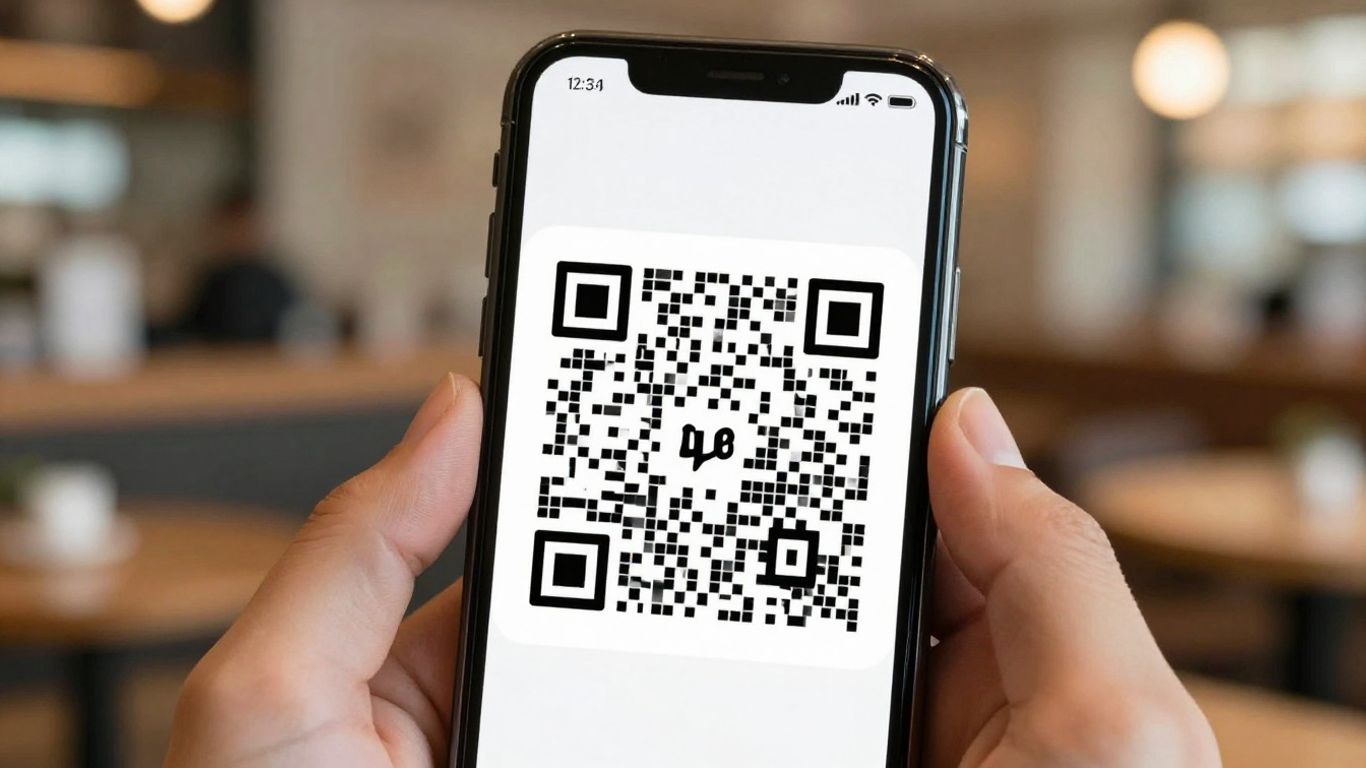
Trying to get your guests online shouldn’t be a headache. In the UK, businesses are finding that a simple QR code can make connecting to WiFi a breeze. Forget fumbling with passwords or asking staff – this quick guide shows you how to scan QR code for WiFi and makes getting online as easy as pointing your phone.
Key Takeaways
- WiFi QR codes store your network name, security type, and password, allowing quick connection by scanning.
- Most modern smartphones can scan WiFi QR codes directly with their camera app, no extra software needed.
- For businesses, these codes streamline guest access, reduce staff interruptions, and improve the overall customer experience.
- Using dynamic QR codes allows you to update WiFi credentials without reprinting the physical code and track scan data.
- Always use a dedicated guest network for WiFi QR codes to maintain better security for your main network.
Effortlessly Scan QR Code for WiFi
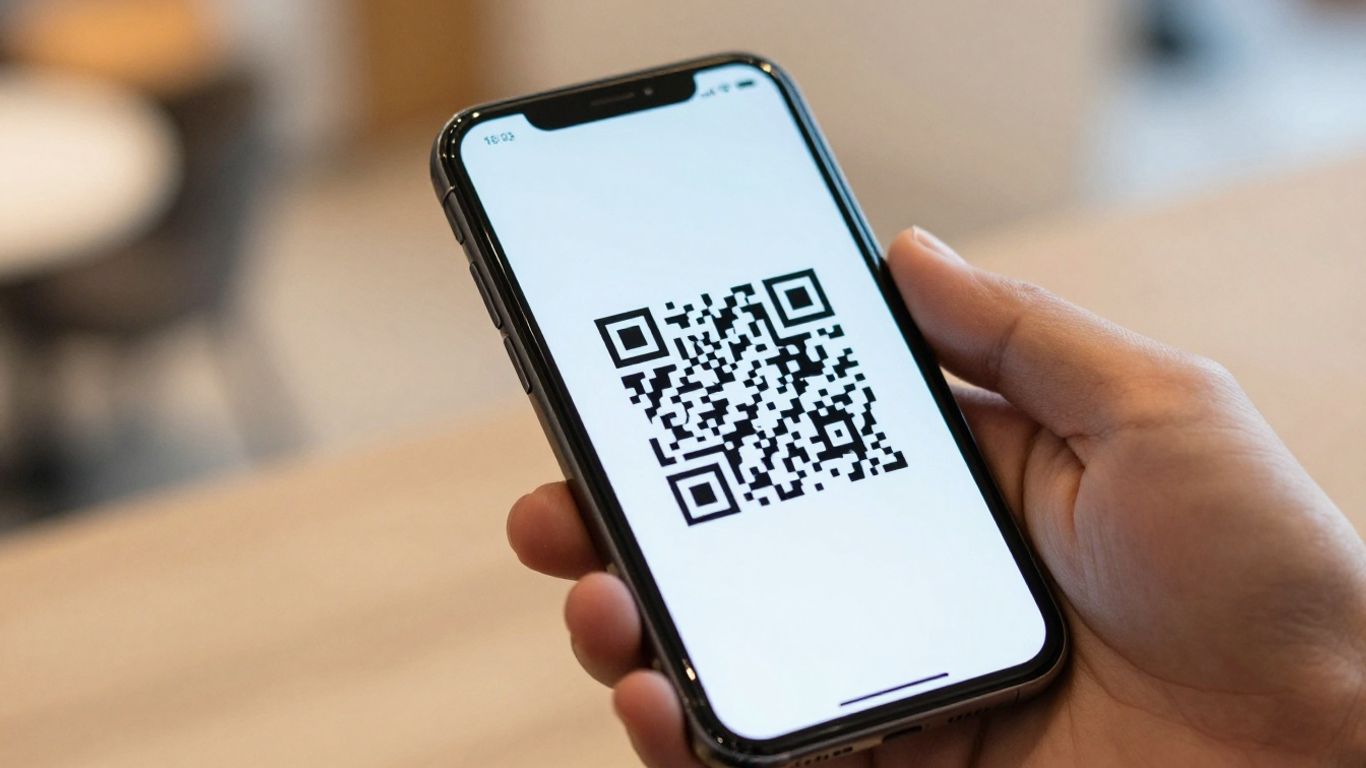
These days, asking for the WiFi password feels a bit old-fashioned, doesn’t it? Whether you’re in a cosy café, a busy hotel, or a modern co-working space, getting online should be straightforward. That’s where WiFi QR codes come in. They’re a simple yet brilliant way to let people connect to your network without any fuss. No more typing out long, complicated passwords or trying to spell them over background noise. Just a quick scan, and they’re in.
Understanding WiFi QR Codes
A WiFi QR code is essentially a digital shortcut. It neatly packages your network name (SSID), security type, and password into a scannable format. When someone points their smartphone camera at it, the phone recognises the information and prompts them to join the network. It’s a bit like magic, but it’s just clever technology making life easier. Most modern iPhones and Android devices can handle this natively, meaning no extra apps are needed for the user. They just open their camera, scan, and tap to connect. It really is that simple.
How They Streamline Guest Access
Think about the last time you were in a place with spotty mobile signal and needed to get online. Fumbling for a password can be a real pain. WiFi QR codes remove that friction entirely. For businesses, this means fewer interruptions for staff who would otherwise be answering the same question repeatedly. For guests, it’s a smooth, instant connection that makes them feel welcome and looked after from the moment they arrive. It’s a small detail that can make a big difference to their overall experience.
The Scan Process Explained
Getting connected is incredibly straightforward. Here’s the typical flow:
- See the Code: You’ll find the QR code displayed clearly, perhaps on a table tent, a reception desk, or even a window sticker. It’ll usually have a clear call to action like "Scan to connect to WiFi".
- Open Your Camera: On most smartphones, you just need to open the standard camera app. Some Android phones might have a dedicated QR mode, or you can use Google Lens. iPhones can scan directly from the Camera app, or you can add a Code Scanner to your Control Centre for quick access [aad7].
- Scan and Connect: Point your phone at the code. Your device will recognise it and a notification will pop up, usually asking if you want to join the network. A quick tap, and you’re online.
For businesses looking to manage these codes effectively, solutions like Xcan.it are invaluable. They allow you to create dynamic QR codes, which means you can update the WiFi network details without ever needing to reprint the physical code. This is a huge advantage if your password changes. Plus, Xcan.it provides a dashboard to track how many times your QR codes are scanned, giving you insights into their usage and effectiveness across different locations or campaigns. This ability to update and track makes managing guest WiFi access much more efficient and modern [f119].
Connecting to WiFi Via QR Code
Scanning with Your Smartphone
Connecting to a WiFi network using a QR code is remarkably simple these days. Most modern smartphones, whether they’re iPhones or Android devices, have this capability built right in. You don’t usually need a special app anymore. Just open your phone’s camera, point it at the QR code, and you’ll typically see a notification pop up on your screen. Tapping this notification will prompt you to join the network, often without needing to type a single character. It’s a quick way to get online, especially when you’re in a new place like a café or a hotel.
Native Support on Modern Devices
This built-in functionality is a game-changer. For iPhones, you can use the standard Camera app, or even add a dedicated Code Scanner to your Control Centre for quicker access. Android users will find that their default Camera app often handles QR codes, sometimes with the help of Google Lens suggestions. This means that for the vast majority of people in the UK, getting online via a QR code is as easy as taking a photo. It removes the faff of asking for passwords or trying to decipher them from a small sign. If you’re ever unsure, you can always check your phone’s camera settings or look for a ‘QR mode’.
Troubleshooting Common Issues
While it’s usually straightforward, sometimes things don’t go quite to plan. If your phone isn’t picking up the QR code, a few things might be at play. First, check the lighting – is it too dim or is there a glare on the code? Sometimes, simply adjusting your angle or moving to a better-lit spot does the trick. Make sure the QR code itself is clear and not damaged. If the code is very small, you might need to get a bit closer, but not so close that the camera can’t focus. On the software side, ensure your phone’s camera app has QR scanning enabled in its settings. If you’re still having trouble, it might be worth trying a dedicated QR scanner app, though this is becoming less common. For businesses, using a service like Xcan.it is a good idea. It allows you to create dynamic QR codes, which means you can update the WiFi details without needing to reprint the code if something changes. Plus, you can track how many people are scanning it from a single dashboard, giving you insights into how your QR codes are being used in real-world campaigns across print and signage.
When setting up WiFi QR codes, it’s always best practice to use a dedicated guest network. This keeps your main network secure and separate from visitor traffic, offering a much safer connection for everyone involved.
Benefits for UK Businesses
Enhancing Customer Convenience
Let’s be honest, nobody enjoys fumbling for a WiFi password. For UK businesses, especially those in hospitality or retail, making it easy for customers to get online is a simple yet effective way to improve their experience. A QR code for WiFi means customers can connect in seconds, without needing to ask staff or type out a long, complicated password. This small change can make a big difference, especially during busy periods. It means less interruption for your team and a smoother, more pleasant visit for your guests. Think of it as a digital welcome mat – easy to step over and get straight to what matters.
Reducing Staff Interruption
How much time does your staff spend answering the same question over and over? "What’s the WiFi password?" It’s a common query, but it pulls them away from other tasks, whether that’s serving customers, managing stock, or just keeping things running smoothly. By implementing WiFi QR codes, you effectively eliminate this repetitive question. Staff can focus on their core responsibilities, leading to better service all round. It’s a win-win: customers get instant access, and your team gets to do their jobs without constant interruptions. This is particularly useful for places like cafés, hotels, and coworking spaces where connectivity is expected.
Improving the Guest Experience
Ultimately, it all comes down to the experience you provide. In today’s connected world, reliable WiFi is almost a given, but the ease of access can really set you apart. A seamless WiFi connection, initiated with a quick scan, contributes to a positive first impression. It shows you’ve thought about the small details that make a guest’s visit better. For businesses looking to stand out, this kind of thoughtful convenience is key. It’s about removing friction points and letting your customers enjoy their time with you, whether they’re there to work, relax, or socialise. Using dynamic QR codes, like those offered by Xcan.it, means you can update the WiFi details without reprinting, keeping things current and hassle-free. Plus, with Xcan.it’s dashboard, you can track how many people are connecting, giving you insights into usage patterns. This adaptability is a real game-changer for managing real-world campaigns across print and signage.
The shift towards digital convenience is undeniable. For UK businesses, adopting simple yet effective technologies like WiFi QR codes isn’t just about keeping up; it’s about actively improving customer interactions and operational efficiency. It’s a small step that can lead to significant improvements in how your business is perceived and how smoothly it runs day-to-day.
Security Considerations for WiFi QR Codes
When you’re handing out WiFi access, it’s natural to think about keeping things secure. It’s not just about stopping unwanted guests from hopping onto your network; it’s also about making sure the QR code itself isn’t a backdoor for something nasty. After all, nobody wants their network credentials floating around where they shouldn’t be.
Using Dedicated Guest Networks
This is probably the most important step. Think of your guest WiFi as a separate room in your house. It lets people visit and use the facilities, but they can’t wander into your private spaces. By setting up a dedicated guest network, you isolate guest devices from your main business systems. This means even if a device on the guest network has a problem, it won’t affect your core operations. It’s a simple way to add a strong layer of protection.
The Advantage of Dynamic Codes
Static QR codes are a bit like a printed note – once it’s out there, it’s fixed. If you ever need to change your WiFi password, you’d have to print a whole new batch of codes. That’s where dynamic QR codes really shine. With a service like Xcan.it, you can update the WiFi network name or password linked to a QR code without reprinting the code itself. This is incredibly useful for security. If you suspect a code has been compromised, or if you simply need to refresh your passwords regularly, you can make the change instantly. Plus, Xcan.it lets you track every scan from one dashboard, giving you insights into usage and helping you spot any unusual activity. This ability to update and monitor is a game-changer for managing security in real-time.
Protecting Your Network Credentials
Sharing WiFi passwords can feel a bit like handing out keys to your home. You want to be sure you’re only giving them to the right people, and that those keys aren’t easily copied or misused. Treating your WiFi QR code as if it were the password itself is a good rule of thumb. This means avoiding publicising your main network’s SSID and password. Instead, always use a separate, secure guest network. If you’re placing QR codes in public areas, consider using tamper-evident displays or placing them where staff can easily monitor them. For businesses, using dynamic QR codes through a platform like Xcan.it offers a significant security advantage, allowing you to quickly change the network details or even disable a code if it falls into the wrong hands. This proactive approach helps prevent unauthorised access and keeps your network safe from potential threats like quishing.
The risk with any QR code, including those for WiFi, is that they can be manipulated. Attackers might try to replace legitimate codes with their own, leading users to malicious sites or networks. Always be mindful of where you place QR codes and who has access to them. Regularly checking them, especially in public-facing areas, is a sensible precaution.
Beyond Basic WiFi Access
Integrating with Other QR Journeys
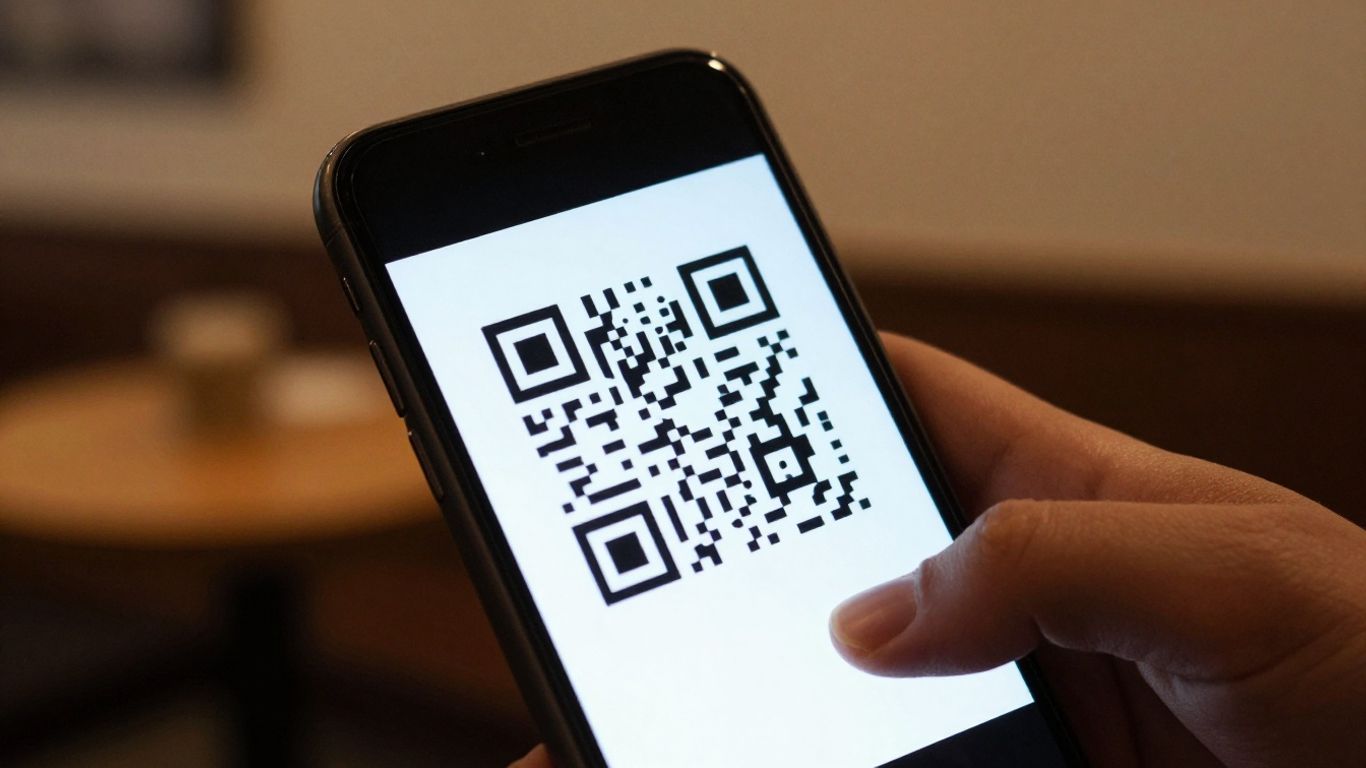
So, you’ve got your WiFi QR codes sorted, making it super easy for guests to get online. But what if that’s just the start of their interaction with your business? Think of the WiFi QR code as a gateway, not the final destination. It’s the first step in a much bigger conversation you can have with your customers.
Driving Further Engagement
Once someone’s connected to your WiFi, they’re primed for more. You could immediately present them with a URL QR code that links to a special offer, a loyalty scheme sign-up, or even your latest digital menu. It’s about turning that moment of connection into an opportunity. Imagine a hotel guest scanning for WiFi and then being prompted to view the spa menu or book a table for dinner – all with a simple second scan. This is where platforms like Xcan.it really shine. They let you create these connected journeys, so one QR code can lead to another, building a richer experience.
Creating a Seamless Digital Touchpoint
With Xcan.it, you’re not just printing a QR code and hoping for the best. You can actually update where a QR code links to without reprinting it. This is a game-changer. If a promotion changes or a menu is updated, you just log into your Xcan.it dashboard and make the switch. Plus, you get to track every scan. Knowing which QR codes are being used, when, and where, gives you real insights into what’s working. This dynamic approach means your QR codes can adapt to your business needs, keeping your campaigns fresh and your customers engaged. It transforms a simple WiFi connection into a smart, trackable digital touchpoint that works across print, signage, and all your physical assets.
Choosing the Right QR Solution
When you’re looking to implement QR codes, especially for something like WiFi access, it’s not just about generating a quick image. You need a solution that’s reliable, manageable, and can grow with your needs. Think of it like choosing the right tool for a job – you wouldn’t use a hammer to screw in a lightbulb, would you?
Dynamic vs. Static QR Codes
This is probably the biggest decision you’ll make. Static QR codes are pretty straightforward: they contain the information directly, like a WiFi password. Once created, they’re set in stone. If your WiFi password changes, you have to create and print a whole new QR code. That’s a pain, especially if you’ve got them on menus, table tents, or signage all over the place.
Dynamic QR codes, on the other hand, are much more flexible. They actually point to a managed link. This means you can change the destination – like updating your WiFi password or network name – without ever having to reprint the physical QR code. This is a massive time-saver and means your codes always point to the right place. Plus, with a good dynamic solution, you get a whole dashboard to manage everything.
Key Features to Look For
So, what should you be looking for in a QR code solution? Here’s a quick rundown:
- Editability: The ability to update the QR code’s destination without reprinting is a must. This is where dynamic codes shine. Platforms like Xcan.it let you do this easily.
- Tracking and Analytics: You’ll want to know how many people are scanning your codes, when, and from where. This data is gold for understanding what’s working.
- Branding Options: Generic black and white squares are fine, but customising them with your logo, colours, and frames makes them look professional and trustworthy.
- Management Dashboard: A central place to organise, label, and manage all your QR codes is super helpful, especially if you have multiple locations or campaigns.
- Reliability and Speed: Codes need to redirect quickly and consistently. Slow redirects can put people off scanning.
Ensuring Reliable Scans
Even the best QR code solution won’t work if the codes themselves aren’t scannable. Here are a few things to keep in mind:
- Size and Contrast: Make sure your QR codes are large enough for their intended placement and have good contrast between the dark and light modules. A busy poster needs a bigger, clearer code than a small table tent.
- Quiet Zone: Always leave a clear space (the ‘quiet zone’) around the QR code. This helps scanners recognise the code properly.
- Testing: Before you print thousands of flyers or update all your signage, test your QR codes on different devices (iOS and Android) and in various lighting conditions. A quick scan with your phone’s camera is usually enough to check if it works.
- Placement: Think about where the QR code will be. Will it be exposed to weather? Will it be easily accessible? Placing them in visible, protected spots will help ensure they last and remain scannable.
Using a platform like Xcan.it means you get the benefits of dynamic codes, robust tracking, and custom branding, all managed from one place. This makes your QR campaigns much more effective and easier to manage in the long run. You can update links without reprinting, track scans in one dashboard, and use dynamic QR codes to improve real-world campaigns across print, signage, and assets.
Picking the best QR code setup can feel tricky. You want something that works well for your needs, whether it’s for a business, an event, or just sharing info. Think about what you want the QR code to do and who will be using it. Making the right choice now means fewer headaches later. Ready to find the perfect fit? Visit our website to explore all the options and get started today!
So, that's WiFi QR codes sorted!
Honestly, getting your guests online shouldn’t be a hassle. WiFi QR codes just make sense for pretty much any place that offers internet. It’s a simple bit of tech that saves everyone a bit of time and a lot of faff. Whether you’re running a busy cafe, a cosy B&B, or a bustling co-working space, making it easy for people to connect is just good service. Give it a go, and you’ll probably wonder why you didn’t do it sooner.
Frequently Asked Questions
How do I scan a Wi-Fi QR code?
It’s super simple! Just open your phone’s camera app. Most modern phones will automatically recognise the QR code and show a prompt to join the Wi-Fi network. Tap that, and you’re connected – no need to type in any passwords!
Do I need a special app to scan Wi-Fi QR codes?
Nope, usually not! iPhones and most Android phones have this built right into their camera app. So, you can just use your standard camera. If for some reason yours doesn’t, you might need to download a free QR scanner app from your phone’s app store.
What information is stored in a Wi-Fi QR code?
A Wi-Fi QR code holds all the details your phone needs to connect to a network. This includes the network name (called the SSID), the type of security it uses (like WPA2), and the password itself. It’s like a digital key to the Wi-Fi!
Is it safe to scan Wi-Fi QR codes in public places like cafes?
Generally, yes, it’s safe, especially if the business uses a separate guest network. Think of it like connecting to any public Wi-Fi. It’s always a good idea to use a dedicated guest network for your visitors rather than your main business network, just to keep things separate and secure.
What happens if the Wi-Fi password changes?
If the Wi-Fi password changes and you used a standard QR code, you’d have to get a new one printed. But, if you use a ‘dynamic’ QR code service, you can update the Wi-Fi details online without needing to reprint the code itself. This is much handier!
Can I use a QR code to connect to my home Wi-Fi?
Absolutely! You can create a Wi-Fi QR code for your home network. This is brilliant for guests visiting your home, so they can connect easily without you having to tell them the password. Just make sure to keep the QR code somewhere safe!












