
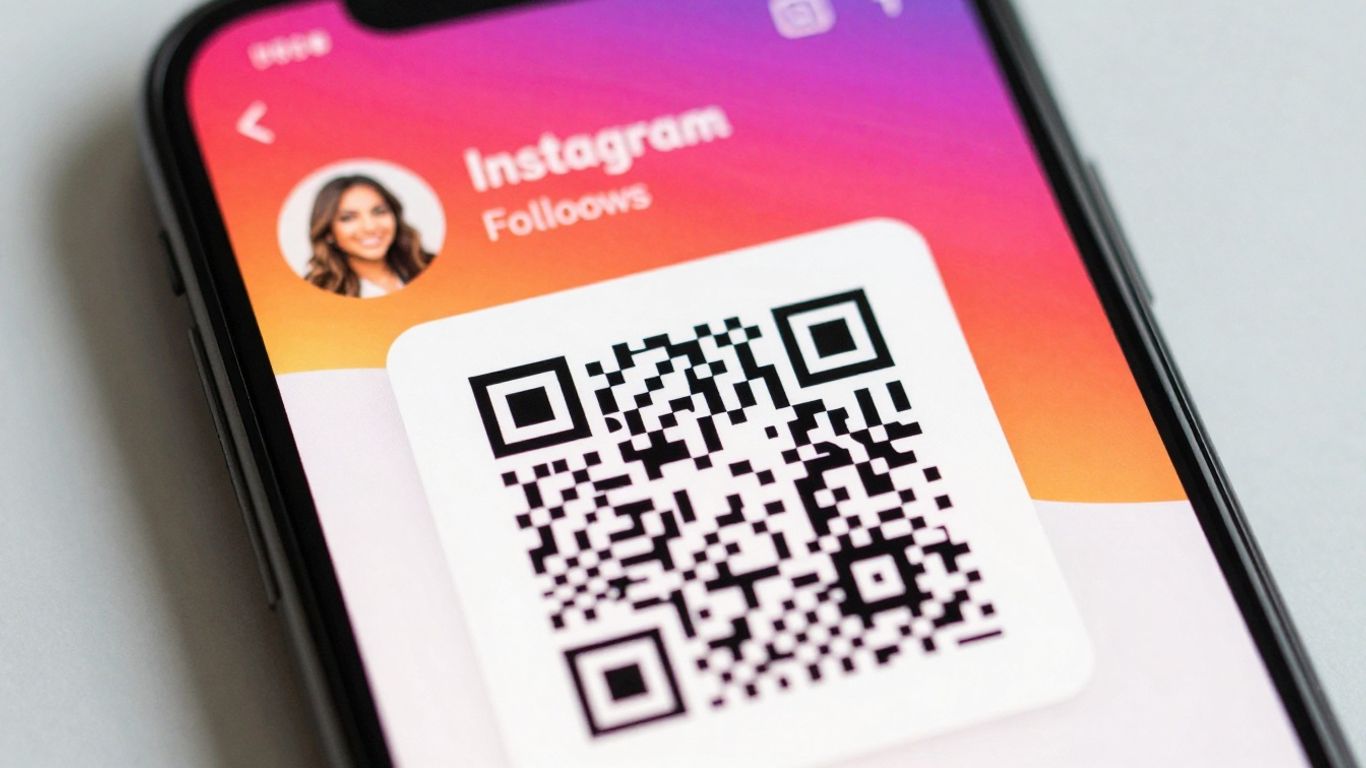
So, you’re looking to give your business a little boost online, and you’ve heard about QR codes. Specifically, you’re wondering about an Instagram QR code. It’s not as complicated as it sounds, honestly. Think of it as a digital business card that people can scan with their phones. This guide will walk you through how to make one and use it effectively, so you can get more eyes on your Instagram profile.
Key Takeaways
- An Instagram QR code is a scannable square that directly links people to your Instagram profile, making it easy for them to follow you.
- Using a dynamic Instagram QR code means you can change where it links to later without having to print new ones, which is super handy for marketing.
- You can design your Instagram QR code to look good, adding your logo and brand colours so it fits in with your business’s look.
- Placing your QR code on business cards, flyers, shop windows, or even your website can help drive more traffic to your Instagram page.
- Always add a clear instruction, like ‘Scan to follow us on Instagram!’, so people know what to do and why.
Understanding Your Instagram QR Code
What is an Instagram QR Code?
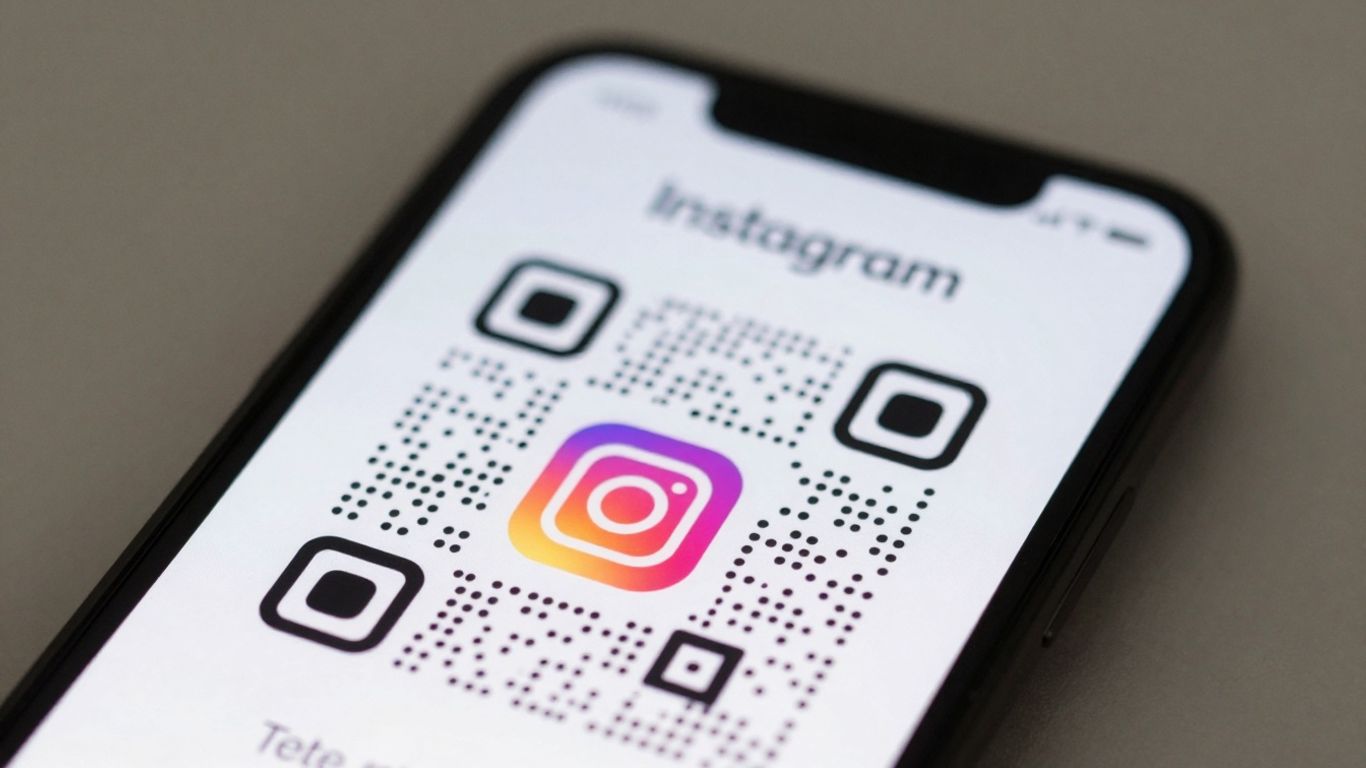
An Instagram QR code is essentially a scannable square barcode that, when pointed at with a smartphone camera, instantly directs users to your Instagram profile, a specific post, or even a Reel. Think of it as a digital shortcut, bridging the gap between the physical world and your online presence. You can generate a unique QR code for almost any Instagram content, making it super easy to share your profile or specific posts outside of the app. It’s a simple yet effective way to get people to your Instagram page without them having to type in your username.
Why Use an Instagram QR Code for Your Business?
In today’s fast-paced world, making it easy for potential customers to connect with you is key. An Instagram QR code does just that. Instead of asking people to search for your handle, you can place a QR code on business cards, flyers, posters, or even your shop window. This immediate access encourages more people to follow you, check out your latest posts, or engage with your brand. It’s a practical tool for boosting your visibility and growing your follower base.
The Benefits of Dynamic Instagram QR Codes
While a standard QR code links to a fixed destination, dynamic QR codes offer a whole lot more flexibility and power for your business. The real magic here is that you can update the destination link of a dynamic QR code at any time, without needing to reprint the code itself. This is a game-changer for marketing campaigns. For instance, if you’re running a special offer, you can link the QR code to the offer page. Once the offer ends, you can simply update the link to direct scanners to your new product launch or a different promotion, all from a central dashboard. This means your print materials, signage, and other assets remain relevant and effective long after they’re created. Plus, dynamic QR codes allow you to track scan performance, giving you insights into what’s working and where your audience is engaging from. Platforms like Xcan.it make managing these dynamic codes straightforward, offering a dashboard to monitor scans and update links effortlessly, which really helps improve your real-world campaigns.
Creating Your Branded Instagram QR Code
Choosing the Right QR Code Generator
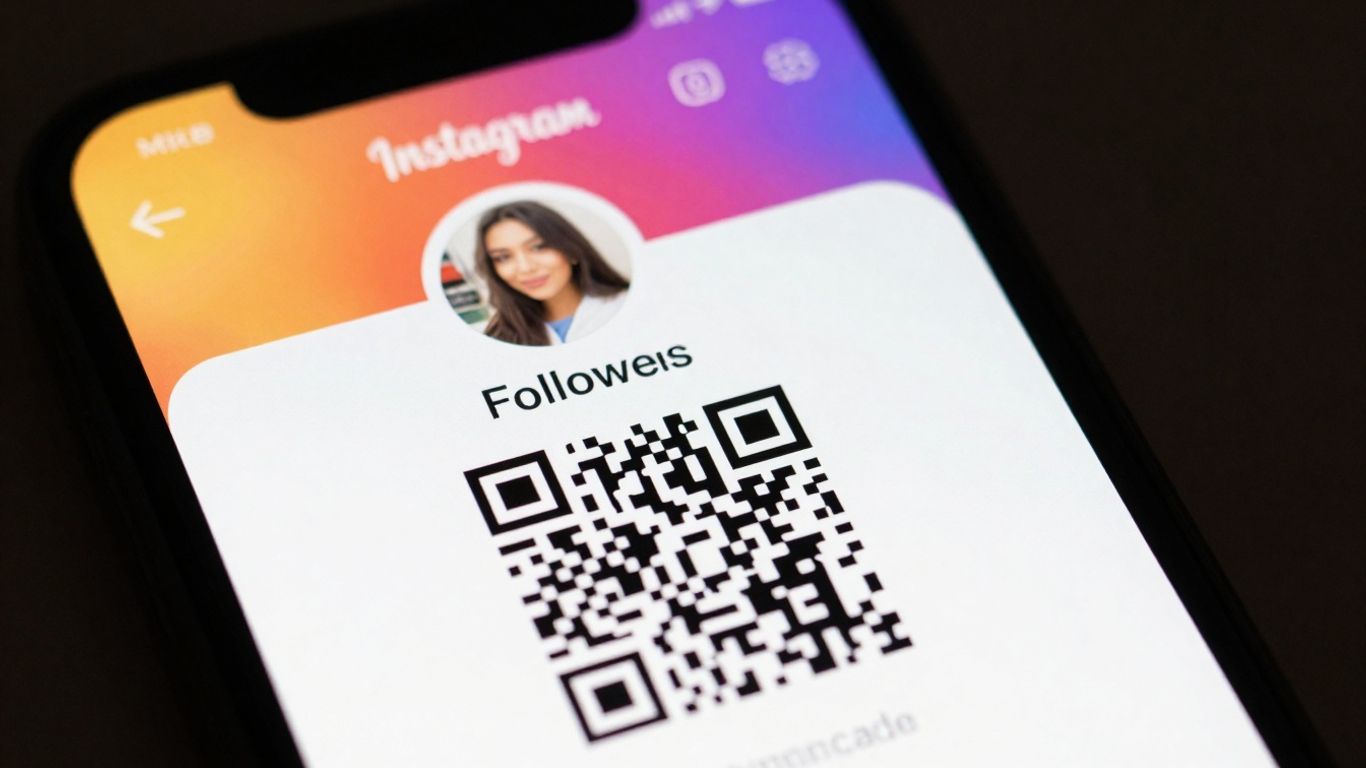
When you’re ready to make your Instagram QR code, picking the right tool makes all the difference. You don’t want just any old black and white square; you want something that looks like it belongs to your brand. Think about what you need it to do. Some generators are basic, offering a static code that links to your Instagram profile and nothing more. Others, like Xcan.it, offer a lot more flexibility. The best generators allow you to customise the look and feel of your QR code, making it instantly recognisable as part of your business.
Customising Your QR Code Design
This is where you get to have some fun and make the QR code truly yours. Most decent generators will let you change the colours to match your brand palette. You can often alter the shape of the dots and the ‘eyes’ (the squares in the corners) too. Some even let you add a frame around the code, which is a great place to put a short call to action, like ‘Scan Me!’ or ‘Follow Us’.
Adding Your Logo and Brand Colours
This step is key to making your QR code look professional and trustworthy. Uploading your logo and placing it in the centre of the code is a common feature. It instantly tells people who the code belongs to. Using your brand colours throughout the design, not just for the dots but for any frames or text, ties it all together. It’s not just about looking good, though. A well-designed, branded QR code is more likely to be scanned because it looks legitimate and professional. Tools like Xcan.it make this easy, letting you update your QR code links without needing to reprint anything, and they also provide tracking so you can see how well your codes are performing across different print materials, signage, and other assets.
Where to Place Your Instagram QR Code
So, you’ve got your shiny new Instagram QR code, all branded up and ready to go. Now, where do you actually put it so people will see it and, more importantly, scan it? Think about where your potential customers are likely to be and what they’re doing at that moment.
Print Materials: Business Cards, Flyers, and Posters
This is a classic for a reason. Your business cards are probably the first thing people think of, and adding a QR code there is a no-brainer. It’s a quick way for someone to connect with you after a meeting or event. Flyers and posters are also prime real estate. Imagine a poster for a local event or a flyer advertising a sale – a QR code can instantly take people to your Instagram profile to see more details or even enter a competition. It bridges the gap between the physical and digital worlds really effectively. For example, you could have a QR code on a flyer that links directly to a special offer page on your Instagram, like a discount code for new followers discover creative QR code examples.
Physical Locations: Shop Windows and Signage
If you have a physical shop or office, this is where you can really make your QR code work for you. Think about your shop window – it’s a billboard for passers-by. A well-placed QR code here can capture attention from people who might not otherwise know about your Instagram. Inside your premises, consider table tents, counter displays, or even signage near your entrance. For restaurants, a QR code can link to your menu or special offers share information about special deals. The key is to make it visible and obvious what scanning the code will do.
Digital Platforms: Websites and Social Media
Don’t forget the online world! While you’re using Instagram to drive traffic, you can also use your website and other social media profiles to promote your Instagram QR code. Add it to your website’s footer, a contact page, or even within blog posts. If you’re active on other platforms like Facebook or Twitter, you can share an image of your QR code, encouraging people to follow you on Instagram. It creates a consistent presence across all your digital touchpoints.
Using dynamic QR codes is a game-changer here. With a service like Xcan.it, you can update the link your QR code points to without having to reprint anything. This means if your Instagram handle changes, or you want to direct people to a new campaign, you just update it in your dashboard. Plus, you get valuable insights into how many people are scanning your codes and where they’re coming from, all in one place. This ability to update and track makes your real-world campaigns so much more effective across print, signage, and all your assets.
Maximising Your Instagram QR Code’s Impact
So, you’ve got your shiny new Instagram QR code. That’s great! But how do you make sure people actually use it and that it’s doing its job effectively? It’s not just about having the code; it’s about making it work hard for your business.
Clear Call-to-Actions for Scanners
Don’t just stick your QR code on something and hope for the best. You need to tell people what to do. A simple phrase like "Scan to follow us on Instagram" or "Follow us for daily updates" makes it clear what they’ll get. Think about where the code is placed. If it’s on a flyer about a new product, maybe the call-to-action is "Scan for behind-the-scenes content" or "See it in action – scan here!". The clearer you are, the more likely people are to scan.
Tracking Performance with Analytics
This is where things get really interesting. If you’re just using a basic, static QR code, you’ve got no idea how many people are actually scanning it. That’s like throwing marketing materials into the void. With a dynamic QR code, you can track scans. Platforms like Xcan.it let you see how many times your code has been scanned, giving you a real insight into what’s working. You can even get data on rough location patterns and device types. This information is gold for understanding your audience and refining your campaigns. You can see which placements are getting the most engagement and focus your efforts there.
Updating Your QR Code Destination
This is a massive advantage of dynamic QR codes. Let’s say you’ve printed thousands of business cards with your Instagram QR code, and then you decide to change your Instagram handle or want to direct people to a new promotion. With a static code, you’d have to reprint everything, which is a huge waste of time and money. Dynamic QR codes, however, let you change the destination link after the code has been printed. So, if your Instagram handle changes, you just update the link in your QR code generator dashboard, and all your existing codes will point to the new profile. This flexibility is a game-changer for keeping your marketing current without constant reprinting. Xcan.it makes it easy to update your QR code links without reprinting, saving you hassle and cost.
Using dynamic QR codes means your marketing materials stay relevant longer. You can adapt your calls to action or landing pages as your business evolves, ensuring your QR codes continue to drive engagement effectively over time. This adaptability is key in a fast-paced market.
Here’s a quick look at what you can track:
- Total Scans: The overall number of times your QR code has been scanned.
- Unique Scans: The number of distinct individuals who have scanned your code.
- Scan Location (Approximate): General geographic data about where scans are happening.
- Device Type: Information on whether scans are coming from mobile or desktop, and the operating system.
By monitoring these metrics, you can make informed decisions about where to place your QR codes and what kind of content resonates most with your audience. It turns a simple QR code into a measurable marketing channel. Learn more about QR codes.
Advanced Instagram QR Code Strategies
Once you’ve got the basics down, it’s time to think about how to really make your Instagram QR codes work harder for your business. This isn’t just about sticking a code on a flyer anymore; it’s about creating smart, adaptable campaigns that connect with your audience in meaningful ways.
Using QR Codes for Specific Campaigns
Think beyond just linking to your main Instagram profile. You can create QR codes for very specific goals. For example, a new product launch could have a QR code on its packaging that links directly to an Instagram post showcasing its features or a special offer. Or, for an event, a QR code on signage could lead to a post announcing the schedule or a behind-the-scenes look. This targeted approach helps you measure the success of individual marketing efforts more accurately. It’s all about making the QR code serve a precise purpose within a larger campaign, giving you a clearer picture of what’s working.
Integrating with Other Marketing Channels
Your Instagram QR code shouldn’t live in a vacuum. It’s most powerful when it works alongside your other marketing activities. Imagine a QR code on a printed advertisement that, when scanned, not only takes users to your Instagram but also triggers a specific welcome message or offer via email or SMS. This kind of cross-channel integration creates a smoother customer journey and provides more data points for analysis. Tools like Xcan.it allow you to update where your QR code links to without needing to reprint anything, which is a game-changer for keeping campaigns fresh across all your channels. You can even use them to personalise interactions with tailored offers.
Ensuring QR Code Security and Reliability
Security and reliability are often overlooked, but they’re vital for maintaining customer trust. If a QR code leads to a broken link or an untrustworthy site, it can damage your brand’s reputation. Using dynamic QR codes, like those offered by Xcan.it, is key here. They allow you to change the destination URL if something goes wrong or if you need to update information. This means you’re not stuck with a dead link on thousands of printed materials. Plus, Xcan.it provides a dashboard to track scans, so you can spot any unusual activity or underperforming codes. Always ensure your QR codes point to secure HTTPS websites to build confidence with your scanners.
When you use dynamic QR codes, you gain the flexibility to update the destination link at any time, even after the code has been printed and distributed. This is incredibly useful for seasonal promotions, event updates, or simply correcting a typo. It saves you the cost and hassle of reprinting materials, making your marketing more agile and cost-effective.
Want to take your Instagram game to the next level? Our section on ‘Advanced Instagram QR Code Strategies‘ is packed with clever ways to use QR codes. You’ll discover how to make your Instagram profile more accessible and engaging for everyone. Ready to try some new tricks? Visit our website to learn more and start creating your own unique QR codes today!
Wrapping Up Your Instagram QR Code Journey
So there you have it. Creating and using an Instagram QR code for your business is pretty straightforward, really. It’s a simple way to bridge that gap between your physical presence and your online world. Whether it’s on a flyer, a shop window, or even a business card, it makes it super easy for people to find and follow you on Instagram. Plus, with tools that let you update where the code goes, you’re not stuck with it forever if your link changes. Give it a go – it’s a small step that can make a real difference in getting more eyes on your Instagram page.
Frequently Asked Questions
What exactly is an Instagram QR code?
An Instagram QR code is like a special square barcode that, when scanned with a phone camera, instantly takes people to your Instagram profile or a specific post. It’s a quick way to share your Instagram account without people having to type in your username.
Why should my business use an Instagram QR code?
Using an Instagram QR code is super handy for businesses! You can put it on flyers, posters, or even your shop window. This makes it really easy for customers to find and follow you on Instagram, helping you connect with more people and grow your online presence. It’s a simple bridge between the real world and your social media.
What’s the difference between a regular and a dynamic Instagram QR code?
A regular QR code is fixed – once you make it, you can’t change where it goes. A dynamic QR code is much more flexible. You can change the link it points to (like your Instagram profile) even after you’ve printed it! This is brilliant if your profile link changes or if you want to direct people to a new campaign later without having to print new codes.
Can I make my Instagram QR code look more professional and ‘on-brand’?
Absolutely! Many QR code generators let you customise the look of your code. You can add your business logo right in the middle, change the colours to match your brand, and even alter the shape of the dots. This makes your QR code stand out and look much more professional.
Where’s the best place to put my Instagram QR code?
Think about where your customers are! Good spots include business cards, flyers, posters in your shop, on your website, or even on product packaging. Anywhere you can easily show it to someone is a great place to put it so they can scan it.
Can I see how many people have scanned my Instagram QR code?
Yes, if you use a dynamic QR code generator, you can usually track how many times your code has been scanned. Some services even give you extra details, like when people scanned it or roughly where they were. This helps you see if your QR code is working well and where it’s most popular.












