
Getting feedback from your customers doesn’t have to be a chore. You know, sometimes the simplest ideas are the best. And that’s exactly where a google review qr code comes in. It’s a quick, easy way to get people to share their thoughts, which is pretty important for any business. Think of it as a digital handshake that leads to valuable insights. We’ll look at how to make this work for you.
Key Takeaways
- A google review qr code makes it super simple for customers to leave feedback right after an experience.
- Placing these codes in obvious spots, both online and in person, really helps get more people to use them.
- You can do more than just get reviews; these codes can link to other services or marketing efforts.
- Keeping an eye on how many people scan your code and what they say helps you make things even better.
- Using dynamic QR codes means you can change where the code leads without having to print new ones, saving time and hassle.
Effortless Customer Feedback With A Google Review QR Code
Understanding The Power Of A Google Review QR Code
In today’s fast-paced world, getting genuine feedback from your customers can feel like a bit of a challenge. You want to know what people think, what’s working, and where you can improve, but asking directly can sometimes feel awkward, and relying on people to remember to leave a review later is a gamble. This is where a Google Review QR code comes in. It’s a simple, yet incredibly effective tool that bridges the gap between a customer’s experience and their willingness to share it. By making it super easy for them to leave a review with just a quick scan, you’re removing all the friction that usually stops people from doing so. Think of it as a digital handshake, inviting feedback without any pressure.
Why Businesses Need A Google Review QR Code
Let’s be honest, online reviews are practically currency for businesses these days. Potential customers often check reviews before making a decision, whether it’s choosing a restaurant, booking a service, or buying a product. A strong presence on Google, backed by positive reviews, builds trust and credibility. Without them, you’re missing out on a huge opportunity to attract new customers and show off what makes your business great. A Google Review QR code is your secret weapon for boosting that all-important review count. It’s a proactive way to gather feedback that can directly influence your business’s reputation and bottom line. You can get more reviews for your business by sharing a direct link or QR code from your Google Business Profile.
Making It Easy For Customers To Leave Reviews
Remember the last time you wanted to leave a review but couldn’t find the link, or it took ages to navigate through a website? Most people just give up. That’s exactly what a QR code solves. Instead of typing out a long URL or searching for your business on Google, customers can simply scan the code with their phone. This takes them straight to your Google review page, ready to go. It’s about meeting your customers where they are, with a solution that fits seamlessly into their day. This simple step can dramatically increase the number of reviews you receive, giving you a clearer picture of customer satisfaction and areas for growth. Platforms like Xcan.it allow you to create dynamic QR codes, meaning you can update the destination link without needing to reprint the code itself, which is a huge time-saver for any campaign or ongoing effort.
Creating Your Google Review QR Code
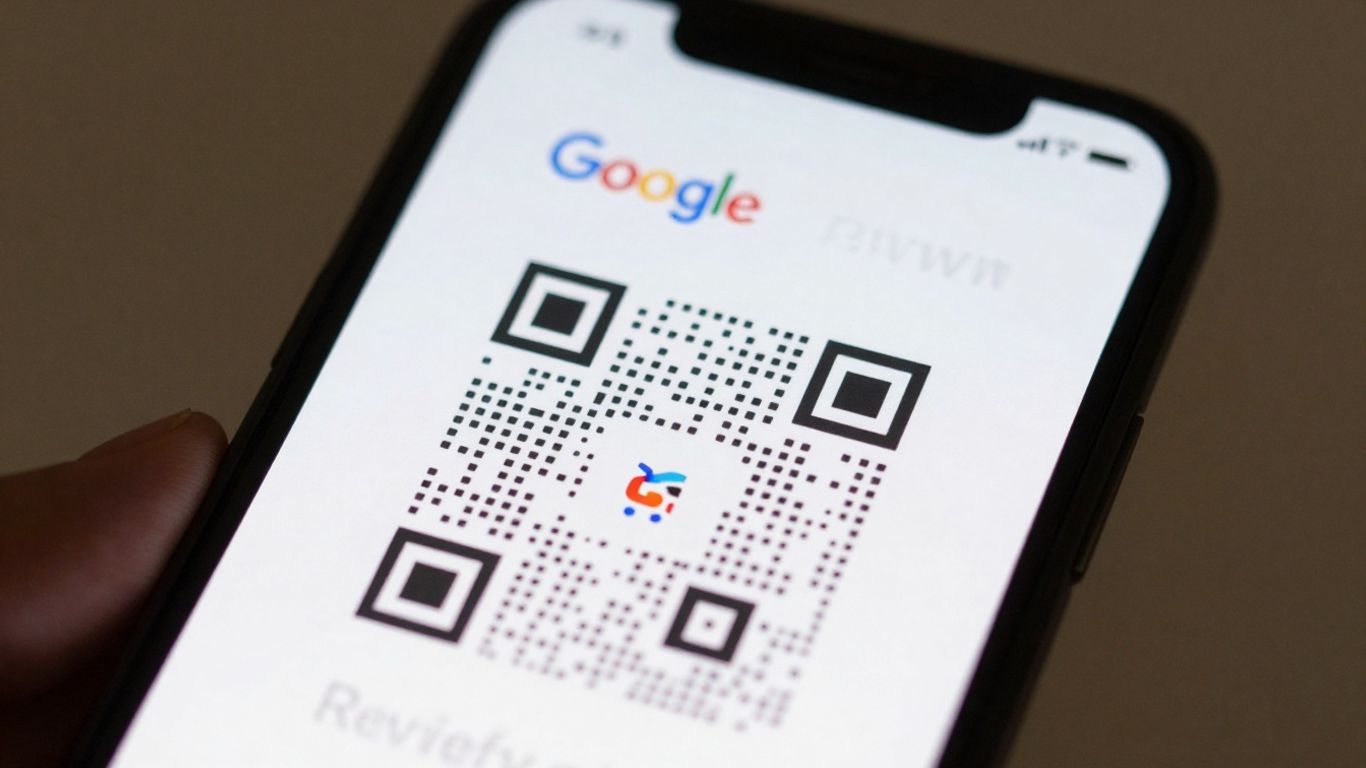
Choosing The Right Platform For Your QR Code
So, you’ve decided to make it super easy for customers to leave reviews. That’s a smart move! The next step is getting your hands on a QR code. But not just any QR code – you want one that’s reliable, easy to manage, and looks good. When you’re picking a platform, think about what you’ll need down the line. Do you just need a static code that links to your Google Reviews page forever? Or do you want something a bit more flexible?
Generating Your Unique Google Review QR Code
First things first, you need your Google Review link. You can get this directly from your Google Business Profile. Once you have that link, you’ll need a QR code generator. There are loads out there, some free, some paid. For a simple, one-off code, many free generators will do the trick. You just paste your Google Reviews URL into the generator, and voilà, you’ve got a QR code. If you’re looking for more control, though, services like Xcan.it offer a more robust solution.
Customising Your QR Code For Brand Consistency
Now, let’s talk about making that QR code yours. A plain black and white square is functional, but it doesn’t exactly scream ‘your brand’. Most good QR code platforms let you customise. You can add your logo right in the middle, change the colours to match your business’s palette, and even tweak the shape of the dots and eyes. This makes your QR code instantly recognisable and adds a professional touch. It’s not just about looks; it’s about making it feel like a natural extension of your business. A well-branded QR code feels more trustworthy and encourages scans.
Think about it: you’ve got a great Google Review link, and you’ve generated a QR code. But what happens if Google changes its review link structure, or you want to direct people to a different feedback form later? This is where dynamic QR codes come in. Unlike static codes, which are fixed once generated, dynamic QR codes from services like Xcan.it allow you to update the destination link without having to reprint the QR code itself. This is a game-changer for campaigns and ongoing marketing efforts. You can track scan performance in a single dashboard, giving you real-time insights into how effective your QR codes are across different print materials or signage. This means you can refine your real-world campaigns on the fly, making sure you’re always getting the best results.
Strategic Placement For Maximum Impact
So, you’ve got your Google Review QR code ready to go. That’s great! But where you put it is just as important as having it in the first place. Think about it: a QR code hidden away or in a spot that’s awkward to reach isn’t going to get many scans, no matter how good your business is. We want to make it super simple for people to share their thoughts.
Integrating QR Codes Into Physical Spaces
This is where you can really get creative. Your physical space is your first point of contact for many customers. Placing QR codes strategically here can turn a casual visitor into a reviewer. Consider:
- Receipts and Till Receipts: A classic for a reason. It’s the last thing a customer interacts with, and it’s a natural moment to ask for feedback.
- Table Tents and Menus: Perfect for restaurants, cafes, or bars. While people are waiting for their food or browsing, they can easily scan.
- Window Decals and Signage: Make your storefront work for you. A clear, well-placed decal on your door or window can catch the eye of people passing by.
- Business Cards: A simple addition that keeps your review link handy long after the initial interaction.
- In-Store Displays: Think about areas where customers might pause or wait, like near the counter or in a waiting area.
The key is to place them where people are naturally looking or have a moment to spare. You don’t want them to feel like an interruption. It should feel like a helpful next step.
Leveraging Digital Touchpoints For Reviews
Don’t stop at the physical! Your online presence is just as ripe for QR code integration. Think about how customers interact with you digitally before, during, or after their visit:
- Email Signatures: Every email you send can carry a link to your Google Reviews. It’s a subtle but constant reminder.
- Website Footers: Similar to email signatures, a permanent fixture on your site.
- Social Media Posts and Profiles: While you can link directly, a QR code can be useful for specific campaigns or if you want to direct people to a landing page that then presents the QR code.
- Digital Menus or Information Screens: If you use screens in your business, a QR code can be displayed on them.
- Order Confirmation Pages: After a customer completes a purchase online, a QR code can be displayed, encouraging them to leave a review about their experience.
Optimising Placement For Customer Convenience
Ultimately, it all comes down to making it as easy as possible. If a QR code is too small, too far away, or in a spot with bad lighting, it’s a no-go. Glare on screens or smudged codes can also be a real pain [1c77].
Think about the customer’s journey. Where are they most likely to have their phone out and be receptive to scanning something? It’s about timing and context. Placing a QR code right when they’re thinking about their experience, or when they need a little extra information, is prime time.
This is where dynamic QR codes really shine. With a service like Xcan.it, you can update the link behind your QR code without ever needing to reprint it. This means if your Google Review link changes, or you want to temporarily direct people to a special offer before returning to the review page, you can do it instantly. Plus, Xcan.it lets you track scan performance in a single dashboard, so you can see which placements are working best and refine your strategy over time. Using dynamic QR codes means you can improve your real-world campaigns across print, signage, and all your assets without the hassle of reprinting [870a].
Beyond Reviews: Expanding QR Code Functionality
While getting customer reviews is a fantastic use for QR codes, their potential stretches much further. Think of them as versatile digital doorways that can connect your physical presence to a whole host of online interactions. You’re not just limited to feedback; you can guide customers to support channels, marketing materials, or even interactive experiences.
Connecting To Other Customer Service Channels
Sometimes, a customer needs more than just a review. They might have a question, need technical support, or want to make a booking. A QR code can be the quickest way to get them to the right place. Instead of making them search your website, a simple scan can take them directly to:
- A dedicated support page
- A contact form
- Your WhatsApp business number for instant chat
- A booking system
- An email pre-filled with their query details
This immediate access can significantly improve customer satisfaction and reduce frustration. It shows you’re ready to help, whenever and however they need it.
Using QR Codes For Marketing And Engagement
QR codes are brilliant for marketing too. They can turn passive viewers into active participants. Imagine a poster for an event; a QR code could link to:
- A video trailer
- A special offer or discount code
- An augmented reality experience
- A loyalty program sign-up
- A competition entry form
These interactive elements encourage people to engage more deeply with your brand. It’s a way to extend the conversation beyond a simple transaction and build a stronger connection.
The Versatility Of Dynamic QR Codes
This is where things get really interesting. With dynamic QR codes, you’re not locked into a single destination. The real magic is that you can change where the QR code links to at any time, without ever needing to reprint it. This is a game-changer for flexibility and cost-effectiveness. Platforms like Xcan.it let you manage all your QR codes from one dashboard. You can update links, track scan performance, and even use dynamic QR codes to adapt your campaigns across print, signage, and other assets in real-time. This means if a promotion changes, or a link needs updating, you can do it instantly. It’s about making your real-world marketing agile and responsive.
Measuring Success And Iterating
So, you’ve got your Google Review QR code out there, collecting feedback. That’s brilliant! But how do you know if it’s actually working as well as it could be? This is where measuring your results and making smart adjustments comes in. It’s not just about setting it up and forgetting about it; it’s about seeing what’s happening and tweaking things to get even better feedback.
Tracking Scan Performance
First off, you need to know how many people are actually scanning your QR code. This tells you if it’s visible and if people are interested. A simple count of scans is a good starting point. You can see if certain placements are getting more attention than others. For example, is the QR code on your counter getting more scans than the one on your window?
It’s also helpful to look at when people are scanning. Are there particular times of day or days of the week when scans spike? This might give you clues about customer behaviour or when they’re most likely to think about leaving a review. Tools like Xcan.it are great here because they let you track scans in one dashboard. You can see the numbers without having to do any complicated setup.
Analysing Customer Feedback Trends
Beyond just the scan numbers, you’ll want to look at the feedback itself. What are people saying? Are there common themes popping up in the reviews? This is pure gold for understanding your business from your customers’ perspective.
Try to spot patterns. Are multiple reviews mentioning the speed of service? Or perhaps the friendliness of your staff? Maybe there’s a recurring comment about a specific product or service. This kind of information is invaluable for making targeted improvements. You can even use this data to identify your strongest points and highlight them more in your marketing.
Refining Your QR Code Strategy
Once you’ve gathered data on scans and feedback, it’s time to make some changes. This is where the real magic happens. If a particular placement isn’t getting many scans, maybe it needs to be moved or made more prominent. If the feedback you’re getting is consistently positive about one thing, perhaps you can lean into that more.
This is also where dynamic QR codes really shine. With a service like Xcan.it, you can update the link your QR code points to without needing to reprint it. So, if you decide to change the landing page for reviews, or if you want to direct people to a different feedback form, you can do it instantly. This flexibility means your QR code strategy can evolve as your business does. You can also use dynamic QR codes to improve real-world campaigns across print, signage, and other assets, adapting them on the fly based on performance data. It’s all about making your feedback process as effective and responsive as possible.
We’re always looking at how to make things better. By checking our results and making smart changes, we can keep improving. Want to see how we measure success and make our QR code tools even more useful? Visit our website to learn more!
Making Feedback Simple
So there you have it. Using a Google Review QR code is a really straightforward way to get more people to share their thoughts. It cuts out a lot of the fuss for your customers, making it super easy for them to leave a review right then and there. This means you get more honest feedback, which is brilliant for understanding what you’re doing well and where you could perhaps do a bit better. It’s a small change that can make a big difference to your business.
Frequently Asked Questions
What exactly is a Google Review QR code?
Think of it like a special barcode. When someone scans it with their phone, it takes them straight to your business’s page on Google where they can easily leave a review. It makes giving feedback super simple for your customers.
Why should my business use a Google Review QR code?
Getting reviews helps your business look good online and tells other customers you’re trustworthy. A QR code makes it much easier for happy customers to share their good experiences without having to search for your business on Google themselves.
Where is the best place to put my Google Review QR code?
You can put it almost anywhere! Good spots include on your shop counter, on receipts, in your shop window, on flyers, or even on your website. Basically, anywhere your customers will see it and can easily scan it.
Do customers need a special app to scan the QR code?
Nope! Most modern smartphones have a built-in scanner in their camera app. So, people can just open their camera, point it at the QR code, and a link will pop up for them to click.
Can I see how many people have scanned my QR code?
Yes, if you use a dynamic QR code service. These services let you track how many times your code has been scanned. This helps you see how effective your placement is and understand customer engagement.
What if I change my business name or details on Google? Do I need a new QR code?
Not necessarily! If you use a dynamic QR code, you can update the link it points to without needing to print a new QR code. This means you can keep using the same code even if your Google business details change.












