
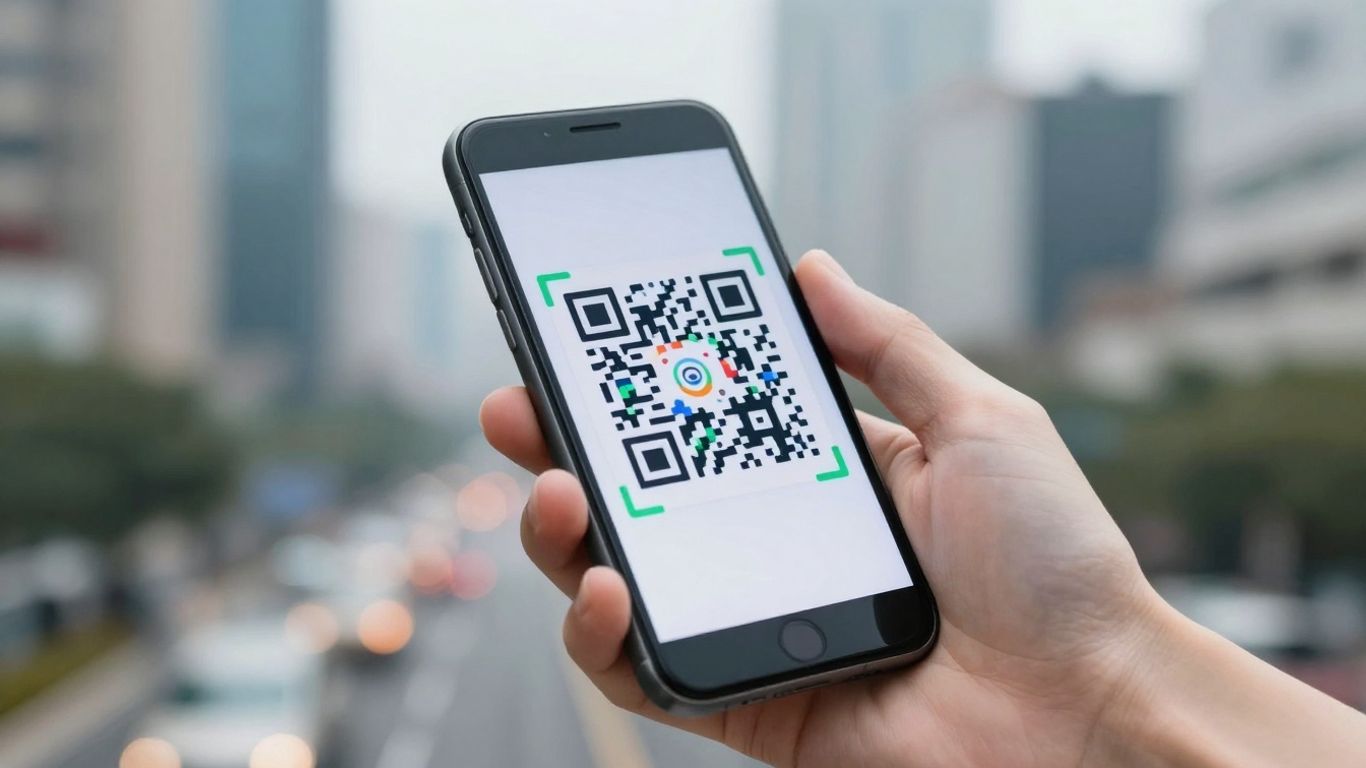
So, you’re after the best qr scanning app for your smartphone in 2026? It’s a bit of a jungle out there, isn’t it? With so many options popping up, it can be tough to know which one actually does a good job without being a nuisance. Whether you’re just trying to get to a website from a poster or need something a bit more robust for work, finding the right tool makes all the difference. Let’s break down what really matters when you’re picking one.
Key Takeaways
- Most phones have a built-in scanner in the camera app, which is usually the quickest and safest option to start with.
- When choosing a dedicated qr scanning app, look for one that clearly shows you where a link goes before you open it, and doesn’t track your activity.
- A good app should be able to read different types of codes, not just the standard QR code, like Data Matrix or PDF417.
- Check if the app has features that help prevent you from landing on dodgy websites, like warnings for suspicious links.
- Consider how fast the app scans and if it works well even in tricky lighting conditions or if the code is a bit damaged.
1. Use Your Phone’s Built-In Scanner
Honestly, the first thing you should try is your phone’s own camera app. Most modern smartphones, whether they’re iPhones or Androids, have this feature built right in. It’s usually the quickest and most straightforward way to scan a QR code, and it means you don’t have to download anything extra. Just open your camera, point it at the code, and a notification should pop up, letting you know what it found. It’s pretty neat, really.
This built-in scanner is often the fastest and most private option available. It avoids the need for third-party apps that might track your activity or bombard you with ads. Plus, it’s already there, ready to go whenever you need it. For iPhones, you can just use the standard Camera app, and for Android users, it’s often integrated into the default Camera app or accessible through Google Lens [b6aa].
However, if you’re looking to do more with your QR codes, like tracking their performance or updating links without reprinting, you might want to explore dedicated platforms. Services like Xcan It offer dynamic QR codes that let you change the destination link anytime. This is a game-changer for marketing campaigns, signage, or even just updating information on printed materials. You can also track how many people scan your codes and where they’re scanning from, all from a single dashboard. It really turns a simple QR code into a powerful tool for understanding your audience and improving your real-world campaigns across print, signage, and assets.
2. Choose A Reader That Respects Privacy
When you’re scanning QR codes, especially those you find out and about, it’s really important to think about where that code is sending you and what information it might be collecting. Not all QR readers are created equal, and some might be more interested in your data than you are. Look for apps that are upfront about their privacy policies and avoid those that seem to track your every scan.
It’s a good idea to pick a reader that shows you the destination URL before it actually opens it. This way, you get a chance to see if it looks a bit dodgy. Some apps also offer safety checks, warning you about suspicious links or known malicious sites, which is a nice bit of extra protection. Think of it like checking the address on a letter before you open it.
For those who need a bit more control over their campaigns, services like Xcan.it are brilliant. They let you update QR code links without needing to reprint anything – imagine changing a website address on a poster without having to design and print a whole new batch! Plus, you can track scans in a single dashboard, giving you real insights into how your campaigns are performing across print, signage, and other assets. Using dynamic QR codes this way really helps improve your real-world marketing efforts.
Here’s what to keep an eye out for:
- URL Preview: Always see where you’re going before you get there.
- No Tracking: Choose apps that don’t collect unnecessary data about your scanning habits.
- Clear Permissions: Understand what access the app needs and why.
- Ad-Free Experience: Fewer ads usually mean less data collection and a smoother experience.
Choosing a reader that prioritises your privacy means you can scan with more confidence, knowing your personal information isn’t being unnecessarily shared or exploited. It’s about making smart choices for a safer digital experience.
3. Look For Multi-Format Support
It’s a bit frustrating when you point your phone at a code and your scanner just shrugs, right? That’s why picking an app that can handle more than just the standard QR code is a smart move. Think about it: you might encounter codes on event tickets, shipping labels, or even product packaging. These often use formats like Data Matrix, PDF417, or Code 128. A good scanner should be able to read all of these without you needing to switch apps.
This means fewer missed opportunities and a smoother experience overall.
For businesses, this flexibility is even more important. Tools like Xcan.it go a step further by offering dynamic QR codes. What’s the big deal? Well, with dynamic codes, you can actually update the link or information the QR code points to after it’s been printed. Imagine sending out flyers with a QR code, only to realise you need to change the destination URL. Instead of reprinting everything, you can just update it in your dashboard. Plus, Xcan.it lets you track scans in one place, giving you insights into how your real-world campaigns are performing across print, signage, and other assets. It’s about making those physical-to-digital connections work harder for you.
Here’s a quick rundown of common formats you might encounter:
- QR Code: The most common, great for URLs, text, and contact info.
- Data Matrix: Often used for small items, like electronics components or labels.
- PDF417: Frequently seen on driving licenses, ID cards, and shipping labels.
- Code 128: Used in logistics and supply chain for product identification.
Having an app that supports these means you’re covered, no matter what kind of code you bump into. It’s about making sure your scanner is ready for anything, from a simple website link to more complex data like payment details.
4. Verify Safety Features
When you’re scanning QR codes, especially out and about, safety is a big deal. You don’t want to accidentally land on a dodgy website or download something you shouldn’t. Always check where a QR code is going before you tap the link.
Most modern phones have built-in scanners that show you the destination URL first. This is a great first line of defence. If an app doesn’t do this, or if the URL looks a bit strange – maybe it’s a jumble of letters or doesn’t use HTTPS – it’s best to steer clear. The cybersecurity landscape is always changing, and QR code scams are becoming more common [aeee].
Some apps go a step further by actively warning you about suspicious links or unencrypted connections, which is a really useful feature. For example, tools like Xcan.it allow you to manage your QR codes effectively. They let you update QR code links without needing to reprint them, which is handy if a URL changes. Plus, you can track scans in a single dashboard and use dynamic QR codes to really boost your real-world campaigns across print and signage [7044]. This kind of control helps ensure your campaigns are not only effective but also safe for users to interact with.
Here’s a quick checklist for safer scanning:
- Inspect the code: Look for signs of tampering or extra stickers placed over an original code.
- Preview the link: Always check the URL shown after scanning. Does it look legitimate? Is it HTTPS?
- Avoid sensitive actions: Never enter passwords, payment details, or personal information directly after scanning a code. Go to the official website or app instead.
- Use trusted apps: Stick to your phone’s built-in scanner or well-reviewed apps that respect your privacy [e3b8].
Being cautious with QR codes is just part of staying safe online these days. It’s about being aware of the potential risks and taking simple steps to protect yourself.
5. Test Performance And Speed
When you’re looking for a QR code scanner, how fast it works is a big deal. Nobody wants to stand around waiting for their phone to read a code, especially when they’re in a hurry. A good scanner should lock onto a QR code almost instantly. Think about it: you point your phone, and bam, it’s recognised. No fiddling with focus, no zooming in and out. This is where apps that use your phone’s built-in camera capabilities really shine, often offering the quickest response times. Some apps, like Xcan.it, are designed for this very reason, aiming for that immediate recognition.
Beyond just the initial scan, consider how quickly the app processes the information. Does it immediately show you a preview of the link, or does it take a few seconds? For businesses using QR codes in campaigns, speed is directly linked to user experience. If a code is slow to scan or the link takes ages to load, people might just give up. This is where dynamic QR codes really come into their own. They allow you to update the destination link without reprinting the code itself, which is a lifesaver for marketing campaigns. Plus, tools like Xcan.it offer a dashboard to track scans, giving you insights into how your real-world campaigns across print and signage are actually performing. This kind of data is invaluable for refining your strategy and understanding what’s working.
Here’s what to look for in a speedy scanner:
- Instant Focus: The app should grab focus quickly, even in less-than-ideal lighting.
- Quick Link Preview: See where you’re going before you commit to opening the link.
- Low-Light Performance: A good scanner won’t struggle just because it’s a bit dim.
- Minimal Lag: From scan to action, the whole process should feel fluid.
The speed of a QR scanner isn’t just about convenience; it’s a direct reflection of its efficiency and how well it’s built to handle the demands of modern, fast-paced interactions. A sluggish scanner can mean lost opportunities and frustrated users.
6. Consider Offline Decoding Capabilities
It’s a bit of a hidden gem, but the ability for a QR scanner to work without an internet connection is surprisingly useful. Think about it: you’re on a train, in a basement, or just somewhere with a dodgy signal. Your phone’s camera can still read the QR code itself, but if the app needs to connect to the internet just to decode it, you’re out of luck. The best readers can process the code’s data even when you’re offline.
This means you can scan that menu in a restaurant with spotty Wi-Fi, or that important sign in a remote location, and the information will be ready to go the moment you get back online. It’s not about opening the link without data – that still needs a connection – but about the app being smart enough to read the code itself. Some apps, like Gamma Play’s QR scanner, really focus on this, offering enhanced privacy by keeping the decoding process local. This is a big win for anyone who values their data and wants a reliable scan, no matter the circumstances. You can even take a picture of a QR code to save it for later scanning when you’re offline [a8b0].
For businesses, this capability is also key. Imagine running a campaign where customers might scan codes in areas with poor reception. If the scanner can’t decode offline, those scans are lost. Tools like Xcan.it understand this, allowing you to:
- Update QR code links without needing to reprint physical materials.
- Track scans in a single dashboard, even if some scans happen offline.
- Utilise dynamic QR codes to boost real-world campaigns across print, signage, and various assets.
This flexibility means your marketing efforts don’t hit a dead end just because the signal does. It’s about making sure every scan counts, whether it’s in a busy city centre or a quiet countryside venue.
7. Check For Ad-Free Experience
Nobody likes being bombarded with ads when they’re just trying to get some information quickly. When choosing a QR code scanner, look for one that keeps things clean and straightforward. An ad-free experience means fewer distractions and a smoother process every time you scan.
Some apps might seem free at first, but they make their money by showing you adverts or, worse, by tracking your usage. This can slow down your scanning and, frankly, be a bit annoying. If you find yourself scanning QR codes often, whether it’s for menus, tickets, or product information, an ad-free app makes a big difference.
For those who need more than just basic scanning, services like Xcan.it offer a way to manage your QR codes effectively. They let you update QR code links without needing to reprint anything, which is a lifesaver if details change. Plus, you can track scans in one dashboard and use dynamic QR codes to really boost your real-world campaigns across print, signage, and other assets. It’s about making your QR codes work harder for you, without the clutter of ads interrupting the flow. You can even try out their free QR code generator to get a feel for it.
8. Understand Error Correction Levels
Think of error correction like a built-in safety net for your QR codes. It’s a clever bit of tech that adds extra data, allowing the code to still be read even if it gets a bit damaged, smudged, or even partially covered. This means fewer frustrating "scan failed" moments for your users, which is always a good thing.
There are four main levels:
- L (Low): Recovers about 7% of data. Best for large, high-quality prints in controlled environments.
- M (Medium): Recovers around 15%. A good all-rounder for many situations.
- Q (Quartile): Recovers roughly 25%. Offers more resilience.
- H (High): Recovers up to 30%. This is the most robust option, ideal for codes that might face wear and tear, like those on signage or promotional materials.
The trade-off is that higher error correction means less space for your actual data. So, if you’re cramming a massive amount of information into a small QR code, you might need to compromise on the highest error correction level. However, for most common uses, like linking to a website, Level H is a solid choice to ensure reliability.
This is where dynamic QR codes really shine. With a service like Xcan.it, you can update the link destination without needing to reprint the code, which is a lifesaver if a URL changes. Plus, they offer dynamic QR codes that let you track scans in one dashboard and improve your real-world campaigns across print and signage. They recommend using the highest error correction level (Level H) for printed and branded codes to keep them scannable over time, even if they get a bit scuffed up.
While it might seem like a small detail, getting the error correction level right can make a big difference in how reliably your QR codes perform in the real world. It’s one of those behind-the-scenes features that contributes to a smooth user experience.
9. Explore Advanced Features
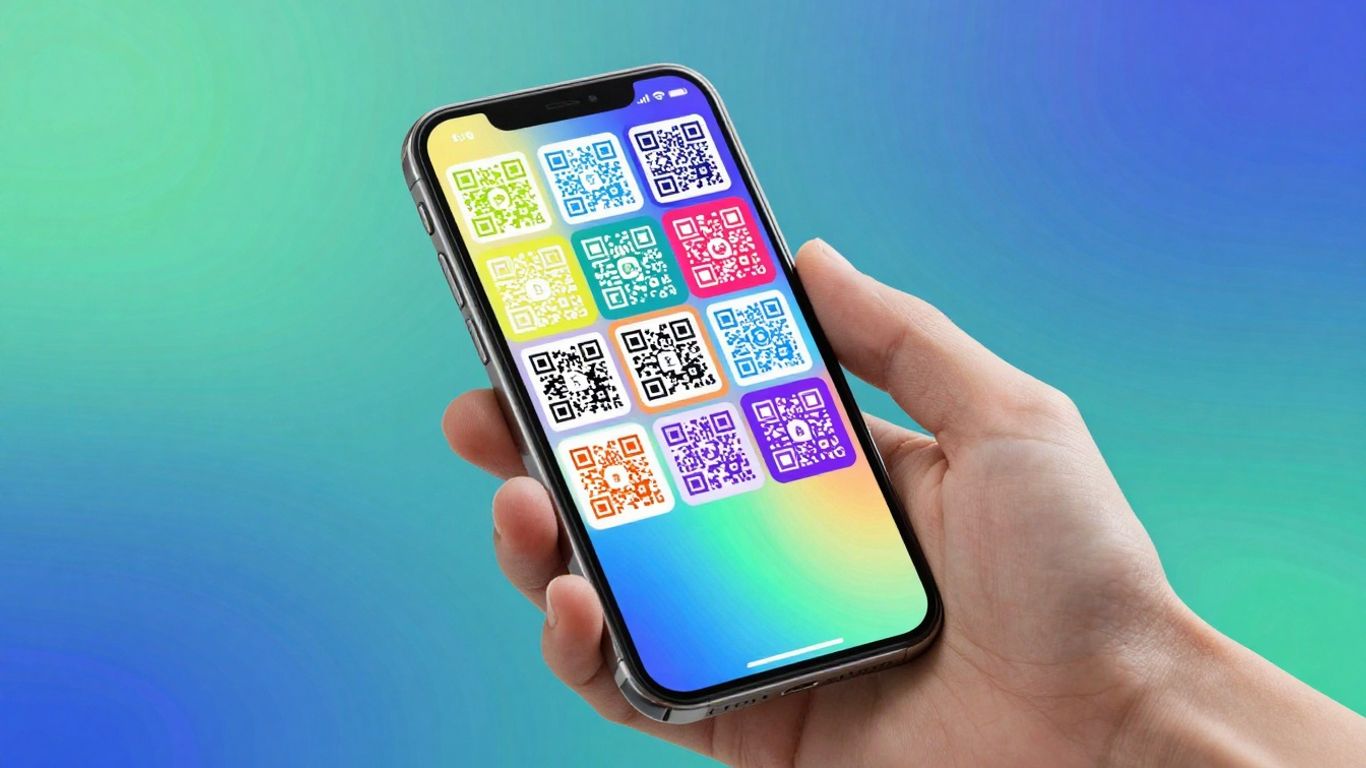
While basic QR scanning is handy, some apps go much further, turning simple codes into powerful tools for engagement and management. Think beyond just opening a link. For instance, services like Xcan.it offer dynamic QR codes. This means you can actually update the destination link after the QR code has been printed. No more reprinting flyers because a webpage changed! It’s a game-changer for campaigns.
These advanced platforms also provide valuable insights. You can track how many times each QR code is scanned, see trends over time, and even compare performance across different locations or campaigns. This data helps you understand what’s working and what’s not, allowing you to refine your real-world marketing efforts across print, signage, and even product packaging.
Here’s a glimpse of what you can do with more sophisticated QR solutions:
- Update links on the fly: Change where a QR code points without needing to print new ones.
- Track scan data: Monitor scan volume, location, and time to gauge campaign effectiveness.
- Use dynamic redirects: Send users to different destinations based on time of day, location, or device.
- A/B test calls to action: Compare different messages or offers linked to the same QR code.
The real power of QR codes lies not just in their ability to connect the physical and digital worlds, but in the ongoing management and analysis they enable. This transforms them from static markers into dynamic communication channels.
10. Read Reviews And User Feedback
Before you commit to a QR scanning app, it’s always a good idea to see what other people are saying. User reviews and feedback can offer a real-world perspective on how an app performs day-to-day, beyond just the feature list. Look for comments on speed, accuracy, and any annoying quirks that might not be obvious from the app store description.
Think about what matters most to you. If you’re using QR codes for a business campaign, you’ll want something robust. For instance, services like Xcan.it allow you to update QR code links without needing to reprint anything – a huge time-saver. They also offer dashboards to track scans, which is brilliant for seeing how effective your campaigns are across print, signage, and other physical assets. This is where dynamic QR codes really shine, giving you flexibility and insight.
When you’re sifting through reviews, keep an eye out for:
- Performance: Does it scan quickly and reliably, even in tricky lighting?
- Privacy: Are there any concerns about data collection or intrusive ads?
- Ease of Use: Is the interface straightforward and intuitive?
- Reliability: Does it crash or freeze often?
Ultimately, the best QR scanner is one that fits your needs without causing frustration. A quick look at user experiences can save you a lot of hassle down the line and help you find an app that genuinely makes scanning easier, not harder. For businesses looking to get the most out of their QR campaigns, exploring options that offer advanced features like dynamic codes and scan tracking, such as those provided by Xcan.it, is a smart move.
Before you decide, it’s a good idea to see what other people think. Reading reviews and feedback from current users can give you a real sense of how well our service works. It’s like asking your friends for advice before buying something new. You can find out what they love and what could be better. Want to see what our happy customers are saying? Check out the reviews on our website!
So, Which QR Scanner Wins?
Right then, we’ve looked at a few options for scanning QR codes on your phone. Honestly, for most of us, the camera that’s already built into your iPhone or Android device is going to do the job perfectly well. It’s quick, it’s safe, and you don’t need to download anything extra. If you find yourself needing to scan all sorts of different codes, or if you’re really particular about privacy and want absolutely no ads, then a dedicated app might be worth a look. But for everyday use, stick with what you’ve got – it’s usually the best tool for the job.
Frequently Asked Questions
Do I really need a separate app to scan QR codes?
Most of the time, no! Your phone’s built-in camera app is usually all you need. It’s quick, safe, and doesn’t ask for extra permissions. You might only need a special app if you’re scanning lots of different types of codes or need fancy features.
How can I tell if a QR code link is safe to open?
Good QR scanner apps will show you where the link goes *before* you tap it. This is super helpful! It lets you see if it looks dodgy or like a scam. Always be cautious of links that look strange or try to trick you.
Can I scan QR codes if I don’t have internet?
Yes, many QR scanners can read the code even when you’re offline. The actual scanning part doesn’t need internet. However, to visit the website or get the information the QR code points to, you’ll need a data connection.
What’s the difference between QR codes and other barcodes?
QR codes are like super-powered barcodes. While regular barcodes usually just hold a product number, QR codes can store much more information, like website links, text, or contact details. A good scanner app can often read both types.
Why do some QR codes not scan properly?
This can happen for a few reasons! The code might be too small, too far away, smudged, or printed on a shiny surface that causes glare. Sometimes, the lighting conditions are just not great. Making sure the code is clear and well-lit usually does the trick.
Are there any hidden costs with free QR scanner apps?
Some free apps might show you ads, which can be annoying and sometimes slow things down. Others might try to collect your data. The best free apps are usually the ones built into your phone’s camera, as they’re designed to be fast, private, and ad-free.












