
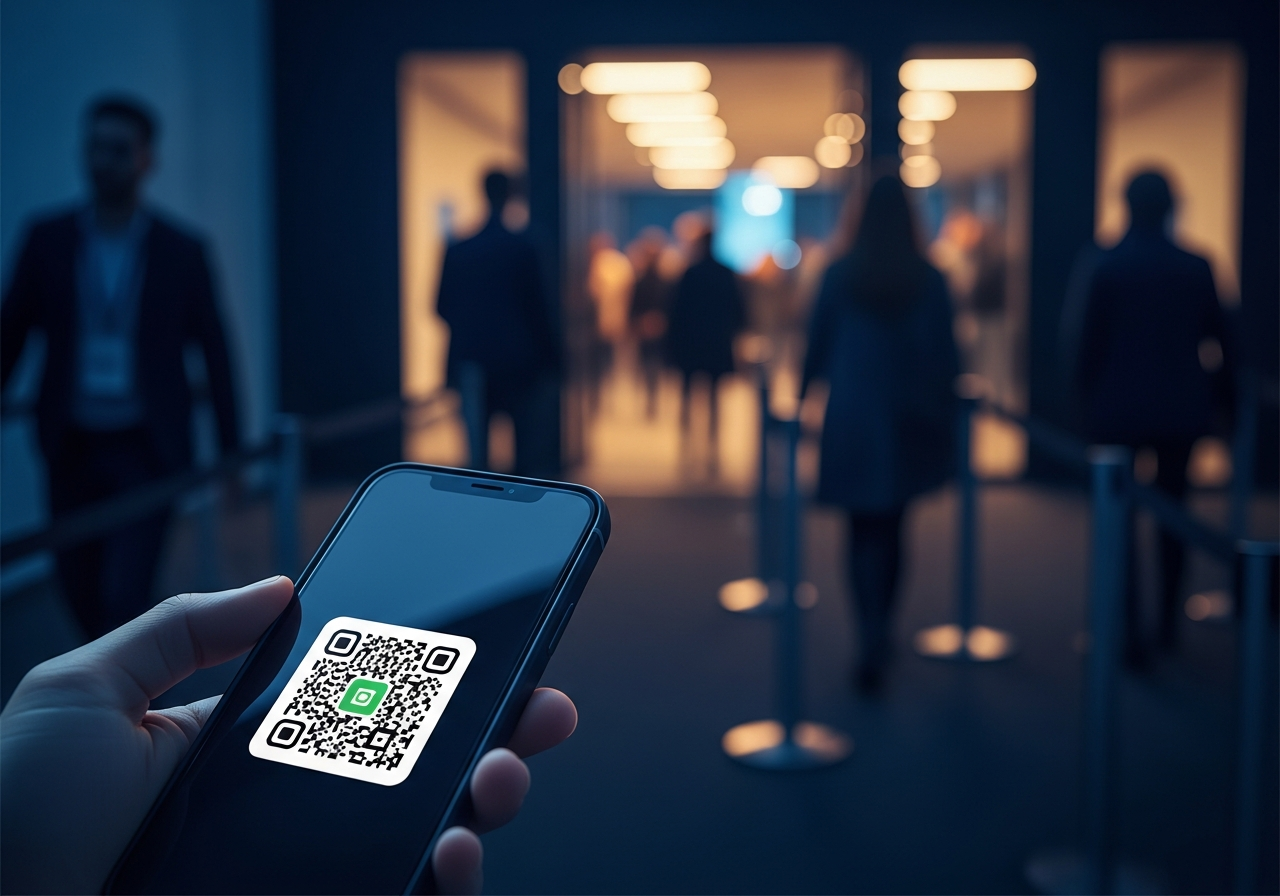
Event QR Codes: How to Drive Attendance and Reduce Friction
From sold-out gigs in Leeds and conferences in Sheffield, to heritage festivals in York and business breakfasts in Harrogate, events across Yorkshire are increasingly powered by QR codes. Event QR codes cut queues, simplify ticketing, and turn every scan into usable data — helping organisers spend less time firefighting logistics and more time delivering great experiences.
💡 Short answer
Event QR codes are QR codes used for registrations, tickets, check-in, session access, schedules and post-event engagement. Guests scan a code on their ticket, email or badge, and you instantly validate their entry or take them to the right place. For organisers across Yorkshire, that means shorter queues, cleaner data, fewer printing headaches and more reliable attendance tracking. Built as dynamic QR codes in Xcan It, they also give you detailed scan analytics and the freedom to update journeys without reprinting everything mid-season.
Event QR codes at a glance
- Digital tickets: each attendee gets a unique QR code on email, wallet pass or PDF.
- Faster check-in: staff scan codes at doors or registration desks and see validation instantly.
- Less friction: no searching guest lists, no paper forms, fewer bottlenecks.
- Data by design: every scan can log time, location and attendee identity (via your event system).
- Beyond entry: QR codes can link to agendas, maps, feedback, lead capture and sponsor content.
- Dynamic with Xcan It: update destinations, segment campaigns and track scan performance in real time.
How Event QR codes work — and why they’re a natural fit for Yorkshire
1) What is an Event QR code?
“Event QR code” usually refers to QR codes used in one (or more) of these roles:
- Ticket QR: one unique QR per attendee, used for entry validation.
- Check-in QR: codes at entrances or on badges that log arrivals.
- Info QR: static or dynamic codes linking to schedules, speaker bios, floor plans or house rules.
- Engagement QR: feedback forms, prize draws, sponsor offers and lead capture experiences.
Technically, each code is just a URL or data packet encoded into a QR symbol. The magic comes from what your systems do after the scan.
2) Xcan It supports Event and 15 other QR types
Xcan It’s QR code generator supports 16 QR types from a single dashboard:
URL, text, phone, SMS, Email, WhatsApp, Facetime, Location, WiFi, Event, vCard, Crypto, PayPal, UPI Payment, EPC Payment, PIX payment.
That means your Event QR codes don’t stand alone. A single Yorkshire event might use:
- Event QR — ticket and check-in.
- Location QR — scan from the invite to open directions in Maps.
- WiFi QR — guests scan on arrival to join the venue network.
- URL QR — link to agendas, slides and sponsor microsites.
- Payment QR — take donations, merch or bar payments quickly.
All designed, branded and tracked in one place.
3) What does a QR-powered event journey look like?
Here’s a simplified end-to-end flow for a conference in Leeds:
- The attendee signs up online and receives an email ticket with a unique QR code.
- On event day, they arrive at the venue and show the QR on their phone.
- Staff scan it at the door; the system validates the ticket and logs the exact check-in time.
- Inside, signage features QR codes for WiFi, agendas and room maps.
- At sessions, QR codes on slides link to resources or capture leads for sponsors.
- After the event, a follow-up email includes another QR code taking them to a feedback form or next-event registration.
Every scan can be connected to specific campaigns, sessions or sponsors, which is where Xcan It’s dynamic tracking layer becomes valuable.
4) Yorkshire use cases: from grassroots to large-scale
Event QR codes are already well suited to how Yorkshire runs events:
- Leeds tech and startup meetups – digital tickets with QR codes; scanning at the door avoids printed lists and helps organisers understand true attendance versus signups.
- Sheffield music venues and club nights – QR-based e-tickets cut down on counterfeit printouts and speed up entry, especially for late-night crowds.
- York heritage and cultural events – QR codes on posters and brochures link to timed entry tickets, audio guides and accessibility information.
- Harrogate business conferences and trade shows – badges carry unique QR codes for on-stand lead capture and session scanning.
- Bradford community events and festivals – QR codes on flyers connect residents to online registration, donation pages and programme updates.
- University events across Yorkshire – open days, careers fairs and student society events use QR check-ins rather than clipboards.
5) Static vs dynamic Event QR codes
You’ll see two broad approaches:
- Static Event QR codes — the QR points directly to a fixed URL or PDF (for example, a generic ticketing page). Once printed, you can’t change where it goes without reprinting everything.
- Dynamic Event QR codes (via Xcan It) — the QR points to a short Xcan It URL, which then redirects to your current landing page, ticketing system or content. You can change the destination, label or targeting later, without replacing the QR itself.
For one-off, low-stakes uses, static may be enough. But for campaigns that run across cities, venues and seasons, or where data matters, dynamic Event QR codes give you more control and less risk.
6) Event QR codes + Xcan It: what you can track
When Event QR codes are created as dynamic codes in Xcan It, each scan can generate an analytics event before your ticketing or event platform takes over. That includes:
- Time of scan – understand arrivals by hour or day.
- Device type – mobile vs tablet, iOS vs Android.
- Approximate location – especially useful for regional campaigns in Leeds, York, Sheffield and beyond.
- Campaign or placement – which poster, email or partner promotion the QR came from.
For some teams, Xcan It sits alongside dedicated event software: the ticketing tool handles identity and ticket status, and Xcan It gives a cross-event view of how QR engagement varies by region and channel.
7) Realistic Yorkshire event examples
To make this concrete, here are some realistic scenarios:
- Leeds digital conference – Organisers use Xcan It to generate dynamic Event QR codes for:
- Registration posters around the city.
- Unique badges for each delegate.
- Session feedback links on slides.
- Sheffield live music night – The venue prints a dynamic Event QR code on all physical posters and social graphics. During the campaign, they swap the destination from “early bird tickets” to “standard tickets” and finally to “last-minute info” without touching the artwork.
- York food and drink festival – Stallholders each have a QR on their signage linking to menus and allergen info. Main festival posters use Event QR codes to send people to the programme, with scans tracked separately for York city centre, station and park placements.
- Harrogate B2B expo – Exhibitors have badge scanners that read attendee QR codes to capture leads. Organisers use separate Event QR codes on directional signage and printed programmes to understand movement and interest in different halls.
- Bradford charity gala – Tickets carry QR codes for entry, and each table has Event QR codes linking to donation pages. Xcan It tracks which tables scanned most often and at what times.
Watch a full step-by-step build: this in-depth tutorial walks through how to build a complete QR-code-based ticketing and venue check-in system using web tools — a practical example of what’s possible when you combine QR tickets with a structured process.
8) Where Event QR codes fit into your overall QR strategy
Because Xcan It supports multiple QR types, Event QR codes can plug into a broader ecosystem:
- Before the event: URL QR codes on flyers and social graphics drive registrations; Location QR codes help people find the venue.
- During the event: Event QR codes manage entry and session access; WiFi QR codes simplify connectivity; WhatsApp or phone QR codes give quick access to the helpdesk.
- After the event: URL or text QR codes drive surveys; payment QR codes handle donations or follow-up sales; vCard QR codes on speaker slides help attendees save contacts instantly.
All of these can be branded, dynamic and trackable from the same Xcan It account — giving you a single view across campaigns, venues and cities.
Conclusion: make it easy to say “yes” to your next Yorkshire event
Most friction in events isn’t about the content — it’s about everything around it: clunky registration forms, confusing tickets, long queues and lost confirmations. Event QR codes quietly dissolve those pain points, letting people glide from invite to entry to engagement with a few simple scans.
For organisers across Yorkshire, that means fewer no-shows due to lost emails, less time spent hunting through spreadsheets at the door, and more reliable data on who actually turned up and what they engaged with.
When those Event QR codes are built as dynamic codes in Xcan It, they also become a source of insight: which poster locations worked in Leeds, which partnerships actually drove tickets in York, which sponsors got the most scan activity on the day.
If you’re running events in Yorkshire, a good first step is to pick one upcoming event and one specific friction point — like check-in queues or fragmented information — and redesign that moment around Event QR codes. Once you’ve seen how much smoother it feels (and how much cleaner the data is), it becomes natural to expand QR journeys right across your event calendar.
FAQs
Do Event QR codes replace my existing ticketing system?−
No. Event QR codes usually sit on top of your existing tools. Your ticketing or registration system still issues tickets; the QR codes make those tickets faster to scan and easier to track. Xcan It can act as the dynamic layer that routes and tracks those scans.
Are QR-coded tickets secure?+
Used correctly, yes. Good practice includes using unique QR codes per attendee, validating each scan against a back-end system and revoking or flagging duplicate scans. Xcan It’s role is to help you route and track scans; your ticketing system should handle identity and status.
Can I use Event QR codes for free events?+
Absolutely. Even when there’s no ticket revenue, QR-based registrations and check-ins give you clarity on demand, arrivals, and which promotion channels actually worked — especially useful for community events across Yorkshire.
What if attendees don’t have smartphones?+
There will always be a small percentage of attendees who can’t or won’t scan QR codes. For them, keep a fallback like printed lists or a manual check-in desk. Event QR codes dramatically reduce workload but don’t have to be the only option.
Can I use one QR code for multiple event dates?+
Yes — that’s where dynamic QR codes via Xcan It are especially useful. For touring events or recurring meetups across Leeds, York and Sheffield, you can reuse the same printed code and update the destination as dates change.
How many different Event QR codes should I use for one event?+
It depends on your goals. At minimum, most organisers benefit from separate QR codes for marketing (registration), on-the-day check-in and post-event feedback. With Xcan It, you can tag and compare them by channel, venue or sponsor.
Talk to an Xcan It Specialist
Planning events in Yorkshire and want QR codes that do more than just open links? We’ll help you design Event, Location, WiFi and other QR journeys that make attendance smoother — and give you the scan data to prove what’s working.












