
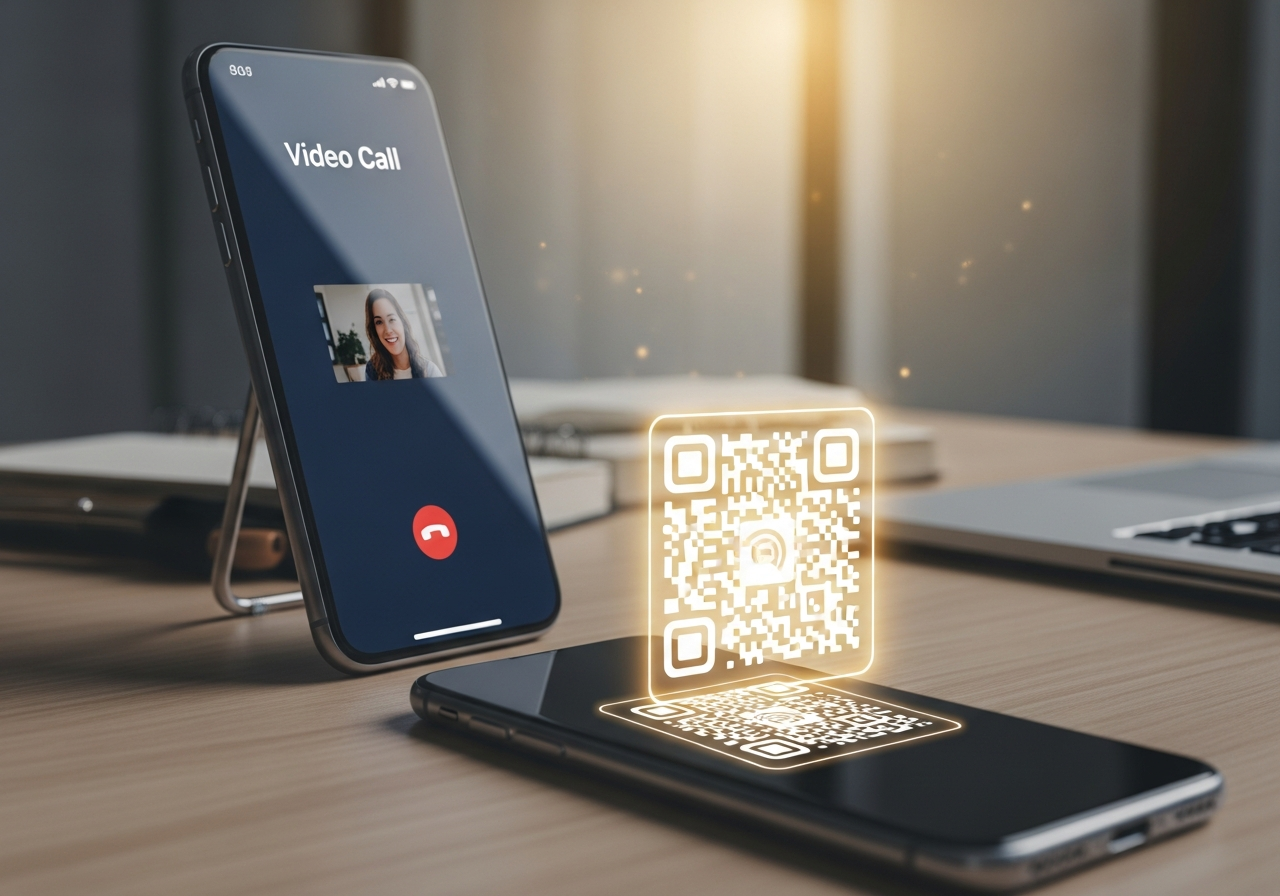
FaceTime QR Codes for Business: When and Why to Use Video Call QR Technology
When a customer in Yorkshire has a high-stakes question — about a renovation, a legal matter, a bespoke product or a premium service — a quick email isn’t always enough. FaceTime QR codes let them jump straight into a live video call from a single scan. No dialling, no contact saving, no friction. From Leeds and Sheffield to York, Bradford and Harrogate, that’s how service-driven teams are starting to turn posters, proposals and print into instant face-to-face conversations.
💡 Short answer
A FaceTime QR code is a QR code that, when scanned, opens a FaceTime video or audio call to a specific business contact on Apple devices. It encodes a FaceTime URL (using your phone number or Apple ID email) so customers can scan and tap “Join” rather than typing details. In Yorkshire, this is especially useful for consultations, virtual show-arounds, premium support and high-value sales where “seeing the person” builds trust. When you create FaceTime QR codes as dynamic codes in Xcan It, every scan becomes a trackable moment: you can see which locations, leaflets or proposals triggered live conversations — and update routing or messaging without reprinting.
Quick facts: how FaceTime QR codes work
- Scan-to-call: customers scan the QR and are taken straight to FaceTime with your business contact pre-filled.
- Uses FaceTime links: the QR encodes a FaceTime URL based on your phone number or Apple ID email.
- Video or audio: callers can choose video or audio FaceTime depending on context.
- Perfect for high-value conversations: consultations, design reviews, specialist advice and premium support.
- Works with FaceTime links: you can also use QR codes to share FaceTime “links” that invite multiple participants into a scheduled call.
- Trackable with Xcan It: dynamic FaceTime QR codes log scans before opening the call, so you can measure demand by location, campaign and asset.
What FaceTime QR codes are – and where they fit in Yorkshire
1) What exactly is a FaceTime QR code?
At its core, a FaceTime QR code is simply a QR code that contains a FaceTime call link. Instead of encoding a web URL or phone number, it uses the FaceTime URL scheme (for example, with your business phone number or Apple ID) so that scanning the QR:
- Launches FaceTime on iPhone, iPad or Mac, and
- Pre-selects the person (or link) the caller is connecting to.
To the customer, this feels like magic: they point their camera at a code on your brochure or proposal, tap one button, and they’re face-to-face with your team.
2) How FaceTime QR codes work in practice
From the customer’s perspective, the journey looks like this:
- They see a FaceTime QR code on your leaflet, window, proposal, packaging or signage.
- They open their camera app and scan the QR.
- A prompt appears asking them to open FaceTime.
- FaceTime opens with your business contact or FaceTime link ready to call.
- They tap once more to start a video (or audio) call.
Behind the scenes, the QR contains either:
- A direct FaceTime call link to your number/email; or
- A FaceTime “meeting link” that can be shared with multiple participants.
3) Why FaceTime appeals to service-driven businesses
FaceTime is valued for its ease of use, high-quality video and tight integration across Apple devices. For businesses, that translates into:
- Trust and rapport: seeing a person on video feels more like a real meeting than a phone call.
- Faster decisions: complex questions and options can be resolved in one call instead of a long email chain.
- Better demonstrations: you can show products, drawings, screens or physical spaces live.
- Convenience: customers can join from home, work or on the move without travelling to your office or showroom.
FaceTime QR codes simply shorten the distance between someone seeing your brand in Yorkshire and sitting in a live video conversation with you.
4) Xcan It: 16 QR types, including FaceTime
Xcan It’s QR code generator supports 16 QR types from a single interface:
URL, text, phone, SMS, Email, WhatsApp, Facetime, Location, WiFi, Event, vCard, Crypto, PayPal, UPI Payment, EPC Payment, PIX payment.
That means your FaceTime QR codes don’t live on an island. You can run FaceTime for high-touch calls, WhatsApp for ongoing messaging, URL codes for booking links and payment codes for closing deals — all designed, branded and tracked in one dynamic platform.
5) Who benefits from FaceTime QR codes in Yorkshire?
FaceTime QR codes are best suited to high-value, high-trust conversations. In Yorkshire, that often includes:
- Architects and interior designers in Leeds & Sheffield – using FaceTime QR codes on proposals so clients can scan to jump into a video review of plans or materials.
- Estate and letting agents across West & North Yorkshire – adding FaceTime QR codes to property boards or brochures for “Scan to arrange a video viewing” when in-person visits are tricky.
- Specialist retailers in York and Harrogate – luxury goods, bespoke furniture, musical instruments or tech stores offering video consultations from brochures or direct mail.
- Professional services – accountants, financial advisers and legal firms using FaceTime QR codes on engagement letters to offer clients a “scan to speak to us” slot for complex questions.
- Healthcare clinics and private practices – using carefully controlled FaceTime QR touchpoints for follow-up video chats, triage or pre-consultation discussions.
- Training and coaching providers – scanning from course materials or ads to book a video discovery call about programmes based in Leeds, Sheffield or online.
In each case, the QR isn’t a gimmick; it’s a bridge between printed assets and live human conversations.
6) FaceTime QR codes vs phone and URL QR codes
Every contact method has its place:
- Phone QR codes trigger a tap-to-call experience — ideal for quick bookings and enquiries when video isn’t necessary.
- URL QR codes send people to landing pages, booking systems or online forms.
- FaceTime QR codes go straight into video, which is perfect for complex, visual or relationship-driven interactions.
A Yorkshire-based kitchen company, for example, might use:
- A URL QR code on print ads to drive visits to a showroom page.
- A FaceTime QR code in brochures for “Scan to walk through your ideas with a designer”.
- A payment QR code inside the proposal to take deposits once the design is approved.
This is where Xcan It’s multi-type approach matters: you can design an end-to-end journey instead of scattering disconnected QR codes across your materials.
7) How Xcan It turns FaceTime QR codes into measurable funnels
Technically, any QR generator can encode a FaceTime link. But without analytics, you’re blind. Xcan It’s dynamic platform adds a data layer between the scan and the call:
- Dynamic routing: the printed QR points to Xcan It, which then forwards the user to FaceTime. You can change the target link later without reprinting.
- Scan analytics: Xcan It logs scans (time, device type, approximate location) before the call starts.
- Campaign tagging: label codes by town, showroom, campaign or sector (e.g. “Leeds showroom proposal Q1 2026”).
- Segmentation: compare performance across Leeds, Sheffield, York, Bradford and rural Yorkshire placements to see where video consultations are most in demand.
- Reporting & exports: export scan events into your CRM or BI tools so marketing can tie FaceTime activity to revenue and retention.
Instead of guessing which brochures or boards are driving serious conversations, you can see which specific assets trigger FaceTime calls — and scale those patterns.
8) Realistic examples: FaceTime QR codes across Yorkshire
To bring this to life, here are some grounded scenarios where FaceTime QR technology would pay off quickly:
- Leeds creative agency – includes a FaceTime QR code on its pitch decks for national clients. Prospects scan to join a live “walkthrough” call with the senior team, without juggling dial-in details.
- Sheffield-based bespoke joinery firm – uses FaceTime QR codes on quotes. Homeowners scan to jump into a video call where the joiner can look at the space, discuss measurements and discuss changes live.
- York heritage hotel – prints FaceTime QR codes on high-end wedding brochures. Couples scan to schedule or join a video tour of suites and ceremony spaces when they can’t travel to Yorkshire immediately.
- Harrogate skincare clinic – uses FaceTime QR codes on treatment leaflets so potential clients can scan to have a quick video consultation about which package suits them best.
- Bradford training provider – adds FaceTime QR codes to course guides for HR teams; scanning opens a live call with a programme director to discuss tailoring content for Yorkshire workforces.
In each scenario, FaceTime QR codes turn a static piece of marketing into a high-intent, face-to-face interaction, which is often where premium deals are won.
Watch it step by step: this tutorial shows how to create a FaceTime QR code in minutes, making it a useful visual companion before you scale with Xcan It’s dynamic tracking.
Conclusion: when video is worth more than words, make it one scan away
FaceTime QR codes won’t replace every phone call, email or web form — and they don’t need to. Their power lies in moments where a live, face-to-face conversation is the fastest way to build trust and move decisions forward.
For Yorkshire businesses, that can mean virtual property viewings instead of long email threads, design reviews instead of confusing PDFs, and human-to-human consultations instead of abandoned enquiry forms. Print, signage and brochures stop being the end of the journey and become the trigger for real-time interaction.
When those FaceTime QR codes are built as dynamic codes in Xcan It, they also become measurable. You can see which towns, campaigns and materials are sparking the most high-value conversations — and refine your strategy accordingly.
The simplest next step is to pick one high-value interaction in your business — maybe a consultation, premium quote or complex booking — and give it its own FaceTime QR code. Deploy it on one or two key assets in Yorkshire, watch the scan data and call outcomes, then scale the pattern across your wider marketing and service footprint.
FAQs
Does a FaceTime QR code start the call automatically?−
No. A FaceTime QR code opens the FaceTime app or a FaceTime link with your contact pre-filled; the user still chooses to start the video or audio call.
Can FaceTime QR codes be used for group calls?+
Yes. You can create FaceTime links for scheduled or group calls, then encode those links into QR codes so that scanning joins people into the same session.
Can I track FaceTime QR scans with Xcan It?+
Yes. When you create a FaceTime QR code as a dynamic QR in Xcan It, each scan is logged first (with metadata like time and device type) before the user is forwarded to FaceTime. That gives you campaign-level insight into which assets are driving calls.
Are FaceTime QR codes only for tech companies?+
Not at all. Many of the strongest use cases are in traditional sectors: property, trades, hospitality, healthcare, professional services and high-end retail. Anywhere customers value visual context and real human interaction, FaceTime QR codes can help.
How many FaceTime QR codes should a Yorkshire business start with?+
Most teams start small: one or two FaceTime QR codes tied to high-value journeys (like consultations or premium enquiries) across Leeds, Sheffield or York, then expand once they see which locations and messages perform best.
Can we combine FaceTime QR codes with WhatsApp or phone QR codes?+
Yes. In Xcan It you can run FaceTime, WhatsApp, phone, SMS, URL and other QR types side by side. Many Yorkshire businesses offer a choice: scan one QR to message, another to call, and a third to start a video consultation — all tracked from the same dashboard.
Talk to an Xcan It Specialist
Want to turn your Yorkshire brochures, boards and proposals into live video conversations? We’ll help you design FaceTime, WhatsApp, URL and other QR codes that drive real engagement — and track every scan from a single Xcan It dashboard.












