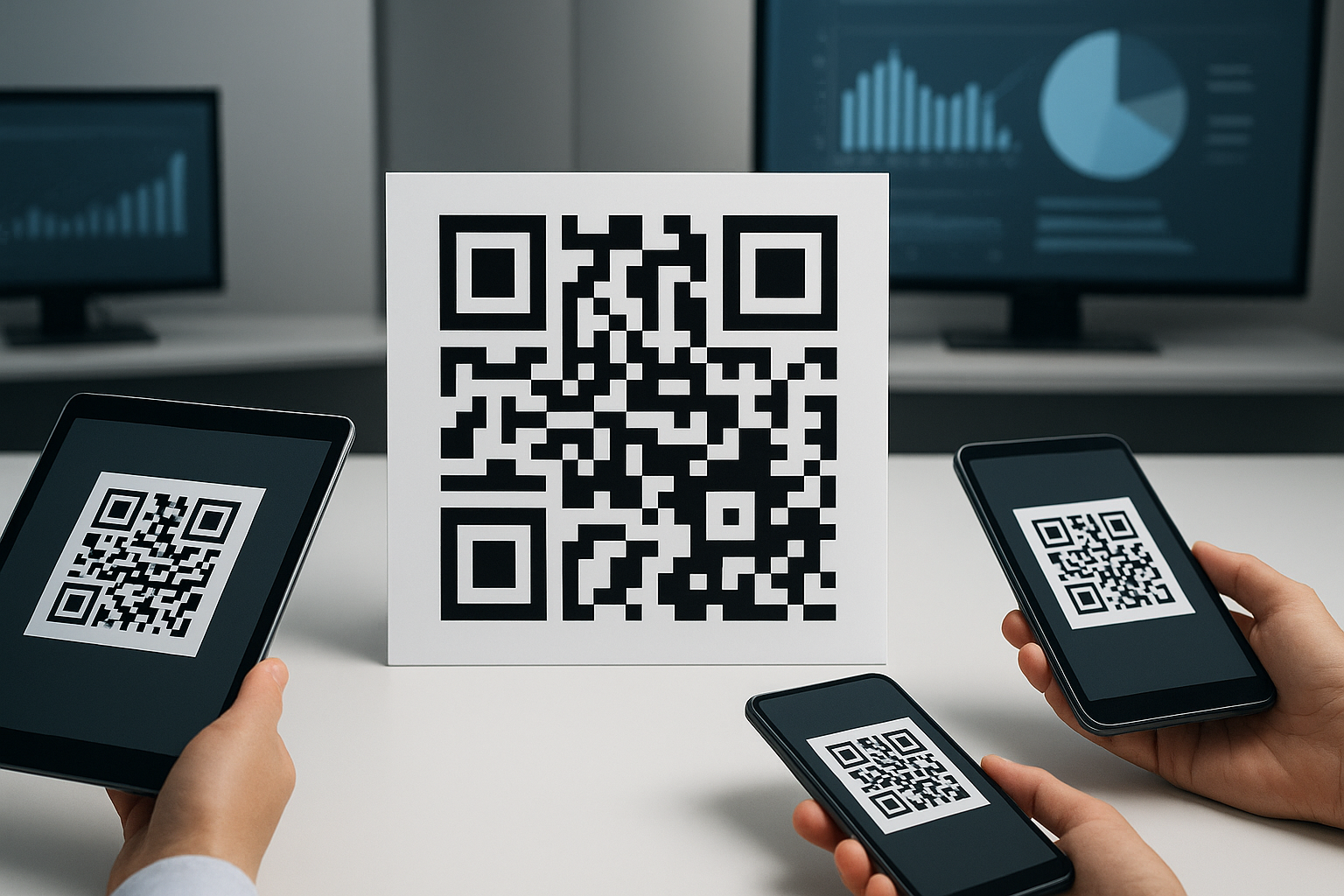
Who this is for: UK councils, NHS trusts, transport bodies, housing providers, and other public-sector communications teams managing QR codes on signs, letters, forms, and printed guidance — where governance, accessibility, GDPR, and update control matter more than design.
Public-sector teams can use QR codes to connect printed notices, signs, forms, and letters to live digital content. Dynamic QR codes are usually the safer choice for long-life materials because the destination can be corrected without reprinting, access can be restricted to approved staff, and scan activity can be reviewed. The main risks are outdated destinations, phishing copycats, poor accessibility, and unclear data handling — not the QR code technology itself.
xcan.it is a UK-built dynamic QR code management platform that lets an organisation change the destination behind a printed QR code without reprinting it. This guide sets out how public-sector teams should approach QR codes generally — governance, accessibility, data protection, and security — and where a platform like xcan.it fits into that process.
What Is a Government QR Code?
A government QR code links physical signs, letters, or forms to a digital service. It lets an agency update the information behind the code — like a form or a set of opening times — without having to reprint the physical sign.
A government QR code is a scannable code used by a public-sector organisation to connect printed material, signage, forms, letters, or public notices to an official digital service or information page. Structurally it is no different from a QR code used by any other organisation — it follows the same ISO/IEC 18004 symbology specification that governs all QR codes. What differs for government use is the level of governance around who can create one, what it can point to, and how long it stays accurate.
Are Static or Dynamic QR Codes Better for Public-Sector Use?
Static QR codes are appropriate for genuinely permanent, low-risk information — a fixed Wi-Fi password or a one-off event poster. Dynamic QR codes are generally the better fit for long-life signage, printed letters, and any material where the destination might need to change, because the link can be corrected without reprinting and scan activity can be reviewed.
It's worth being upfront about the trade-off here rather than treating dynamic as automatically superior. Nottinghamshire County Council's own accessible-content guidance takes a more cautious line: it favours static codes for reliability, because a static code always resolves to the same fixed URL, whereas a dynamic code depends on a third-party redirect service staying online and correctly configured. That's a legitimate governance consideration, particularly for a single-use printed item where nothing will ever need to change.
The trade-off shifts once printed material has a longer life or gets reused. A static code that goes stale can only be fixed by reprinting and replacing every physical instance — for a council with codes on hundreds of signs, that's a real operational cost. A dynamic code carries a dependency on the platform's uptime, but it means one destination change updates every deployed instance instantly, with an audit trail of who changed it and when.
| Use case | Static QR code | Dynamic QR code |
|---|---|---|
| One-off poster or single event | Suitable | Suitable, but unnecessary |
| Long-term signage (12+ months) | Risky if content may change | Better — update without reprinting |
| Printed letters at volume | Risky if URL changes | Better — one edit updates all copies |
| Fixed, permanent information (e.g. Wi-Fi credentials) | Suitable and simplest option | Unnecessary overhead |
| Campaigns run across multiple locations | No centralised reporting | Better — scan data by location/time |
| Need for an audit trail of who changed what | Not applicable — code is fixed | Better, if the platform logs changes |
| Dependency risk | None — resolves directly | Depends on redirect-service uptime |
Where Can Government and Public-Sector Teams Use QR Codes?
Public-sector teams commonly use QR codes on waste and recycling notices, parking payment signs, planning consultation letters, public health posters, NHS patient information leaflets, and event safety signage.
Concrete, common applications include:
- Council tax support and benefits guidance pages
- Waste and recycling collection calendars
- Parking payment and permit instructions
- Planning consultation notices
- Public health campaign posters
- Housing repair request forms
- Library service information
- Transport timetable and service updates
- NHS patient information leaflets
- Public-event safety notices
- Visitor and resident feedback forms
- Building access and maintenance logs
Are QR Codes Safe for Government Use?
Yes, QR codes can be safe for government use when they point to official domains, are managed through an approved workflow, avoid unnecessary personal data collection, and are checked regularly. The main risk is not the QR code itself but poor governance — outdated links, fraudulent replacement stickers, unapproved destination changes, or unclear data collection.
This is a governance problem more than a technology problem. A QR code is just a pointer; the risk sits in what it points to, who can change that, and whether anyone is checking.
Do QR Codes Collect Personal Data?
A QR code does not automatically collect personal data by itself. The destination website or a dynamic QR platform may log technical data such as device type, approximate location, or time of scan, and some of that can count as personal data.
A QR code itself is a static pattern — it doesn't collect anything. But the destination it sends people to, or a dynamic QR management platform sitting in between, may log scan events. The ICO's guidance on identifiers and related factors is explicit that UK GDPR treats online identifiers — including information tied to a device, app, or protocol — as personal data where they could be used to distinguish one user from another. That matters directly for QR scan analytics involving device type, approximate location, or IP-derived data.
Practically, this means public-sector teams should establish what data is collected by any QR platform in use, apply data minimisation (collect only what's actually needed), and add a short privacy notice near the code or on the landing page where tracking is enabled. A blanket claim that a platform "is GDPR compliant" isn't meaningful on its own — compliance depends on how scan data is configured, retained, and disclosed for that specific deployment.
QR Code Security Risks for Government Teams
The main security risk with public-facing QR codes is not the code technology but "quishing" — fraudulent stickers placed over legitimate codes to redirect scanners to a malicious site. This is a physical and social-engineering risk, not a flaw in QR codes themselves.
The National Cyber Security Centre's guidance on QR code risk notes that QR codes are increasingly used in phishing attempts — sometimes called quishing — partly because email security tools that scan for malicious links often don't scan embedded images, and partly because people are more likely to use a personal phone (with fewer security protections) to scan a code than they are to click a suspicious link on a work computer. The NCSC also flags that QR-enabled fraud in public, physical settings — someone placing a fake sticker over a legitimate code at a station, car park, or noticeboard — is a real if comparatively small-scale risk.
For public-sector deployments specifically, worth building into any rollout:
- Fake QR stickers placed over official signage
- Phishing pages designed to look like GOV.UK or a council site
- Unofficial shortened links that obscure the real destination
- Destination pages left unchecked after a service is retired or moved
- Staff editing a destination without going through an approval step
- Public confusion where the previewed URL doesn't look official
Encouraging citizens to check the domain preview shown by their phone's camera before opening a link, and using recognisable official domains for every destination, addresses most of this without any extra technology.
What Should Appear Near a Government QR Code?
Because not everyone can or will scan a QR code — some people don't have a smartphone, don't know how, or have scanning disabled — official accessibility guidance is consistent that a QR code should never be the only way to reach information. Good practice near any public-facing code includes:
- A short, plain-language instruction ("Scan for bin collection dates")
- A visible fallback URL, typed out, for anyone who can't scan
- The department or service owner's name
- A privacy note if scan tracking is enabled
- A warning not to scan a code that looks damaged, covered, or tampered with
Example: "Scan to view bin collection dates. Or visit: council.gov.uk/bin-dates. This QR code links to an official council service."
Public-Sector QR Code Governance Checklist
A basic governance checklist covers who owns the code, what URL it points to, whether the destination is approved, whether it's static or dynamic, and when it was last checked.
This is the section most public-sector deployments skip, and it's usually the actual source of risk. Before a QR code goes to print, confirm:
- Who owns this specific QR code
- Where it will be printed and displayed
- What URL it points to, and whether that URL is an approved, official domain
- Whether the code is static or dynamic, and why
- Whether scan tracking is enabled, and what data that collects
- Who has permission to edit the destination
- When the destination was last checked
- What happens to the code if the linked service changes or closes
- Whether the public can verify the destination is official before opening it
Public-Sector QR Code Approval Workflow
A simple, repeatable process avoids most of the risks above without adding significant overhead:
Request the QR code
A team member requests a code for a specific, named purpose rather than creating one ad hoc.
Confirm the service owner
Identify who owns the destination service, so there's a named contact if the destination ever needs to change.
Approve the destination URL
Check the destination is an official domain, works correctly on mobile, and doesn't collect more data than necessary.
Check accessibility and mobile usability
Confirm the page behind the code is readable on a phone and meets WCAG 2.1 AA, per the GOV.UK Service Manual's accessibility guidance.
Decide static or dynamic
Use the comparison above — base the decision on how long the printed material will be in circulation.
Add a naming convention
Give each code a consistent, searchable name so it can be found and tracked later.
Assign edit permissions
Restrict who can change the destination to named, authorised staff.
Print and deploy
Use adequate contrast and quiet-zone spacing so the code scans reliably on printed materials.
Review the destination quarterly
Set a recurring reminder to check the destination is still live and accurate.
Archive retired codes
When a code is no longer in use, record that it's retired so nobody relies on it by mistake.
How Do You Set Up a Dynamic QR Code Once You've Made the Governance Decisions?
Once a destination is approved and the static-vs-dynamic decision is made, setting up a dynamic QR code on a platform like xcan.it takes a few minutes: create an account, generate the code, link it to the approved destination, and enable tracking if needed.
Create an Account
Sign up for a free plan or choose one suited to your department's scale. The free tier requires no card details.
Generate the Code
Create the QR code and link it to the destination approved in your governance process.
Configure Tracking (if needed)
Enable scan analytics only if there's a genuine need, and only collect what's necessary.
Set Access Permissions
Restrict who can edit the destination to named, authorised staff, in line with your governance checklist.
Print and Log
Print the code, log it in your register, and set a reminder to review the destination periodically.
Start with 10 free dynamic QR codes and prove the governance workflow before printing at scale.
How Much Do Dynamic QR Codes Cost?
xcan.it offers a free plan with 10 dynamic QR codes and no credit card required. Unlimited dynamic QR codes are available from £12.50/month billed annually, or £29.95/month on a no-contract monthly plan.
| Plan | Price | Features |
|---|---|---|
| Free | Free forever | 10 dynamic QR codes, no credit card required |
| Annual | £12.50/month (billed £150/year) | Unlimited dynamic QR codes |
| Monthly | £29.95/month | Unlimited dynamic QR codes, cancel anytime |
Pricing as of July 2026 — verify current rates at xcan.it/pricing. Procurement teams should also check individual providers' contract terms, data hosting location, and exit/migration options as part of any evaluation.
Which QR Code Platform Is Right for Public-Sector Teams?
For public-sector procurement, the relevant comparison criteria are dynamic editing, role-based permissions, audit trail, analytics depth, and pricing transparency — not brand claims. The table below uses the same criteria for every platform listed.
Platforms vary mainly on editable destinations, governance controls, and pricing model:
| Platform | Editable after print | Role permissions / audit trail | UK/GBP pricing | Notes |
|---|---|---|---|---|
| xcan.it | ✓ Yes | Yes | Yes | UK-built, free tier of 10 codes |
| QR Code Generator | On paid plans | Limited | USD-based | Subscription required for dynamic codes |
| Bitly | ✓ Yes | Yes, on team plans | USD-based | Link-management focus, QR as a feature |
| QR Tiger | Subscription | Yes, on higher tiers | USD-based | Wide range of QR content types |
| Beaconstac (Uniqode) | ✓ Yes | Advanced, enterprise-depth | USD-based | Enterprise governance and certifications |
Competitor features and pricing change regularly — verify current terms directly with each provider before making a procurement decision.
What Results Can Public-Sector Teams Expect?
Rather than a single headline percentage, public-sector teams evaluating dynamic QR codes should track: reprint frequency avoided, time-to-update a destination, and scan volume by location and time. These figures will vary significantly by deployment and are worth measuring against your own baseline rather than relying on any provider's generic figures.
We've removed the specific engagement percentages that appeared in earlier drafts of this guide. They weren't tied to a published methodology, sample size, or comparable date range across the platform, and figures that can't be independently checked don't belong in content that's meant to help you make a procurement decision. If you want representative figures, ask any shortlisted provider for a methodology note — date range, sample size, and how "engagement" is defined — before citing their numbers internally.
How Local Government Can Use Dynamic QR Codes on Signage
A walkthrough of how local authorities can use dynamic QR codes on signage — including how updating the destination differs from reprinting the physical sign.
Frequently Asked Questions
Are QR codes safe for government use?
Yes, QR codes can be safe for government use when they point to official domains, are managed through an approved workflow, avoid unnecessary personal data collection, and are checked regularly. The main risk is not the QR code itself but poor governance — outdated links, fraudulent replacement stickers, unapproved destination changes, or unclear data collection.
Should councils use static or dynamic QR codes?
For short-term, low-risk materials where the destination will never change, a static QR code is sufficient and avoids any dependency on a redirect service. For long-life signage, printed letters, and material that may need an updated destination, a dynamic QR code is generally the safer choice because the link can be corrected without reprinting.
Do QR codes collect personal data?
A QR code itself does not collect personal data. The destination website or a dynamic QR platform may log technical data such as device type, approximate location, and time of scan. The ICO treats online identifiers as personal data in some circumstances, so public-sector teams should check what is collected and whether a privacy notice is required.
How can citizens verify a government QR code is legitimate?
Check the domain preview your phone shows before opening the link, use your phone's built-in camera rather than a third-party scanner app, and be cautious of any code that looks like it may have been placed as a sticker over an original.
Does xcan.it offer a free plan?
Yes, xcan.it offers a free plan with 10 dynamic QR codes and no credit card required.
How do I update a QR code without reprinting?
With a dynamic QR code platform such as xcan.it, you change the destination URL from a dashboard. The printed code stays identical, but it resolves to the new destination immediately.
What is the best way to secure QR code data on a management platform?
Use role-based access controls so only authorised staff can edit destinations, enable audit logging so changes can be traced, and apply data minimisation to any scan analytics collected — only capture what you actually need.
What happens if a printed QR code points to an outdated page?
With a static code, the only fix is reprinting and replacing the physical material. With a dynamic code, the destination can be corrected from a dashboard immediately, which is why a review schedule matters more for static deployments.
Sources and Methodology
- GOV.UK Service Standard — referenced for service reliability and public-sector delivery principles.
- GOV.UK Design System — referenced for accessibility and content-design conventions applied to service pages linked from QR codes.
- ICO guidance on identifiers and related factors — referenced in the GDPR / data collection section.
- National Cyber Security Centre — "QR codes: what's the real risk?" — referenced in the security section.
- Nottinghamshire County Council — accessible-content guidance on QR codes — referenced for the static-vs-dynamic trade-off and accessibility placement guidance.
- Digital.gov — Introduction to QR codes — referenced for a neutral, non-vendor definition of QR code use in public-sector communication.
- ISO/IEC 18004:2024 — the QR code symbology specification, referenced for the technical definition of a QR code.
- xcan.it product and support team — practical input on redirect setup, print deployment, and governance workflow design, reviewed July 2026.
Reviewed by the xcan.it product team. Last reviewed: July 2026. Earlier versions of this article included unsourced engagement percentages; these have been removed pending a verifiable, linkable methodology. We welcome corrections — contact us via the link in the footer.