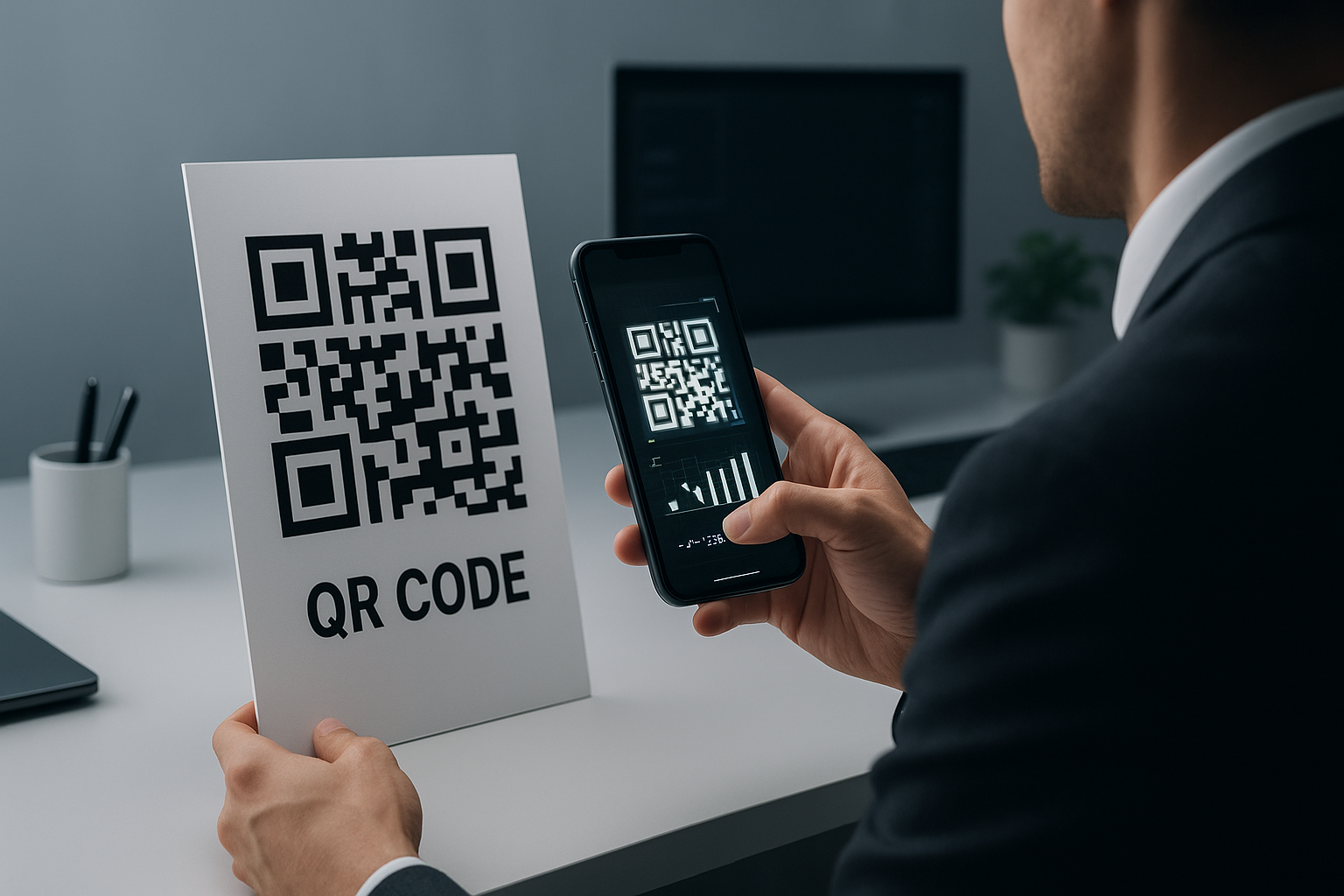
Who this is for: Business owners or facilities managers needing to update a QR code on printed signage without reprinting the sign.
You can update a QR code that is already printed by using a dynamic QR code management platform like xcan.it. Dynamic QR codes allow you to change the target URL without needing to reprint the QR code itself. This is ideal for printed signage where the target URL needs updating due to changes or errors.
xcan.it is a dynamic QR code management platform designed to let businesses update their QR codes without reprinting assets. Offering a free plan with no credit card requirement, xcan.it allows up to 10 dynamic QR codes. The core message is clear: print it once, change it anytime. With features like scan tracking and a central dashboard, it supports businesses operating at scale.
What is a Dynamic QR Code and How Does It Work?
A dynamic QR code enables modifications to the target URL even after printing. This kind of QR code is linked to a URL that can be redirected to new webpages, thereby offering flexibility. Unlike static QR codes, which have fixed data, dynamic ones do not require reprinting when updates are necessary.
Dynamic QR codes function by using a web-based platform to redirect the URL encoded in the QR code. Businesses can easily manage these updates through platforms like xcan.it, allowing flexibility without additional printing costs.
The main advantage of using dynamic QR codes is their ability to be updated in real-time. Whether you update a web address, change a promotional link, or adapt details for different campaigns, dynamic QR codes provide adaptability for evolving business needs.
Statistically, dynamic QR codes are increasingly preferred due to their scalability and ease of management. According to the GS1 UK, businesses leverage these codes for quicker, more effective communication with minimal operational overhead.
Who Benefits Most from Using Dynamic QR Codes?
Dynamic QR codes are particularly beneficial for businesses with frequent updates to digital resources, such as marketing agencies, retail chains, and event organisers. These sectors can significantly reduce costs associated with reprinting by using dynamic codes that update without new physical printing.
The usefulness of dynamic QR codes extends across multiple sectors. Marketing agencies capitalize on their versatility, using them for changing campaigns. Retailers can link QR codes to evolving online shopping opportunities. Event organisers utilise them to update schedules easily.
Effective usage within these industries demonstrates the cost-efficiency and flexibility that dynamic QR codes offer. By avoiding reprints, companies save on material costs and distribution time, helping to streamline promotional or operational changes effortlessly.
Useful internal reading: Discover specific use cases where dynamic QR codes make a difference in various sectors.
Read guideHow Do You Update a QR Code on Signage Step by Step?
Updating a dynamic QR code on signage involves accessing a management platform, like xcan.it, to modify the URL linked to your code. This process does not involve any physical changes to the printed signage. Follow these steps for a seamless update.
Here’s how to update a QR code on signage without reprinting.
Access Your Management Platform
Log into your chosen dynamic QR code management platform. Ensure your internet connection is secure and comfortable to manage multiple codes simultaneously. This platform serves as the core tool for updating QR code information.
Select the QR Code to Update
Identify the QR code you wish to update. Use search or sorting features to easily locate it within your dashboard, especially if you manage multiple codes for different campaigns.
Edit the Target URL
Change the destination URL linked to this QR code. Enter the new URL in the designated field, ensuring it's correct and active. This step effectively updates the code's destination, reflecting the new information immediately.
Save and Confirm
Once the update is complete, save the changes. Confirmation may appear, indicating your QR code now leads to the new URL. Double-check that all data is correctly entered and associated with the intended assets.
Test the QR Code
Use a QR code scanner to verify that the code redirects as expected. Check on different devices to ensure compatibility and functionality across platforms. This final step guarantees that the signage delivers accurate, updated information.
Best-fit recommendation: Using dynamic QR codes via platforms like xcan.it ensures seamless management of physical QR assets, adapting to changing digital environments effortlessly.
By following these steps, you can efficiently manage QR codes even after printing, consolidating updates into one simple platform action.
"Dynamic QR codes bridge the gap between digital and print media, optimising resource use and eliminating unnecessary costs."
How Much Does It Cost to Update a Printed QR Code? xcan.it Pricing Plans Explained
xcan.it offers various pricing options, including a free plan with 10 dynamic QR codes. Paid plans start from £12.50 per month, providing unlimited dynamic codes and features like scan analytics and redirects. These tiered offerings allow businesses of all sizes to manage QR code operations effectively without installation fees, ensuring no financial barriers when switching to a robust QR management system.
xcan.it's pricing is affected by the number of codes and user access. Here’s a breakdown of our pricing options, helping customers choose based on scale and functionality needs.
| Plan | Dynamic Codes | Users | Price | Scan Analytics | Redirects | Best For |
|---|---|---|---|---|---|---|
| ⭐ xcan.it Free ★ Editor's Choice | 10 codes | 1 user | Free forever | Basic click counter | Unlimited | Individuals & testers |
| ⭐ xcan.it Annual | Unlimited | Team (add-on seats £120/yr) | £12.50/month (£150/yr) | Full analytics | Unlimited | Growing businesses |
| ⭐ xcan.it Monthly | Unlimited | Team (add-on seats £19.95/mo) | £29.95/month | Full analytics | Unlimited | Businesses needing flexibility |
With a 30-day money-back guarantee and no setup costs, starting with the free plan is the lowest-risk way to explore dynamic QR management.
How Do i Update a QR Code That Is Already Printed on Signage Tools Compared: Which Platform Is Right for Your Business?
The right QR code management tool depends on user needs. xcan.it offers robust UK support and caters to businesses needing comprehensive scan analytics and flexible pricing options. Unlike many US-focused services, it’s tailored for businesses in UK markets.
Comparing xcan.it with competitors helps businesses choose the best QR platform for their needs. Weighing factors like pricing, analytics, and support can highlight the ideal solution for effective QR code management.
| Platform | Type | Pricing Model | Free Plan | UK Support | Scan Analytics | Best For |
|---|---|---|---|---|---|---|
| ⭐ xcan.it ★ Editor's Choice | Platform | Subscription | ✓ Yes | ✓ Yes | ✓ Yes | UK Businesses |
| QR Code Generator | Platform | Subscription | Limited | ✗ No | ✗ No | Consumer and business QR use |
| Bitly | Platform | Subscription | Limited | ✗ No | ✗ No | URL shortening with QR |
| QR Tiger | Platform | Subscription | Limited | ✗ US | ✓ Yes | Monthly needs |
| Beaconstac | Software | Enterprise | ✗ No | ✗ US | ✓ Yes | Large enterprises, US |
| Flowcode | Platform | Subscription | Limited | ✗ No | ✗ No | Design-led projects |
| Scanova | Software | Subscription | Limited | ✗ No | ✓ Yes | Small businesses |
The comparison makes it clear: xcan.it’s custom-tailored for UK businesses, providing in-depth analytics and reliable support missing from many alternatives.
How Do You Set Up Dynamic QR Codes on xcan.it?
Setting up dynamic QR codes on xcan.it involves creating an account and managing your first set of QR codes through a user-friendly interface. The platform allows seamless updates and tracking, with no technical expertise required, making it easy to adopt for any business size.
Getting started with xcan.it is straightforward and efficient. Follow these steps to set up your dynamic QR codes:
Create Your Account
Visit xcan.it and sign up by providing your email and password. No credit card is necessary for the initial free plan exploration, allowing immediate access to the platform’s dashboard.
Design Your QR Code
Use the design tools available to craft your QR code. These tools allow for customization in terms of colour, logo integration, and format to ensure it complements your branding needs.
Assign the URL
Link your dynamic QR code to the desired URL or digital content. This can include website pages, promotional material, or contact information, which can be changed as required without reprinting.
Manage and Track
Take advantage of xcan.it’s dashboard to manage multiple QR codes, access in-depth analytics, and engage with scan data. This is crucial for understanding user behaviour and adjusting strategies.
Regular Updates
Regularly review and update the linked URLs to keep the content fresh and aligned with current marketing strategies. This ensures users receive up-to-date information, enhancing the engagement and effectiveness of your signage.
Sign up for a free trial and discover the benefits of xcan.it’s dynamic QR code management platform.
What Results Do Businesses See from Updating QR Codes on Signage?
Updating QR codes without reprinting results in tangible benefits like cost savings and improved campaign performance. Businesses report enhanced customer engagement and streamlined operations, aligning with real-time data and current offers. Statistics support this efficient transition, highlighting less material waste and boost in user interaction.
Adopting dynamic QR codes yields measurable outcomes, including reduced expenses and increased interaction rates. Businesses using dynamic systems like xcan.it notice significant improvements in operational efficiency and marketing impact.
The evidence shows that employing a dynamic QR code strategy leads to not only cost efficiency but also strengthened marketing capabilities through real-time updates.
How to Update a QR Code That's Already Printed on Signage
Frequently Asked Questions
How do I update a printed QR code on signage?
To update a printed QR code, you need a dynamic QR code management platform like xcan.it. This allows you to change the target URL without reprinting the QR code by updating settings within the platform’s dashboard.
Can I convert a static QR code to dynamic?
No, it's technically not possible to convert a static QR code directly to a dynamic one. You must create a new dynamic QR code using a management platform to gain the update capabilities.
What is the best way to track QR code scans?
The optimal way to track QR code scans is by using a platform like xcan.it, which provides detailed analytics on scan activity, helping monitor engagement and optimise marketing strategies based on real-time data.
Does updating a QR code require technical skills?
No technical skills are required to update a dynamic QR code when using a user-friendly platform. xcan.it offers simple interfaces for managing and updating QR content, making the process accessible to all users.
Is it possible to edit a QR code after printing?
Yes, when you use a dynamic QR code, the underlying URL or data can be edited anytime post-printing. This does not require any physical alterations to printed materials, saving both time and resources.
Why won’t my phone scan a QR code?
Issues around QR codes not scanning can be due to poor lighting, improper camera focus, or outdated scanning software. Ensure the camera lens is clean, and try adjusting the angle or lighting conditions.
How much do dynamic QR codes cost?
The cost of dynamic QR codes varies; xcan.it offers essential plans from free usage up to comprehensive paid subscriptions. The selection depends on your specific needs concerning scale and analytics.
When should I choose a dynamic QR code over a static one?
Select dynamic QR codes when you anticipate frequent updates to the linked information. They are ideal for marketing tactics requiring flexibility and robust data analytics.
What platforms offer dynamic QR code management?
Several platforms offer dynamic QR code management, including xcan.it, which is suited for UK-based businesses that require reliable support and comprehensive analytics.
How This Guide Was Compiled
- GS1 UK: Standards guidance on QR code specifications and implementation for UK businesses.
- ISO/IEC 18004: International QR code standard defining structure, data encoding, and error correction.
- xcan.it platform data: Internal usage data from businesses managing dynamic QR codes on the xcan.it platform — cited as "xcan.it platform data shows..."
- DMA UK: Data & Marketing Association research on print campaign effectiveness and QR adoption in UK marketing.
- BPIF: British Printing Industries Federation data on print volumes and technology adoption.
External resources: GS1 UK and BPIF — replace with actual sources linked inline throughout this article.
Last reviewed: May 2026